Beautiful.ai is our first pick for consistent business-slide layouts; Canva for a distinctive brand look; PopAi for turning substantial source material into a coherent deck; Plus AI for a presentation that must remain in PowerPoint or Google Slides; and Gamma for a web-first reading experience. These are different answers to "which tool creates the best slides" because the final deliverable is different.
For a conventional business deck with no mandated editor, start with Beautiful.ai when visual consistency is the main problem. Start with PopAi instead when the harder job is deciding what a long report should say. The recommendations below compare those output priorities, rather than treating an attractive cover as proof of overall quality.
Best AI presentation tools for slide quality: our picks
The "Best for" labels are editorial recommendations for the stated task. The linked product documentation supports the capabilities; it does not establish a measured quality ranking.
| Tool | Our best-for recommendation | Why it makes the shortlist | Choose another route when... |
|---|---|---|---|
| Beautiful.ai | Consistent business layouts | Smart Slides adjust alignment and sizing as content changes. | You need a highly bespoke composition on every slide. |
| Canva | Brand-led visual storytelling | AI presentation design can be developed in a broad visual editor. | The recipient expects continuing work in a native slide file. |
| PopAi | A source-led presentation narrative | Document-to-slides provides a route from a substantial file to a deck. | The existing native deck is already approved and only needs minor edits. |
| Plus AI | Native, editable slide output | PowerPoint and Google Slides authoring fit an established review environment. | You mainly want to publish a browser-based reading experience. |
| Gamma | Web-first presentation delivery | Browser creation and sharing controls suit a link-based deliverable. | Pixel-specific PowerPoint handoff is the defining requirement. |
Which tool should you choose for your output?
Beautiful.ai: best for consistent business-slide layouts
Choose Beautiful.ai when the outline is reasonably clear but the slides look inconsistent. Its Smart Slides manage layout behavior as you add or edit content. That is a relevant advantage for recurring status, comparison, and executive-summary pages where alignment should not become a separate design project.
Our recommendation is strongest for someone who wants a coherent visual system rather than an open-ended illustration canvas. For example, use a restrained set of layouts for a quarterly review, then spend your attention on which result deserves emphasis. A well-aligned slide can still bury the important number. Choose Canva instead when art direction and an unusual composition matter more than consistent layout rules.
Canva: best for a distinctive brand look
Canva is our recommendation when the presentation must look related to a campaign, event, or broader visual identity. Its AI presentation workflow sits within a visual design environment, so the deck can be treated as part of a design system rather than an isolated document.
For a product launch, begin with the approved hero image, typography, and color palette. Make the slides support that system instead of mixing unrelated templates. This is a design-control recommendation, not a claim that Canva produces the most accurate first draft. Choose Plus AI when the decisive output requirement is an editable file within a client's existing PowerPoint or Google Slides workflow.
PopAi: best for turning source material into a presentation story
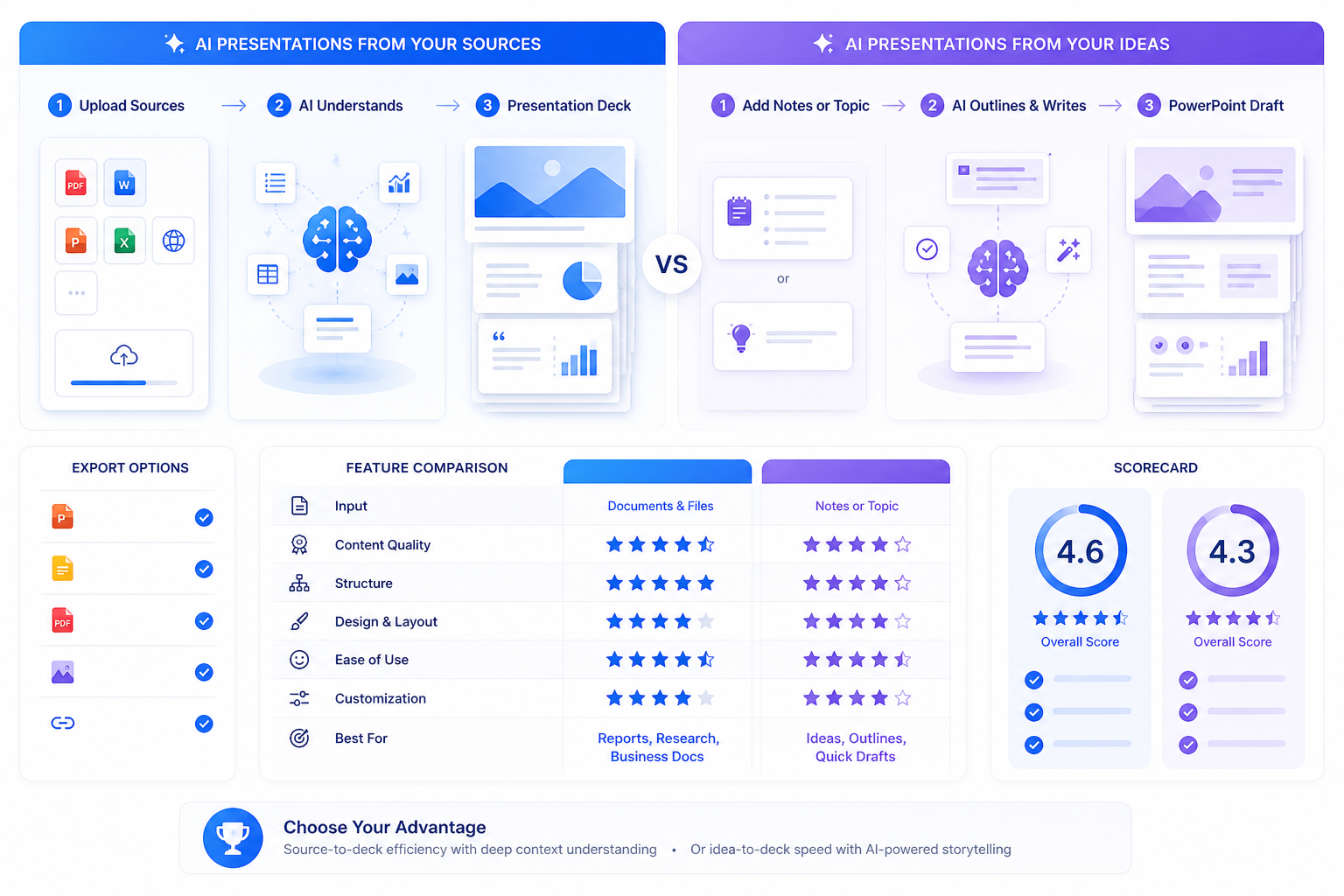
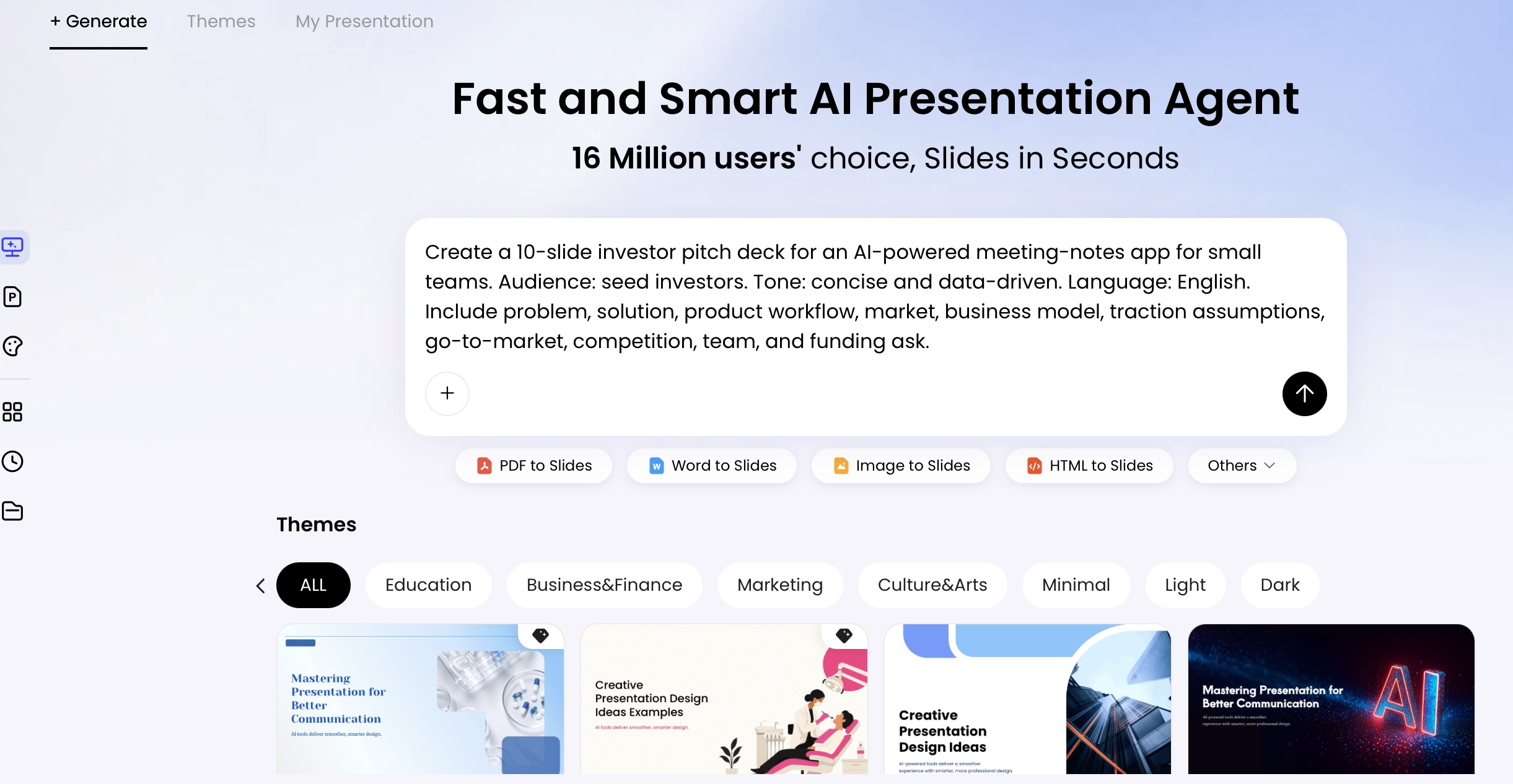
PopAi is our pick when output quality starts with organizing information. Its PDF-to-slides workflow is relevant when the useful material already exists in a report or paper, but it has not yet been shaped for a presentation.
For a dense product review, choose the audience's decision first: continue, change direction, or investigate further. Build the deck around that decision instead of transferring every report heading. The value of this route is the opportunity to review the story against the source. It is not automatic evidence verification. Prefer Plus AI when the narrative already exists in an approved native deck and only selected slides need work.
Plus AI: best when editable PowerPoint or Google Slides is the deliverable
Plus AI is the recommendation when quality will be judged in the recipient's editor. It works within PowerPoint and Google Slides, so editing the actual delivery artifact is central to the workflow.
This matters for a client deck that another team will keep updating. A chart that looks right in a browser is not sufficient when the client needs to revise its labels or supporting numbers next week. Start in the required environment and inspect the finished objects there. Native authoring reduces the need for a separate conversion step; it does not remove the need to review sources, layout, or the organization's template requirements.
Gamma: best for a web-first reading experience
Choose Gamma for a deck the audience will primarily open through a link. Its sharing model supports a browser-based handoff, making it a sensible recommendation for asynchronous explanations, proposals, and reading decks.
Design the opening so a reader understands the purpose without a presenter. Keep evidence close to the relevant claim, and make the final action explicit. Gamma also supports PPTX and PDF exports, but a web-first recommendation should not be mistaken for a guarantee that every visual detail behaves identically in another application. For a strict native-file requirement, put Plus AI ahead of Gamma on your shortlist.
The same brief can justify different recommendations
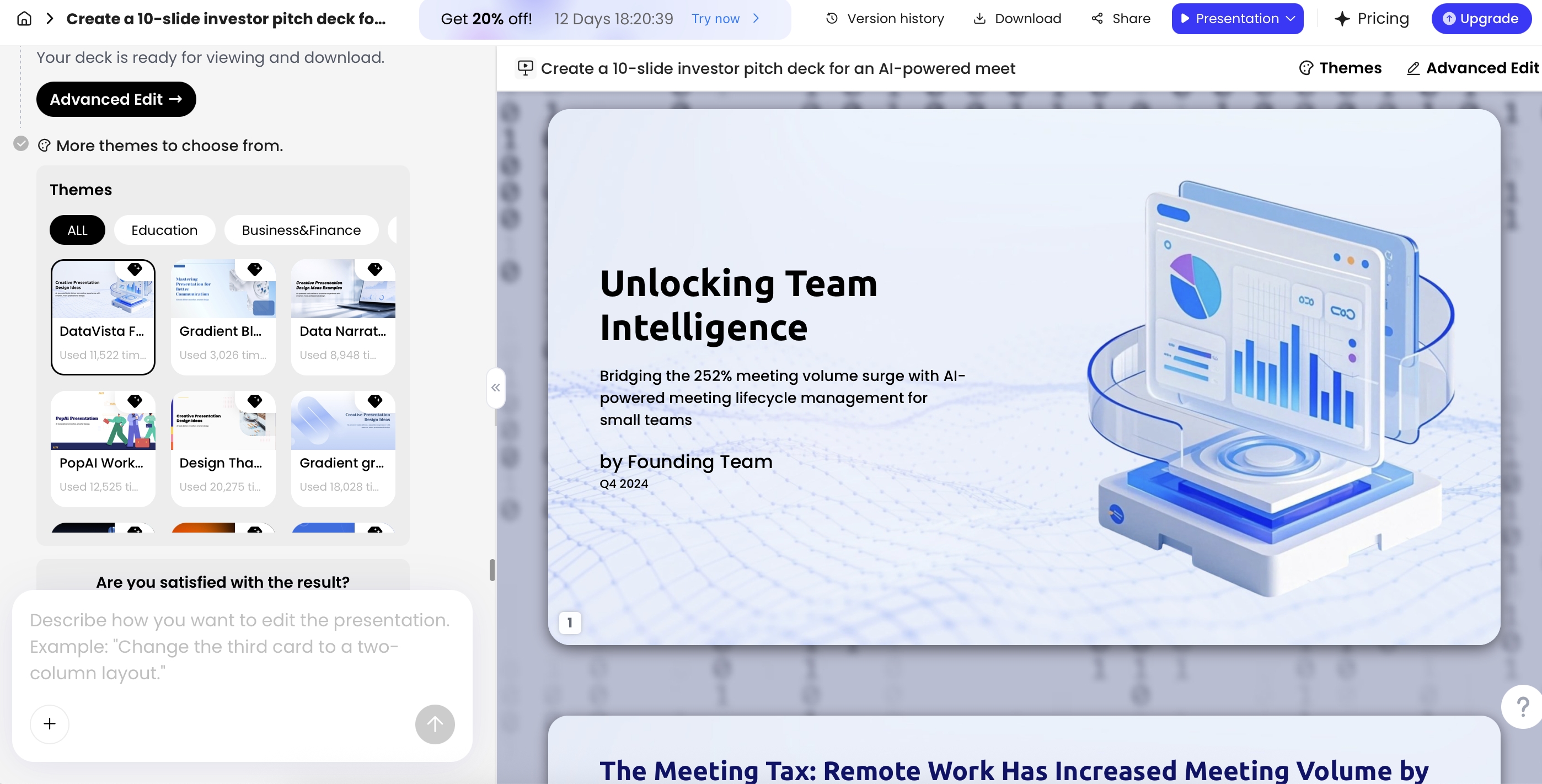
Consider an illustrative, not tested, brief for a fictional B2B product called ClosePilot. The founder has a product note, approved screenshots, customer observations, and a ten-slide target. No revenue, customers, or funding results are supplied by this example.
If the argument is buried in those notes, our starting recommendation is PopAi. If the argument is settled and uneven layouts are the obstacle, it is Beautiful.ai. If this is a visual launch deck, choose Canva. If advisors will edit the slides in PowerPoint or Google Slides, choose Plus AI. If the deck is a link-first introduction before a meeting, choose Gamma.
That distinction also prevents a misleading recommendation: "best-looking" is not necessarily "best to hand over." A source-heavy research slide, a visual product introduction, and a native financial appendix ask different things of the output.
What to improve before the final handoff
A useful final pass is concrete: turn a topic heading into a supported message, remove a duplicated slide, and check that the evidence still matches the wording. For example, replace "Customers love ClosePilot" with an accurately attributed observation from the supplied research. Do not upgrade a few interviews into proof of market-wide demand.
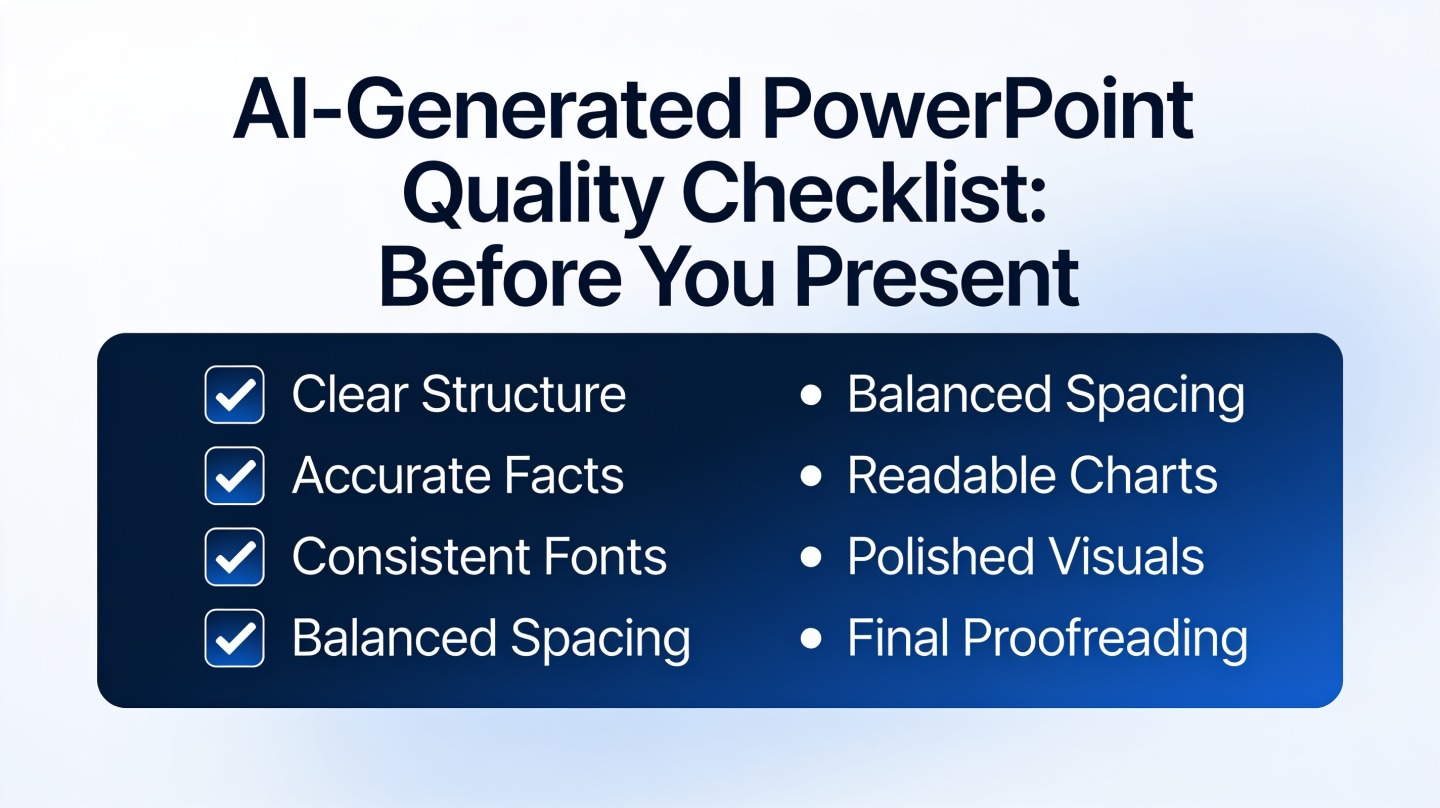
Review the version the audience will receive. For a web link, check viewing permissions. For a file, reopen it and inspect long labels, source notes, image crops, and the elements someone will need to edit. These are delivery checks after choosing a tool, not a substitute for a recommendation.
Our recommendation
Choose Beautiful.ai for layout consistency, Canva for brand expression, PopAi for source-to-story work, Plus AI for native slide handoff, and Gamma for web-first delivery. When two fit, prioritize the requirement that would be hardest to repair later: a missing source, an incompatible deliverable, or an uneditable critical element. That gives you a clear starting choice without pretending one product wins every definition of slide quality.
Basis and disclosure. Product documentation reviewed September 20, 2026. The "Best for" selections are editorial judgments about the stated workflows, not timed, scored, or hands-on head-to-head results. Examples are illustrative. PopAi publishes this comparison and is one of the products discussed. Confirm account, plan, and institutional requirements before adopting a tool.