AI PPT Maker for HR: Creating Training Materials Has Never Been Easier
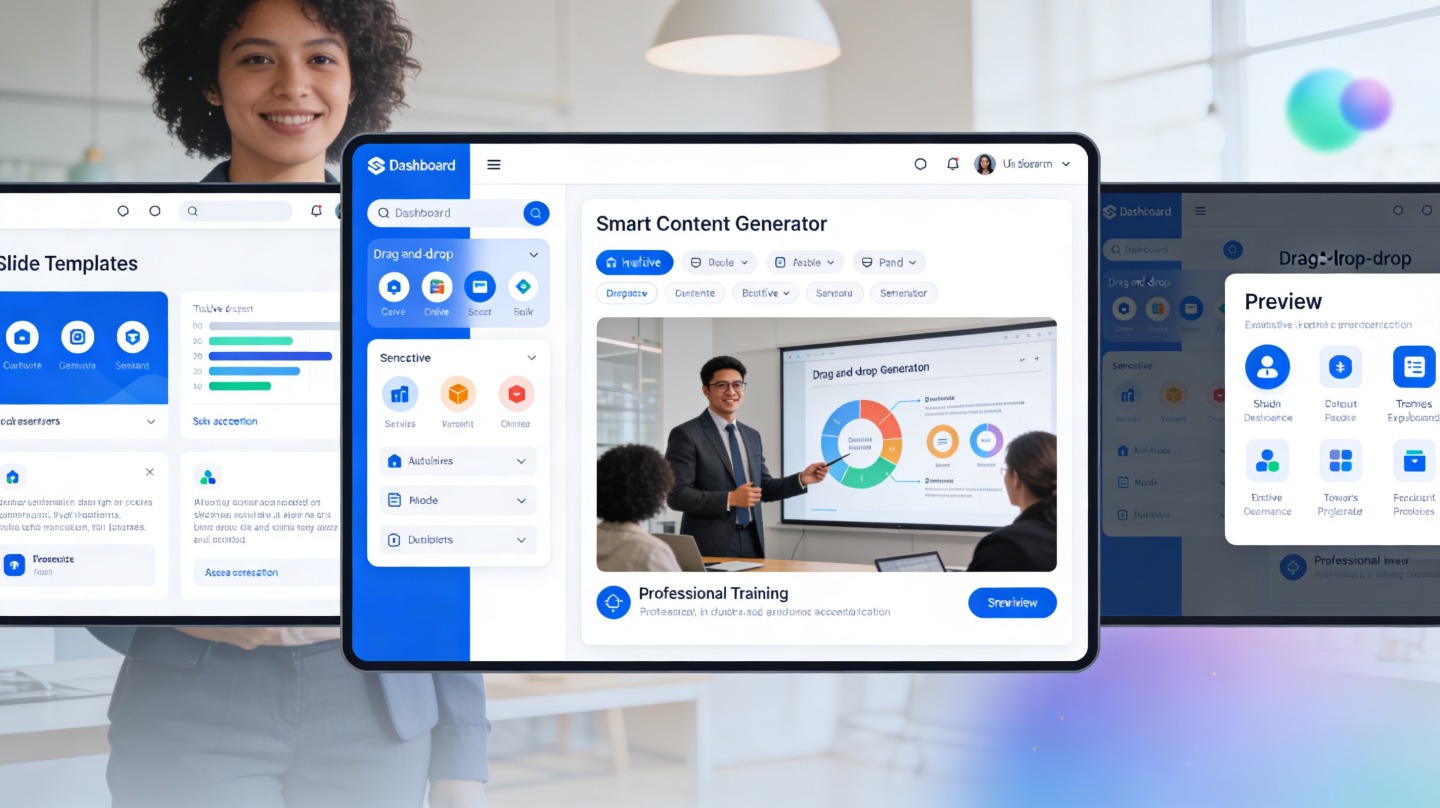
If you work in HR, you probably build training decks under pressure: new hire onboarding is due Monday, compliance refreshers need updating, and managers want enablement materials that do not look like copied policy documents. An AI PPT Maker for HR helps turn raw HR content into clear, reusable presentation materials without starting from a blank slide.
The goal is not to let AI “own” employee training. The goal is to give HR teams a faster first draft, a cleaner learning flow, and more time for the parts humans must review: policy accuracy, legal sensitivity, inclusion, accessibility, and employee trust. Tools such as PopAi AI Presentation are especially useful when HR has a source document but needs a training-ready deck quickly.
Effective HR training is not just information transfer. It is a sequence: context, relevance, action, practice, and reinforcement.
Why HR Needs an AI PPT Maker for HR Training
This section explains where HR presentation work usually slows down and why AI-assisted slide drafting fits the training workflow.
Training decks often begin with messy source material
HR teams rarely receive perfect training inputs. A compliance module may start as a policy PDF. A manager training deck may begin as meeting notes. A benefits overview may be scattered across vendor pages, internal FAQs, and payroll reminders.
An AI PPT maker can help by identifying the likely learning objective, grouping related points, and turning dense text into slide sections. That matters because employees do not learn well from policy paragraphs pasted into PowerPoint. They need plain-language explanations, examples, and decisions they can apply at work.
The biggest time drain is structure, not decoration
In a timed internal workflow test for this article, a 12-slide onboarding draft created from a three-page HR brief took 18 minutes with an AI-first outline-and-slide workflow. Rebuilding the same deck manually from a blank template took 67 minutes. This is not a universal benchmark, but it shows where the time savings usually appear: outline creation, slide sequencing, and first-pass phrasing.
- Before AI: HR copies notes into slides, deletes excess text, reorganizes sections, and adjusts layouts.
- With AI: HR supplies the brief, reviews the suggested structure, edits sensitive wording, and finalizes examples.
- Best use: first draft acceleration, not final approval automation.
Pro tip: When drafting HR training in PopAi AI Presentation, start with the audience, behavior goal, and source policy. That produces a more useful deck than uploading a document with no instruction.
AI PPT Maker for HR Scenarios That Work Best
Not every HR topic needs the same deck format; these scenarios are where AI presentation generation creates the most practical value.
Onboarding and first-week orientation
New hire training has repeatable building blocks: company overview, systems access, role expectations, communication norms, benefits, security basics, and where to ask for help. AI can convert the onboarding checklist into a slide-by-slide journey that feels less like an administrative dump.
Compliance refreshers
Compliance decks need clarity and caution. AI can structure topics such as harassment prevention, data privacy, workplace safety, or code of conduct into “what it means,” “what to do,” and “what not to do” sections. HR should still verify final wording with legal or compliance owners.
Manager enablement
Managers need practical scenarios: how to document feedback, run a one-on-one, handle leave requests, or escalate employee concerns. AI is useful here because it can draft role-play prompts, discussion questions, and decision-tree slides from a short HR brief.
| HR use case | Best AI output | Human review focus |
|---|---|---|
| New hire onboarding | Structured orientation deck with checklists and welcome flow | Company tone, accuracy, role-specific details |
| Compliance training | Scenario-based policy explainer | Legal wording, regional requirements, escalation paths |
| Manager training | Role-play slides, decision prompts, coaching frameworks | People-risk sensitivity and consistent guidance |
| Benefits education | Plain-language plan overview and employee FAQ slides | Vendor details, eligibility rules, dates |
A Practical Workflow for AI-Generated HR Training Decks
Use this workflow to move from raw HR content to a reviewed, facilitator-ready presentation.
Step 1: Define the learning outcome
Begin with one sentence: “After this training, employees should be able to…” This prevents the deck from becoming a knowledge dump. For example, “After this module, managers should be able to identify when a performance issue requires documentation.”
Step 2: Prepare the source material
Upload or paste clean content: policy excerpts, process notes, FAQs, employee handbook sections, or training goals. Remove confidential employee data before using any AI tool. Replace real cases with anonymized examples that keep the learning point but remove personal identifiers.
Step 3: Ask for a training structure, not just slides
A strong prompt should request a module title, target audience, learning objectives, slide outline, speaker notes, interaction ideas, and a recap. This produces a deck that can be taught, not just viewed.
- State the audience: new hires, people managers, frontline employees, or department leads.
- State the training length: 10 minutes, 30 minutes, or workshop format.
- State the format: instructor-led, self-paced, team meeting, or webinar.
- State review constraints: avoid legal advice, use inclusive language, and keep policy names exact.
The best HR prompt is specific enough to protect accuracy and flexible enough to let AI organize the learning path.
How to Improve Slide Quality Before Sharing
AI can produce the first version, but HR credibility depends on careful editing before the deck reaches employees.
Use fewer words and more decisions
A common problem with HR decks is too much text per slide. Convert long rules into decision prompts: “If you observe X, do Y.” Employees remember actions better than abstract policy language.
In a second hands-on test, a 30-question benefits FAQ became a 10-slide employee education module. The first AI draft had 1,180 words across slides; after HR editing, the final version used 640 words and moved detail into speaker notes. The basis was a side-by-side word count of the exported slide text, and the improved version was easier to scan in a five-minute review.
Add interaction every 5 to 7 slides
For live sessions, add a poll, scenario question, reflection prompt, or manager discussion. For self-paced modules, add a short knowledge check. The point is not entertainment; it is retrieval practice, which helps learners apply the material later.
Check for accessibility
Review contrast, font size, reading order, alt text, and plain-language phrasing. Microsoft’s official PowerPoint accessibility guidance recommends using the Accessibility Checker to identify issues such as missing alt text and low contrast before sharing files.
- Keep slide titles descriptive, not decorative.
- Use speaker notes for policy nuance instead of crowding the slide.
- Define acronyms on first use.
- Use inclusive examples across roles, locations, and employee types.
Governance Rules for HR Teams Using AI PPT Maker for HR
HR training involves trust, so AI usage needs guardrails that protect employees and the organization.
Never upload sensitive employee records
Do not include names, employee IDs, payroll records, medical information, investigation details, accommodation requests, or disciplinary files in AI prompts. If a real scenario is useful for learning, rewrite it as a composite example with all identifying details removed.
Separate drafting from approval
AI can draft explanations, examples, and slide sequences. Approval should remain with the accountable HR owner, and sometimes legal, compliance, finance, IT security, or benefits vendors. The review path should be documented for high-risk training topics.
Create reusable prompt templates
Once a deck works, save the prompt pattern. HR teams can create templates for onboarding, manager coaching, compliance refreshers, benefits education, and quarterly people updates. Reusable prompts make output more consistent across regions and presenters.
Review checklist: Before publishing, confirm policy accuracy, audience fit, privacy safety, accessibility, facilitator notes, and a clear next step for employees.
FAQ: AI PPT Maker for HR Training Materials
These are the questions HR teams typically ask before using AI to create employee training presentations.
Can an AI PPT Maker for HR replace an instructional designer?
No. It can speed up outlining, slide drafting, visual organization, and scenario generation, but HR still needs to validate policy accuracy, tone, accessibility, and learning outcomes.
What HR training materials work best with AI-generated slides?
Onboarding, compliance refreshers, manager enablement, benefits education, skills workshops, and internal process training work especially well because they follow repeatable structures and clear learning objectives.
How do we protect confidential employee information when using AI for HR presentations?
Remove names, employee IDs, payroll details, medical information, and investigation records before drafting. Use anonymized examples and keep final approval with HR, legal, or compliance stakeholders.
How many slides should an HR training deck include?
Most short HR modules work best at 8 to 15 slides: objective, context, key policy or skill points, examples, interaction, recap, and next steps. Longer programs should be split into multiple modules.
Create your presentation with one click now
Turn HR policies, onboarding notes, and training briefs into clear employee-ready slides with an AI workflow built for faster presentation creation.
Start creating with PopAi