Image to Slides Converter with AI

Turn JPG, PNG, screenshots, and scanned images into organized slides. Our AI extracts text and visual elements to build presentation-ready decks.

Editable slides AI-structured outline Export as PPTX or PDF Continue editing in PopAi

How to Convert Images to Slides with AI?

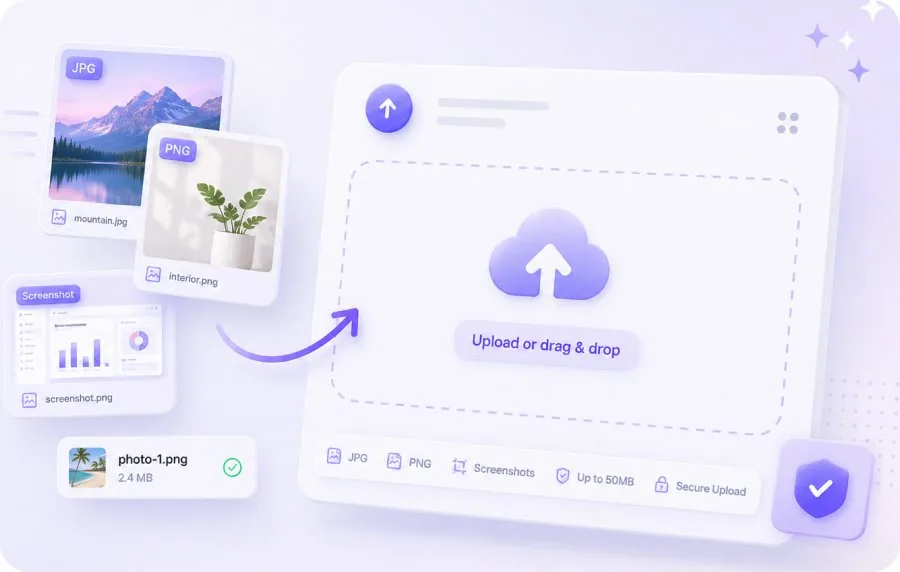
Select and upload an Image document for AI slide conversion

1. Upload Your Images

Drag and drop JPG, PNG, or screenshot files. Upload multiple images at once — our AI processes them together into one slide deck.
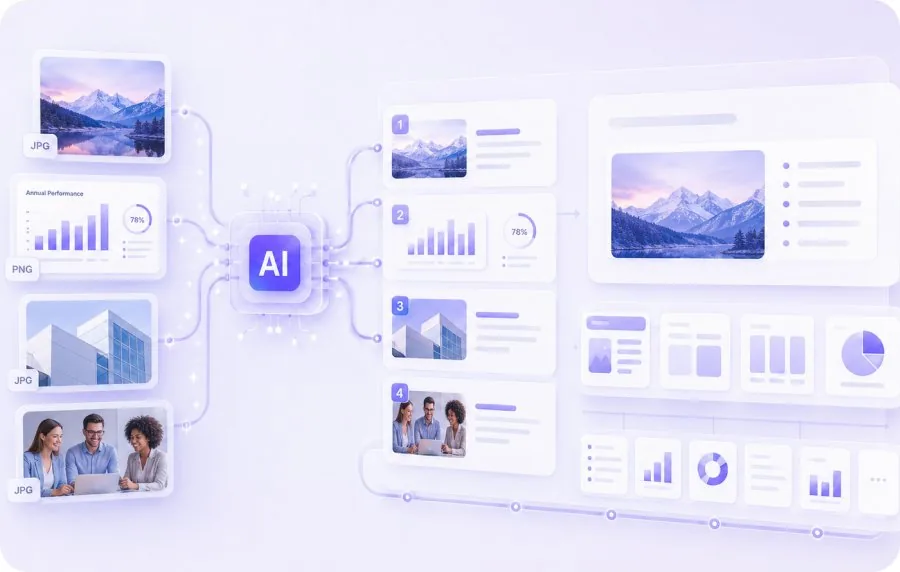
AI analyzing Image content and generating slide outline

2. AI Extracts and Organizes Content

Our AI scans each image, extracts text and visual elements, and arranges them into a structured slide sequence with smart layouts.
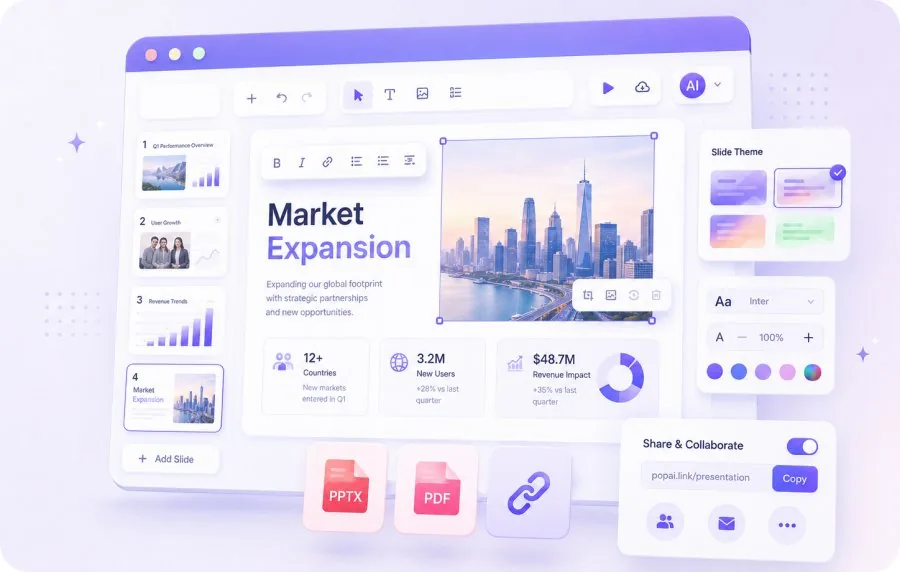
Edit and export AI-generated slides as PPTX or PDF

3. Edit, Export & Share

Review the generated slides, make adjustments in the editor, then download as PPTX or PDF, or share via a web link.

Why Use AI to Convert Images to Slides?

Text Extraction from Images

Text Extraction from Images

AI reads text within your images and converts it into editable slide content automatically.
Batch Processing

Batch Processing

Upload multiple images at once. The AI organizes them into a single, coherent slide deck.
Smart Layout Assignment

Smart Layout Assignment

Each image's content is placed into an appropriate slide layout — title slides, content slides, or image-focused slides.
Fully Editable Output

Fully Editable Output

All text is editable. Adjust layouts, add or remove slides, and customize the design in PopAi's editor.

Who Uses Image to Slides Converter?

Scanned Documents

Turn scanned pages, receipts, and printed materials into editable presentation slides.
Scanned Documents

Whiteboard & Notes

Convert photos of whiteboard sessions and handwritten notes into organized digital slides.
Whiteboard & Notes

Visual Content

Transform infographics, diagrams, and product photos into presentation-ready slides.
Visual Content

Frequently Asked Questions

An Image to Slides converter uses AI to extract text and visual content from image files (JPG, PNG, screenshots) and organize them into editable presentation slides.
Yes. Upload multiple images at once, and the AI will combine them into a single, coherent slide deck.
Yes. Screenshots are fully supported. The AI can read text within screenshots and convert it into editable slide content.
The tool supports JPG, JPEG, and PNG formats. File size limit is 50MB per image.
Yes. All generated slides are fully editable in PopAi's AI presentation editor.
Yes. Download your slides as PPTX or PDF with zero formatting loss.
You can upload images and preview the AI-generated slides for free. Downloading and exporting requires a PopAi account with credits.

Explore Other Free AI Slides Tools