HTML to Slides Converter with AI

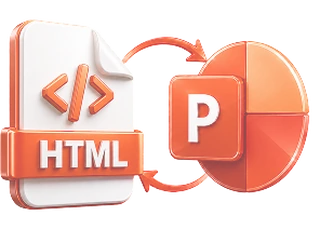
Upload an HTML file or paste a URL and turn articles, product pages, or any web content into editable slides. Our AI extracts the key content and builds a structured presentation.

Editable slides AI-structured outline Export as PPTX or PDF Continue editing in PopAi

How to Convert HTML to Slides with AI?

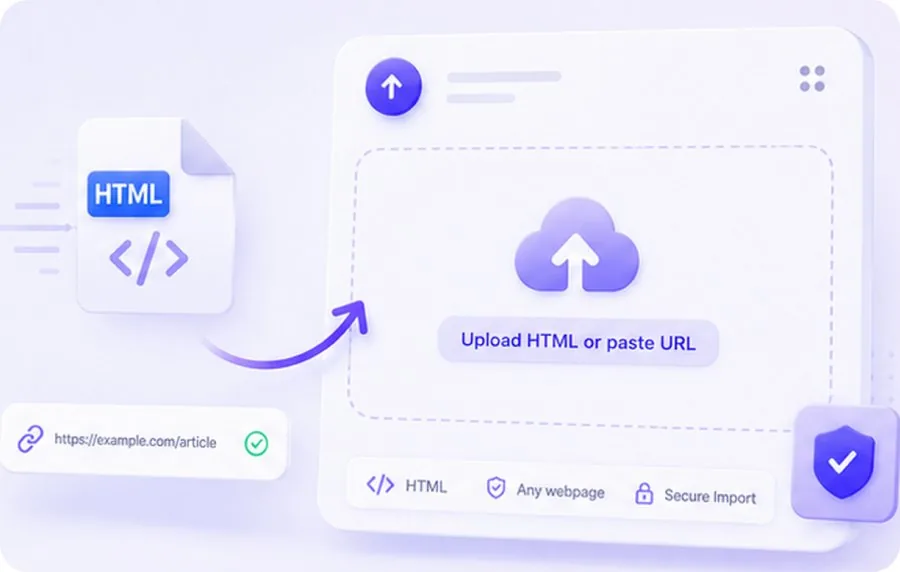
Select and upload an HTML document for AI slide conversion

1. Upload HTML or Paste a URL

Upload your HTML file or paste the URL of any article, blog post, or web page you want to turn into slides.

AI analyzing HTML content and generating slide outline

2. AI Extracts and Structures the Content

Our AI reads the HTML or webpage, identifies headings, key points, and images, then organizes everything into a logical slide outline.

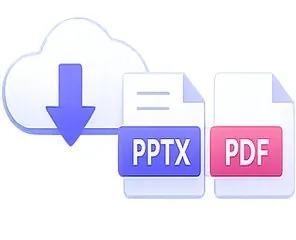
Edit and export AI-generated slides as PPTX or PDF

3. Edit, Export & Share

Review and customize the slides in PopAi's editor. Download as PPTX or PDF, or share via a web link.

Why Use AI to Convert HTML to Slides?

Instant Content Extraction

Instant Content Extraction

AI reads the HTML/webpage and pulls out headings, key paragraphs, and images automatically.

Smart Summarization

Smart Summarization

Long articles are condensed into concise, presentation-ready bullet points — not copied walls of text.

Preserves Visual Content

Preserves Visual Content

Images, charts, and diagrams from the source are captured and placed into appropriate slides.
Editable & Exportable

Editable & Exportable

Every slide is fully editable. Export as PPTX or PDF, or share via a web link.

Who Uses HTML to Slides Converter?

Content Marketers

Turn blog posts and articles into presentation decks for content repurposing and social media.

Content Marketers

Web Developers

Convert HTML documentation, specs, and project pages into client-facing presentations.

Web Developers

Researchers

Transform online research papers, reports, and documentation into presentation slides.
Researchers

Frequently Asked Questions

An HTML to Slides converter uses AI to read HTML files or webpages and transform their content — text, headings, and images — into editable presentation slides.
You can upload HTML files directly, or paste the URL of articles, blog posts, product pages, documentation pages, and most publicly accessible web content.
The URL mode works with publicly accessible webpages. Pages behind login walls or paywalls cannot be accessed. For local HTML files, simply upload the file directly.
Yes. The AI captures relevant images and visual content from the HTML or webpage and places them into appropriate slides.
Yes. All slides are fully editable in PopAi's AI presentation editor. Adjust content, change layouts, or add new slides.
Yes. Download your slides as PPTX or PDF with zero formatting loss.
You can upload HTML or paste a URL and preview the AI-generated outline for free. Downloading and exporting requires a PopAi account with credits.

Explore Other Free AI Slides Tools