PopAi vs SlidesAI: Document-to-Deck or Google Slides Text-to-Slides?
July 09, 2026
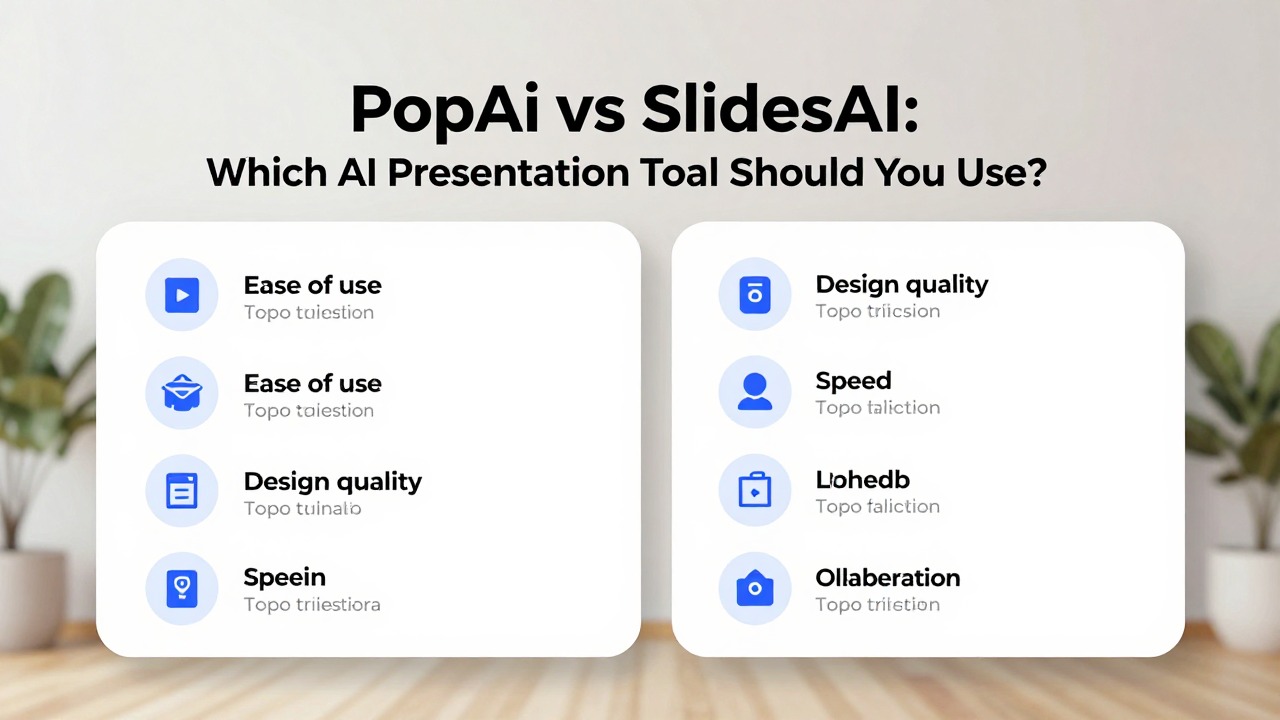
PopAi and SlidesAI both help users create presentations with AI, but they are not identical workflows. SlidesAI is strongly associated with text-to-slides and Google Slides-style creation. PopAi is better framed as a broader source-to-deck tool for prompts, PDFs, Word documents, PPTX files, web pages, and notes.
This rewrite adds the missing comparison table and makes the distinction clear so users can decide based on where their content starts.
Feature notes for competitor tools should be checked against each vendor's official website before publication because pricing, integrations, export options, and feature names can change.
Quick Answer: SlidesAI for Simple Google Slides Drafts; PopAi for Broader Source Inputs
The right choice depends on whether your starting point is text in a slide workflow or richer source material.
| Criteria | PopAi | SlidesAI | Recommendation |
|---|---|---|---|
| Primary workflow | Document, prompt, notes, PDF, Word, PPTX, or web page to deck. | Text or notes to slides, especially in a Google Slides-oriented workflow. | Choose PopAi for source-heavy workflows; SlidesAI for simple text-to-slides. |
| Input complexity | Better positioned for longer or mixed source material. | Best for simpler notes, lesson plans, ideas, and quick slide creation. | Match input complexity. |
| Editing environment | Generate draft, then refine/export as needed. | Works naturally for Google Slides users. | Choose SlidesAI if Google Slides is mandatory. |
| Best users | Managers, students, founders, analysts, marketers with documents or notes. | Educators, students, professionals needing quick slide drafts. | Choose by use case and source format. |
| Main limitation | Needs manual accuracy/design review. | May be less suited to complex document conversion or strategic decks. | Test with your real source material. |
Choose PopAi When Your Source Material Is Larger Than a Prompt
PopAi fits decks that need summarization and structure.
- You need to summarize a report, PDF, article, or Word document.
- You are creating a business plan, data report, proposal, or training deck.
- You want AI to organize rough ideas into a deck sequence.
- You need a more complete first draft before manual refinement.
- You are not limited to a Google Slides-only workflow.
Choose SlidesAI When You Want Simple Text-to-Slides
SlidesAI fits quick generation from notes or teaching material.
- You work mainly in Google Slides.
- You want to turn short notes, lesson plans, or ideas into a slide deck quickly.
- You need a straightforward tool rather than a complex workflow.
- You are creating educational or lightweight professional presentations.
- You plan to edit the slides directly in Google Slides.
Use-Case Decision Table
This table prevents overgeneralized tool claims.
| Use case | Better fit | Why |
|---|---|---|
| Convert a PDF into a 10-slide executive summary. | PopAi | The source material needs extraction and summarization. |
| Create a classroom presentation from lesson notes. | SlidesAI | Simple notes-to-slides workflow is enough. |
| Turn a founder memo into a business deck. | PopAi | The story needs structure and audience adaptation. |
| Create a quick Google Slides draft from pasted text. | SlidesAI | The editing environment is already Google Slides. |
| Summarize a web page into a training deck. | PopAi | Web/source-to-deck workflow is central. |
How to Test PopAi vs SlidesAI Fairly
Use different tests for simple text and complex documents.
- Run a short notes-to-slides test for SlidesAI-style use cases.
- Run a longer PDF or document-to-deck test for PopAi-style use cases.
- Compare slide order, title quality, invented claims, editing ease, and export fit.
- Check current format support, pricing, and plan limits.
- Choose based on the workflow you use most often, not the broader feature list.
FAQ
Is PopAi better than SlidesAI?
PopAi is better for broader source-to-deck workflows. SlidesAI may be better for users who mainly want text-to-slides inside a Google Slides workflow.
Which tool should teachers use?
SlidesAI may fit simple lesson-note-to-slides use cases, while PopAi may fit teachers converting longer documents or web sources into structured decks.
Which tool should business users test first?
If the input is a PDF, Word document, report, or rough memo, test PopAi first. If the input is short text and the output should be Google Slides, test SlidesAI.
Can I use both tools?
Yes. Some users may draft from documents in PopAi and then use a Google Slides workflow for final editing.
Use PopAi for document-heavy slide drafts
Create an editable presentation draft from prompts, PDFs, Word documents, PPTX files, web pages, or rough notes.
Try PopAi AI Presentation