How to Make a Post-Mortem Presentation with AI (Step-by-Step)
This guide takes you from source records to a reviewed, decision-ready post-mortem deck: define the meeting outcome, gather and label evidence, ask AI for an outline, correct it with a second prompt, then verify every claim before sharing. Here, “post-mortem” covers both project retrospectives and operational incident reviews; AI can organize the account, but people remain responsible for interpretation and decisions.
Set the goal for an AI post-mortem presentation
Start with the decision or agreement the meeting must produce; the audience determines what evidence belongs in the deck.
An executive review may need the impact, material risks, and a decision about investment or priority. It can usually omit low-level logs and implementation details, which belong in an appendix. An operational-team review needs enough chronology and technical context to improve detection, response, or delivery; it may end with agreement on specific owners and follow-up tests. In either case, state the intended outcome in one sentence, such as: “Agree which two reliability actions to fund this quarter” or “Confirm the next-project handoff changes and owners.”
Keep the discussion blameless without making accountability vague. Describe systems, information, constraints, and decisions in context. Then give each improvement action a named owner, deadline, priority, and way to verify completion. The review asks how the situation became possible—not who to shame.
“A post-mortem is complete when the team can explain the evidence, the learning, and the next action—not simply when the meeting ends.”
Schedule the review when the core records are available and participants can contribute useful context. After a straightforward incident, that may be within a few days; a complex incident or project may need more time to reconcile records and invite the right people. Treat 24–72 hours as a possible starting window, not a service-level rule or a substitute for evidence gathering.
Gather and verify evidence before generating slides
For a broader view of available tools, compare the latest AI presentation makers before choosing the workflow that best fits your team.
Give the model a bounded, traceable source pack—not an unfiltered dump of team records.
Build a source pack and a claim log
- Project brief, scope, success criteria, and final outcome.
- Incident, support, or project tickets with timestamps and status changes.
- Relevant chat excerpts, meeting notes, release records, and decision logs.
- Metric snapshots with definitions, units, time range, and comparison baseline.
- Known unknowns, conflicting accounts, and sensitive details to exclude.
Normalize the timeline before asking AI to summarize it. Record the time zone, distinguish event time from report time, and use one date format. For each metric, note its numerator, denominator, measurement window, and source. “12 failed transactions out of 240 attempts during the deployment window” is more useful than “5% failure” without context.
Use a small claim log to keep the finished deck auditable:
| Claim or metric | Source and location | Time / definition | Reviewer | Status |
|---|---|---|---|---|
| Checkout errors increased during deployment | Monitoring export, panel 4 | 14:05–14:22 UTC; failed / attempted checkouts | Service owner | Confirmed |
| Rollback began after the alert | Incident log, entries 8–10 | Times recorded in UTC | Incident lead | Conflicting; reconcile |
For example, if the dashboard says the error increase began at 14:05 UTC but a ticket says it began at 14:12, ask the monitoring owner and incident lead to compare definitions and clocks. Until resolved, show the range or label the time as disputed; do not let AI select one account silently. Imported files can also omit comments, formatting, embedded data, or surrounding context, so compare important claims with the original record.
Before uploading, check your organization’s approved-tool, access, retention, and privacy rules. Exclude credentials, personal data, customer identifiers, and confidential details unless the tool and workflow are explicitly approved for them. If uncertain, use a redacted extract or a local, approved process rather than testing with sensitive source files.
Choose the right outline for project or incident reviews
Use an outline that moves from intended outcome to evidence, explanation, learning, and action.
Project retrospective: show plan, result, and learning
- Purpose, scope, and success criteria.
- Outcome against the original plan, including what changed.
- Key milestones and evidence-based timeline.
- What worked and where delivery encountered friction.
- Contributing conditions and lessons for future work.
- Prioritized improvements, owners, due dates, and follow-up.
Incident review: separate impact, response, and causes
- Impact and scope: who or what was affected, and for how long.
- Detection: when the issue was observed and how the team learned of it.
- Response and recovery: key decisions, mitigations, and restoration.
- Timeline: a few verified events, with time zone and source references.
- Trigger and contributing conditions: what surfaced the incident and what allowed it to occur or persist.
- Actions: changes to reduce likelihood, improve detection, or limit impact.
Do not force a single “root cause” when the records support several interacting conditions. A trigger describes what immediately preceded or exposed the event; contributing conditions describe the context that made it possible or harder to contain. For example, an illustrative checkout incident might be triggered by a configuration change, while a missing canary check and an alert threshold set too high contributed to its duration. Those are different claims and may need different evidence.
As a planning range, a routine project review may fit in six to eight slides and an incident review in eight to ten. These are not standards: shorten the main deck for a leadership decision and move detailed logs, query results, or architecture diagrams to an appendix when they are needed for technical follow-up.
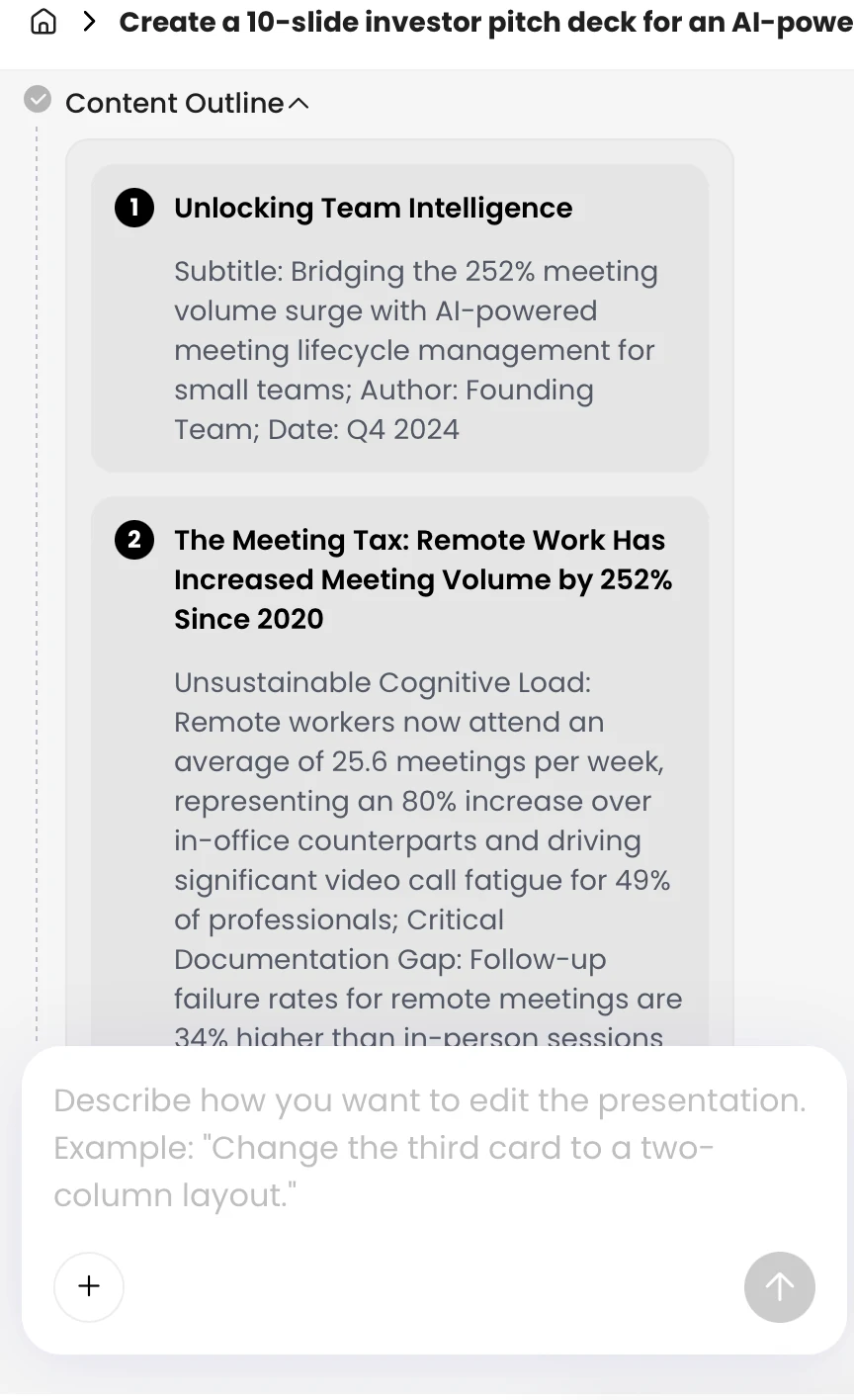
Review the outline before slide generation. If it skips impact or jumps from a trigger to a definitive cause, correct that structure first rather than polishing the mistake across several slides.
Generate the post-mortem deck with AI
Work in stages so that a fluent first draft does not become the team’s accepted account.
- Select and prepare inputs. Use only relevant, permitted files; redact sensitive material and retain the original records for verification.
- Set the brief. Specify review type, audience, desired decision, slide limit, tone, and required level of technical detail.
- Request an outline with evidence references. Ask for one takeaway per slide and a source ID beside each factual claim. Approve or revise the outline before requesting slide content.
- Generate, then correct. Build the slides from the approved structure. Use a follow-up prompt to address omissions, mixed-up dates, or unsupported causal wording; do not simply ask for a more polished version.
- Verify and deliver. Check claims against the source pack, assign subject-matter and data review, then inspect the exported file in the format and environment the audience will use.
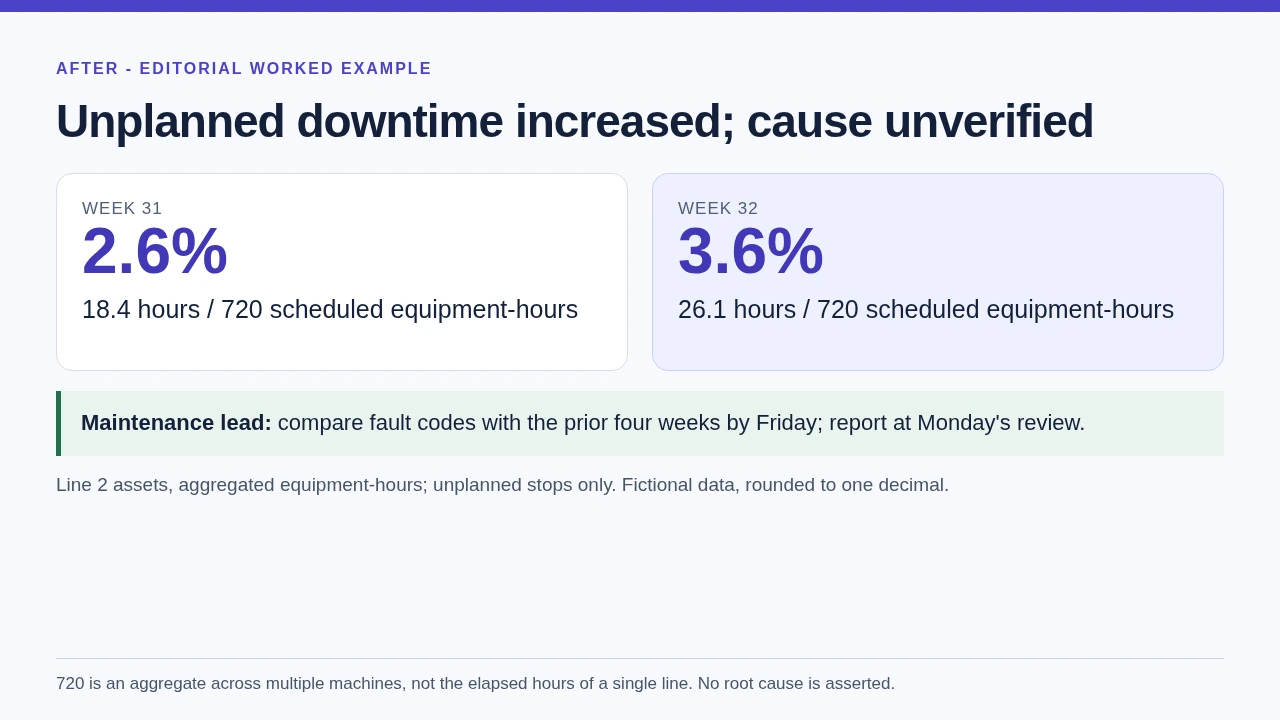
Worked example (illustrative, not a reported customer incident): a team’s source pack contains a release record at 14:00 UTC, an alert at 14:05, a ticket reporting checkout errors at 14:12, and a rollback record at 14:20. Monitoring shows 12 failed checkouts out of 240 attempts during the deployment window. The first outline should preserve those timestamps and define the denominator; it should not claim the release caused all errors unless the evidence supports that conclusion.
“Prepare an outline for a [project retrospective / incident review] for [audience]. Meeting outcome: [decision or agreement]. Use only the supplied, approved materials. Return a slide-by-slide outline with one takeaway per slide. For every factual claim, include the source ID and location; distinguish confirmed fact, interpretation, and unresolved question. Preserve dates, time zones, metric definitions, and denominators exactly. Do not infer missing dates, causes, or metrics. For an incident, separate impact, detection, response, recovery, trigger, and contributing conditions; do not assert one root cause unless the sources establish it. Propose actions with owner, due date, priority rationale, and verification method. Flag any claim without supporting evidence as ‘needs verification.’ Wait for outline approval before drafting slide text.”
For the example above, reject an output such as “The release caused a 5% checkout failure and the team rolled back immediately” if the sources do not establish causality or support “immediately.” A useful correction prompt is: “Revise using the source IDs. Preserve 14:00, 14:05, 14:12, and 14:20 UTC as separate events. State the metric as 12/240 attempts during the deployment window. Replace causal language with an unresolved question unless a cited source supports it. List the evidence needed to resolve the question.”
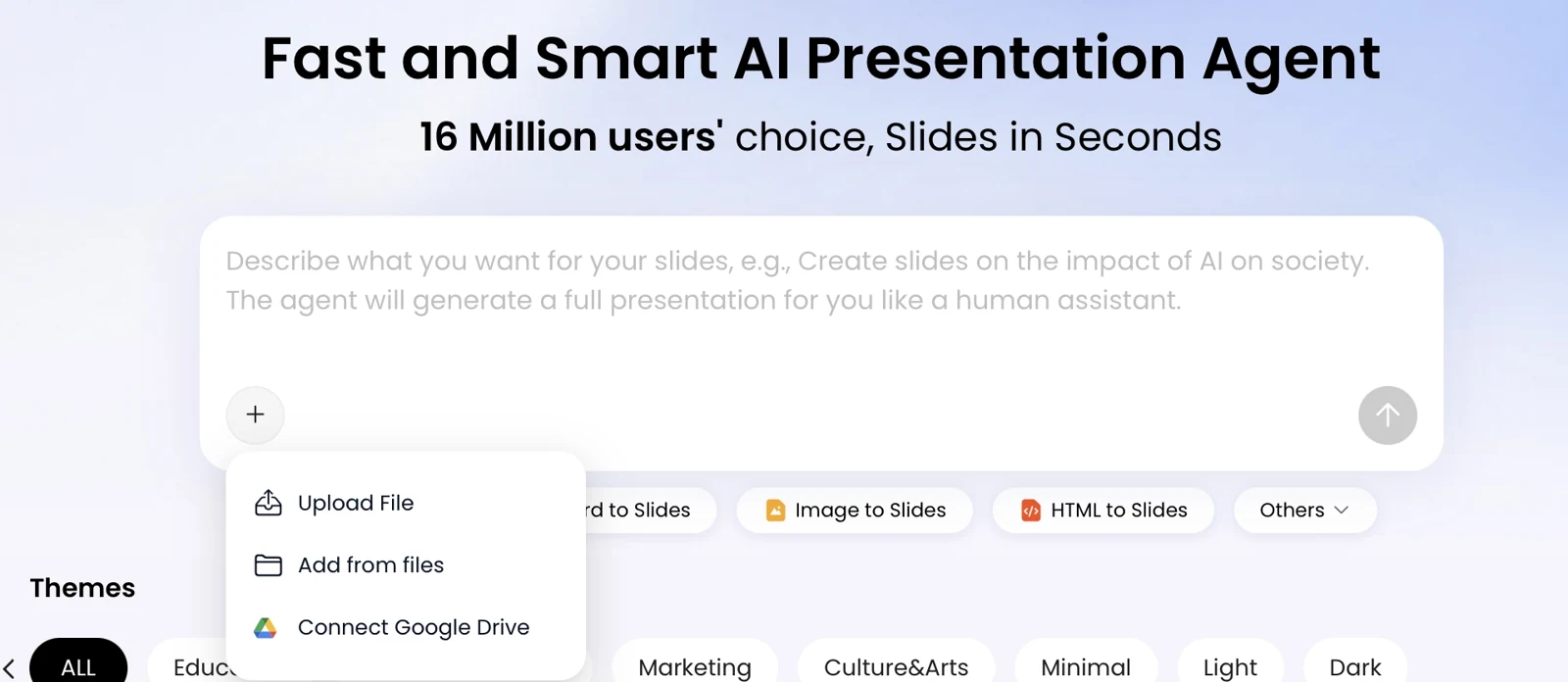
Keep AI-generated wording separate from human-authored interpretation: a subject-matter owner should approve causal explanations and recommendations. If you are evaluating AI presentation makers, check whether their current workflow lets you inspect and edit the outline, review generated content, and export in a format your team can verify. Features, supported imports, and formatting can vary by product, plan, and version. You can explore PopAi AI Presentation as one option, but confirm its current capabilities and your organization’s data requirements before using it with work materials.
Review facts, charts, and slide design
Use named reviewers and a repeatable pass: chronology and causal language first, metrics and charts second, then audience fit and export quality.
Check chronology, claims, and uncertainty
- Event owner: verify the sequence, time zone, and difference between occurrence, detection, report, and response.
- Data owner: verify metric definitions, units, denominators, time windows, and source extracts.
- Review lead: check that facts, hypotheses, and unresolved questions are visibly distinct and that causal claims are supported.
- Privacy or security reviewer, when needed: confirm that shared slides contain no unnecessary sensitive details.
Show uncertainty as well as wording. For example, label a disputed timestamp “14:05–14:12 UTC; source conflict under review,” use a dashed or shaded interval on the timeline, and keep it visually distinct from confirmed events. A question mark or caveat should not be hidden in small footnote text if it changes the conclusion.
Validate the data behind each chart
Choose the visual for the question: a line chart can show change over time, while bars can compare categories. Check the underlying data and axis before adjusting styling. For instance, a chart showing error rate from 4% to 5% can exaggerate a small change if its vertical axis begins at 3.9%; use a clearly labeled scale or annotate the change with the actual counts and denominator. Cite the source and measurement window on the slide or in speaker notes.
“If a claim cannot be traced to a record or clearly labeled as a hypothesis, it should not appear as a confirmed conclusion.”
Fit the deck to the audience and test the export
A leadership summary should foreground impact, decision, risk, and requested resources. An operational deck can retain the technical timeline, supporting measurements, and verification steps. Do not shrink one dense slide to serve both audiences; create a concise main deck and put supporting evidence in an appendix.
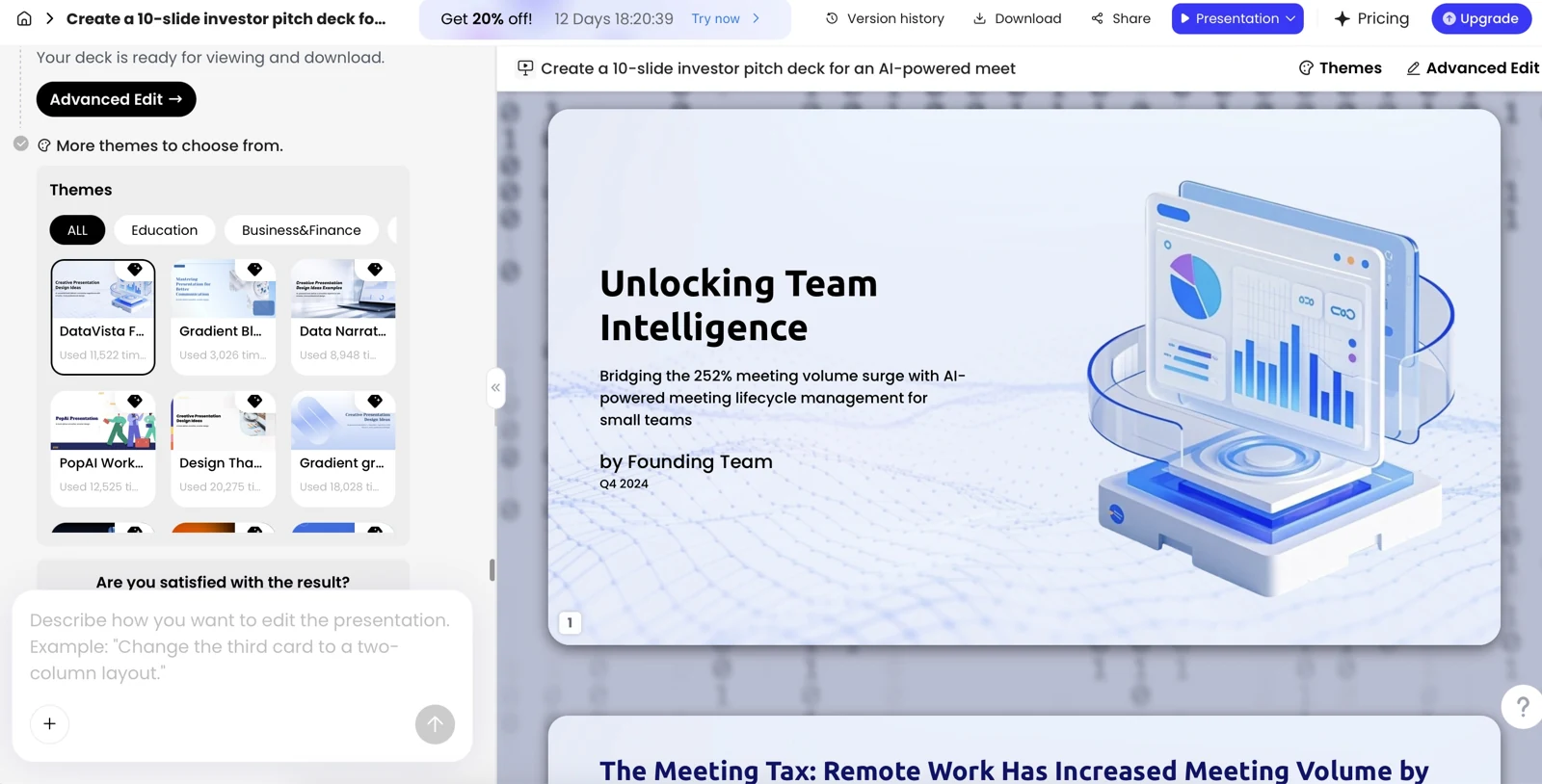
Finally, open the exported PPTX or PDF on the presentation setup you will use. Check line breaks, chart labels, fonts, and whether speaker notes or source references survived export. Editability and formatting can vary across tools and applications, so inspect the actual file rather than assuming it will behave like the editor preview.
Turn lessons into owned, trackable actions
End with a short action register that can move into the team’s project or incident-management system.
Make each recommendation specific enough to verify. Instead of “improve monitoring,” an incident team might add an alert for checkout errors above an agreed threshold for a defined period. Record the metric, threshold, owner, due date, and a test that proves the alert fires and reaches the on-call responder.
- Action: the concrete change to make.
- Owner: one accountable person or role.
- Priority and due date: rank by expected risk reduction and recurrence likelihood, then account for effort and dependencies.
- Verification: evidence that the change is complete and working.
- Status and decision: track as open, complete, deferred, rejected, or merged into existing work; record the reason for a deferral or rejection.
When capacity is limited, prioritize actions that reduce substantial risk or are likely to prevent a repeat, while noting cost and dependencies. Merge duplicate recommendations into one tracked item rather than creating several owners for the same change. Completion is not the same as effectiveness: set a review date and check evidence such as alert-test results, recurrence rates over an agreed period, or whether a delivery handoff was completed in the next project cycle. For example, if the new alert is installed but no test reaches the responder, the action is not yet effective.
At the follow-up, close, revise, or reopen actions based on what the evidence shows. Reuse the outline as a starting template, but refresh the source pack, audience, and decision needed each time; a template should not predetermine the explanation.
Frequently asked questions
What should a post-mortem presentation include?
Include the goal and outcome, measurable impact, a verified timeline, contributing factors or root-cause analysis, what worked and what did not, lessons, and prioritized action items with owners, due dates, and verification methods.
How many slides should an AI post-mortem deck have?
A concise project review often fits in six to eight slides, while an incident review may need eight to ten when impact, timeline, and technical evidence require detail. Choose the length based on the audience and decision needed, not a fixed template.
How can I stop AI from inventing post-mortem facts?
Provide dated source materials, instruct the AI to use only supplied evidence, and require it to mark unknowns rather than infer them. Check every number, time zone, causal claim, and quotation against the source before presenting.
How do I keep a post-mortem blameless while assigning owners?
Describe system conditions and decisions without personal blame, then assign each improvement action to a role or person so it has a clear owner. Include a due date, priority, and observable completion check.
Create your presentation with one click now
Turn your source materials and approved outline into a presentation you can refine, export, and share.
Create your presentation