AI That Creates Presentations from Documents and Notes: PopAi Review
July 09, 2026
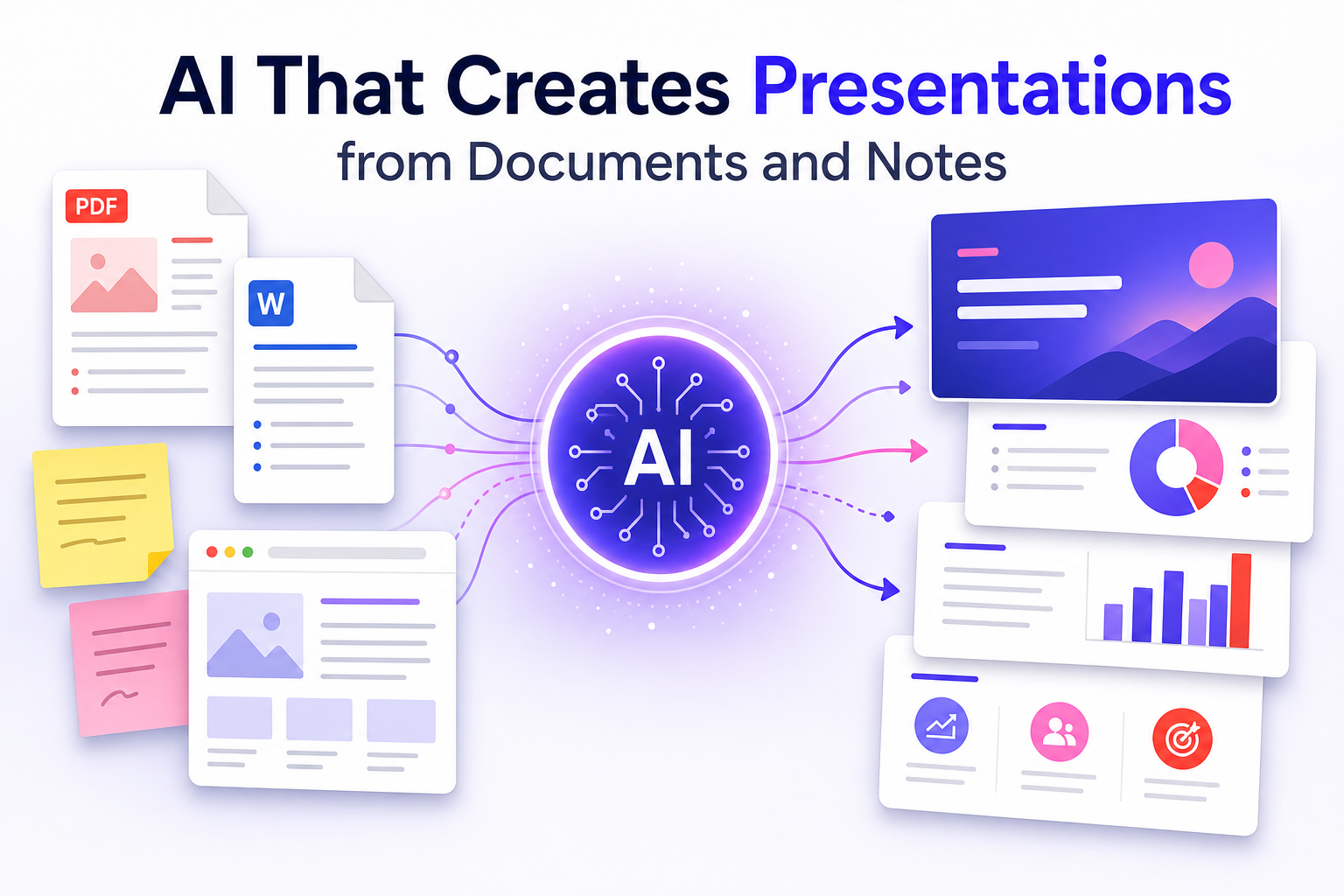
This page is intentionally separated from the general AI PPT maker review. Here the focus is narrower: using AI to create presentations from documents, notes, and rough source material.
That distinction matters for SEO and for users. Someone searching for “AI that creates presentations” may not only want a design tool. They may have a PDF report, a Word document, a research note, a meeting transcript, or a web page and need it turned into slides.
PopAi fits that source-to-deck workflow. The tool can help create an editable draft from prompts, PDFs, Word documents, PPTX files, or web pages. The user still needs to verify facts, cut weak content, and shape the final story.
Quick Answer: PopAi Is Best Treated as a Source-to-Deck Assistant
The strongest use case is moving from existing information to a structured slide draft.
| Input type | Useful output | Human review needed |
|---|---|---|
| PDF report | Executive summary, section breakdown, chart/story suggestions. | Check extracted meaning, remove irrelevant details, verify numbers. |
| Word document | Slide outline based on headings and key paragraphs. | Decide what to cut and what belongs in speaker notes. |
| PPTX file | A revised or repurposed deck structure. | Check formatting, hierarchy, and whether old slides remain accurate. |
| Web page | Topic summary, key sections, presentation outline. | Confirm source quality and update any dated claims. |
| Rough notes | A coherent narrative from messy ideas. | Add missing evidence and rewrite generic language. |
Document-to-Presentation Workflow
The workflow should start with structure, not design polish.
- Prepare the source: remove duplicate text, irrelevant appendix material, and confidential notes that should not enter the deck.
- Tell the AI the audience, presentation length, and decision goal.
- Ask for an outline first: slide titles, purpose, and source section used.
- Generate the deck draft after approving the outline.
- Review every claim against the original document before presenting.
Long documents produce better decks when the original has clear headings, summaries, tables, and section labels. If the source is messy, ask AI to summarize it before asking for slides.
Where PopAi Helps Most
PopAi is useful when the hard part is summarization and structure.
- Turning a dense report into an executive briefing.
- Turning research notes into a class or conference presentation.
- Turning a proposal document into a client-facing deck.
- Turning a web article or knowledge base page into training slides.
- Turning scattered ideas into a first presentation outline.
In these cases, the time savings come from reducing the blank-page problem and forcing the source material into slide-sized chunks.
Where Human Editing Still Matters
Document-to-deck AI can summarize, but it cannot replace editorial judgment.
| Risk | Example | Manual fix |
|---|---|---|
| Over-compression | A detailed methodology becomes one vague bullet. | Restore the key assumption or move details to speaker notes. |
| Wrong emphasis | AI highlights background instead of the decision point. | Rewrite the deck around the audience question. |
| Unverified claims | A market estimate appears without source context. | Add citation, remove the number, or label it as an assumption. |
| Generic slide titles | “Overview,” “Benefits,” “Conclusion.” | Rewrite as insight titles with specific meaning. |
| Formatting drift | Charts, tables, or images do not translate cleanly. | Rebuild important visuals manually. |
How This Page Differs from a General AI PPT Maker Review
This article targets a different search intent from a generic product review.
A general AI PPT maker review asks: how good is the tool at creating slides? This page asks: how well does the tool help when the source material already exists? That means the evaluation focuses on document intake, outline quality, summarization, source fidelity, editability, and review workflow.
| Page | Primary intent | Content focus |
|---|---|---|
| AI PPT Maker Review | Evaluate PopAi as a presentation creation tool. | Input brief, output quality, strengths, limits, best-fit users. |
| AI That Creates Presentations from Documents and Notes | Evaluate source-to-deck workflow. | PDF/Word/PPTX/web/notes input, summarization, source fidelity, editing process. |
FAQ
Can AI create a presentation from a document?
Yes, AI tools can turn documents into slide drafts by summarizing sections, extracting key points, and organizing content into a presentation outline. You still need to verify accuracy.
What inputs can PopAi use for presentation creation?
PopAi is positioned for prompts, PDFs, Word documents, PPTX files, web pages, and rough notes. Check the current product page for exact supported formats.
Is document-to-presentation AI reliable?
It is reliable as a first-draft assistant, but important numbers, claims, and strategic conclusions should be reviewed against the original source.
How is this different from a template tool?
A template tool helps with visual structure. A document-to-presentation AI tool also helps summarize and organize existing source content into slide form.
Turn documents and notes into presentation drafts
Use PopAi when your source material is already written but needs to become a clear, editable slide deck.
Try PopAi AI Presentation