AI Training Deck Generator: HR Onboarding Template and Examples
Updated August 17, 2026 · Jordan Miller
An AI training deck generator helps HR and People Operations teams turn handbooks, policies, role guides, and culture notes into clear onboarding slides while keeping human review in control.
This guide covers audiences, onboarding scenarios, a reusable 10-slide template, content for every page, a copyable prompt, two examples, update and export checks, FAQ, and the PopAi presentation workflow.
AI Training Deck Generator: Start with the Learning Outcome
Onboarding should help a new hire understand the company, make safe decisions, find support, and succeed in the role. Do not turn the employee handbook into a wall of text.
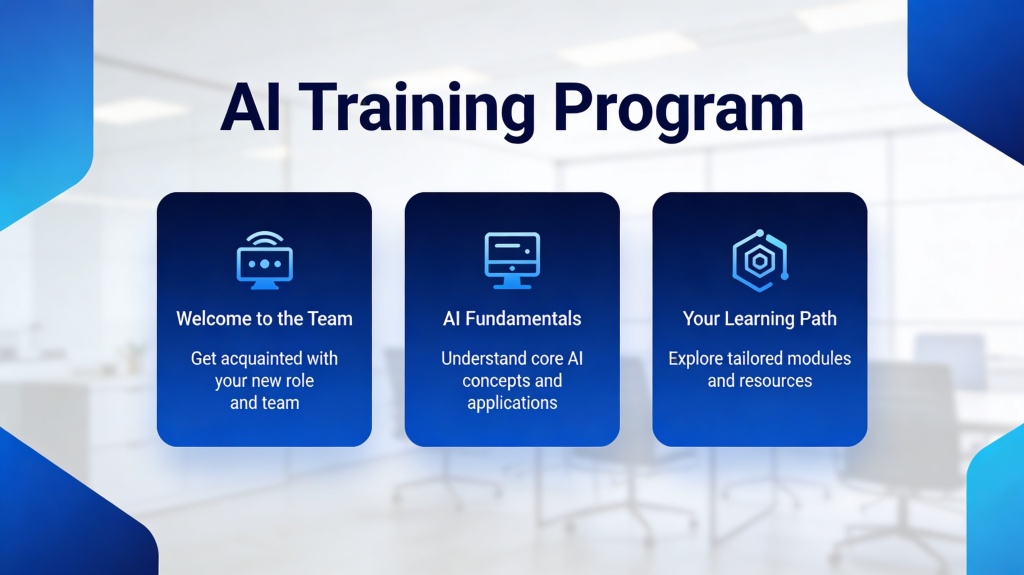
Target Users and Training Scenarios
- HR teams running company-wide new-hire orientation.
- People partners creating role- or department-specific onboarding.
- Managers explaining tools, processes, safety, or compliance updates.
- Distributed teams standardizing onboarding across locations and time zones.
Recommended HR Onboarding Deck Structure
| Slide | Learning job | What to include |
|---|---|---|
| 1. Welcome | Set expectations | Role, cohort, agenda, and outcome |
| 2. Company story | Build context | Mission, customers, and strategy |
| 3. Values | Explain behavior | Value, example, and expected action |
| 4. Team map | Clarify support | Functions, leaders, and contact points |
| 5. Policies | Reduce risk | Essential rules and source links |
| 6. Tools | Enable work | Access steps, owners, and support |
| 7. Role expectations | Define success | Responsibilities and first outcomes |
| 8. First 30/60/90 days | Create a path | Milestones, meetings, and deliverables |
| 9. Scenario or quiz | Check understanding | Realistic decision and answer |
| 10. Next steps | Start action | Checklist, owner, date, and questions |
AI Prompt and Onboarding Examples
Example: software engineering cohort
Focus on product context, architecture overview, access requests, code review rules, security expectations, support channels, and the first production milestone.
Example: retail store onboarding
Focus on customer experience, opening and closing routines, safety, POS workflows, escalation contacts, a customer scenario, and the first-week checklist.
Review, Update, and Export the Training Deck
- Link to the approved policy source instead of paraphrasing critical legal text.
- Add an owner and review date to policy-sensitive slides.
- Replace generic culture language with real examples and expected behavior.
- Test quiz answers and accessibility, including contrast and readable text.
- Export to PPTX or PDF and confirm links, notes, and visuals still work.
For policy documents, use the document to slides AI workflow before adapting the material to a role-specific learning sequence.
Frequently Asked Questions
What is an AI training deck generator?
It converts approved training sources into an editable presentation outline and slide draft for onboarding, process, policy, or role-based learning.
What should an HR onboarding deck include?
Include company context, values, team contacts, essential policies, tools, role expectations, a 30/60/90-day plan, scenarios, and next steps.
Can AI use our employee handbook?
Yes, but HR and policy owners must verify the resulting slides and keep links to the current approved source.
How often should onboarding slides be updated?
Review them whenever policies, benefits, tools, organization structure, or role expectations change, and add a scheduled quarterly review.