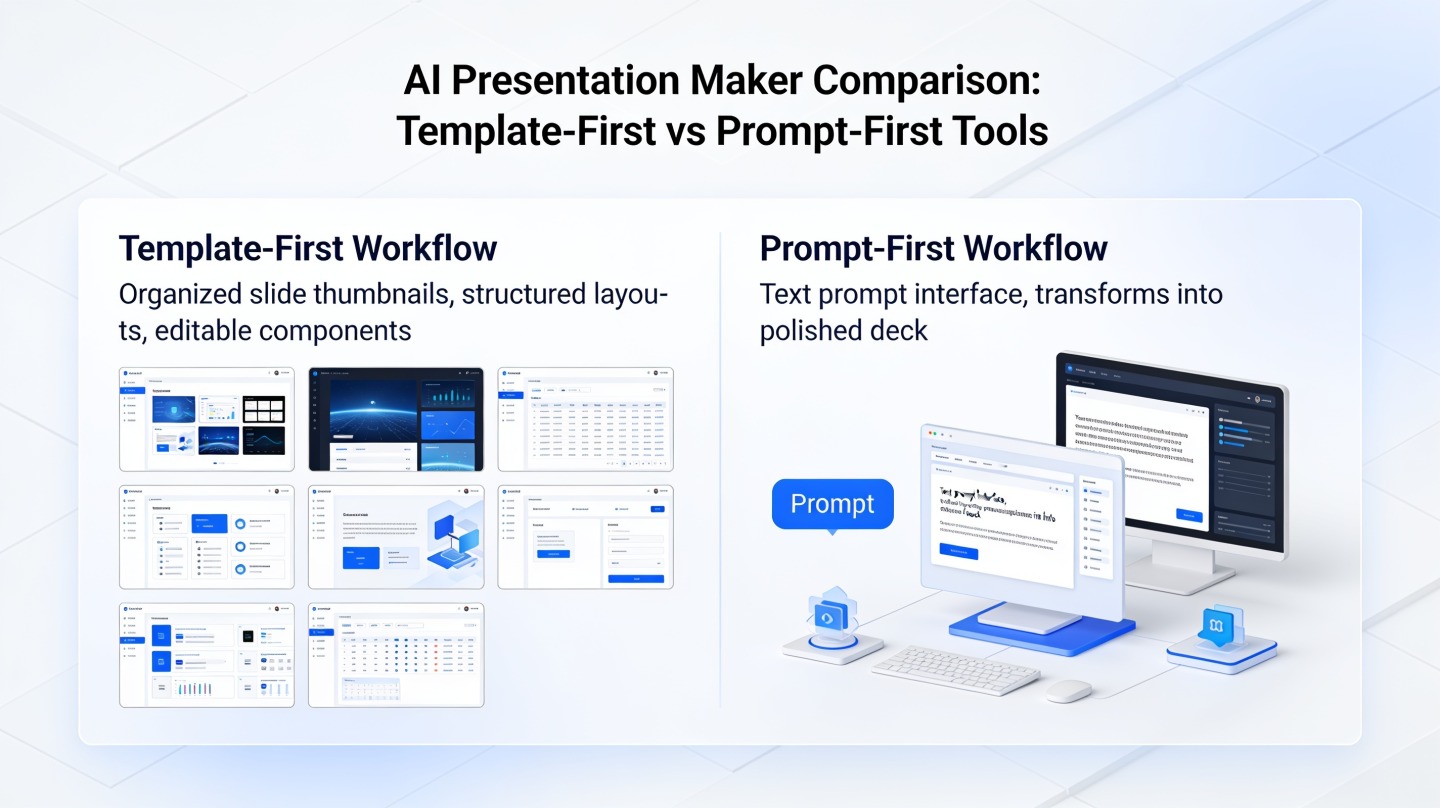
For a new presentation that can be shared by link, Gamma is our first recommendation when speed is the priority. For an existing PowerPoint or Google Slides deck, choose Plus AI. For a report that needs to become a presentation, choose PopAi. Canva is our pick when campaign assets are already there, while Beautiful.ai is the layout-focused choice when the story is finished.
These recommendations answer which tool to reach for under a deadline. They are based on avoiding unnecessary steps in the relevant workflow, not on measured generation latency. There is no supported cross-tool stopwatch result behind a claim that one product generates every deck fastest.
Fast AI presentation tools: the best picks for your deadline
| What you need to finish | Our pick | The route we recommend | Work to avoid |
|---|---|---|---|
| A new deck to share online | Gamma | Prompt or outline to web presentation | Building a file workflow when a link is sufficient. |
| Changes to a native deck | Plus AI | Revise within the existing slide workflow | Rebuilding an approved deck in another editor. |
| Slides from a substantial report | PopAi | Source document to presentation | Manually copying every report paragraph onto slides. |
| A deck using an existing campaign design | Canva | Use established brand assets | Re-creating a visual identity for this one deliverable. |
| A settled story with uneven layouts | Beautiful.ai | Apply layout automation | Treating each alignment change as a separate design task. |
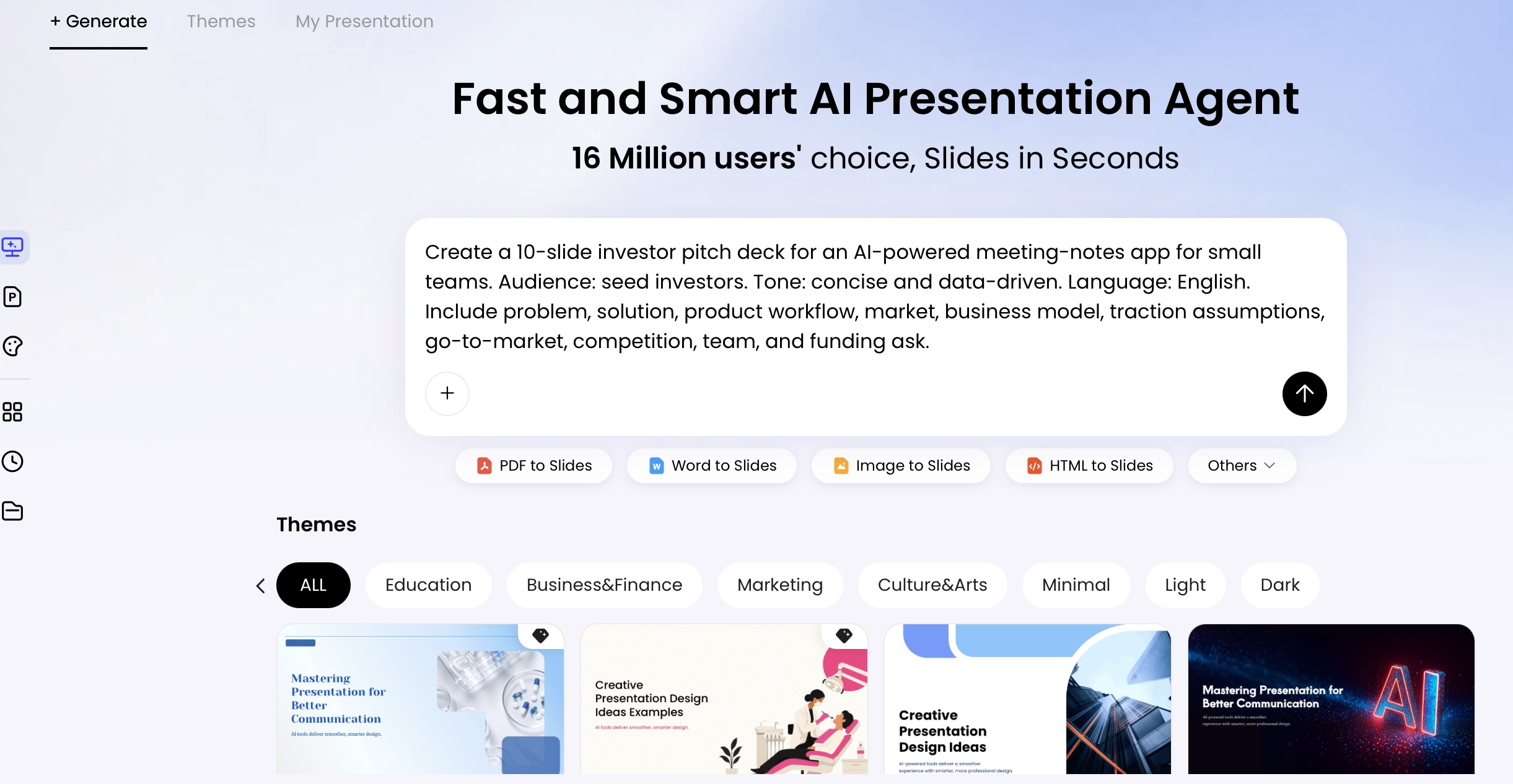
Which tool offers the most direct workflow?
Gamma: our first pick for a new, link-first presentation
Choose Gamma when you have an idea or outline and the audience can receive a web link. Its browser-based creation and sharing workflow fit that end-to-end task. Our reasoning is straightforward: keep creation and the intended handoff in the same environment.
For an internal concept update, organize the problem, proposal, evidence, risks, and decision in one draft. Share a reviewed version rather than generating several unrelated themes. Gamma is not our default recommendation for a last-minute revision to an approved PowerPoint deck. In that situation, preserving the working file is more important than trying a new drafting environment; choose Plus AI instead.
Plus AI: best for urgent edits to an existing native deck
Plus AI is the recommendation when speed means changing what already exists. Its editing tools include rewriting and remixing slides, and its PowerPoint workflow keeps native editing central.
For a client presentation due soon, keep the approved sections and revise only the changed scope, updated evidence, and next action. Re-generating the entire deck creates extra review work even when generation itself is quick. Installation and access are part of the decision: when an add-in is not already approved, the ordinary editor you can use now may be the sensible deadline choice. A new tool is not automatically a shortcut.
PopAi: best for going from a report to a first deck draft
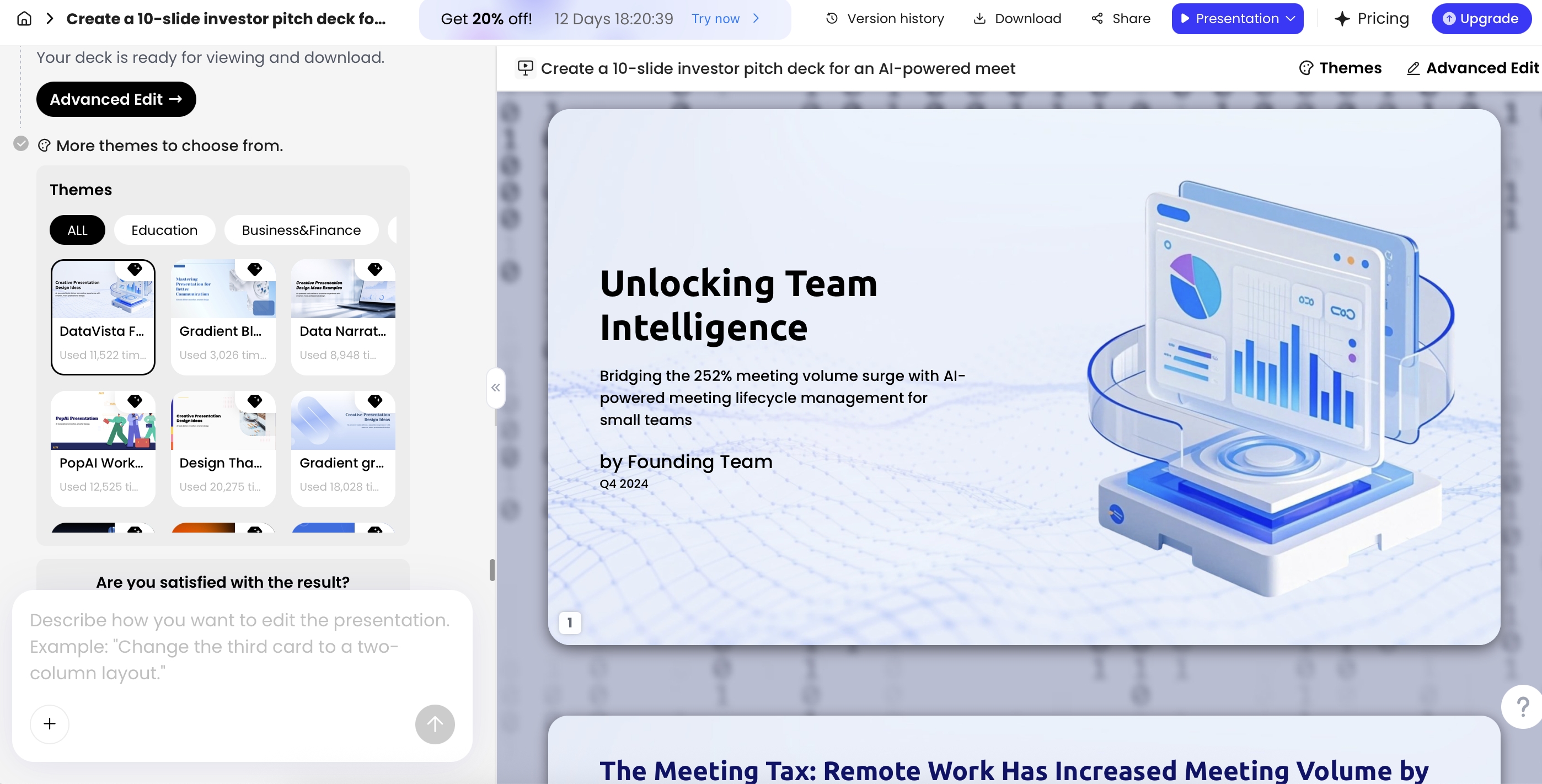
Choose PopAi when the time-consuming step is restructuring source material. Its PDF-to-slides route is relevant when the report exists but the presentation does not.
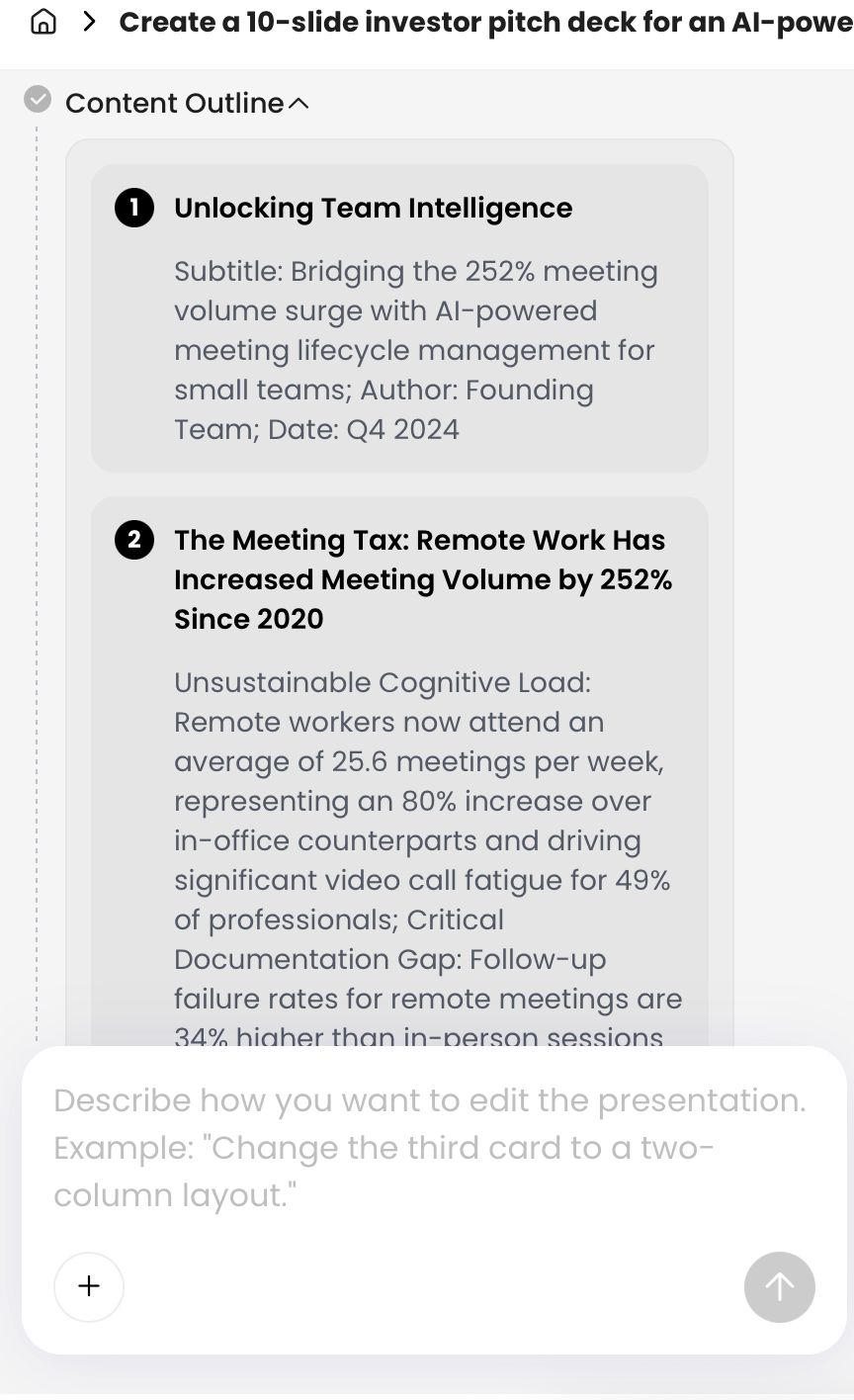
Prepare a short instruction naming the audience and decision, rather than rewriting the whole report first. Review the proposed sequence before polishing the slides. For a weekly update, concentrate on what changed and what needs a decision; put detailed tables in supporting material. The recommendation is about reducing a manual transfer task, not a promise that PopAi beats another product by a specific number of seconds. Prefer Plus AI when only a few pages of an existing native deck need adjustment.
Canva: best when the design assets are already organized there
Choose Canva when the deck belongs to a campaign already designed in that environment. Brand Kit brings brand elements together, which supports our recommendation to reuse the approved visual system rather than start a second one.
For an event recap, gather the selected photos, approved headline, and final takeaway before arranging slides. The shortcut is reusing decisions already made, not browsing a fresh set of templates. This is especially relevant to someone who already knows Canva. When the source is a long report and the visual system is not the bottleneck, our first recommendation shifts to PopAi.
Beautiful.ai: best when layout cleanup is slowing you down
Choose Beautiful.ai when the content is stable and formatting is the remaining obstacle. Smart Slides adjust layout as content changes, giving a clear reason to consider it for a recurring business deck.
Use it to produce a consistent sequence, not to hide an unresolved argument behind a polished theme. If a slide still needs a decision about which metric matters, make that decision before changing layouts. For a bespoke campaign composition choose Canva; for an approved native deck that must stay intact, choose Plus AI. The objective is to remove the actual bottleneck, not introduce a new conversion step.
A deadline scenario: choose once, then finish
Imagine an illustrative project owner with a review meeting approaching. There are three possible starting states, and our recommendation changes with each one.
If the owner has only a short outline and a link is acceptable, Gamma is the starting choice. If the evidence is in a detailed report, PopAi is the document-led choice. If last month's PowerPoint is already approved and only the status has changed, Plus AI is the native-editing choice. None of those decisions requires a fabricated speed score.
Once the route is chosen, define a small finished deliverable: a decision slide, the supporting evidence, the main risk, and the next action. Avoid re-generating the complete deck to fix one sentence. Keep the original version available, and direct changes to the part that needs correction.
Generation time is not the same as time to a usable deck
A useful way to think about speed is: input preparation, drafting, corrections, and delivery all consume time. This is a workflow model, not a measured benchmark. A quick draft can still be a poor deadline choice when the audience needs an extensively repaired export.
Gamma's export documentation describes file formats and visual differences. That is why the recommendation above favors a web-first route when a link is the intended outcome, while recommending native editing when that is the requirement. It does not mean Gamma cannot export or that a native workflow never needs checking.
Keep a final review for the names, key numbers, permission settings, and the actual file or link being sent. The fastest sensible workflow still includes checking the statement on which the meeting depends.
Our recommendation
Use Gamma for a new link-first deck, Plus AI for an existing native deck, PopAi for source-report conversion, Canva for an established campaign design, and Beautiful.ai for layout cleanup. This is a practical shortlist for finishing sooner with the material you have. A universal fastest-generation winner would require comparable timed runs; it is not needed to give a clear workflow recommendation today.
Basis and disclosure. Product documentation reviewed September 20, 2026. The "Best for" selections are editorial judgments about the stated workflows, not timed, scored, or hands-on head-to-head results. Examples are illustrative. PopAi publishes this comparison and is one of the products discussed. Confirm account, plan, and institutional requirements before adopting a tool.