AI Presentation Maker Comparison: Template-First vs Prompt-First Tools
If you are choosing an AI slide tool for a sales team, class project, startup pitch, or internal report, the hard part is not finding options. The hard part is understanding which workflow will actually reduce your workload.
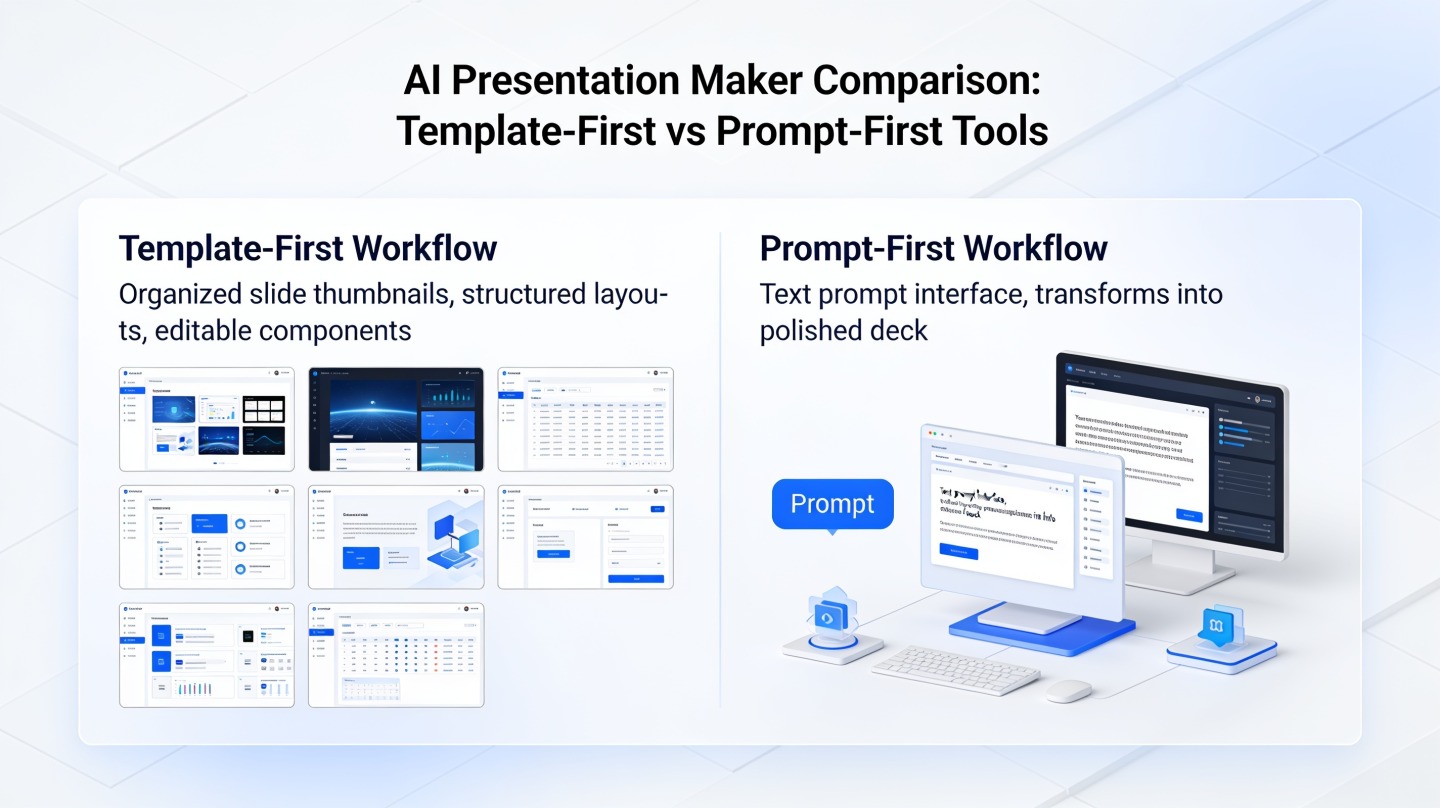
This AI presentation maker comparison breaks down two common product types: template-first tools that start from design structure, and prompt-first tools that start from your idea or source material. The right choice depends on whether your main bottleneck is visual consistency, narrative structure, editing speed, or getting a usable first draft from messy notes.
For teams that want a fast draft from a topic, file, or outline, PopAi AI Presentation is built around reducing the blank-slide stage while still letting users refine the final deck.
What an AI Presentation Maker Comparison Should Measure
A useful comparison starts with workflow fit, not a feature checklist.
Start with the job you need the tool to do
Most buyers compare AI presentation tools by scanning for “templates,” “AI generation,” “export,” and “brand kit.” Those features matter, but they do not tell you where the tool saves time. A template-first tool usually helps after you already know the deck structure. A prompt-first tool helps before the structure exists.
In our practical review process at PopAi Academy, we test tools with the same four inputs: a one-sentence topic, a rough outline, a source document, and a finished slide deck that needs rewriting. This simple benchmark reveals whether a product is strongest at ideation, formatting, summarization, or polish.
Do not ask, “Which AI presentation maker is best?” Ask, “Which part of my deck workflow is currently slow, repetitive, or low quality?”
Use five criteria before choosing
- Starting point: Does the tool begin with a template gallery, a prompt box, a document upload, or a blank canvas?
- Content quality: Does it create coherent slide logic, or only decorate placeholder text?
- Design control: Can you keep brand colors, layouts, and visual hierarchy consistent?
- Editing depth: Can you revise slide-by-slide, regenerate sections, and change tone?
- Export and sharing: Does it fit your team’s delivery format, such as PowerPoint, PDF, or web sharing?
Pro Tip: If your first draft is usually the slowest stage, test an idea-to-deck workflow in PopAi AI Presentation before spending hours browsing templates.
Template-First AI Presentation Tools: Best for Design Control
Template-first tools are strongest when the visual system matters more than the original idea generation.
How template-first workflows behave
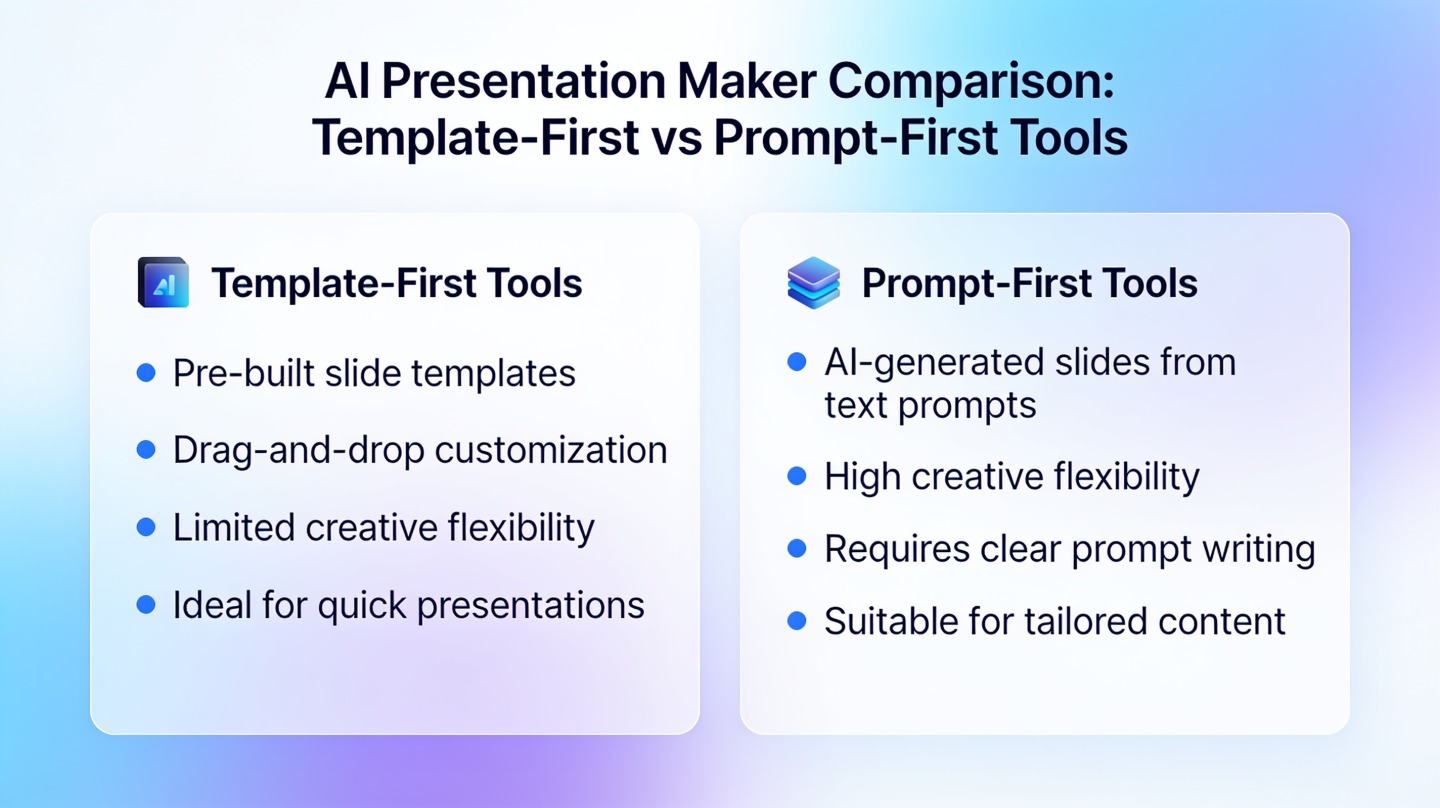
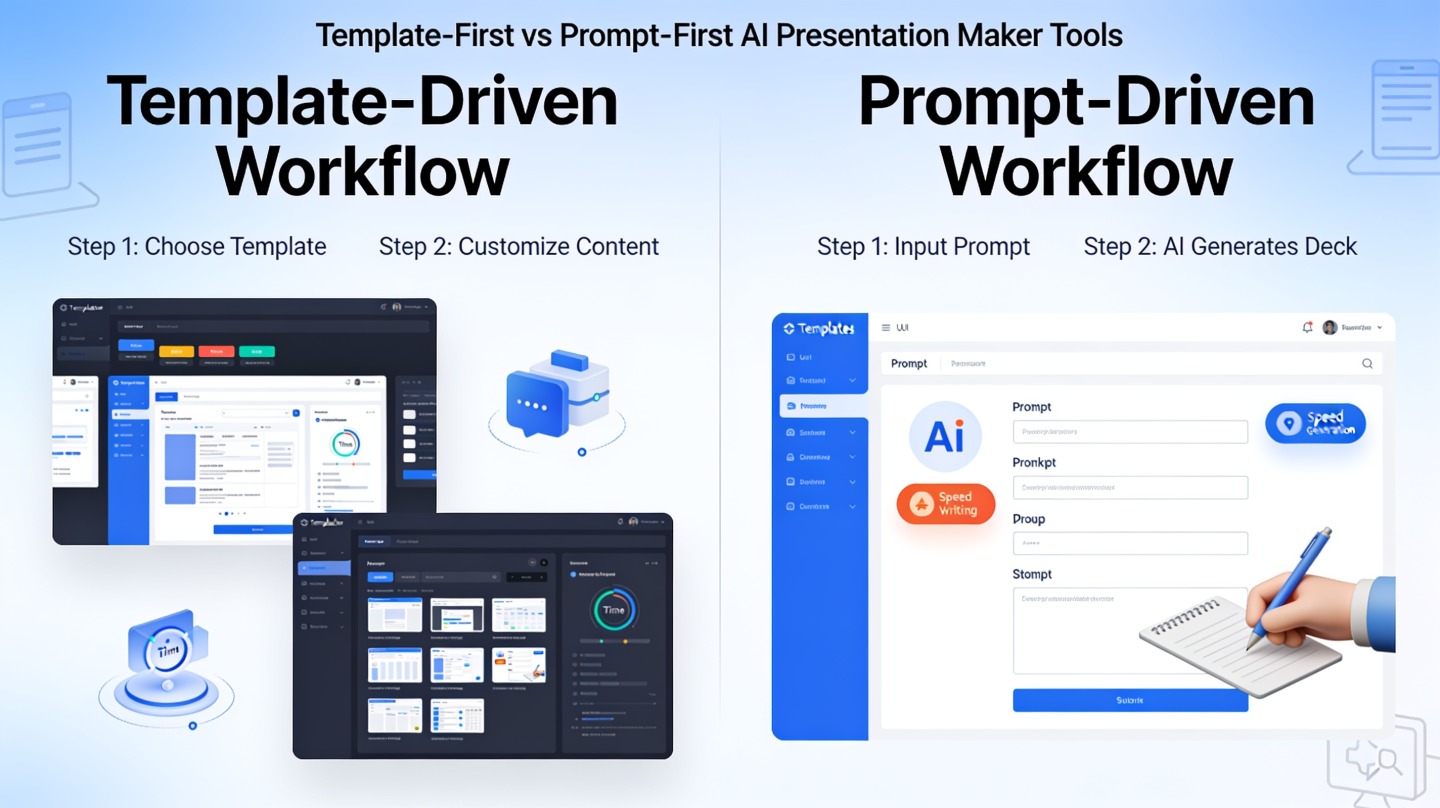
A template-first AI presentation tool usually begins with a library of prebuilt layouts. You choose a business pitch, lesson plan, marketing report, or portfolio template, then replace the example content with your own. AI may help rewrite text, suggest images, or adapt layouts, but the design frame is the starting point.
This approach is familiar to anyone who has used PowerPoint themes, Google Slides templates, or design platforms. Canva’s official Magic Design documentation, for example, positions AI design as a way to generate visual drafts from a prompt while still leaning heavily on editable design formats. Microsoft’s Copilot for PowerPoint documentation similarly emphasizes generating and refining slides within an existing presentation environment.
Where template-first tools win
- Brand consistency: Useful for companies with approved slide systems and strict design rules.
- Repeatable formats: Works well for weekly reports, client updates, lesson plans, and product launch decks.
- Low design risk: Users can start from layouts that already balance text, imagery, and spacing.
- Team onboarding: New presenters can produce acceptable slides without learning advanced design.
In a timed internal test using a five-slide monthly marketing update, a template-first workflow produced the cleanest visual result after 15 minutes because the layout was already established. However, the same test required more manual writing because the tool did not fully infer the story behind the numbers. That tradeoff is common: better visual guardrails, weaker narrative invention.
Prompt-First AI Presentation Tools: Best for Fast First Drafts
Prompt-first tools are strongest when your biggest obstacle is turning an idea into a structured deck.
How prompt-first workflows behave
A prompt-first AI presentation maker begins with language: a topic, instruction, audience, source document, or rough notes. The tool then proposes a deck outline, slide titles, supporting bullets, and often a visual direction. Instead of asking you to pick a template first, it asks what you want to communicate.
This matters for users who have content but not structure. A founder may have product notes, traction numbers, and customer quotes but no pitch narrative. A student may have research findings but no defense deck. A manager may have meeting notes but no executive summary. Prompt-first tools compress that early thinking stage.
Where prompt-first tools win
- Blank-slide avoidance: You get a workable storyline before designing every slide.
- Source-to-deck transformation: Long notes, documents, or briefs can become slide sections.
- Audience adaptation: Prompts can specify tone, role, length, and level of detail.
- Iteration speed: You can ask for a shorter, more persuasive, more technical, or more visual version.
A prompt-first workflow is not a substitute for judgment. It is a faster way to create a draft that a human can edit, challenge, and improve.
In a 10-minute hands-on benchmark using the same seed prompt, “Create an investor update deck for a B2B SaaS startup with growth, churn, roadmap, and hiring plan,” a prompt-first workflow reached a coherent eight-slide structure faster than a template-first workflow. The tradeoff was visual refinement: the prompt-first deck still needed layout cleanup, stronger charts, and tighter proof points before stakeholder review.
Template-First vs Prompt-First: Side-by-Side Decision Table
The fastest way to choose is to match tool type to the deck stage where you lose the most time.
Comparison by practical use case
| Decision factor | Template-first tools | Prompt-first tools |
|---|---|---|
| Best starting point | You already know the deck type and need a polished format. | You have an idea, notes, or source material and need structure. |
| Primary strength | Design consistency, layout quality, reusable formats. | Narrative generation, outline creation, content transformation. |
| Common weakness | Can leave you rewriting placeholder copy manually. | May need more design refinement after generation. |
| Best users | Sales teams, brand teams, educators, agencies with repeatable decks. | Founders, consultants, students, managers, analysts starting from messy inputs. |
| Evaluation question | “Can this keep our decks on-brand with minimal design work?” | “Can this turn my raw thinking into a useful deck quickly?” |
Choose based on risk
If the risk is looking off-brand in front of customers, prioritize template-first features. If the risk is showing up with an unclear story, prioritize prompt-first generation. If both risks matter, choose a hybrid tool that can generate the structure first and still provide enough design control for final polish.
For example, a consulting team preparing a client workshop may use prompt-first generation to build the agenda, key hypotheses, and discussion flow. Then it can apply a branded theme for the final version. A university student, by contrast, may value prompt-first help more because the difficult work is organizing research into a defendable sequence.
AI Presentation Maker Comparison: Which Workflow Fits Your Team?
Your best tool choice depends on your role, review cycle, and tolerance for editing after generation.
For founders and startup operators
Choose prompt-first if you are building pitch decks, investor updates, or product strategy decks from rough notes. These decks usually need a story before they need a perfect theme. Look for AI that can convert bullet notes into a problem, solution, traction, market, business model, and ask sequence.
For marketing and sales teams
Choose template-first if the deck format is repeated and brand-sensitive. Sales enablement decks, campaign recaps, and customer proposals often need consistent visual packaging. However, prompt-first can still help create talk tracks, summarize customer pain points, and rewrite slides for different buyer personas.
For educators and students
Choose based on the assignment. A class lecture with a familiar structure benefits from templates. A capstone defense, research presentation, or literature review benefits from prompt-first organization because the key challenge is explaining complex material clearly.
Practical test: Give each tool the same real prompt, the same deadline, and the same export requirement. The winner is not the prettiest sample deck; it is the one you would actually present after one editing pass.
A 15-Minute Evaluation Checklist for AI Presentation Tools
Use one realistic test instead of comparing polished demo examples.
Run the same task through every tool
- Prepare a real brief: Use a topic you actually need, such as a quarterly business review or product proposal.
- Set a fixed time box: Give each tool 15 minutes from first input to shareable draft.
- Score the first draft: Rate structure, clarity, slide titles, evidence handling, and visual hierarchy.
- Measure editing effort: Count how many slides require rewriting, not just cosmetic changes.
- Check final delivery: Confirm export, collaboration, and presenting options before committing.
What good AI output looks like
A strong AI-generated deck should have slide titles that make claims, not labels. “Churn is concentrated in small accounts” is more useful than “Churn Analysis.” It should also separate main points from supporting detail, avoid overcrowded slides, and keep the audience’s decision in view.
Google’s public guidance on helpful content emphasizes content created for people rather than search engines. The same principle applies to AI slides: a deck is only useful if it helps a real audience understand, decide, or act. AI can accelerate production, but it cannot replace the presenter’s responsibility to verify facts, sharpen arguments, and remove unsupported claims.
Common Mistakes When Comparing AI Slide Tools
Most poor tool decisions come from testing the wrong thing.
Mistake 1: Judging only by gallery examples
Demo decks are usually optimized for visual appeal. They rarely show how the tool handles messy source material, industry-specific language, weak prompts, or last-minute revisions. Always test with your own content before deciding.
Mistake 2: Treating templates and prompts as opposites
The best workflow may combine both. You can use prompt-first generation for the argument, then apply a template-first design system for consistency. Teams that separate thinking from formatting often get better results than teams trying to solve both at once.
Mistake 3: Ignoring review and compliance needs
If your deck includes customer data, financial claims, medical information, or legal statements, evaluate privacy controls and human review steps. AI can summarize or rephrase content, but sensitive claims still need verification by the responsible person or team.
FAQ: AI Presentation Maker Comparison Questions
These are the questions teams usually ask after testing both template-first and prompt-first tools.
Are template-first AI presentation tools better for brand consistency?
Usually, yes. Template-first tools are stronger when your team needs approved colors, typography, layouts, and reusable slide structures. They reduce design drift, especially for sales decks, classroom materials, and recurring reports.
When should I choose a prompt-first AI presentation maker?
Choose a prompt-first workflow when your main blocker is getting from a rough idea, document, notes, or research into a structured deck quickly. It is especially useful for first drafts, strategy narratives, training outlines, and investor pitch storylines.
Can one tool support both template-first and prompt-first workflows?
Yes. Many modern AI presentation tools combine prompt generation with editable themes or templates. The best fit depends on which step you want AI to handle first: narrative structure, visual formatting, or both.
How do I evaluate an AI presentation maker without wasting time?
Test it with one real deck brief, not a generic sample prompt. Measure draft quality, editing speed, brand control, export options, and how much manual rewriting is needed before the deck is ready to share.
Create your presentation with one click now
Turn your topic, notes, or source material into a structured presentation draft, then refine it for your audience and delivery goal.
Create with PopAi AI Presentation