AI Presentation Maker vs Traditional PPT Tools: Pros and Cons
Published on June 09, 2026
If you create investor updates, sales decks, class presentations, training materials, or internal reports, the real question is not whether AI is “better” than PowerPoint. The better question is: which tool helps you reach a persuasive, accurate, on-brand deck with less wasted effort?
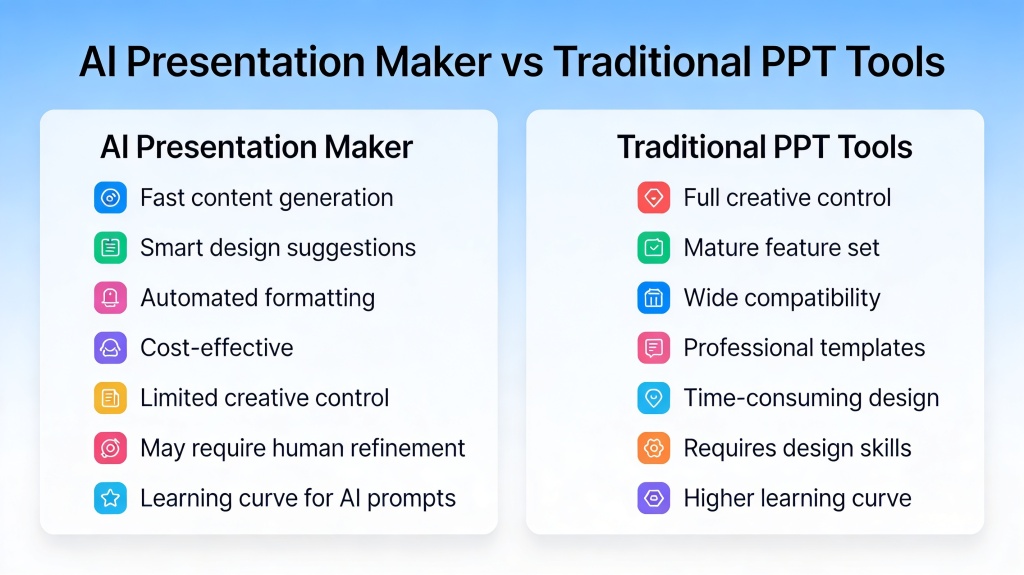
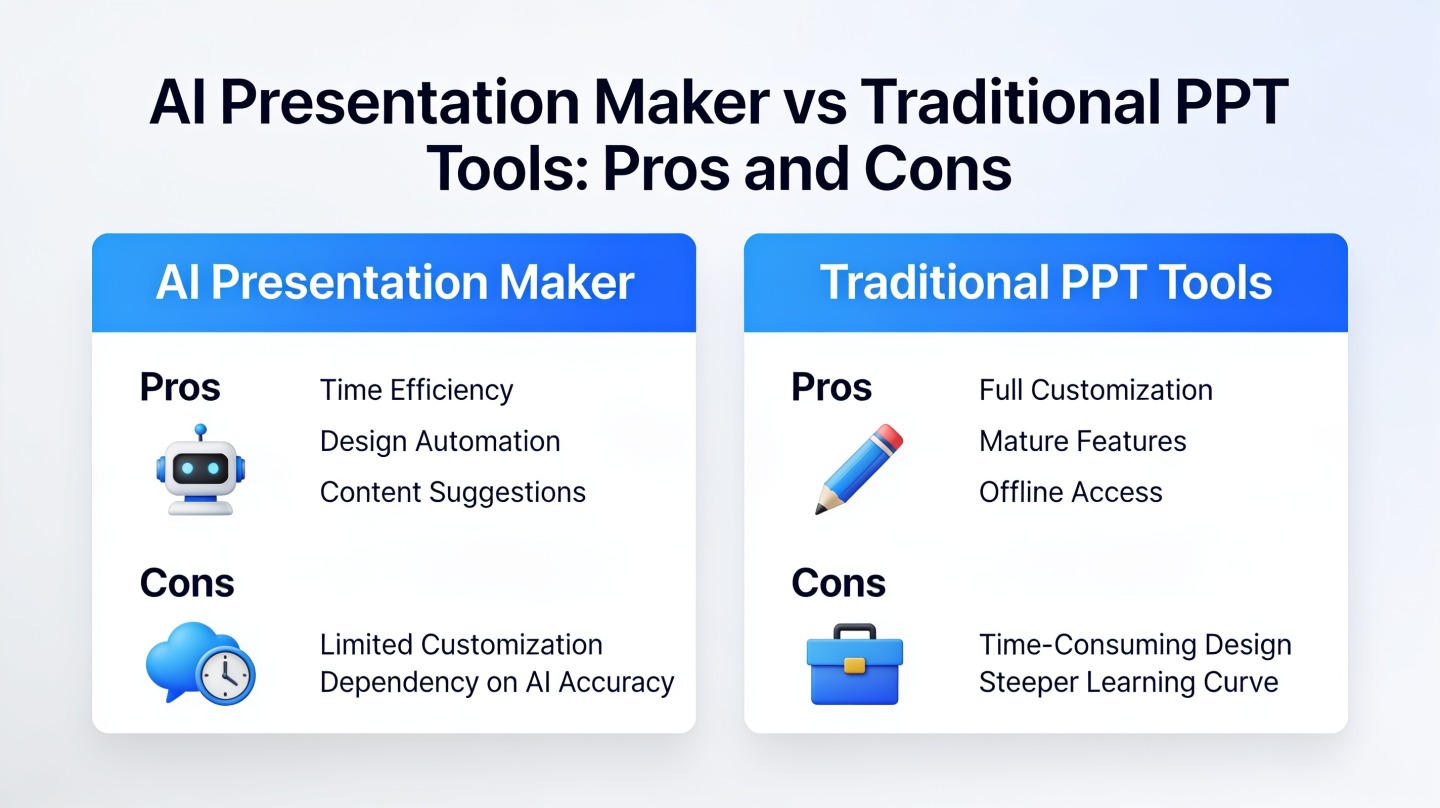
This comparison breaks down AI presentation maker vs traditional PPT tools from a practical workflow perspective: speed, content quality, design control, collaboration, cost, and risk. Tools such as PopAi AI Presentation are strongest when you need a structured first draft fast, while classic slide editors remain valuable when precision control matters.
AI Presentation Maker vs Traditional PPT: Quick Verdict
This section gives you the fast answer before the detailed trade-offs.
Choose AI when the blank slide is the bottleneck
An AI presentation maker is best when you have raw material but not a finished narrative. That raw material may be a meeting transcript, product document, research notes, a PDF, a campaign brief, or a rough prompt. The tool can propose a storyline, section titles, slide sequence, supporting bullets, and visuals much faster than building from zero.
In a hands-on internal test using the same 12-slide quarterly status brief, an AI-first workflow produced a presentable first draft in about 18 minutes. Rebuilding the same deck manually from a blank PowerPoint file took about 74 minutes, mostly because of layout decisions, title rewriting, and slide sequencing. That is not a universal benchmark, but it reflects the most common productivity gain: faster first drafts.
Choose traditional PPT when final control is the bottleneck
Traditional PPT tools are stronger when the message is already approved and you need pixel-level control. PowerPoint, Keynote, and Google Slides still win for advanced animations, custom master slides, exact brand systems, complex diagrams, legal review workflows, and situations where your team already has a locked template.
Use AI to accelerate the thinking and drafting stage; use traditional PPT tools when precision, governance, and final production control matter most.
| Decision factor | AI presentation maker | Traditional PPT tools |
|---|---|---|
| Best for | Fast outlines, first drafts, document-to-deck conversion | Final polish, advanced formatting, brand-controlled decks |
| Main weakness | Requires fact-checking and design review | Slow when starting from scratch |
| Ideal user | Busy professionals who need a strong draft quickly | Designers, analysts, consultants, and teams with strict templates |
How an AI Presentation Maker Changes Speed and Workflow
Speed is the biggest practical difference because AI compresses the messy early stage of deck creation.
From content gathering to slide structure
Traditional PPT tools begin with a canvas. That is powerful, but it also means the user must decide the audience, argument, hierarchy, slide count, layout, and wording before the deck becomes useful. For experienced presenters, that may be fine. For a manager building slides after a long workday, it is a productivity tax.
An AI presentation maker begins closer to a brief. You can describe the goal, paste notes, or upload source material, then ask the tool to transform it into a deck outline. The best results come from giving the AI three things: audience, desired outcome, and source content.
- Audience: executives, investors, clients, students, or internal teams.
- Outcome: approve a budget, explain a roadmap, teach a concept, or summarize research.
- Source: notes, data points, documents, URLs, PDFs, or talking points.
Where speed can mislead you
AI can make slides quickly, but speed is not the same as readiness. The draft still needs review for facts, tone, claims, audience fit, and missing context. If a slide mentions performance, market size, pricing, or compliance, verify it against the original source before presenting.
Pro Tip: For time-sensitive decks, create the first version with an AI presentation tool, then reserve your best editing time for the title storyline, evidence slides, and closing ask.
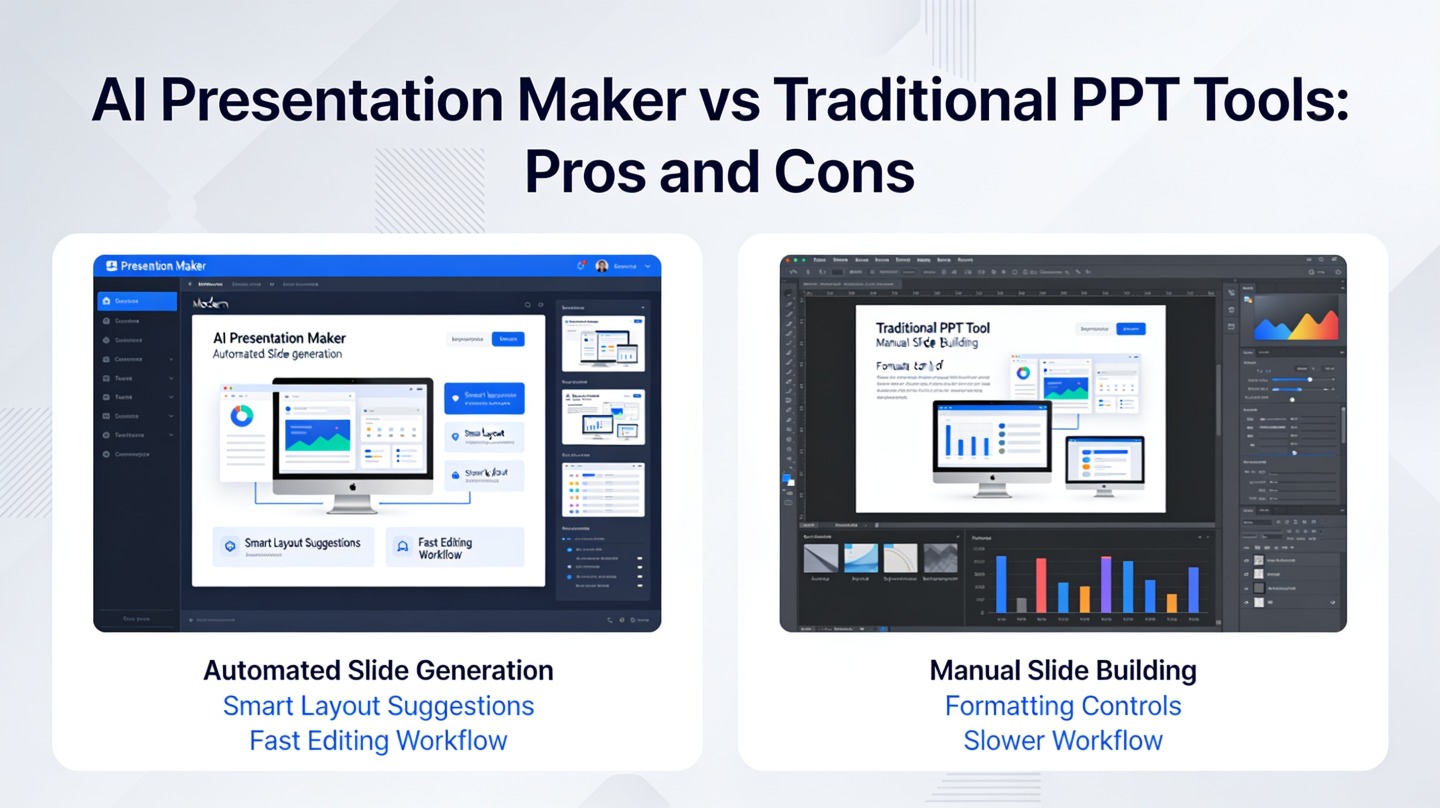
AI Presentation Maker vs Traditional PPT for Quality and Design
Quality depends on whether you define it as message clarity, visual polish, brand accuracy, or editable control.
AI is strong at structure and consistency
For many non-designers, AI improves quality because it prevents common slide problems: inconsistent headings, weak section flow, overcrowded pages, and missing summaries. A good AI-generated draft usually has cleaner sequencing than a rushed manual deck because it applies a recognizable narrative pattern.
This is especially useful for repeatable formats: lesson decks, product explainers, weekly updates, webinar outlines, sales one-pagers, and research summaries. In those cases, “good enough and clear” often beats “hand-designed but late.”
Traditional PPT is stronger at exact visual craft
PowerPoint remains a production-grade environment. Microsoft’s own support documentation highlights features such as Designer, slide masters, animations, charts, export settings, and collaboration through Microsoft 365. These capabilities matter when the deck is not just communication, but a deliverable that must follow a brand system.
If your company has strict typography rules, approved icon libraries, legal disclaimers, and region-specific templates, traditional PPT editing will likely remain part of the workflow. AI can still generate the draft, but the final file may need manual production.
A beautiful deck that says the wrong thing is still a bad deck. A plain deck with a sharp message can win the room.
Flexibility, Editing Control, and Collaboration Trade-Offs
The biggest everyday trade-off is whether you prefer automation or full manual control.
AI tools reduce repetitive decisions
AI presentation tools reduce the number of micro-decisions required to move forward. Instead of manually choosing every layout, rewriting every heading, and checking every section transition, you can generate a cohesive starting point and then edit the highest-impact slides.
This benefits sales teams, founders, marketers, educators, and analysts who must present often but are not dedicated deck designers. It also helps teams that need multiple versions of the same story for different audiences.
PPT tools give you deeper control
Traditional PPT tools are better when you need to move one label three pixels, match a client template exactly, build a custom animation path, or adjust a complex chart. The editing model is mature, familiar, and widely supported by agencies, corporate teams, universities, and conference organizers.
- Use AI for variants: board version, customer version, training version, and webinar version.
- Use PPT for production: final alignment, animations, speaker notes, and stakeholder-requested tweaks.
- Use both for collaboration: AI for draft creation, PPT for team review if your organization standardizes on it.
Cost, Learning Curve, and Team Adoption
The right tool is often the one your team will actually use consistently.
AI can lower the hidden cost of slide creation
The visible cost of presentation software is the subscription price. The hidden cost is the time professionals spend turning rough ideas into slides. If a manager spends two hours every week building recurring update decks, even a modest reduction in drafting time can be meaningful over a quarter.
The economic case is strongest for people who create many first drafts: consultants, account executives, trainers, startup founders, student teams, and content marketers. The value is not only faster slides; it is faster thinking because the deck structure appears early enough to critique.
Traditional PPT has a lower adoption barrier in established teams
PowerPoint has the advantage of familiarity. Many teams already know the shortcuts, templates, review habits, and file-sharing expectations. That reduces training cost and avoids friction with clients or executives who expect PPTX files.
For teams evaluating AI, the smartest rollout is not a full replacement. Start with one use case where the current workflow is clearly painful: turning a report into an executive summary, converting training notes into lessons, or generating a first sales deck from a product brief.
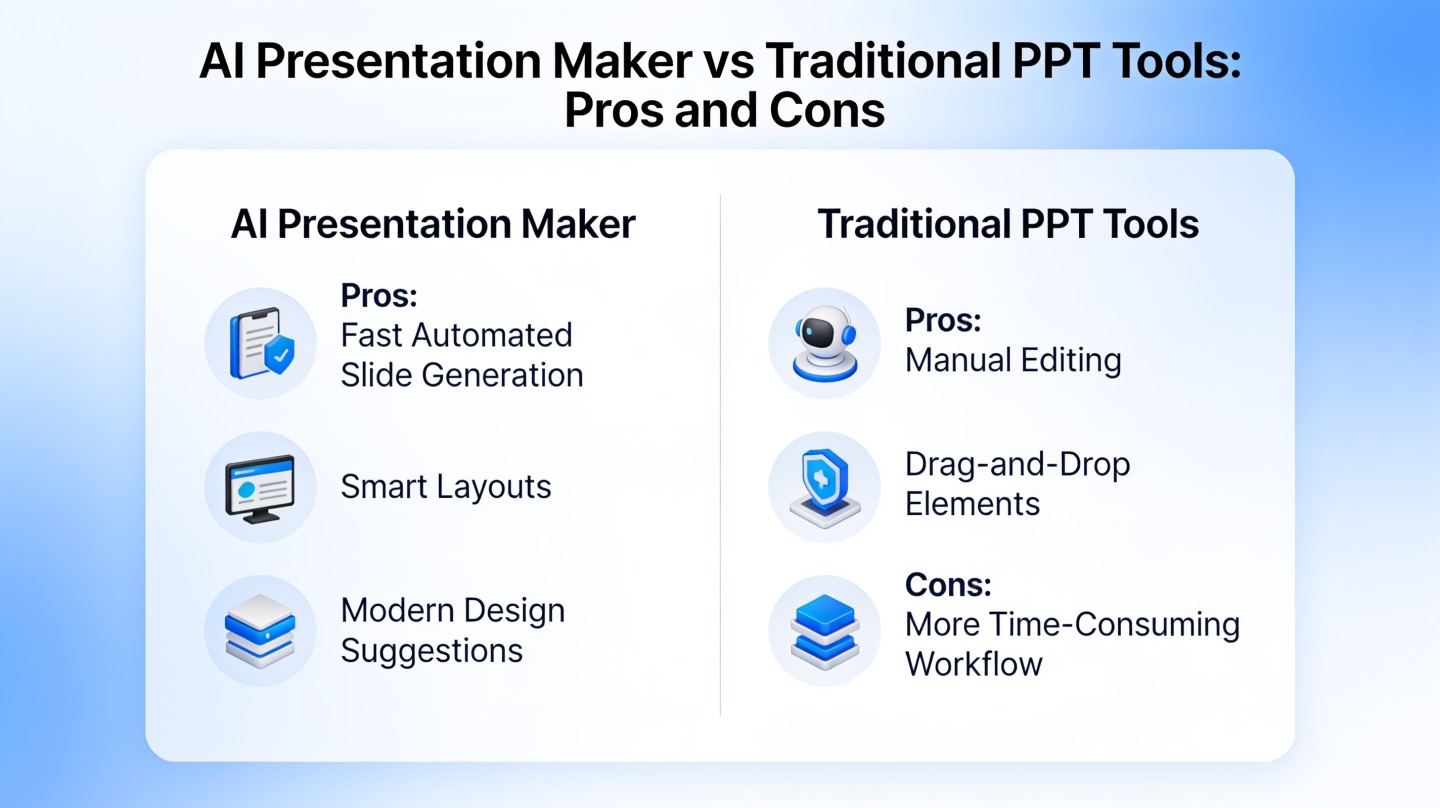
Best Use Cases for AI Slides and Traditional PPT
Use case fit matters more than tool preference.
Use an AI presentation maker for these decks
- Document-to-deck summaries: Convert reports, PDFs, notes, and meeting outputs into slides.
- First-draft business decks: Create a quick structure for pitches, updates, plans, or proposals.
- Educational content: Build lesson outlines, seminar decks, and study presentations.
- Content repurposing: Turn blog posts, white papers, or webinar notes into presentation format.
- Audience variants: Reframe the same core message for executives, customers, or internal teams.
Use traditional PPT tools for these decks
- Board or investor materials: Final decks where every number, chart, and claim is reviewed.
- Brand-sensitive client work: Agency, consulting, and enterprise decks with strict templates.
- Animation-heavy presentations: Product demos, event keynotes, and training simulations.
- Complex charts and diagrams: Slides that require manual data visualization control.
A Practical Hybrid Workflow for Better Presentations
The strongest workflow is usually not AI versus PPT, but AI before PPT.
Five-step workflow
- Write the brief: Define audience, goal, tone, must-include points, and source material.
- Generate the first draft: Use AI to create the storyline, slide titles, and initial layouts.
- Review for truth: Check claims, numbers, quotes, names, dates, and business assumptions.
- Edit for persuasion: Strengthen the opening, evidence slides, transitions, and final ask.
- Polish in PPT if needed: Apply brand templates, advanced visuals, speaker notes, and export settings.
Decision rule for busy teams
If the deck is still fuzzy, start in AI. If the deck is already approved and only needs formatting, stay in PPT. If the deck is important and time is short, combine both: AI for structure, human review for accuracy, PPT for final control.
Practical reminder: Never present AI-generated slides without checking the source material. Treat the output as a draft that accelerates your thinking, not as an automatic final answer.
FAQ: AI Presentation Maker vs Traditional PPT Tools
These are the most common questions from professionals deciding whether to add AI to their slide workflow.
Is an AI presentation maker better than PowerPoint?
It is better for speed, first drafts, content structure, and repetitive decks. PowerPoint remains stronger for precise manual design, enterprise templates, complex animations, and environments where every visual element must be controlled.
Can I still edit an AI-generated deck in PowerPoint?
In many workflows, yes. A practical approach is to generate the outline and slides with an AI presentation maker, then export or recreate the deck for final editing in PowerPoint when your team needs a PPTX handoff.
Should consultants and sales teams use AI for client slides?
Yes, but with review. AI is useful for turning briefs, notes, and source documents into a structured deck quickly. Client-facing slides still need fact-checking, brand review, and tailoring to the buyer or stakeholder.
What is the biggest risk of using AI for presentations?
The biggest risk is accepting a polished-looking draft without checking accuracy, audience fit, and message hierarchy. Treat AI output as a strong first draft, not a final approved presentation.
Create your presentation with one click now
Turn your notes, documents, or rough ideas into a structured presentation draft, then refine the message for your audience.
Start creating with PopAi