AI PPT Generator Comparison 2026: Which Tool Produces the Best Slides?
If you are a founder, consultant, marketer, teacher, or team lead, the problem is no longer finding an AI slide tool. The problem is knowing which one produces slides you can actually present without rebuilding half the deck.
This AI PPT generator comparison 2026 reviews the tools through a working-user lens: output quality, speed, structure, template flexibility, export options, and editing effort. We used the same business-style deck prompt across leading tools and judged the finished slides by how much manual cleanup they required.
How We Ran This AI PPT Generator Comparison 2026
This section explains the test setup, because rankings are only useful when the criteria match your real workflow.
Test prompt and deck requirements
Each tool received the same task: create a seven-slide business presentation for a fictional SaaS company launching an AI customer support product. The prompt asked for a title slide, problem slide, market context, product workflow, benefits, launch plan, and closing slide.
We then reviewed the first full output before heavy manual editing. That matters because many AI presentation tools look impressive after a designer has fixed them. The better benchmark is the first usable draft.
Scoring criteria
- Storyline quality: whether the deck had a logical narrative rather than disconnected slides.
- Visual clarity: whether slides used hierarchy, spacing, contrast, and readable layouts.
- Template variety: whether designs fit business, education, pitch, and reporting use cases.
- Editing speed: whether users could revise text, layouts, and sections without friction.
- Export practicality: whether the deck could move into PowerPoint or common presentation workflows.
For teams under deadline, the best AI PPT generator is not the one with the most features. It is the one that gets you closest to a presentable first draft with the fewest corrective edits.
In our hands-on timing test, the fastest tools produced a first deck in under three minutes, while more design-heavy workflows took closer to ten minutes when template selection and manual layout choices were included. Speed alone did not determine the winner: the top-ranked tools also preserved the deck’s logic from slide to slide.
Best Overall AI PPT Generator Comparison 2026 Winner
The strongest overall tool is the one that balances content intelligence, design quality, and export flexibility.
1. PopAi: best balance of structure, design, and speed
PopAi AI Presentation ranked best overall for business users who want a complete deck from a prompt or source material without spending the next hour rebuilding layouts. Its biggest strength is structure: the generated slides follow a clear argument instead of simply distributing bullet points across pages.
PopAi was especially effective for pitch-style, report-style, and internal strategy decks. In the test deck, it created a clean problem-to-solution flow, used concise section titles, and avoided overcrowded slides. That reduced the most common AI deck problem: visually acceptable slides that still fail as a presentation.
Where PopAi performed best
- Turning rough prompts into complete presentation outlines.
- Creating business-ready slides with readable hierarchy.
- Maintaining consistent tone and section logic across the deck.
- Helping non-designers start from a polished first draft.
Pro Tip: If your main blocker is getting from blank page to structured deck, start with PopAi’s AI presentation workflow and refine the storyline before adjusting visual details.
AI PPT Generator Comparison 2026: Ranked Tool Breakdown
The ranking below focuses on practical fit, not just feature count.
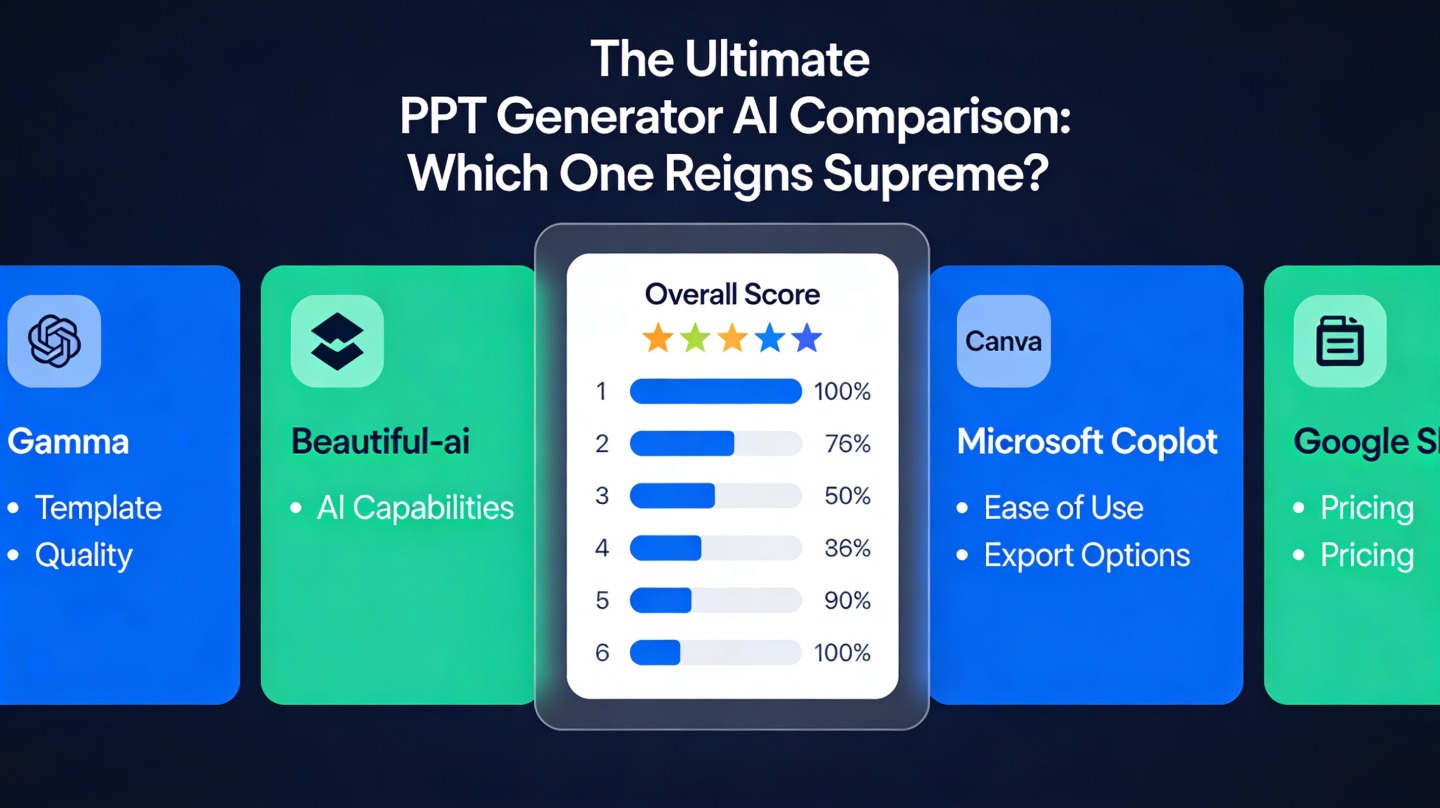
| Rank | Tool | Best For | Main Strength | Watch Out For |
|---|---|---|---|---|
| 1 | PopAi | Business decks, pitch decks, reports | Strong outline-to-slide generation | Still review claims and add company-specific data |
| 2 | Microsoft Copilot for PowerPoint | Microsoft 365 teams | Native PowerPoint workflow | Best results depend on clean source documents |
| 3 | Canva | Social, education, branded visuals | Design asset variety | Storyline may need more manual direction |
| 4 | Gamma | Web-native presentations | Fast, modern scrolling decks | Not always ideal for traditional PPT workflows |
| 5 | Beautiful.ai | Design-controlled business slides | Smart layout constraints | Less flexible when you want custom structures |
Why native workflow matters
Microsoft Copilot is compelling for organizations already living inside Microsoft 365. According to Microsoft’s official Copilot documentation, its strength is using organizational files and PowerPoint context when permissions and data access are configured correctly. In practice, that makes it powerful for internal decks built from existing documents.
Canva and Beautiful.ai performed better when the visual system mattered more than the argument. Canva’s official product ecosystem emphasizes templates, brand kits, and design assets, which makes it useful for educators, creators, and marketing teams that already know what each slide should say.
What “Best Slides” Actually Means in an AI PPT Generator Review
Output quality is not about whether a slide looks modern at first glance. It is about whether the deck communicates under real presentation conditions.
Readable hierarchy beats decorative design
The best generated slides used one main message per slide, clear headings, restrained body copy, and visual grouping. Lower-performing outputs often looked colorful but forced the presenter to explain too much because the slide itself lacked a clear point.
In our review notes, decks that required fewer than two major edits per slide were marked as presentation-ready drafts. Decks that needed headline rewrites, layout repairs, and repeated content cuts were marked as design demos rather than usable business decks.
Good AI decks preserve the argument
A strong AI PPT generator should understand sequence. A pitch deck, quarterly review, lecture, and sales proposal each need a different order. If a tool produces attractive but interchangeable slides, the presenter still has to do the strategic work manually.
A usable AI-generated presentation should pass the “slide sorter test”: when you zoom out, the titles should tell a coherent story from first slide to last.
This is where prompt-to-outline quality matters. Tools that created a strong outline first generally produced better slides later. Tools that jumped straight into visual generation often repeated ideas, skipped transitions, or buried the main recommendation near the end.
How to Choose the Best AI PPT Tool for Your Use Case
The right choice depends on what you need the deck to do after generation.
Choose by workflow, not hype
- Startup founders: prioritize narrative structure, investor logic, and editable exports.
- Consultants: prioritize clean frameworks, chart-ready layouts, and fast versioning.
- Marketers: prioritize brand consistency, campaign visuals, and template variety.
- Teachers and students: prioritize clarity, examples, and easy topic-to-slide generation.
- Enterprise teams: prioritize permissions, source-document workflows, and governance.
Run a five-minute trial test
- Use one real prompt from your actual work, not a sample prompt from the tool’s homepage.
- Ask for the same number of slides in every tool.
- Check whether the slide titles form a logical story.
- Export or hand off the deck the way your team normally would.
- Count how many edits are required before you would present it.
This simple test is more revealing than feature lists. In our comparison, the tools that felt impressive in demos were not always the tools that saved the most time once edits, exports, and stakeholder feedback were included.
Common Mistakes When Comparing AI PPT Generators
A fair comparison avoids three traps that make weak tools look stronger than they are.
Mistake 1: judging only the prettiest slide
Many AI PPT generator reviews show one polished slide. Real presentations live or die across the whole deck. Look for consistency in title logic, spacing, visual rhythm, and message progression.
Mistake 2: ignoring export and editing friction
A beautiful deck is less useful if your team cannot edit it, localize it, or present it in the required environment. Check export options early, especially if your organization standardizes on PowerPoint.
Mistake 3: accepting unsupported claims
AI-generated decks can invent market statements, customer quotes, or performance numbers. Treat every factual claim as a draft until verified against your own data, official product documentation, or trusted external sources.
Final Verdict: Which AI PPT Generator Produces the Best Slides?
The best tool in this AI PPT generator comparison 2026 is PopAi for users who need a balanced mix of outline intelligence, business-ready slide design, and fast first-draft creation.
Best by category
- Best overall: PopAi, for structured business presentations and fast deck creation.
- Best for Microsoft-heavy teams: Microsoft Copilot for PowerPoint.
- Best for design assets: Canva.
- Best for web-native storytelling: Gamma.
- Best for controlled layouts: Beautiful.ai.
If your team creates presentations weekly, the winning criterion should be revision time. A tool that saves 20 minutes on generation but adds 45 minutes of cleanup is not faster. A tool that gives you a coherent deck you can refine immediately is the better long-term choice.
FAQ
These are the questions buyers and frequent slide creators usually ask before choosing an AI presentation tool.
What is the best AI PPT generator for business slides in 2026?
For business users who need fast, editable, polished decks, PopAi is the strongest overall choice in this comparison because it balances outline quality, slide design, template variety, and export practicality.
Can AI PPT generators replace a human presentation designer?
They can replace much of the first-draft work, including structure, layout, and visual direction. A human still needs to verify facts, sharpen the message, adjust brand details, and rehearse the delivery.
Should I choose an AI deck tool or a design-first tool like Canva?
Choose an AI deck tool when you need the tool to turn a prompt, document, or rough notes into a structured presentation. Choose a design-first tool when you already have the storyline and mainly need visual assets or brand styling.
What should I test before paying for an AI PPT generator?
Test the same prompt across tools, then compare narrative structure, slide readability, chart handling, image relevance, editing workflow, and export options. The best tool is the one that reduces revision time for your actual use case.
Create your presentation with one click now
Turn your prompt, document, or rough idea into a structured, polished presentation draft in minutes.
Start with PopAi AI Presentation