Journal clubs are a cornerstone of academic, medical, and scientific communities. They encourage critical thinking, enhance research understanding, and help professionals stay current with the latest findings. But turning a dense, jargon-filled research paper into a clear, engaging presentation is often time-consuming and stressful.
Fortunately, AI tools are transforming the way we prepare for journal club presentations—making it faster, easier, and smarter.
In this post, we’ll explore how to convert scientific papers into effective journal club presentations using AI, with practical steps, tool recommendations, and real examples.

One-Click PPT Generation with a Vast Collection of Templates
Why Use AI for Journal Club Presentations?
Manually preparing slides from research papers often involves hours of reading, highlighting, summarizing, designing, and formatting. With AI, much of this process is automated, allowing you to focus on analysis and discussion instead of formatting.
✅ Key Benefits:
- Faster Slide Creation: AI tools extract key points and generate slides in minutes.
- Improved Accuracy: Reduces human errors when summarizing complex data.
- Better Design: Tools like PopAi and Tome offer visually appealing templates.
- Customizability: You can edit, rephrase, or add your own insights.
Step-by-Step: Convert a Scientific Paper into a Journal Club Presentation with AI
Step 1: Choose & Upload Your Paper
Use a trusted paper—PDF, DOI link, or PubMed URL—and upload it to your AI tool.
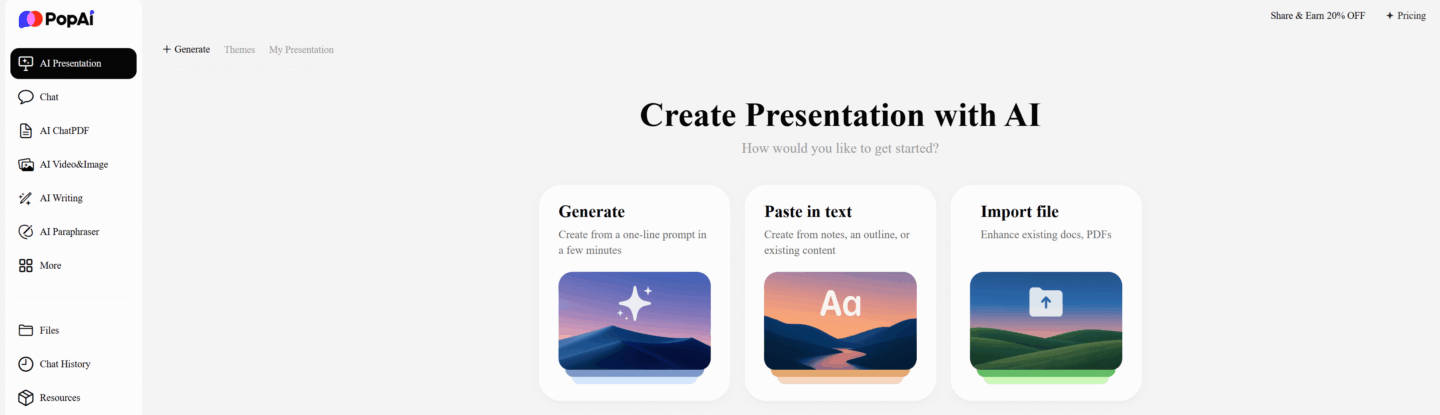
Step 2: Let the AI Analyze and Summarize
The AI scans the abstract, methodology, results, and conclusion to generate bullet points or full slides.
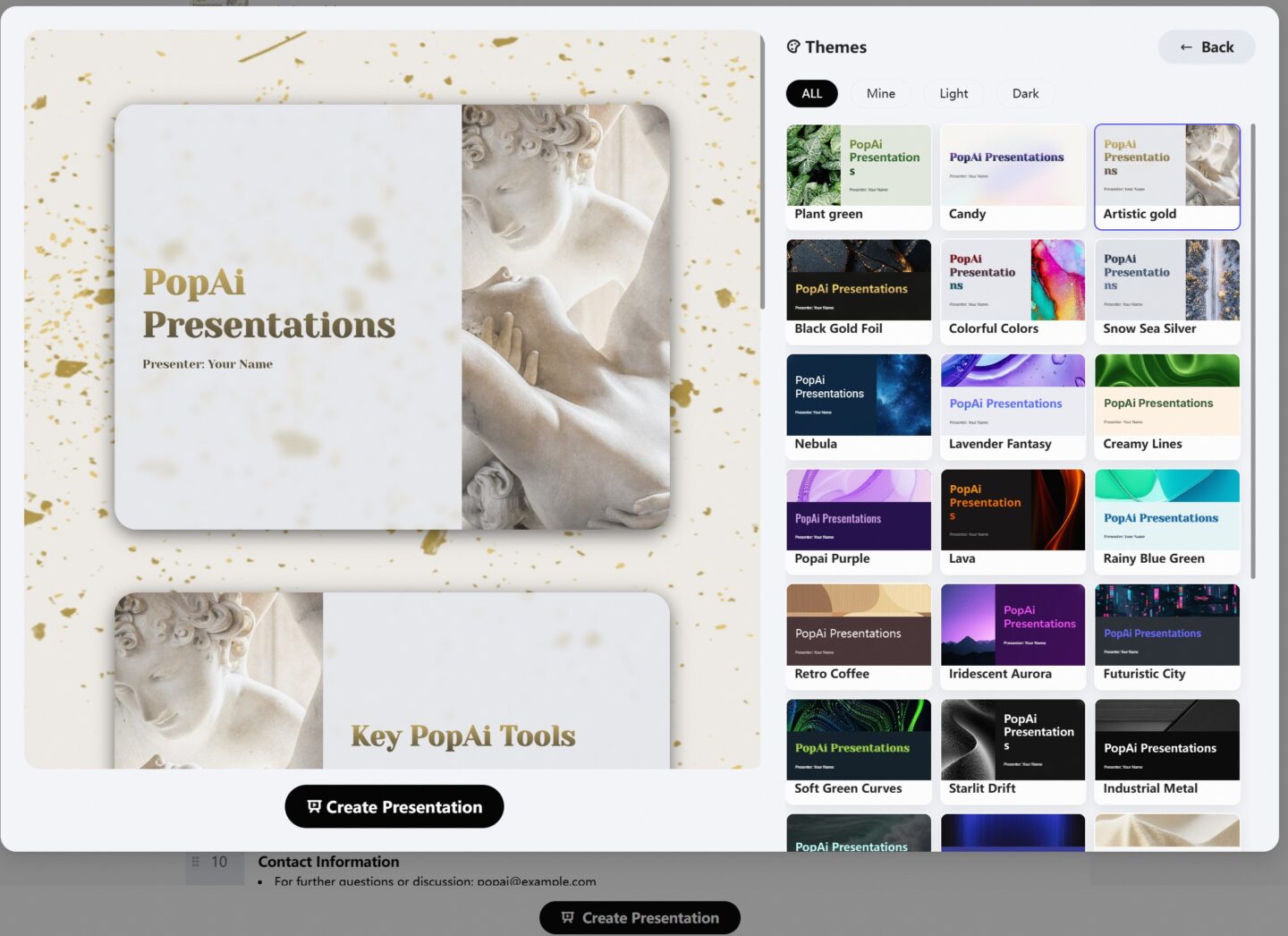
Step 3: Select a Slide Template
Most AI tools offer clean, academic-themed templates to match your setting.
Step 4: Customize the Slides
Edit slide titles, reorder content, add graphs or speaker notes, and insert personal critiques or highlights.
Step 5: Export and Present
Export your presentation in PPT, PDF, or shareable web format. Practice with your notes, and you’re ready to lead a discussion.
Pro Tips to Enhance Your AI-Generated Slides
AI gives you a solid draft, but great journal club presenters go further.
- Fact-check all content: Always verify accuracy.
- Add discussion points: What’s missing? What are the limitations?
- Include questions: Prepare 1–2 key discussion questions per slide.
- Make it contextual: Link results to your specialty or field.
FAQs
❓ Can I use ChatGPT to create a journal club presentation?
Yes, ChatGPT can summarize key points and generate content that you can format into slides using tools like PopAi.
❓ What’s the best AI tool for journal club presentation?
PopAi are leading options due to their academic-friendly features and clean design outputs.
❓ Are AI-generated slides trustworthy?
They are accurate for summarization, but always double-check complex data or interpretations.
Would you like me to generate a downloadable PDF version or an exportable HTML format for your blog/website?