AI Presentation Generator for Agencies: Transform Your Workflow
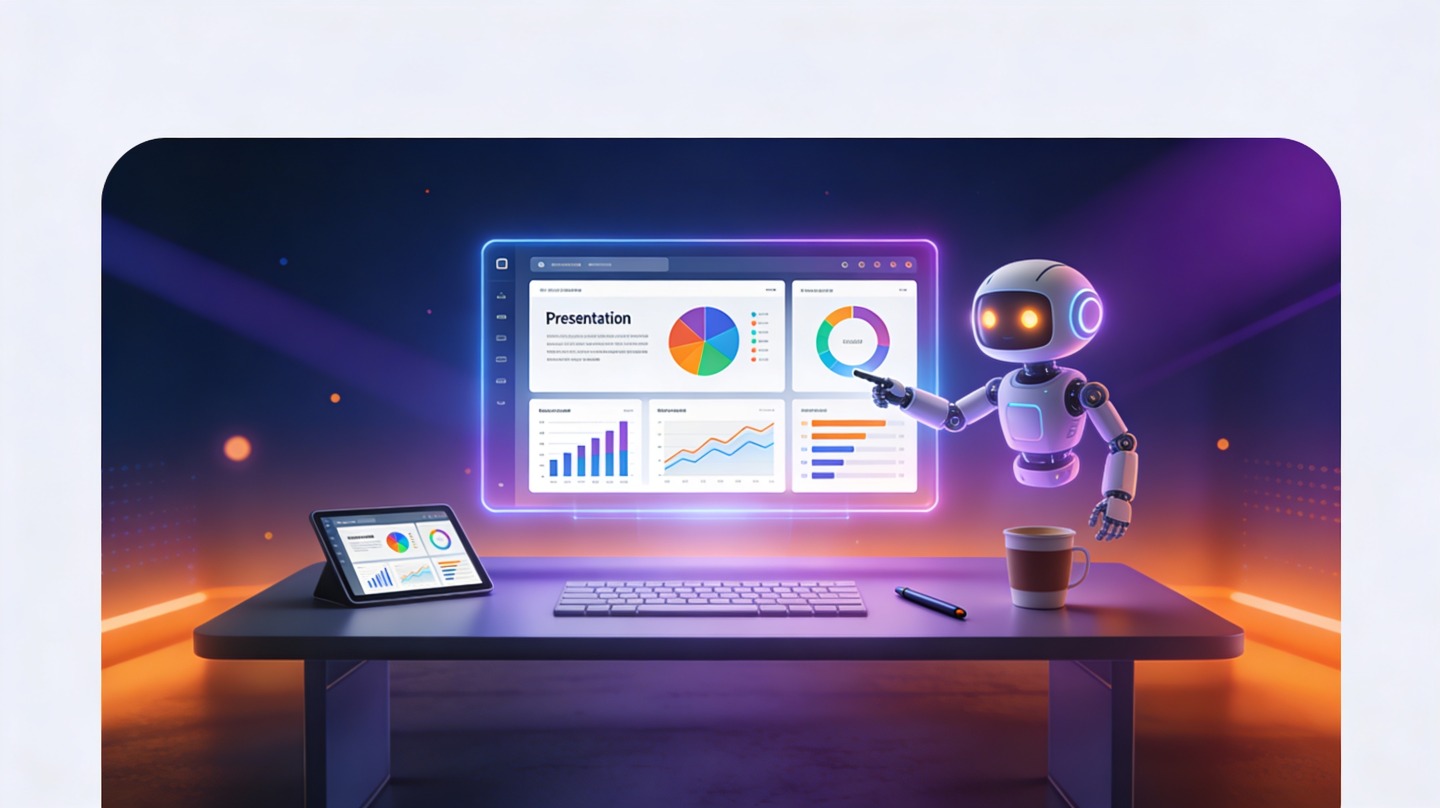
Agency teams rarely struggle because they lack ideas; they struggle because every client idea has to become a polished deck under deadline pressure. An AI presentation generator for agencies helps account leads, strategists, and creative teams move from scattered inputs to structured presentations without rebuilding the same slide architecture every week.
If your team is juggling pitch decks, campaign proposals, post-campaign reports, and internal creative reviews, the biggest wins come from standardizing the first draft. Tools like PopAi AI Presentation can help turn client briefs and rough outlines into presentation-ready narratives, giving your people more time for insight, taste, and client handling.
Why an AI presentation generator for agencies changes the workflow
This section explains where AI changes the agency deck process and why the impact is bigger than simple slide automation.
Deck work is often “work about work”
Agencies sell strategy, creative thinking, media expertise, and execution quality. Yet a large share of team time disappears into formatting, rearranging slides, rewriting bullets, and merging notes from strategy, design, and account management.
Asana’s Anatomy of Work reporting has repeatedly highlighted that knowledge workers spend a large portion of their week on coordination tasks rather than skilled work; one widely cited figure from Asana is 58% of time spent on “work about work.” For agencies, presentation production is one of the clearest examples: necessary, visible, and often repetitive.
AI shortens the blank-slide stage
An AI deck tool is most valuable before design polish begins. It can propose a logical structure, create section titles, turn notes into client-friendly language, and suggest supporting slide types such as timeline, problem-solution, comparison, roadmap, or results summary slides.
The goal is not to let AI “own” the client story. The goal is to remove the blank-slide delay so human teams can improve the story sooner.
- Account teams can create first-draft proposal decks from discovery notes.
- Strategists can turn research findings into a clearer narrative.
- Designers can start from structured content instead of raw documents.
- Agency leaders can standardize quality across offices, pods, and service lines.
Pro Tip: Use PopAi’s AI presentation maker for the first structured draft, then reserve senior review time for positioning, proof, and visual judgment.
High-value agency use cases for AI-generated presentations
Not every deck should be automated end to end, but many agency presentation types benefit from AI-assisted drafting.
Client proposals and pitch decks
Proposal decks usually follow a familiar flow: client challenge, market context, agency point of view, recommended approach, timeline, deliverables, team, and next steps. AI can draft that skeleton quickly from a brief, then your senior team can sharpen the strategic angle.
For new business, this matters because the proposal is often assembled under compressed timelines. A faster first draft gives the agency more cycles to refine the hook, remove generic claims, and align the story with the client’s buying committee.
Campaign recap and performance decks
Recap decks require accuracy, context, and clarity. AI can help summarize campaign objectives, organize results by channel, and convert raw observations into executive-facing takeaways. The team still needs to verify metrics, but the narrative scaffolding becomes faster.
Strategy, research, and workshop decks
Research notes, interview transcripts, social listening exports, and workshop outputs are hard to present because they are dense. AI helps by clustering themes and turning findings into slide-ready sections such as “Audience tension,” “Behavioral insight,” “Brand opportunity,” and “Recommended actions.”
| Agency deck type | AI can accelerate | Human team should own |
|---|---|---|
| New business proposal | Outline, section flow, initial copy, slide titles | Differentiation, pricing logic, client-specific positioning |
| Campaign recap | Results structure, executive summary, insight grouping | Metric validation, implications, next-step recommendations |
| Research presentation | Theme clustering, finding summaries, narrative order | Methodology judgment, evidence quality, strategic interpretation |
| Internal creative review | Concept framing, feedback prompts, meeting structure | Creative taste, brand fit, final decision-making |
How to build a repeatable AI deck process for your agency
A repeatable process protects quality while giving teams the speed advantage of AI-assisted drafting.
1. Start with an agency-approved input brief
AI output improves when the input is structured. Instead of asking teams to paste random notes, create a reusable brief with fields for client context, audience, objective, desired tone, required sections, proof points, and constraints.
- Define the presentation goal: persuade, report, align, teach, or decide.
- Clarify the audience: CMO, founder, procurement team, internal stakeholders, or channel managers.
- Add required evidence: client data, campaign results, quotes, research sources, or benchmarks.
- Set brand and tone rules: concise, consultative, bold, technical, playful, or executive.
- Ask for a slide-by-slide outline before generating full copy.
2. Use a two-pass review model
The first pass should focus on structure: Does the argument flow? Are sections in the right order? Is the main recommendation clear enough by slide three or four?
The second pass should focus on expression: Are slide titles sharp? Are claims supported? Does the design hierarchy match the importance of each message? Separating these reviews prevents teams from arguing about color before the story is right.
3. Maintain a prompt and template library
Agencies should treat prompts like reusable operating assets. Save prompts for common decks such as brand audit, go-to-market plan, influencer campaign proposal, quarterly business review, and creative testing recap.
A prompt library is an agency knowledge base in miniature: it captures how your best people frame problems, sequence arguments, and prepare clients to say yes.
Using an AI presentation generator for agencies without losing brand consistency
Speed only helps if every deck still looks and sounds like it came from your agency, not from a generic slide factory.
Create non-negotiable brand rules
Before teams use AI widely, document the rules that cannot drift. These include logo placement, typography, color palette, photography style, data visualization standards, title tone, and the way your agency frames recommendations.
McKinsey Global Institute’s 2023 research on generative AI estimated that current generative AI and related technologies could automate activities that absorb 60% to 70% of employees’ time across many occupations. That does not mean all agency work becomes automated; it means repeatable production tasks need stronger governance because more people can create more output faster.
Separate reusable structure from custom thinking
Templates are useful for consistency, but agencies win accounts by showing specific understanding. Use AI to standardize the frame, then customize the insight, examples, competitive references, and recommendations for each client.
- Reusable: section order, common slide types, recap format, next-step slide.
- Custom: client pain points, market context, data interpretation, strategic point of view.
- Reviewed manually: legal claims, performance numbers, competitor references, pricing.
Keep a “human polish” checklist
Before any AI-assisted deck goes to a client, review it against a short checklist: Is the core message visible in slide titles? Does every chart have an implication? Are there unsupported claims? Does the opening feel tailored to the client’s reality?
Quality control: what agencies must verify before sending AI-assisted decks
AI can speed up production, but agencies remain responsible for accuracy, confidentiality, and client trust.
Check facts, numbers, and client-sensitive claims
Never treat AI-generated copy as verified research. Performance metrics, industry comparisons, case study claims, and competitor references should be checked against source documents before a deck reaches the client.
For example, if a campaign recap says paid social delivered the strongest return, the account team should confirm the calculation method and attribution window. A persuasive slide title is only useful if the underlying data can survive a client question.
Protect confidential material
Agencies handle product roadmaps, unreleased campaigns, customer data, media budgets, and sensitive positioning. Teams should remove unnecessary identifiers, follow client data rules, and avoid uploading information that the client has not approved for AI-assisted processing.
A practical review checklist
- Does the deck answer the client’s actual decision question?
- Are all data points traceable to a source, report, dashboard, or approved brief?
- Are confidential names, budgets, and unreleased campaign details handled correctly?
- Does each slide title communicate a message, not just a topic?
- Is the recommendation specific enough for the client to act on?
Workflow note: For high-stakes pitches, use PopAi AI Presentation to accelerate structure, then schedule a senior strategy review before design finalization.
A 30-day rollout plan for agency teams
A careful rollout lets agencies prove value without disrupting active client work.
Week 1: Choose two repeatable deck types
Start with deck types that are common but not extremely risky. Good candidates include internal kickoff decks, campaign recap drafts, social content strategy outlines, or first-pass proposal structures.
Week 2: Build briefs, prompts, and review rules
Create one input brief and two or three prompts for each deck type. Define who reviews AI-assisted drafts, which claims must be verified, and when a designer enters the process.
Week 3: Run side-by-side production
Compare the AI-assisted workflow against your normal workflow. Track simple operational signals such as time to first outline, number of review rounds, amount of copy rewritten, and whether the final deck required less structural rework.
This is where agencies get real evidence. Instead of claiming “AI saves time” broadly, measure your own before-and-after process on two or three live but manageable projects. Even qualitative notes from strategists and designers can reveal whether the tool reduces friction or simply moves work to another stage.
Week 4: Standardize what worked
Turn the strongest prompts, brief fields, and review checklists into agency assets. Retire anything that produced generic slides or added review burden. The best rollout is not the most automated one; it is the one your team actually trusts and repeats.
FAQ: AI presentation generator for agencies
These are the questions agency leaders and delivery teams usually ask before adding AI-assisted deck creation to client workflows.
Can an agency use an AI presentation generator without losing its creative edge?
Yes. The best use is not replacing strategy or creative direction; it is removing repetitive slide assembly, first-draft structuring, and formatting work so strategists and designers can spend more time on the client argument.
What agency decks are best suited for AI-assisted creation?
AI assistance works especially well for proposal decks, campaign recap decks, social strategy presentations, quarterly business reviews, research summaries, and internal kickoff decks where structure and clarity matter as much as visual polish.
How do we keep client information safe when using AI for presentations?
Agencies should avoid uploading unnecessary confidential data, remove sensitive identifiers where possible, use approved workspaces, and follow the client’s data handling requirements before creating AI-assisted presentation drafts.
Will AI-generated decks still need a designer?
Usually, yes for high-stakes client pitches. AI can accelerate the first draft and create a cleaner starting point, while designers refine visual hierarchy, brand nuance, motion, and final polish.
Create your presentation with one click now
Turn your agency brief, research notes, or campaign recap into a structured presentation draft in minutes, then refine it with your team’s strategy and creative judgment.
Start creating with PopAi