
Introduction: The Sunday Night Panic
It’s 9:00 PM on a Sunday. You are staring at a blinking cursor on a blank white slide. You have a PDF full of research, a deadline at 8:00 AM Monday, and absolutely zero creative energy left.
Does this sound familiar?
I was scrolling through X (formerly Twitter) yesterday and saw a viral thread from a university professor that really struck a nerve. He described what he called the “Great Disengagement of 2025.” He noted that despite having more technology than ever, students and colleagues are retaining less information than they did ten years ago. Why? Because we are still trying to teach and present using static, linear methods in a dynamic, non linear world.
We are drowning in information but starving for wisdom. And the tool we’ve been using for thirty years—the static slide deck—is officially on life support.
But here is the twist: The problem isn’t the content; it’s the delivery. The buzzword taking the EdTech and corporate training world by storm right now is Immersive Scenario Teaching. It sounds fancy, but it basically means turning passive listeners into active participants.
The challenge? Creating these immersive experiences usually requires a team of designers and coding skills. Or at least, it did, until I started digging into a tool that has been quietly revolutionizing the workflow of over 1.5 million users: PopAi.
Today, I’m going to walk you through why the old way of presenting is dying, and how using AI to generate Interactive Courseware is the career hack you didn’t know you needed.
The Psychology of Engagement: Why “Good Enough” is No Longer Enough
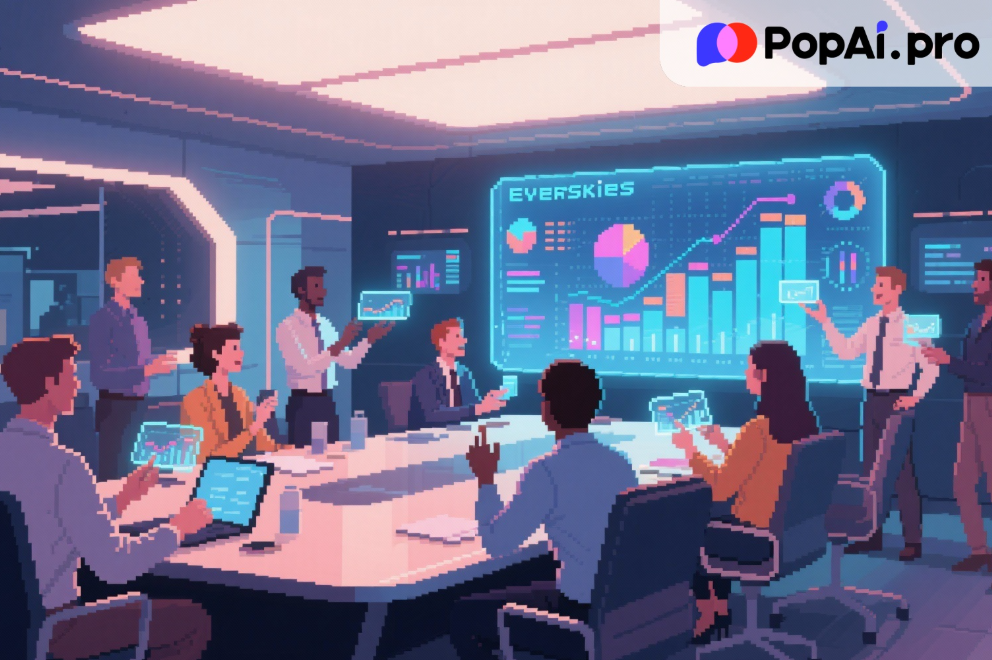
Let’s dig a bit deeper than the headlines. Why is everyone suddenly talking about immersion?
In late 2025, the average human attention span has supposedly dropped below that of a goldfish (again). But that’s a lazy statistic. The truth is, our “boredom threshold” has skyrocketed. We are used to algorithmic feeds that know exactly what we want to see. When you put a wall of text on a screen, you are fighting a losing battle against the dopamine machines in your audience’s pockets.
The “Death by PowerPoint” phenomenon isn’t new, but the stakes are higher now. Whether you are pitching a client, teaching a class, or reporting to a board of directors, if you aren’t using Immersive Scenario Teaching techniques, you aren’t just being boring—you are being ignored.
Immersive Scenario Teaching relies on context and interaction rather than rote memorization. It requires:
1. Visual Storytelling: Showing, not just telling.
2. Immediate Feedback: The audience needs to feel involved.
3. Dynamic Flow: The ability to adapt the content based on the room.
The problem for us—the creators—is that building this takes time. Hours of finding images, formatting layouts, and summarizing text. This is the pain point that drives burnout. We want to be great teachers and presenters, but we are stuck being amateur graphic designers.
This is where the intersection of generative AI and presentation design becomes critical. We need a tool that handles the “grunt work” of creation so we can focus on the “art” of delivery.
Enter PopAi: Not Just Another Wrapper
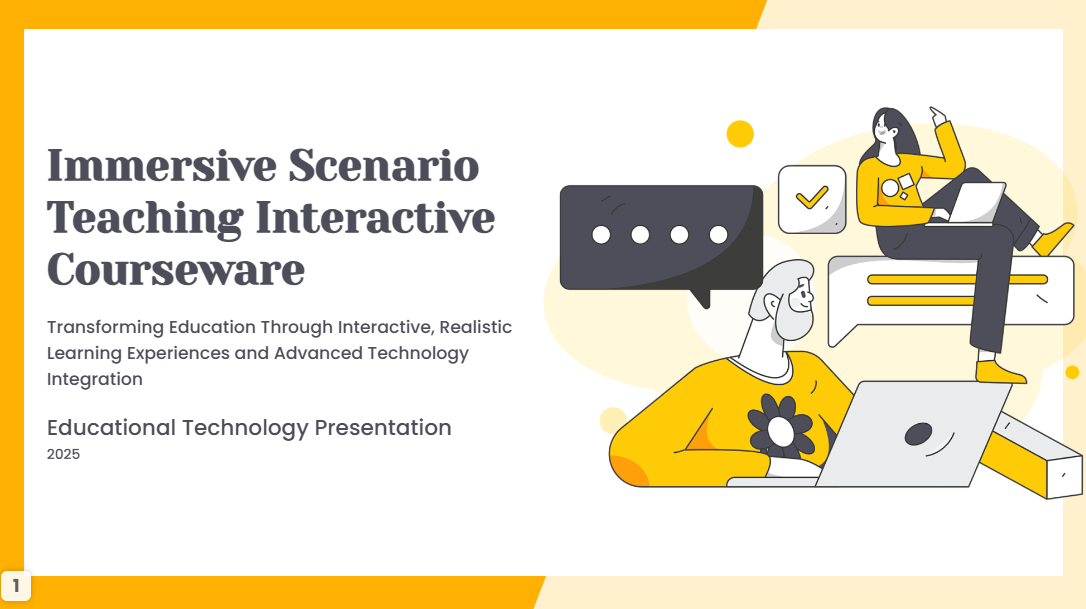
I review AI tools for a living. I see dozens of “ChatGPT wrappers” every week. Most of them are gimmicks. When I first heard about PopAi, I was skeptical. I thought, “Great, another chatbot.”
I was wrong.
PopAi has positioned itself not just as a text generator, but as a visual productivity engine. While it excels at chatting with documents (PDFs, Docs), its “killer feature” that is currently trending among power users is its ability to instantly convert complex information into professional slides and Interactive Courseware.
Here is why this matters for your workflow.
1. From Document to Deck in Seconds
The biggest barrier to Immersive Scenario Teaching is the setup time. If you want to create a scenario based lesson from a 50 page history paper, you usually have to read it, outline it, storyboard it, and then design it.
With PopAi, the workflow is inverted. You upload the PDF. You ask PopAi to “Generate a presentation based on this file focused on key historical turning points.”
In less than a minute, PopAi analyzes the semantic structure of the document, extracts the core logic, and builds a slide deck. But—and this is key—it doesn’t just paste text. It selects appropriate layouts, inserts relevant illustrations/icons, and organizes the flow logically.
It bridges the gap between raw data and visual communication. For a freelancer or an educator, this feature alone recovers 80% of the time usually lost to formatting.
2. The Power of Interactive Courseware
This is where we get into the “Pro” territory that separates the casual users from the power players. Static slides are flat. PopAi allows for the creation of content that feels alive.
When you use PopAi for Interactive Courseware, you are leveraging AI to anticipate questions. Because PopAi “reads” the document you uploaded, it acts as a subject matter expert alongside your presentation.
Imagine you are presenting a quarterly report. In the middle of your slides, an executive asks a specific question about data on page 34 of the appendix. In the old days, you’d fumble through papers. With PopAi, the system has the context. You can interact with the source material in real time. This dynamic capability transforms a lecture into a conversation, which is the heart of immersive teaching.
The Hidden Cost of “Free” vs. The Investment of “Pro”
Now, I know what you’re thinking. “Can I just do this with the free version?” or “Why should I pay for this when I have other tools?”
Let’s have an honest conversation about value.
We are in an economic environment where efficiency is the primary metric of success. If you are an educator, a marketer, or a consultant, your output is limited by your time.
The free tier of PopAi is generous and great for testing the waters. You can chat with docs and generate basic outlines. However, the users I see truly crushing it—the ones getting promoted, closing deals, and engaging students—are utilizing the paid features to unlock the full potential of Immersive Scenario Teaching.
Why? Because the Pro capabilities offer:
· Higher Quotas & Faster Processing: When you are rushing for a deadline, you cannot afford to wait or hit a usage cap.
· Advanced Image Generation: Immersive teaching requires high quality visuals. The Pro tier unlocks better image models that make your slides look like they were made by a design agency, not a template.
· Deep Document Analysis: For complex Interactive Courseware, you need the AI to understand the nuance of long documents, not just the abstract. The paid models have a larger context window, ensuring the output is accurate and deep.
Think about your hourly rate. If PopAi saves you 5 hours of presentation design a week (a conservative estimate for heavy users), the monthly subscription pays for itself in the first hour of the first day. It’s not an expense; it’s leverage.
Case Study: The “Boring” History Lecture
To test this, I didn’t just want to take their word for it. I ran a simulation based on a common user scenario.
The Task: Create a 15 slide presentation on “The Economic Impact of the Silk Road” for a university level seminar, based on a dense 30 page academic PDF.
** The Old Way:**
· Read the PDF (1 hour).
· Highlight notes (30 mins).
· Open PowerPoint. Choose a template (15 mins).
· Copy paste text, bullet point it, realize it looks terrible (1 hour).
· Search Google Images for “Silk Road map,” “Camel caravan,” etc. (45 mins).
· Format alignment (30 mins).
· Total Time: ~4 hours.
· Result: A standard, slightly boring deck.
The PopAi Way:
· Upload PDF to PopAi.
· Prompt: “Create a presentation on the Economic Impact of the Silk Road. Focus on trade routes and currency. Use an immersive, storytelling style.”
· Processing Time: ~2 minutes.
· Review & Refine: I spent about 15 minutes tweaking the generated slides, changing a few headers, and asking PopAi to swap out two images for more specific maps.
· Total Time: ~17 minutes.
· Result: A visually cohesive deck with structured arguments and relevant graphics.
The difference isn’t just speed; it’s mental energy. Instead of being exhausted by the formatting, I had energy left to actually rehearse the presentation. I could focus on the Immersive Scenario Teaching aspect—planning the questions I would ask the class—rather than worrying if the font size was consistent.
The Future of Work is AI Assisted
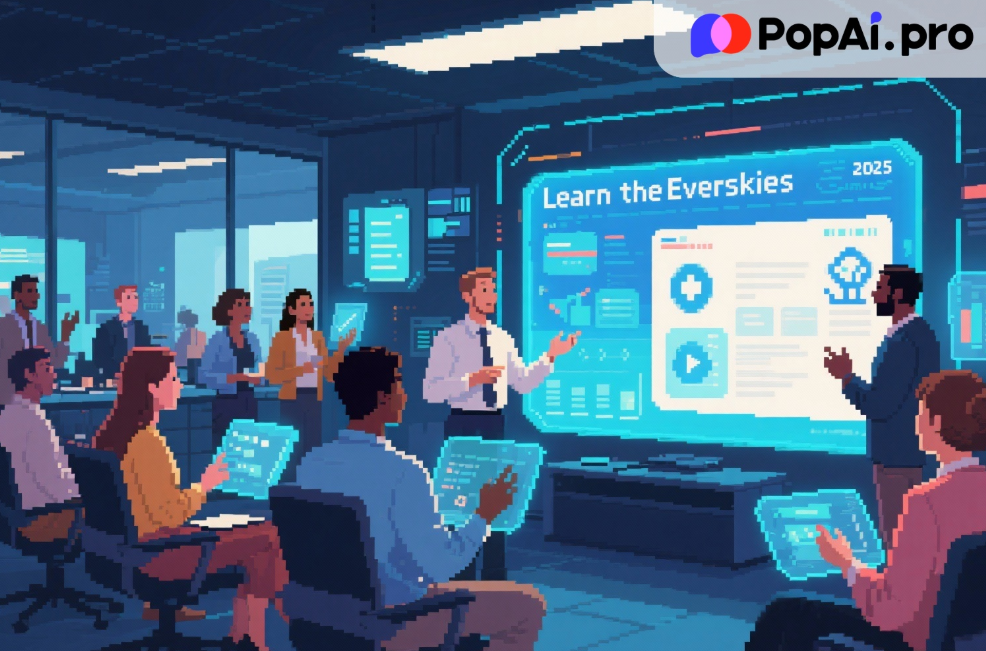
We need to stop viewing AI as a cheat code and start viewing it as a standard operating procedure.
In late 2025, the job market doesn’t reward hard work; it rewards impact. If you are the person who stays up all night making slides, you are viewed as slow. If you are the person who walks in with dynamic Interactive Courseware that engages the room and answers questions on the fly, you are viewed as a leader.
PopAi sits perfectly at this intersection. It addresses the “Death by PowerPoint” crisis not by making you a better designer, but by removing the need for design skills altogether. It democratizes the ability to create professional, immersive content.
Conclusion: Don’t Get Left Behind
The “Great Disengagement” is real. Audiences are tired of being talked at. They want to be involved. Immersive Scenario Teaching is the answer to this fatigue, but it requires tools that can keep up with the demand for high quality, interactive content.
PopAi is currently leading the pack because it understands that documents and presentations are two sides of the same coin. By bridging them with powerful AI, it allows you to turn your knowledge into impact instantly.
If you are serious about your career, your teaching, or your business, you owe it to yourself to upgrade your toolkit. The transition from static slides to Interactive Courseware is happening with or without you.
My advice? Don’t wait until you are buried under a deadline to figure this out. Go to PopAi, upload that document you’ve been dreading reading, and watch how it transforms into something beautiful.
Upgrade your workflow. Engage your audience. Master the art of immersion.