Are you fed up with self–indulgent product demos?
If you’ve ever rambled through dozens of PPT slides in a meeting, only to get a polite yet confused “we’ll get back to you” from your clients, the problem likely lies with your demo slides. A failed SaaS product demo is rarely about a bad product; it’s about a presentation that fails to resonate. Your clients are left thinking: “What does this have to do with me?” This guide will solve that problem for good. Instead of listing features, you’ll learn to craft a story that puts clients in the picture and lets them see the tangible value your product brings—and it all starts with building a solid professional foundation fast with an intelligent tool like PopAI.
Core Framework: Design Your Demo Like a Movie
Forget rigid table of contents slides. A memorable demo is like a great film, with a clear three–act structure:
Act 1 (Opening 10%): Strike a Pain Point, Build Empathy
How to do it: Ditch your company logo on the first slide. Instead, use an image that reflects your client’s pain points, paired with a bold, direct question. For example, for a project management SaaS tool, use a photo of a messy Gantt chart with the question: “Your projects are always late and over budget, and your team can’t pinpoint the bottlenecks—sound familiar?”
Key principle: Make your clients nod their heads immediately and think: “Yes, that’s exactly us!” This proves you understand their business, not just recite sales scripts. Leverage PopAI’s audience–centric design approach by choosing a problem–focused opening template when creating your demo—you’ll get inspiration in an instant.
Act 2 (Middle 80%): Show the Journey, Not a Feature List
How to do it: This is the core of your demo. Don’t organize slides by “Feature 1, Feature 2”. Instead, structure them around a specific daily task your client needs to complete.
Bad example: “Here’s our dashboard, our task management tool, our file sharing feature…”
Good example: “Let’s walk through how Manager Zhang launches a new project.” (Slide 1: Click “Create New Project” and enter basic information.) “Next, he needs to build a team and assign roles quickly.” (Slide 2: Demo dragging team members from the address book, assigning roles, and AI–intelligent leader recommendations.) “How do you ensure no information falls through the cracks during team collaboration?” (Slide 3: Highlight in–task comments, reminders, and centralized file storage.)
Key principle: Let clients see a complete, seamless journey of getting work done with your product. PopAI’s Instant PPT Generation feature is perfect for this: input a text description of your product’s use cases, and the AI will automatically generate a logically flowing slide sequence—you just need to add screenshots.
Act 3 (Closing 10%): Elevate Value, Lay Out a Clear Next Step
How to do it: Use one slide to summarize the quantifiable value delivered by all your features, e.g.: “In short, this solution will help your team: cut average project delivery time by 20% and reduce communication costs by 35%.” End with a standalone Call to Action (CTA) slide—nothing more than a big button and a single line of text: “Start your 30–day free trial now” or “Book a tech specialist for a customized workflow demo”.
Key principle: Be specific with value, and make the next step crystal clear—never leave your clients guessing what to do next.
Visual Persuasion: Let Your Slides Speak for Themselves
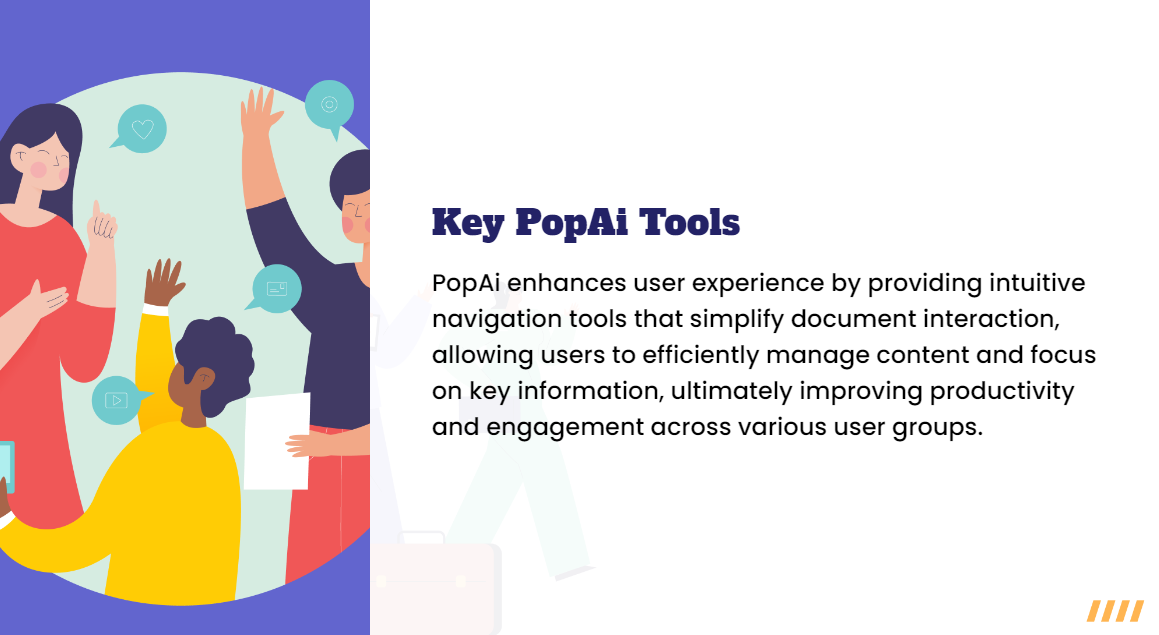
Poorly designed slides will immediately undermine your product’s professional image. Remember these easy, actionable design principles:
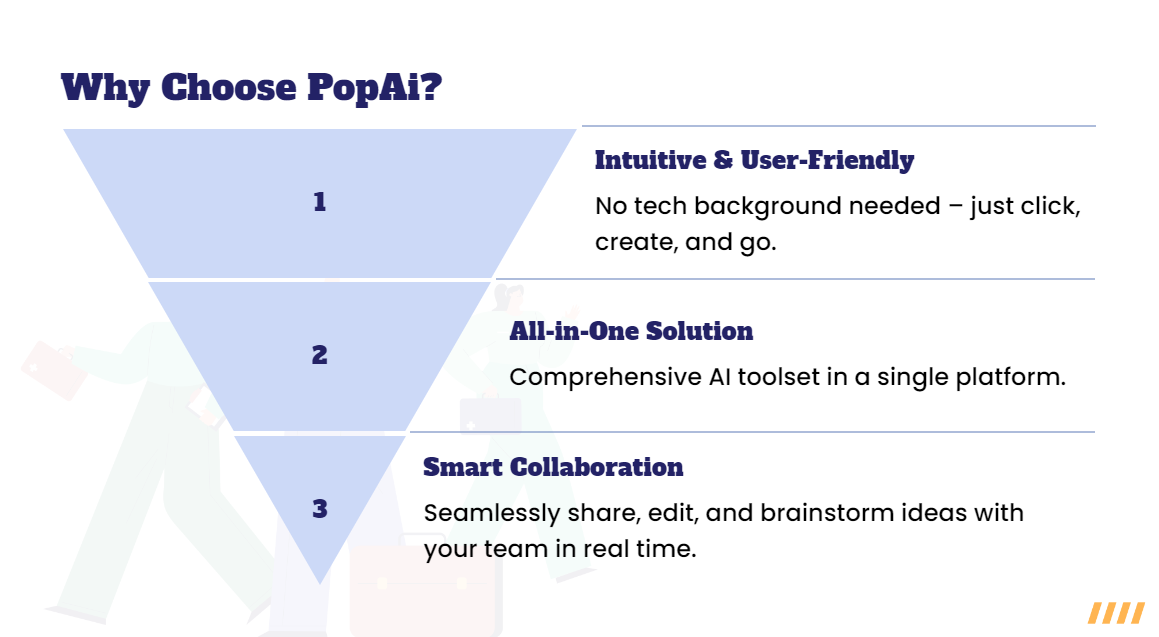
l One key point per slide: Each slide should communicate just one idea. Break up long blocks of text into multiple slides. PopAI–generated slides follow this principle automatically, with a clean, uncluttered layout.
l Use real UI screenshots and scenario images: Ditch generic stock photos of business people shaking hands. Show exactly what your software looks like, or capture scenes of users working happily with it. PopAI’s AI–Enhanced Content feature helps you search for high–quality, relevant scenario images in seconds.
l Visualize data: Don’t just say “significant revenue growth”—use a steep upward–trending growth chart. Show problem breakdowns with pie charts, and track completion rates with dashboards. PopAI intelligently recommends chart types when processing numerical data.
l Keep it minimal and consistent: Use no more than 3 colors and 2 fonts. Maintain a uniform template style across your entire presentation. PopAI’s professional theme library solves this perfectly: it auto–applies a consistent brand style from the first to the last slide, with no manual formatting required.
Precision Customization: Tech Directors and CEOs Need Totally Different Demos
This is where many sales professionals stumble. You must tailor your slide content and presentation focus to the roles of your audience:
l For CEOs/Business Leaders: They care about strategic outcomes. Emphasize market insights, return on investment (ROI), revenue growth/cost reduction, and competitive advantages. Avoid technical details. With PopAI, you can quickly extract and restructure these high–level insights from your full demo to generate an executive brief version.
l For CTOs/Technical Managers: They care about technical feasibility. Dive into system architecture, security, open API capabilities, deployment and maintenance complexity, and integration plans with existing systems. Prepare 1–2 technical architecture diagrams as backup.
l For Frontline Users: They care about usability. Demo your product like a software tutorial, walking through exactly how to complete their most frustrating daily tasks—highlight simplicity, speed, and automation.
PopAI’s Flexible Upload Options and Seamless Editing make this customization effortless. Prepare core documents for different audience roles, import them separately, and generate tailored demo drafts in minutes—no need to start from scratch.
The Top 5 Pitfalls to Avoid: These Mistakes Will Ruin All Your Hard Work
1. Scripted speaking: Slides are for key points, not full scripts. Elaborate on the bullet points—don’t read them word–for–word.
2. Last–minute testing: Always test your demo environment in advance: Is the internet stable? Do videos play correctly? Are login credentials valid? Is screen sharing clear? A single technical glitch will destroy your professional credibility.
3. Going over time: Stick strictly to your allotted time. For a 30–minute meeting, keep your demo to 20 minutes max to leave plenty of time for Q&A. Always rehearse and time your demo after generating content with PopAI.
4. Ignoring interaction: Don’t talk at your audience the entire time. Ask questions: “How does your team handle this process right now?” Adjust your subsequent presentation based on their answers.
5. No backup Q&A slides: Anticipate common client questions (e.g., pricing, competitor comparisons, implementation timelines) and prepare dedicated backup slides. Pull them up confidently during the Q&A session, and you’ll come across as prepared and knowledgeable.
Efficiency Revolution: Turn Ideas into Professional Demos in the Blink of an Eye with PopAI
Now that you know all the strategies, the final step is executing them efficiently. Creating a professional PPT the traditional way is incredibly time–consuming: hunting for templates, formatting slides, sourcing images, aligning content… With PopAI, you can completely reshape your workflow:
Start from Anywhere
Import your product documentation (Word/PDF), a rough mind map, a simple bullet point list, or even a web URL with your brainstorming notes—all via PopAI’s Flexible Upload Options.
Generate a Professional First Draft in One Click
Use the Auto–Convert to Presentation feature, and the AI will generate a well–structured, professionally designed slide draft in just a few seconds, based on the logic of your document. It automatically builds the core framework and handles the most time–consuming basic formatting—taking your demo from 0 to 1 in an instant.
Refine and Polish with AI Assistance
l Content optimization: Fine–tune the AI–generated text with PopAI’s editing tools. Need to add more insights to a slide? Use AI–assisted brainstorming for ideas.
l Visual enhancement: Need an image for a slide? Use AI–Enhanced Content to find high–quality, context–matching images or icons.
l Audience customization: Need to quickly adjust the focus for your next client? Use Seamless Editing to reorder slides, delete or hide content, and generate a tailored version in minutes.
Focus on Strategy and Rehearsal
Redirect all the time you save to what really matters: deep diving into your client’s background, polishing your demo’s story script, and rehearsing your presentation repeatedly.
With PopAI, you’ll no longer be stuck in the tedious mechanics of presentation software. Instead, you can focus your energy on the core work of winning clients—thinking and communicating—turning every SaaS product demo into a powerful tool to close deals.