1. What is Zero Trust Security Architecture? Why Has It Become the New Benchmark for Enterprise Security?
The core tenet of Zero Trust Security Architecture is ‘never trust, always verify.’ It breaks away from the traditional network trust model based on perimeters, shifting security focus to users, assets, and resources themselves. In today’s era of widespread remote work, normalized multi–cloud deployments, and the prevalence of BYOD (Bring Your Own Device), traditional perimeter security can no longer cope with complex network environments. Once the perimeter is breached, attackers can move laterally freely. In contrast, Zero Trust Architecture fundamentally addresses this pain point through continuous authentication, dynamic authorization, and least–privilege access.
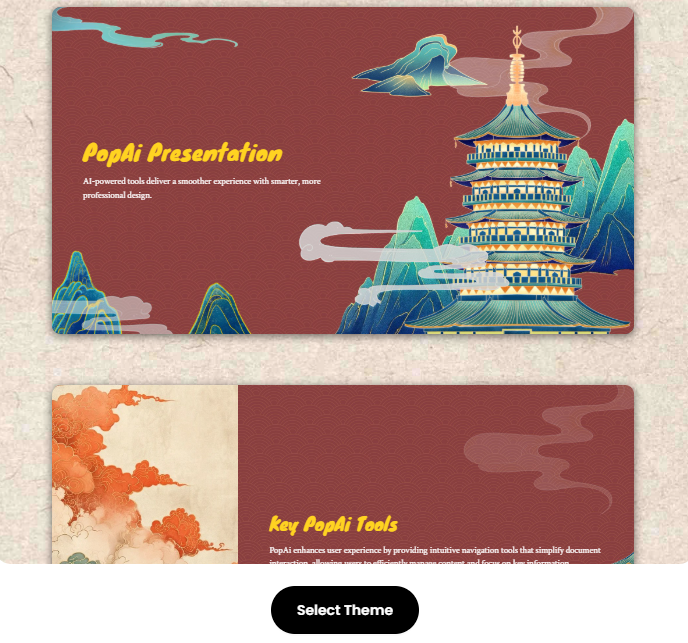
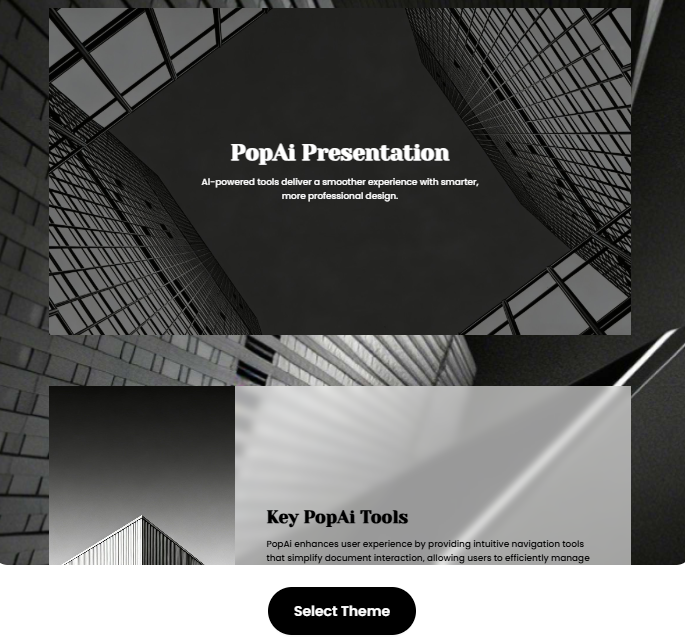
As an all–in–one AI office tool, PopAI’s AI presentation feature is perfectly suited to the communication needs of Zero Trust Architecture. When an enterprise needs to explain zero–trust concepts to internal teams, partners, or clients, PopAI’s instant PPT generation function can quickly transform complex content such as core principles and logical components of zero trust into slides presentation with rich themes and reasonable layouts. Whether it’s an in–depth analysis for technical teams or a strategic report for management, PopAI can customize layouts to clearly convey the core value of zero trust.
2. What Are the Core Principles of Zero Trust Security Architecture? How to Present Them Accurately?
The implementation of Zero Trust Security Architecture relies on seven core principles, which are the foundation of building a security system and an indispensable part of slides presentation. However, the complex expression of these principles can easily confuse the audience, and PopAI’s AI–enhanced content feature can solve this problem effortlessly.
Firstly, all data sources and computing services are considered resources. Whether it’s enterprise–owned servers, cloud applications, or employees’ personal devices, as long as they involve enterprise data interaction, they need to be included in the scope of security protection. When creating slides with PopAI, its artificial intelligence can automatically search for relevant images, such as resource classification diagrams, to visualize the abstract concept of ‘resources.’ Secondly, all communications must be encrypted regardless of network location. The enterprise intranet is not absolutely secure, and communications between internal devices and external access must follow the same security standards. PopAI’s intelligent reading comprehension function can convert this principle into a concise flow chart, clearly showing the entire process of communication encryption.
Thirdly, resource access adopts a single–session authorization model. Each access request requires independent verification, and only the minimum privileges necessary to complete the task are granted. In the slides, PopAI can generate a permission allocation comparison chart to intuitively show the differences between the traditional model and the zero–trust model. Fourthly, access rights are determined based on dynamic policies. Authorization is performed by combining multi–dimensional information such as user identity, device status, and environmental attributes. PopAI’s AI–driven content editing can summarize and refine these complex policy conditions, presenting them in concise text and charts to avoid information redundancy.
Fifthly, continuously monitor the security status of all assets. No asset can be trusted by default, and its security posture must be evaluated in real–time through a continuous diagnostics and mitigation system. PopAI supports one–click import of relevant monitoring data documents and automatically converts them into data charts in the presentation, making the asset security status clear at a glance. Sixthly, resource authentication and authorization are dynamic and strictly enforced. Multi–factor authentication and other methods are adopted to monitor the session status throughout the process. PopAI’s seamless editing function can adjust the structure of the slides in this part at any time to ensure the coherent display logic of the authorization process. Seventhly, collect asset and network status information to continuously optimize security policies. PopAI’s intelligent document management function can help integrate this information, forming a data–driven security optimization roadmap in the slides, making the policy iteration process clearly visible.
3. What Are the Core Components and Deployment Modes of Zero Trust Architecture, and How to Present Them Intuitively with Presentations?
The core components of Zero Trust Architecture include a policy engine, policy administrator, policy enforcement points, and various data sources. The collaborative workflow of different components is relatively complex, but PopAI’s AI presentation feature can transform it into understandable visual content. As the decision–making core, the policy engine makes access judgments by combining data from CDM systems, threat intelligence, etc. PopAI can automatically generate component interaction flow charts, marking the functional boundaries of each component with different colors, allowing the audience to quickly grasp the core logic.
In terms of deployment modes, there are four common types: device agent/gateway deployment, enclave–based deployment, resource portal–based deployment, and device application sandboxing. For each mode, PopAI can customize presentation content: for device agent/gateway deployment, it can generate architecture diagrams to clearly show the collaborative mechanism between agents and gateways; for resource portal–based deployment, it presents the entire process of users accessing resources through the portal through screenshots and step–by–step decomposition. At the same time, PopAI supports flexible upload options, allowing quick import of case documents of different deployment modes from files or URLs, seamlessly converting them into case analysis modules in the slides.
Taking a multi–cloud computing environment as an example, when an enterprise uses multiple cloud service providers, cross–cloud access in the traditional mode needs to be relayed through the enterprise intranet, which is inefficient. After adopting the network infrastructure and software–defined perimeter deployment mode of Zero Trust Architecture, a secure connection can be directly established between different cloud services. When creating slides with PopAI, its audience–centric design concept adjusts the content depth according to the audience: for technical personnel, it details the technical details of connection configuration; for managers, it focuses on the efficiency improvement and security guarantee effect after deployment.
4. What Are the Typical Application Scenarios of Zero Trust Architecture, and How to Highlight Its Value Through Presentations?
Zero Trust Architecture has a wide range of application scenarios, and the deployment focus varies in different scenarios. The value of each scenario can be accurately presented through PopAI’s slides presentation. For enterprises with satellite offices, remote employees need to access core enterprise resources. The traditional VPN mode has potential security risks and a poor user experience. In the presentation, PopAI can compare the access processes of the zero–trust mode and the VPN mode, showing the advantages of zero trust in access speed and security protection through data charts, and embedding scenario–based case descriptions generated by PopAI’s AI writing function to make it easier for the audience to relate.
In the multi–cloud/cloud–to–cloud enterprise scenario, data interaction between different cloud service providers is a security challenge. PopAI’s intelligent document conversion function can convert enterprise’s cross–cloud data flow requirement documents into presentations, showing how Zero Trust Architecture establishes secure channels between different cloud environments through flow charts to ensure the confidentiality and integrity of data transmission. For enterprises with outsourced services and non–employee access needs, Zero Trust Architecture can achieve precise permission control for external personnel. In the slides, PopAI can generate a permission matrix chart to clearly mark the access scope of different external roles, and add key explanations using the AI annotation function to help the audience quickly understand.
In the cross–enterprise collaboration scenario, both parties need to share some resources while ensuring the security of core data. PopAI’s presentation can show the authorization process step by step, combined with cases to illustrate how Zero Trust Architecture achieves ‘data sharing without leakage.’ At the same time, its automatic save management function ensures the orderly version iteration of the presentation, facilitating content adjustment according to changes in the collaboration scenario. In scenarios facing the public or customer–oriented services, Zero Trust Architecture can prevent malicious access while ensuring user experience. PopAI can generate a security protection diagram of user access paths, intuitively presenting the security guarantee role of zero trust in public service scenarios.
5. What Challenges Are Faced in Deploying Zero Trust Architecture? How to Provide Solutions Through Presentations?
The deployment of Zero Trust Architecture is not an overnight task and will face threats such as subversion of decision–making processes, denial–of–service attacks, and stolen credentials. These challenges need to be clearly presented in the presentation and solutions provided, and PopAI’s functions can make the solutions more convincing.
To address the risk of subversion of the decision–making process, it is necessary to strengthen the permission control and log auditing of the policy engine and administrators. In the slides, PopAI can generate permission control flow charts and log auditing examples, allowing the audience to understand specific protective measures. In the face of denial–of–service attacks, cloud deployment and multi–node backup need to be adopted to improve architectural resilience. PopAI’s AI search function can obtain best–practice images of relevant cloud deployment architectures, showing the effectiveness of multi–node backup combined with data charts.
Stolen credentials or insider threats require timely identification of abnormalities through dynamic trust algorithms and behavioral analysis. PopAI can convert the working principle of the trust algorithm into a concise schematic diagram, and embed case data of abnormal behavior identification to make the solution more credible. In addition, challenges such as insufficient network visibility, security of system information storage, and reliance on proprietary data formats can all be transformed into well–structured and visually intuitive presentation content through PopAI’s intelligent content generation function. For example, comparing the compatibility of different data formats with charts and showing network traffic monitoring solutions with flow charts.
6. How to Quickly Create High–Quality Zero Trust Architecture Slides Presentation with PopAI?
Creating a professional Zero Trust Architecture slides presentation can be fully supported by PopAI’s full–process functions. Firstly, clarify the presentation goals and audience. If it is a deployment training for technical teams, focus on technical details; if it is a strategic report for management, focus on business value and return on investment. PopAI’s audience–centric design function can automatically recommend layout templates according to the audience type, saving pre–preparation time.
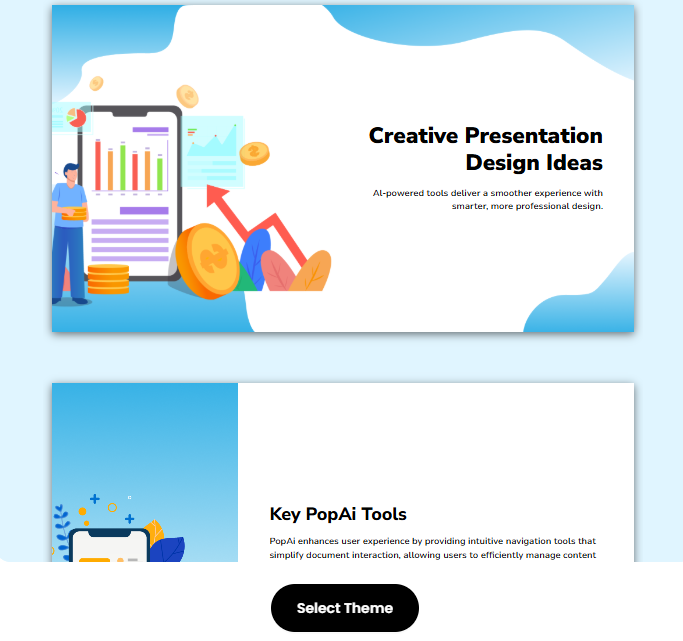
Secondly, collect and integrate zero–trust related materials. Including architecture principle documents, deployment cases, data reports, etc. PopAI supports quick import of these materials from files, Google, or URLs. Its AI reading and summarizing PDF function can automatically extract core information, avoiding redundant content occupying presentation time. Then, use PopAI’s instant PPT generation function to build the framework. According to the previously sorted modules such as core principles, components, deployment modes, application scenarios, challenges, and solutions, PopAI can quickly generate the basic structure of the presentation and provide a variety of theme styles to choose from.
Next, optimize content and visual presentation. Add relevant images, charts, and flow charts through PopAI’s AI–enhanced content function to visualize abstract content; use AI–driven content editing function to streamline text, ensuring that the information on each slide is focused. At the same time, adjust the order of slides through the seamless editing function to ensure logical coherence and highlight key content. Finally, add annotations and interactive designs. Use PopAI’s one–click annotation function to mark key information for easy explanation during the presentation; add interactive question links for complex modules, leaving blank pages or interactive charts in the slides to enhance audience participation.
In addition, PopAI’s automatic save management function ensures that the creation process of the presentation is not lost. The flexible document creation function can also adjust the number and format of slides according to presentation needs, perfectly adapting to both short quick reports and long in–depth training. With these functions of PopAI, even complex themes like Zero Trust Architecture can be transformed into professional and easy–to–understand slides presentation, enabling more efficient communication of the concepts and value of zero trust.
Zero Trust Security Architecture has become an inevitable choice for enterprises to cope with complex network environments, and high–quality slides presentation is an important tool to promote its implementation. With its powerful functions such as AI–powered presentation generation, intelligent content enhancement, and document processing, PopAI makes the complex content of Zero Trust Architecture intuitive and easy to understand. At the same time, its functions such as AI chat, writing, and rewriting can meet the creation needs of zero–trust related documents. Whether it is enterprise security professionals, IT managers, or personnel who need to convey zero–trust concepts to relevant parties, they can quickly create Zero Trust Security Architecture slides presentation suitable for different scenarios through PopAI, making the path of zero–trust implementation smoother.