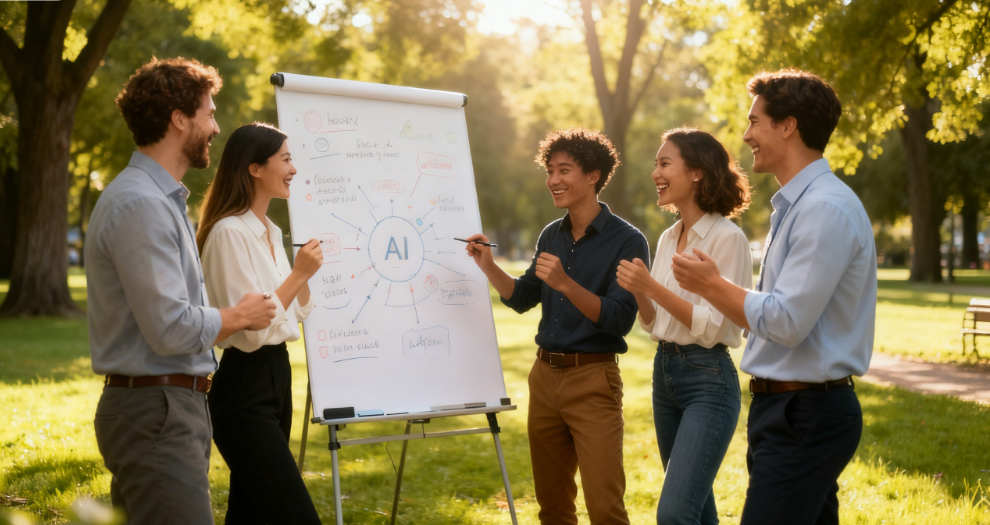
Have You Encountered These Pitfalls When Making a Team Building Program PPT?
In the workplace, whether you are an administrator, HR professional, or department head, you will inevitably take on the task of creating a Team Building Program PPT. However, in practice, you always encounter various frustrating problems, spending a lot of time but failing to achieve the expected results.
Firstly, template adaptation is difficult. The team building PPT templates found online are either too flashy and not in line with the company’s style, or have a rigid structure. If you want to adjust modules such as activity processes and budget allocation, you have to modify them manually, and just typesetting takes half a day. Secondly, content organization is chaotic. A team building plan involves multiple parts such as activity processes, personnel assignments, budget details, and safety precautions. Newcomers are prone to unclear logic, making it difficult for the audience to grasp the key points.
What’s more frustrating is matching visual materials. A team building PPT needs to be paired with activity scene pictures, process diagrams, etc., but finding pictures yourself either involves copyright risks or is inconsistent with the content. Even if you finally find suitable ones, you have to adjust the size and match the color scheme, which is time-consuming and labor-intensive. In addition, frequent revisions are a headache. If the leadership temporarily adjusts the activity plan, the PPT has to be revised accordingly, re-sorting the content and typesetting, often requiring late nights to finalize.

Most importantly, crafting a team building PPT requires tailoring to different audiences: leadership versions should emphasize budget and outcomes, while employee versions need to cover process details and safety. Traditional tools force users to create two separate versions, doubling the workload and adding unnecessary stress to an already complex planning process.
AI Empowers Team Building PPT: Why Can PopAi Be a Savior for Planners?
Faced with the challenges of creating a Team Building Program PPT, ordinary template tools or manual editing can no longer meet the demand for efficiency. PopAi, which integrates multiple AI functions, precisely addresses the core pain points of planners.
As a multifunctional AI tool, PopAi not only covers basic functions such as AI chat, document reading, and copywriting but also excels in instant PPT generation, fully meeting the needs of team building PPT production. Unlike simple PPT template websites, PopAi’s core advantages lie in “customization” and “intelligence”. Instead of passively applying fixed templates, it can generate exclusive presentations according to the specific needs of team building.
For example, when creating a Team Building Program PPT, you only need to clarify core information such as the team building theme, number of participants, and activity process. PopAi can automatically match a suitable theme style and customize layout modules—budget details on a separate page, activity process presented in a timeline, and safety precautions highlighted—without the need for manual typesetting adjustments. Moreover, it supports custom slide numbering. Whether you want to adjust the order of modules or add content, you can operate easily while maintaining a coherent overall flow.
More importantly, PopAi’s AI streamlines visual content creation for team building PPTs. Simply input keywords like “outdoor development photos” or “game flowcharts”, and the AI will source copyright-safe visuals and generate engaging graphics. The tool also refines copy with AI, making activity overviews more concise and budget breakdowns clearer. Even novice writers can produce polished presentations with professional flair.
PopAi Practical Guide: 3 Steps to Create a Professional Team Building Program PPT
Creating a Team Building Program PPT with PopAi requires no complicated operations. Even beginners to AI tools can quickly get started by following the steps, completing work that originally took two or three days in half a day.
The first step is to clarify requirements and import information. First, sort out the core team building information, including the activity theme (such as “Unite as One · Create the Future” outdoor development), number of participants, activity time, process arrangement, budget details, safety precautions, etc. Whether you enter text directly or upload a pre-written team building plan document (supporting both PDF and DOC formats), PopAi can quickly extract key information through its intelligent reading comprehension function. If it is an international company team building involving employees from different countries, you can also use PopAi’s AI chatbot to confirm activity details in more than 200 languages, ensuring information accuracy—this is especially useful for teams with multilingual members who need to understand the plan without language barriers.
The second step is to customize PPT parameters and generate a first draft. In PopAi’s PPT generation module, select the theme direction related to “Team Building Program”, then adjust the layout according to the audience’s needs—versions for leaders focus on the budget and expected effects, while versions for employees detail the activity process and safety precautions. You can also customize slide numbering and select color schemes. For example, if the company has brand colors, you can directly enter the color values to match, maintaining consistency between the PPT and the company’s image. After setting these parameters, click generate, and PopAi can quickly produce a PPT draft without a long wait—usually within 5 to 10 minutes, even for detailed plans with 20+ slides.
The third step is optimization, adjustment, and finalization. Leverage PopAi’s seamless editing to restructure slides—reorder modules or insert new pages as needed. For sparse content, use the AI-driven editor to expand text; when there’s excess, compress it with one click to maintain clarity. Mark key points with one-click annotations for later reference, like budget items or safety reminders. PopAi auto-saves edits, and once finalized, export in PDF or PPTX formats for immediate use.
Real-Scene Test: Experience of Making PPT for a 100-Person Team Building with PopAi
To intuitively show the effect of making a Team Building Program PPT with PopAi, here shares a real test scenario: The company is organizing an outdoor team building for 100 people. As the administrative director, I need to complete the team building plan and corresponding PPT within 3 days, including reporting the budget and process to the leadership, issuing activity guides to employees, and providing implementation plans to partners. The tight timeline and multiple audience requirements made this task seem daunting at first.
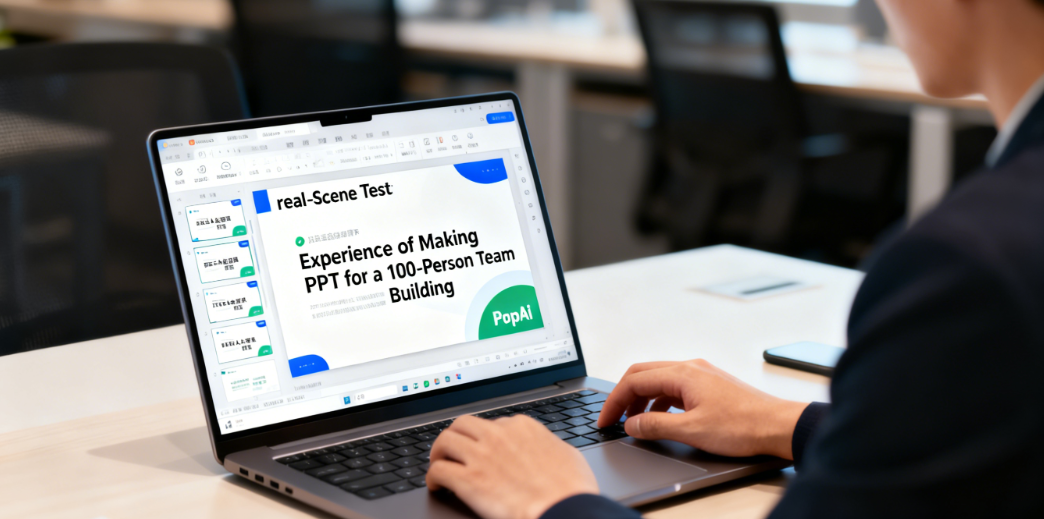
At first, I wanted to use traditional tools, but thinking about making three different versions of PPT and finding a lot of outdoor team building materials, I estimated that I would have to work overtime late into the night. Later, I tried PopAi, and the efficiency exceeded my expectations. First, I uploaded the pre-written team building plan document (in PDF format) to PopAi, and it quickly summarized the core points, including the activity process, budget details, and personnel assignments. It even highlighted potential issues in the initial plan, such as overlapping activity time slots, which helped me adjust the plan in advance.
In the PPT generation module, I customized the brand color scheme and slide numbering rules, and selected three audience-tailored versions: “leader report”, “employee guide”, and “partner implementation”. With a single click, PopAi generated all three drafts in under 10 minutes. The leader version visualized budget allocation and projected outcomes using auto-generated charts; the employee version included an AI-generated route map alongside activity schedules and safety guidelines; the partner version outlined venue logistics and collaboration details for seamless communication.Next, I used the seamless editing function to adjust the order of several pages, added a “team building game rules” module to the employee version, and used the AI content expansion function to make the game introduction more detailed and engaging. I also used the AI art image generator to create theme-fitting outdoor development scene pictures for the cover of each version, which had an eye-catching visual effect that matched the company’s brand image. The entire process took only half a day to complete the three versions of PPT, and the quality was far better than the previous manually made ones—no more inconsistent formatting or mismatched images.
During the report, the leadership praised the clear logic and professional typesetting of the PPT, noting that the data visualization made it easy to grasp key information at a glance. After employees read the guide, they no longer consulted frequently for details, as all common questions were addressed in the PPT. Partners also said that the implementation plan was very clear, reducing communication costs by nearly 40%. This test made me deeply feel that PopAi can not only solve the problem of making Team Building Program PPT but also make the entire team building planning process smoother, truly achieving efficiency and ease.
Conclusion: Use PopAi to Bid Farewell to Cumbersome Team Building Planning and Focus on the Core
The core purpose of making a Team Building Program PPT is to better present and implement the team building plan, rather than spending a lot of energy on typesetting, materials, and revisions. The emergence of PopAi just helps us solve this core pain point. Through the integration of multiple functions such as AI chat, intelligent document processing, and instant PPT generation, it makes team building PPT production efficient and simple, while balancing professionalism and customization needs.
Whether you’re a novice or an experienced planner, PopAi simplifies PPT creation for all team building scenarios. Its intuitive design and intelligent features streamline the process, saving you time and enabling you to focus on crafting engaging activities. With PopAi, technical expertise isn’t required—anyone can create professional team building PPTs effortlessly.
If you are also worried about making a Team Building Program PPT, you may wish to try PopAi. It is believed that its multifunctional AI tool attributes can bring you a different production experience, making team building planning easier and more efficient. From initial idea generation to final presentation, PopAi is a reliable partner that accompanies you throughout the entire team building planning journey.