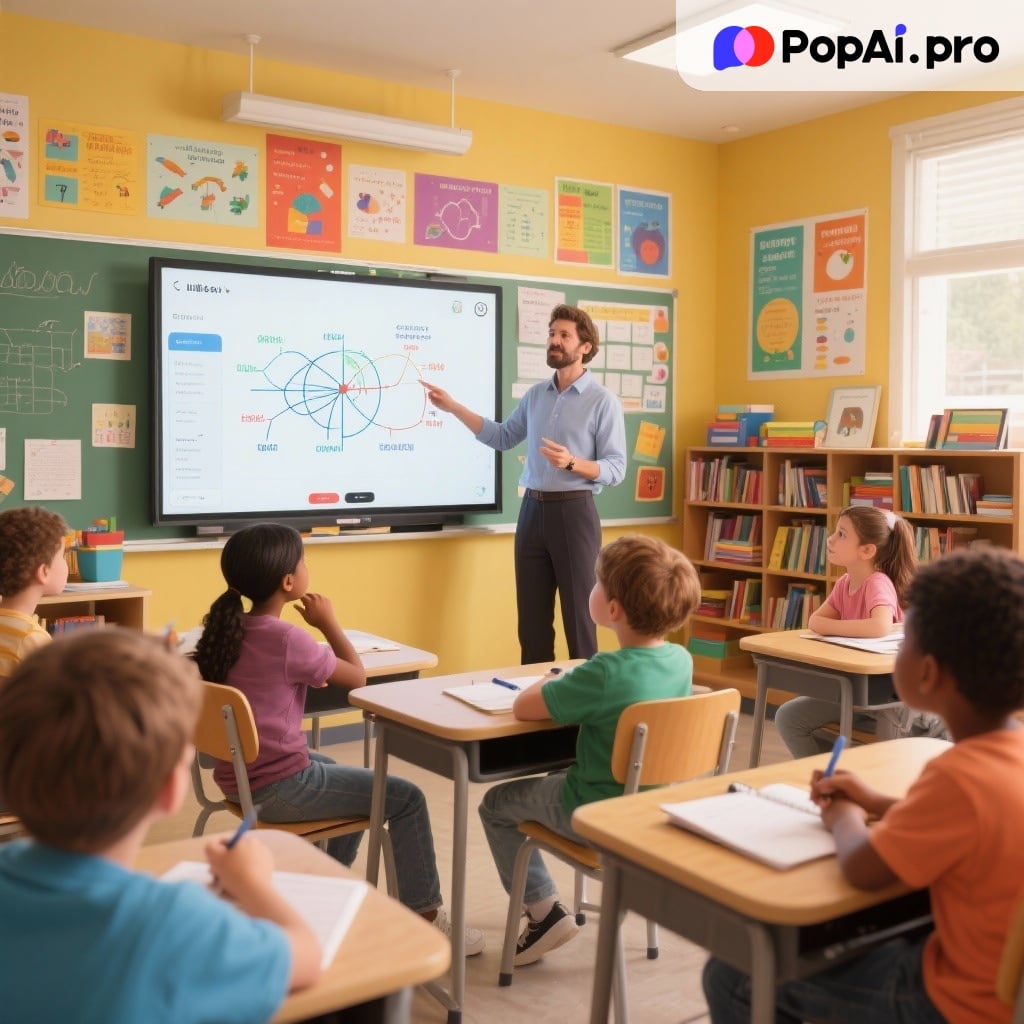
In the era of digital education, AI courseware tools are reshaping teaching methods with their efficiency and intelligence. This article will take you on a deep dive into how to leverage the latest AI technology to rapidly create professional–grade teaching courseware, making lesson preparation easier and more efficient.
A Comprehensive Understanding of AI–Generated PPTs
Teachers can use AI tools like PopAI to quickly generate professional–level Teaching Courseware PPTs, achieving a qualitative leap in teaching efficiency. This innovative tool utilizes advanced natural language processing and machine learning algorithms to intelligently convert text content into well–structured, beautifully designed presentations. It frees teachers from tedious technical operations, allowing them to focus more on the teaching content itself.
Detailed Introduction to Popular and Useful AI PPT–Generating Tools
PopAI: A Specialized AI Tool for Intelligent Teaching Courseware
PopAI is an AI courseware–generation tool tailored for educational scenarios, with its core strength lying in its deep understanding of teaching needs. By intelligently analyzing teaching content, it can automatically generate courseware structures that align with syllabi and provide a wealth of education–specific templates. Teachers only need to input the course topic, and PopAI can generate a complete courseware—including knowledge point explanations, case analyses, and in–class interactive sessions—within minutes. Its seamless editing function enables teachers to easily adjust content, while its intelligent image–matching system automatically pairs teaching–related images and charts, significantly boosting lesson preparation efficiency.
Beautiful.AI: A Design–Driven Intelligent Presentation Tool
Beautiful.AI is renowned for its outstanding design automation capabilities. It adopts an intelligent layout system to ensure every slide maintains a professional and aesthetically pleasing look. The tool offers a rich set of design components; when users modify content, the layout automatically adjusts and optimizes. It is particularly suitable for teaching achievement reports or academic conference presentations that require external display. Its design rules ensure consistency in the overall visual style, allowing teachers to easily create professional courseware with a strong design sense.
Gamma: An Innovative Platform Balancing Content and Design
Gamma innovatively combines documents with presentations, providing a more flexible creation method. Users can generate a first draft through natural language descriptions, then edit the content in a document–like interface while previewing the presentation effect in real time. Its unique “one–click design application” function allows the entire presentation to change styles instantly while maintaining content integrity. For teachers who need to frequently adjust courseware styles, this function is especially practical.
Tome: An Immersive Narrative Presentation Tool
Tome focuses on creating immersive narrative experiences, and its AI function excels at integrating scattered content into a coherent storyline. The tool’s built–in 3D model displays and animation effects can add engaging visual elements to courseware. In liberal arts courses that require presenting a complete knowledge context, Tome helps teachers build more appealing in–class narratives, enabling students to better understand the logical connections between knowledge points.
In–Depth Analysis of PopAI’s Core Functions and Practical Operation Guide
l Real–Time PPT Generation Function
PopAI’s real–time generation function supports a variety of theme options and personalized layout customization. Teachers only need to input the course topic, and the system will automatically recommend suitable template styles based on the teaching scenario. For example, when preparing for science experiment classes, PopAI will recommend a layout with standard modules such as experiment steps, safety instructions, and result analysis. It also allows teachers to customize the number of slides to ensure the courseware content matches the class duration.
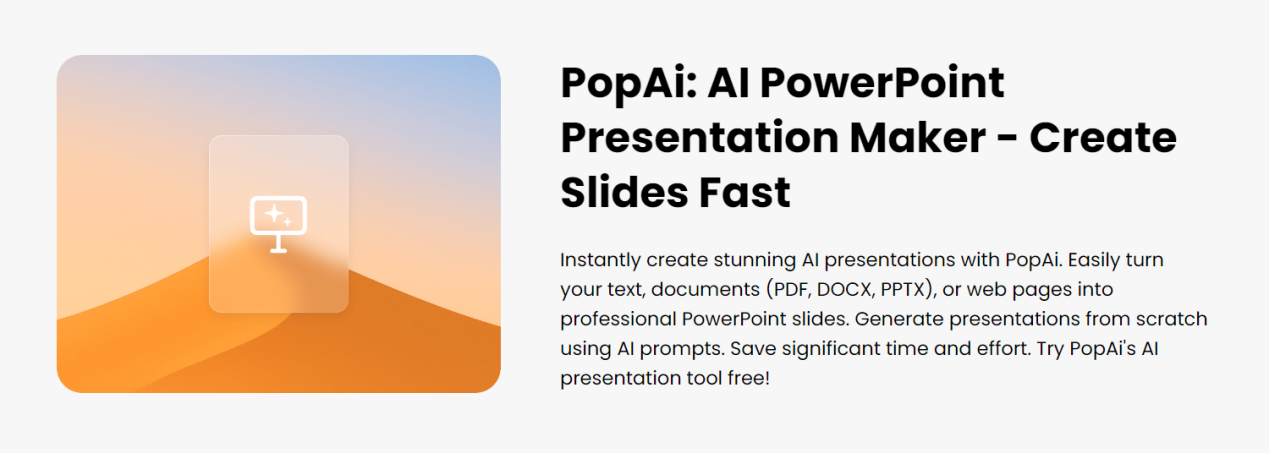
l AI–Enhanced Content System
This function uses intelligent algorithms to search for relevant teaching images and generate engaging content. For instance, in a geography course on the theme of “climate change,” PopAI will automatically add the latest climate data charts, satellite images, and comparison diagrams, making the courseware both information–rich and visually appealing. The system also recommends relevant case analyses and discussion topics based on the teaching content, helping teachers enrich the forms of in–class interaction.
l Seamless Editing Experience
PopAI provides an intuitive editing interface, allowing teachers to easily adjust the overall structure and specific content of slides. Drag–and–drop operations simplify slide order adjustments, while the real–time preview function ensures all modifications are visible immediately. Especially when adjusting the difficulty level of courseware, teachers can quickly delete or add content, maintaining the coherence and clarity of the teaching logic at all times.
l Audience–Centered Design Concept
This function enables teachers to customize presentations for students of different age groups. Through personalized content settings, the courseware can better adapt to students’ cognitive levels and learning characteristics. For example, when designing courseware for younger students, more interactive game elements and animation effects can be added; for older students, the focus is on knowledge depth and logical rigor.
l Flexible Upload Options
PopAI supports content import from multiple sources, including local files, Google Drive, and web links. This function is particularly useful for teachers collecting and organizing teaching resources—for example, merging multiple reference materials to generate a unified courseware, greatly improving lesson preparation efficiency.
l Intelligent Conversion Technology
The automatic conversion to presentation function can intelligently transform documents and web content into structured PPT presentations. Word lesson plans or PDF materials uploaded by teachers are automatically recognized, with key information extracted and converted into well–organized slide content, preserving the original knowledge structure and logical relationships.
Step–by–Step Guide to Creating High–Quality Teaching Courseware PPTs with PopAI
l Quick Start and Content Input
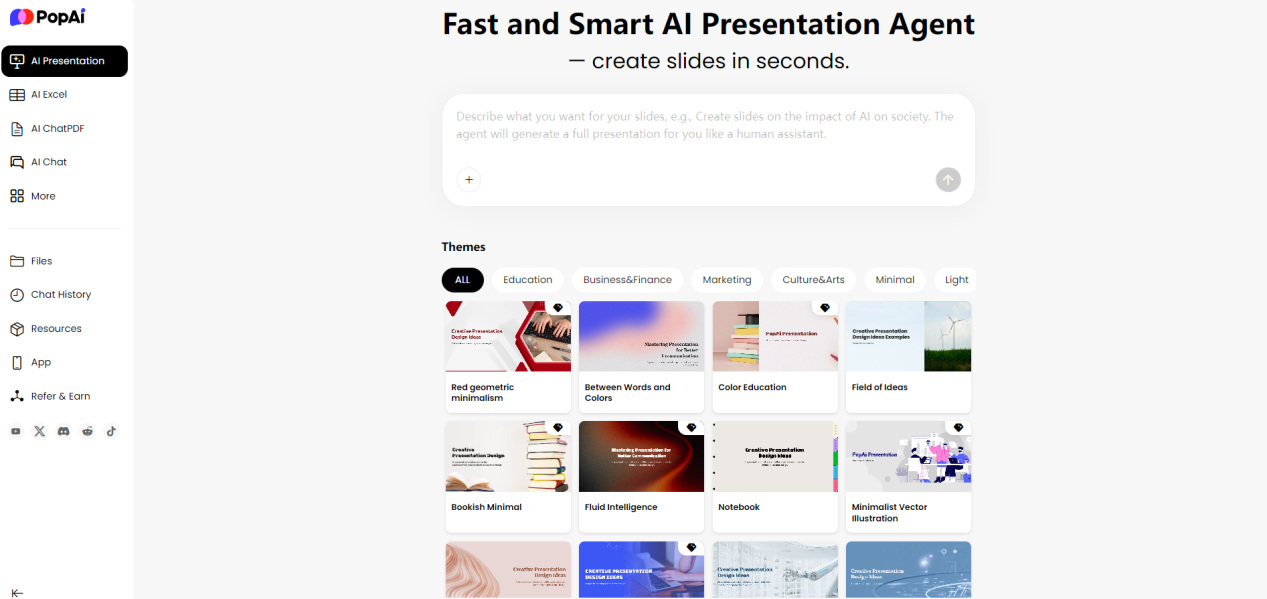
First, teachers log in to the PopAI platform and select a creation method in the AI presentation tool. PopAI offers three convenient content input methods: generation via prompts, pasting existing text content, or importing from files, Google Docs, and web links. For example, teachers can directly input a unit course title as the theme, or upload an existing lesson plan document— the system will automatically extract key information as the basis for the courseware.
l Intelligent Settings and Outline Generation
After inputting content, teachers can customize the number of slides to match the course duration. PopAI’s AI system will intelligently analyze the content in a short time and generate a complete courseware outline. Taking literary appreciation in a Chinese class as an example, the system will automatically generate a logically clear teaching framework including author introduction, creation background, character analysis, and artistic features. Teachers can adjust this outline structure at any time.
l Professional Template Selection and Automatic Generation
PopAI provides a rich library of education–specific templates, covering the needs of various subjects and grade levels. Teachers can select a suitable template style based on the teaching audience—for example, bright, image–rich templates for elementary school students, and concise, professional academic styles for high school students. After selecting a template, PopAI automatically populates the outline content into the slides and intelligently matches relevant images and charts.
l Refined Editing and Optimization
After generating the first draft, teachers can use PopAI’s seamless editing function to make detailed adjustments. This includes modifying text content, replacing images, and adjusting layouts. For example, math teachers can add dynamic demonstrations to slides on geometric proofs, while English teachers can add pronunciation functions to slides for vocabulary learning. All these editing operations are simple and intuitive, requiring no professional design skills.
l Download and In–Class Application
After completing the editing, teachers can directly download the courseware in PPTX format or conduct online presentations. PopAI also supports multi–person collaboration, facilitating collective lesson preparation and resource sharing among teaching teams.
Comparative Analysis of the Applicability of Manual vs. AI–Generated PPTs in Teaching
From a teaching practice perspective, PopAI’s AI–generated method has obvious advantages in most teaching scenarios. In terms of efficiency, manually creating courseware for a 45–minute class usually takes 2–3 hours, while PopAI can complete courseware of the same quality in 15–20 minutes. Especially for regular courses and standardized teaching content preparation, AI generation ensures the basic quality of courseware while freeing up teachers’ time and energy.
However, manual creation still has certain value in teaching scenarios that require special personalized customization. For example, when it is necessary to incorporate a teacher’s unique teaching style or involve unconventional teaching content, manual creation offers greater creative freedom. Nevertheless, PopAI’s in–depth editing function can already meet most personalized needs—teachers can make flexible adjustments based on AI–generated content, achieving a balance between efficiency and personalization.
Future Development Directions of AI Courseware Tools and Their Application Prospects in Education
AI applications in the education field are developing in deeper directions. Teaching Courseware PPT tools like PopAI will show the following evolutionary trends:
- Continuous Deepening of Intelligence
By integrating more advanced large language models and professional knowledge graphs, AI tools will be able to more accurately understand subject characteristics and teaching rules, generating teaching content with greater depth.
- Significant Improvement in Personalization
Based on the analysis of students’ learning data, AI tools will be able to generate personalized teaching courseware for different classes or even individual students. For example, they can automatically adjust the difficulty gradient and presentation method of courseware according to the average cognitive level and learning characteristics of a class.
- Expansion of Intelligent Teaching Assistance
Beyond courseware generation, AI tools will also provide value–added services such as teaching suggestions, in–class interaction design, and learning effect prediction, truly becoming intelligent teaching assistants for teachers.