Creating a convincing Internal Audit Report PPT is not about showcasing how many problems you’ve uncovered; its core goal is to persuade management to acknowledge these issues and commit to taking action. It differs fundamentally from business data analysis PPTs: the latter focuses on trends and performance, while audit report presentations center on risks, control deficiencies, evidence, and actionable improvement recommendations. Your slides are not the full report, but a “navigation map” to guide the meeting, focus discussions, and drive decision–making. Below, we set aside theory and dive straight into practical, actionable insights.
Before the Presentation: Clarify What You Aim to Achieve
Don’t rush to open PowerPoint. First, answer three specific questions—they will shape the entire tone and content selection of your presentation.
Question 1: Who is the audience? What are their core concerns?
l Audit Committee/Board of Directors: They focus on “governance–level risks” and “rectification oversight.” Your PPT should highlight strategic and systemic risks identified, as well as the overall performance of management in fulfilling their duties. Language must be highly concise, with a focus on macro impacts.
l Auditee Management (e.g., Business Department Heads): They care about “the specific impact on my business” and “how I should fix it.” Your PPT should align closely with business processes, use their familiar terminology, and demonstrate how deficiencies directly affect efficiency, costs, or risks. The key is to provide practical, implementable solutions.
l Senior Management (CEO/CFO): They need to balance risk and business growth. Your PPT should clearly articulate risk levels, potential losses, and improvement priorities to help them make resource allocation decisions.
Question 2: What is the core message of this presentation? (State it in one sentence)
l Incorrect example: “Report the internal control audit results of the XX Business Unit.”
l Correct example: “This audit identified systemic control deficiencies in the supplier management process of the XX Business Unit, which may lead to significant compliance risks and financial losses, requiring the urgent establishment of a unified access and review mechanism.”
This “core message” will be the soul of your entire PPT—all content should revolve around it.
Question 3: What decisions or actions do you want the audience to take after the meeting?
l Is it to “approve this audit report”?
l To “immediately establish a special team to rectify the procurement process”?
l Or to “authorize the audit department to conduct an in–depth investigation into relevant areas”?
The more specific the goal, the more focused your conclusion and recommendation sections will be.
Construct a Narrative Logic of “Irrefutable Evidence”: Let Slides Tell the Story Themselves
Audit presentations suffer most from disorganization. We recommend using the classic Background–Finding–Impact–Recommendation (BIIR) logic chain to organize each set of findings, and structuring the entire PPT with a “total–part–total” framework.
Cover Page
Report name, audit period, audit subject, reporting department/person, date.
Page 1: Executive Summary (The Most Important Page—For Busy Stakeholders)
No table of contents! Directly present the core conclusions of the audit.
l Adopt a dashboard–style design: Use icons and brief text to list the number of key findings, high–risk areas, and overall audit opinion.
l Clearly state the core message (the one–sentence statement you defined in the preparation phase).
Page 2: Audit Scope and Methodology
Specify: Which business processes were audited, the time period covered, the sample size inspected, and audit methods used (e.g., interviews, walk–through testing, sampling review).
Purpose: Quickly establish professionalism and credibility, and define the scope of the presentation.
Main Body: Organize by Risk Level or Business Process Module
l Chapter Home Page: Use a clear title, e.g., “I. Audit Findings in Procurement and Payment Process (High Risk)”.
l For each specific finding, strictly follow the BIIR structure (typically 1–2 slides per finding):
1. Background/Standard: “Company policy stipulates that procurement contracts exceeding 500,000 RMB require triple competitive bidding and price comparison.”
2. Finding/Fact: “Audit sampling found that 8 procurement contracts exceeding 500,000 RMB in Q4 2023 were signed without implementing the competitive bidding and price comparison procedure.” (A detailed evidence list must be prepared in the notes or appendix pages for reference.)
3. Impact/Risk: Quantify or specify! Do not just say “risks exist”; instead, state “This may lead to inflated procurement costs, with an estimated potential loss of approximately XX RMB” or “It violates the company’s Procurement Management Measures, creating a compliance loophole that could result in fines if investigated by regulators.”
4. Recommendation: Must be actionable, with an owner and timeline. “Recommend the Procurement Department revise the Procurement Operation Manual to clarify exemption scenarios and approval authority for the competitive bidding and price comparison process (Owner: Manager Zhang, Target Completion Date: September 30, 2024).”
Summary and Action Plan Page
l Consolidate all recommendations into a clear corrective action plan table, listing recommendation content, responsible department, owner, and target completion date.
l Reiterate the overall value of the audit and follow–up arrangements.
Appendix (For Backup)
Store detailed sampling data, evidence screenshots, complex flowcharts, etc. Only switch to display these when the audience asks questions.
Visualize Evidence: Make Complex Deficiencies Clear at a Glance
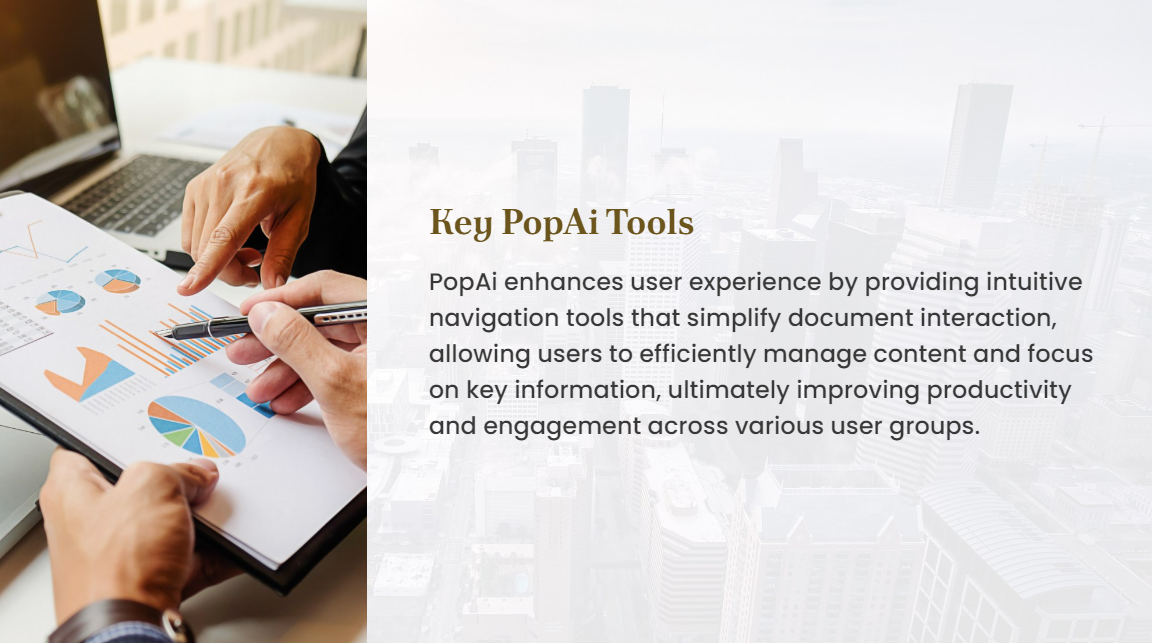
Text descriptions are pale—visual charts can instantly highlight issues.
l Flowchart Comparison Charts: A powerful tool for audit PPTs. Draw the “ideal process specified in policies” on one slide, and the “actual process identified in the audit” on another, highlighting missing or incorrect steps (e.g., missing approval nodes, reversed process flow) in red. Differences are immediately obvious.
l Timeline Charts: Used to show the sequence of non–compliant events or reveal response delays. For example, display the entire timeline from issue occurrence, to neglect, to final exposure.
l Data Sampling Results Display: Do not paste raw tables. Use simple bar charts or pie charts to show “number of compliant samples” vs. “number of non–compliant samples” and their proportions, making sampling conclusions intuitive.
l Heat Map or Risk Matrix: In the summary section, use a two–dimensional matrix (x–axis: likelihood of risk occurrence; y–axis: degree of risk impact) to plot each audit finding in the corresponding quadrant, visually showing risk distribution and priorities to strongly support resource investment decisions.
Tool Empowerment: Enhance Professionalism and Efficiency with Smart Presentation Tools
To create such a rigorously structured, evidence–driven Internal Audit Report slides presentation, AI presentation tools like PopAi can be used to boost efficiency and professionalism.
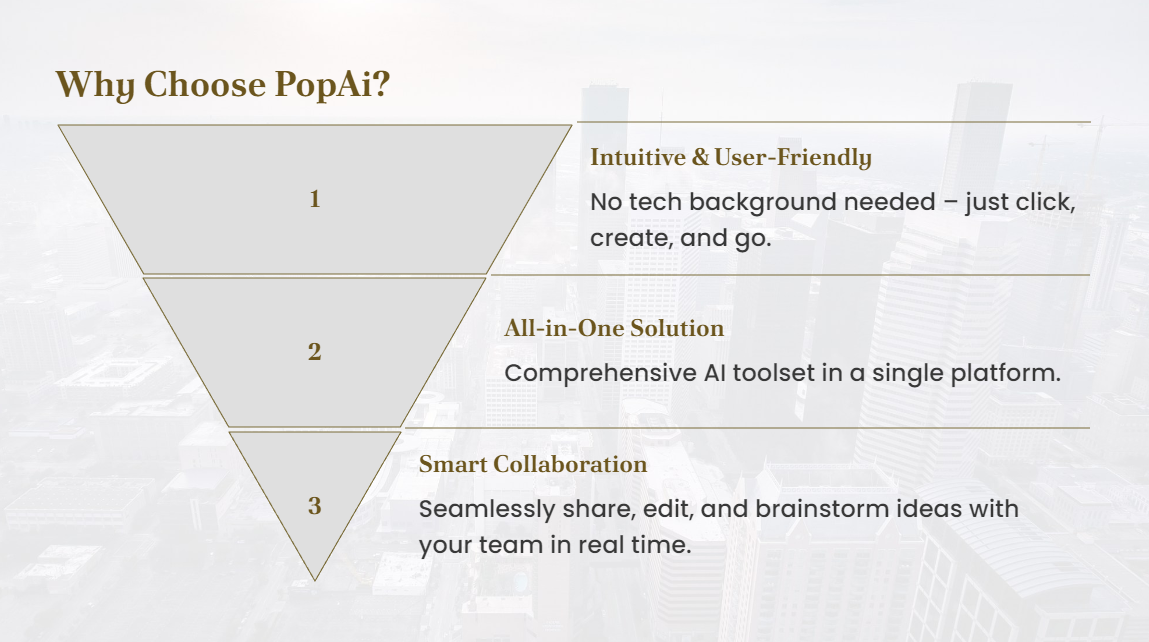
l Structured Content Generation: Input the key points of the audit report (background, findings, impact, recommendations) in outline form into PopAi. It can instantly generate a professionally laid–out PPT draft with a clear structure, automatically dividing chapters and BIIR logical paragraphs, saving significant time on zero–based typesetting.
l Logic and Visual Assistance: PopAi’s audience–centric design philosophy reminds you to adjust the level of detail and expression based on different audiences (e.g., Audit Committee vs. business departments). Its AI–enhanced content function can recommend or generate standard flowchart symbols, risk matrix templates, warning icons, etc., based on keywords like “process deficiency” and “compliance risk,” making visual presentation more professional and enhancing the visual appeal and persuasiveness of the presentation.
l Efficient Editing and Integration: On the basis of the draft, use its seamless editing function to easily adjust the order of any page or uniformly modify the font and color of all slides, maintaining a highly consistent and coherent style throughout the presentation. Its flexible upload options allow you to quickly import existing audit working papers, screenshots, or chart files for integration and arrangement.
l Fast Conversion from Documents to Presentations: For a completed Word draft of the audit report, PopAi’s automatic conversion to presentation function can directly extract and reorganize its core content into a slide format. This allows you to quickly build the presentation skeleton, focusing your energy on refining the visual presentation of each page and on–site delivery strategy, rather than getting bogged down in tedious format copying and pasting.
On–Site Presentation: How to Deliver with Calm Confidence and Address Challenges
Slides are a support—you are the star.
Presentation Techniques
l Start with Conclusions: For each section, state the conclusion first, then elaborate on supporting details.
l Use “We” Instead of “You”: Say “We identified… in this process” rather than “Your procurement has issues,” fostering a collaborative problem–solving atmosphere.
l Point to Specific Evidence: When discussing key findings, clearly state “As seen in the process comparison chart on Page X…” or “This conclusion is based on a sample inspection of XX documents.”
Preparing for Challenges
l Anticipate Questions: Pre–empt potential questions from management (e.g., “Is this an isolated case or a widespread issue?” “Is the rectification cost too high?”) and prepare data–driven responses.
l Stick to Evidence: All responses must be based on audit evidence; avoid subjective assumptions. For detailed questions that cannot be answered on–site, honestly record them and commit to a written response after the meeting.
l Focus on Solutions: When discussions devolve into debates over issue accountability, promptly redirect the conversation to “How can we solve this problem together,” demonstrating a constructive attitude.
Conclusion: From “Finding Issues” to “Driving Improvement”
A successful Internal Audit Report slides presentation marks your transition from a “fault–finder” to a “value creator.” It transforms audit findings into management consensus and action plans through rigorous structure, visualized evidence, and action–focused communication. Remember: your goal is not to make the audience uncomfortable, but to help them clearly understand where risks lie and confidently know what to do next. By applying the specific strategies and tools above to carefully prepare your next audit presentation, you will gain not just an approved report, but also respect and trust from your business partners.