
The “Sunday Scaries” and the Corporate Green Wave

It is 9:00 PM on a Sunday. Your laptop screen is the only light in the room, and the cursor is blinking mockingly on a blank PowerPoint slide. The subject line of the email from your boss reads: “URGENT: Need the Q1 Corporate Social Responsibility strategy deck by Monday morning.”
We have all been there. The knot in the stomach, the dry mouth, the sudden realization that your weekend is over.
In the fast-paced world of 2025-2026, the news cycle is dominated by one major corporate theme: Accountability. From the recent regulatory crackdowns on “greenwashing” in the EU to the massive consumer shifts toward ethical brands in the US, the spotlight is firmly on how companies present their values. It is no longer enough to just do good; you have to show it, and you have to show it well.
This shift has created a massive burden on mid-level managers, consultants, and marketing professionals. You aren’t just expected to be a strategist anymore; you are expected to be a graphic designer, a data analyst, and a storyteller all at once. The demand for a high-quality Corporate Social Responsibility slides presentation has skyrocketed, but the time given to produce it has shrunk.
This brings us to a critical question that is buzzing in tech forums and LinkedIn threads alike: Why are we still building presentations like it’s 1999?
The Pain Point: Death by PowerPoint
Let’s be honest—traditional presentation creation is broken.
According to recent workplace productivity studies, the average knowledge worker spends nearly 40% of their week on “work about work”—formatting slides, searching for stock images, and aligning text boxes. That is time stolen from actual strategic thinking.
When it comes to CSR, the stakes are even higher. A CSR presentation is not just internal fluff; it is often a public-facing declaration of a company’s soul. It requires:
1. Data Accuracy: Sourcing real numbers on carbon footprints or community impact.
2. Visual Empathy: Images that convey emotion without looking like generic stock photos.
3. Narrative Flow: A story that connects business goals with social good.
Trying to manually assemble a Corporate Social Responsibility slides presentation that hits all these marks is a recipe for burnout. I recently read a viral post on Blind (the anonymous tech community app) where a product manager described having a panic attack because their manual formatting of a CSR deck was rejected three times for “lacking impact.”
This is where the conversation shifts. We are in the golden age of Generative AI, yet so many people are using these tools just to write emails. They are missing the bigger picture. The real revolution is in workflow automation.
Enter PopAi: The “Digital Intern” You Always Wanted
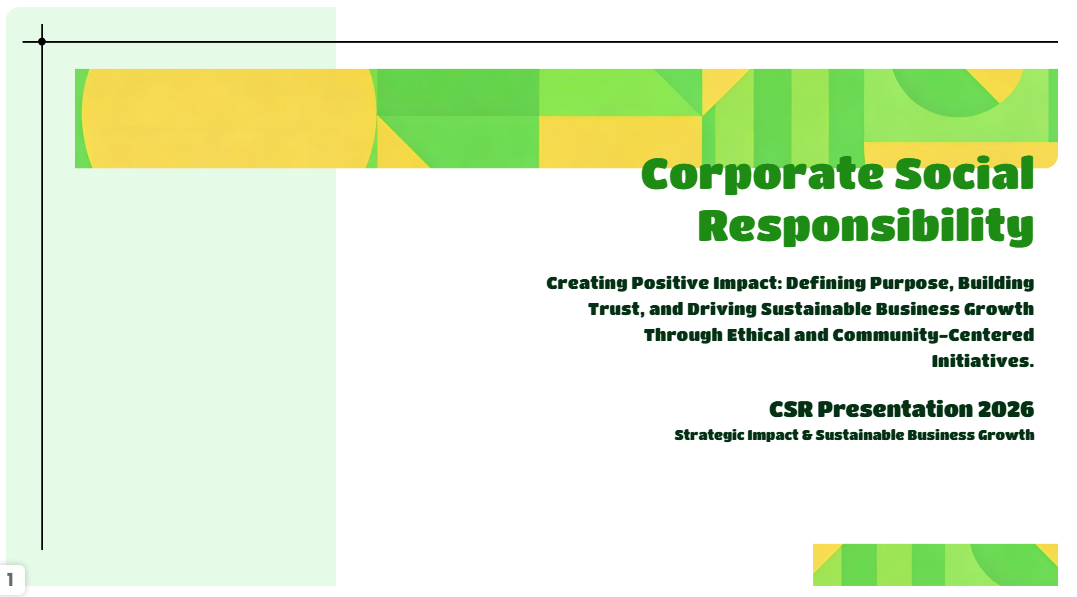
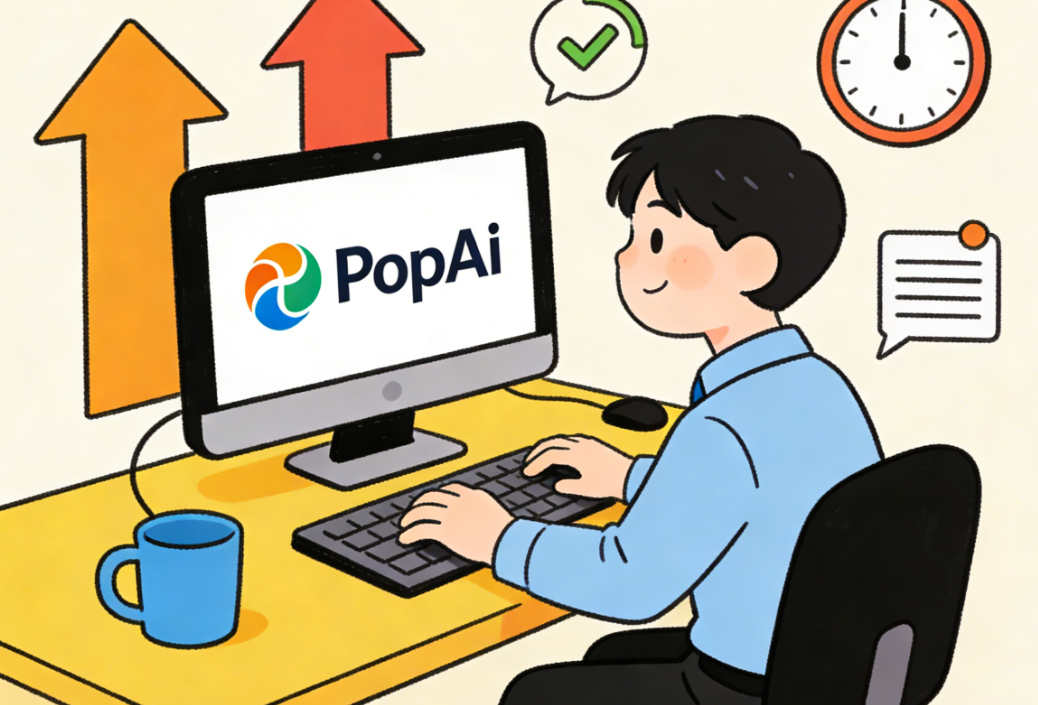
I have tested dozens of AI tools over the last year. From ChatGPT to Midjourney, they all have their strengths. But for the specific, headache-inducing task of creating professional slide decks, PopAi has emerged as the clear frontrunner.
I stumbled upon PopAi while researching tools for my own content calendar. I decided to test it with the exact scenario mentioned above: creating a comprehensive Corporate Social Responsibility slides presentation from scratch.
The results were not just good; they were startling.
1. From Prompt to Presentation in Seconds
Most people think of AI as a chatbot. You ask a question; it gives text. PopAi takes this a quantum leap forward.
I inputted a simple prompt: “Create a 10-slide presentation on Corporate Social Responsibility strategies for a mid-sized tech company, focusing on sustainability and digital inclusion.”
Within roughly 30 seconds, PopAi didn’t just give me text—it built the deck.
· Structure: It organized the flow logically (Introduction -> Current Challenges -> Strategic Goals -> Implementation -> Impact Metrics).
· Content: It populated the slides with relevant, high-quality text, not just “Lorem Ipsum” placeholders.
· Visuals: It automatically selected relevant images and laid them out in a clean, modern aesthetic.
2. The “Chat with Document” Feature
This is the killer feature for CSR work. Often, you aren’t starting from scratch; you are working off a dense 50-page PDF report on annual sustainability goals.
PopAi allows you to upload that PDF. You can then ask the AI to summarize the key points and—crucially—convert those insights directly into slides. This ensures that your presentation is backed by the actual data in your source documents, making it verifiable and accurate.
3. Data Visualization and “PopAi Pro”
Here is where the distinction between the free tier and the paid version becomes vital for professionals. While the free version is impressive, the Pro version unlocks the full power of GPT-4 integration and advanced image generation capabilities.
When you are presenting to the C-suite, generic clip art doesn’t cut it. PopAi’s ability to generate custom imagery based on the specific context of your CSR narrative is a game-changer. Furthermore, the Pro version offers higher limits on file uploads and faster processing speeds. If you are billing your time at $100+ an hour, the monthly cost of a PopAi subscription pays for itself in the first 15 minutes of use.
The Deep Dive: Why This Matters Now
Why am I writing a “love letter” to a software tool? Because it represents a shift in how we value our time.
The recent news about layoffs in the tech and media sectors carries a hidden lesson: Efficiency is survival. The employees who are being retained are not necessarily the ones working the hardest; they are the ones delivering the most value in the shortest time.
If you are spending six hours formatting a Corporate Social Responsibility slides presentation, you are costing your company money. If you spend 10 minutes generating the base with PopAi and 50 minutes refining the strategy, you are an asset.
The Psychology of the “Click”
Let’s analyze why tools like PopAi are seeing such massive adoption rates (recent data suggests a 300% user growth in AI productivity tools Q4 2025).
It is about Cognitive Load.
Creating a presentation requires two different brain modes:
1. The Architect: Structuring the logic and argument.
2. The Decorator: Aligning pixels and choosing fonts.
Humans are bad at switching between these modes quickly. We get “writer’s block” because we are trying to design and write simultaneously. PopAi handles the “Decorator” role instantly and does a solid 80% of the “Architect” work. This frees your brain to be the Editor—the highest-value role.
A Walkthrough: Saving Your Weekend
Let’s go back to that Sunday night scenario. Here is how the workflow changes with PopAi:
1. Input: You log in to PopAi. You type: “Generate a Corporate Social Responsibility slides presentation highlighting our commitment to reducing carbon emissions by 20% and increasing community outreach.”
2. Generation: You watch as the AI spins up an outline. You tweak the outline slightly, adding a specific section on “Employee Volunteer Programs.”
3. Creation: You hit “Create Presentation.” PopAi generates the slides.
4. Refining: You see a slide about “Green Office Initiatives.” You use the AI rewrite function to make the tone more professional and less casual. You swap one image for a more specific chart.
5. Export: You export to PPTX.
Total elapsed time: 15 minutes.
You are done. You close your laptop. You watch a movie. You sleep well.
Is It Worth the Upgrade?
As a blogger who reviews tech for a living, I am skeptical of subscriptions. We all have too many. But we need to distinguish between “entertainment” subscriptions (Netflix, Spotify) and “productivity” investments.
PopAi operates on a freemium model, but for the serious professional, the limitations of the free tier will eventually cause friction.
· The Free User: Can generate a basic deck, but might hit daily limits just as they are finalizing a project.
· The Paid User: Has access to the most advanced models (like GPT-4o), ensuring the text generation is nuanced and human-like. They have access to a broader library of templates and higher-resolution image generation.
Think about the math. If a paid subscription costs roughly the price of two coffees a month, and it saves you 10 hours of work that month, the ROI is astronomical. In the context of a Corporate Social Responsibility slides presentation, where the quality of the output can influence company reputation and your own performance review, using the “Pro” tools is an insurance policy for quality.
The Ethical Angle: AI and CSR
It is ironic, perhaps, to use AI to write about Corporate Social Responsibility. Critics might ask: “Isn’t this cheating?”
I would argue the opposite. CSR is about impact. It is about the actual work done on the ground—planting trees, funding education, reducing waste. It is not about spending 40 hours wrestling with PowerPoint.
By using PopAi to streamline the reporting process, you are liberating time to focus on the actual execution of CSR initiatives. You are using technology to eliminate waste (time waste), which is, in itself, a sustainable practice.
Moreover, PopAi’s ability to parse large datasets helps ensure that your presentation is factual. One of the biggest risks in CSR is accidental misreporting. AI tools, when used to summarize authentic data, can actually reduce human error, ensuring that what you present to stakeholders is accurate and reliable.
Conclusion: Don’t Be Left Behind
The divide in the professional world is no longer between those who can use a computer and those who can’t. It is between those who use AI to amplify their abilities and those who try to compete against AI with bare hands.
The pressure to deliver high-end content like a Corporate Social Responsibility slides presentation is not going away. If anything, as stakeholders demand more transparency, the volume of work will increase.
You have a choice. You can continue the Sunday night panic, pushing pixels until your eyes blur. Or, you can embrace the tools that the future has handed you.
PopAi isn’t just a slide generator; it’s a career accelerator. It allows you to produce work that looks like it took a team of designers a week to build, all before your morning coffee gets cold.
My advice? Go try the free version of PopAi right now. Input a topic you are currently working on. Watch the magic happen. But if you want to truly secure your workflow and ensure you never miss a deadline again, the upgrade is the best investment you will make this year.
The future of work is here. Don’t let it start without you.