Introduction: Why Switching Beyond PowerPoint Copilot Makes Sense
Switching from PowerPoint Copilot to Popai is a strategic choice for anyone tired of juggling multiple tools to complete basic tasks, seeking smarter AI assistance, or needing more flexibility in document and presentation work. Unlike single-purpose slide builders, Popai combines essential functions into a unified platform, directly solving the inefficiencies that plague modern workdays. Whether you’re a professional drafting client presentations, a student synthesizing research, or a creator brainstorming ideas, Popai’s integrated design and AI-driven features deliver tangible value that goes beyond what traditional presentation software can offer.
Eliminating Tool Fragmentation: Popai’s All–in–One Workflow Solution
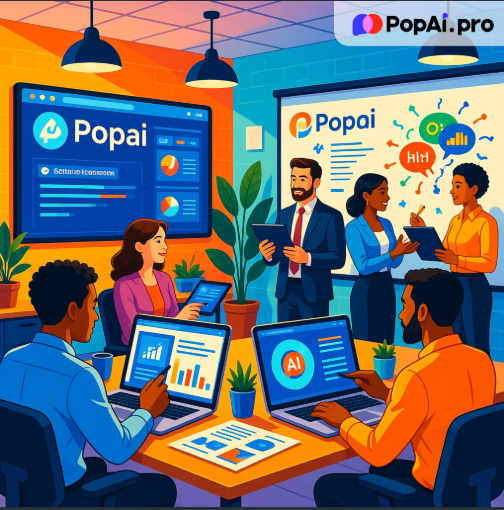
One of the most frustrating aspects of using PowerPoint Copilot is the need to switch between multiple applications to get work done. You might start in PowerPoint to build slides, then open a separate PDF reader to extract data, a translation tool to communicate with international colleagues, and a creative platform to generate visuals—each switch breaking your focus and wasting time. Popai eliminates this fragmentation by packing all these capabilities into one tool. Its integrated AI chatbot supports over 200 languages, allowing real-time conversations and answers to questions without leaving the platform. Need to understand a complex research paper? Upload the PDF or DOC file to Popai’s AI document reading feature, and it will generate a concise summary, highlight key points, and even let you interact with the content through intelligent Q&A. For writers, the built-in copywriting and content creation tools offer AI-driven suggestions to refine text, while the document editing features let you summarize, expand, or compress content with a single click—all within the same interface. Even tasks like translating a section of text or generating a quick summary no longer require switching tabs—Popai handles it all within the same workspace, keeping your train of thought intact. This all-in-one design isn’t just convenient; it’s a productivity game-changer, cutting down on tool-switching time and keeping your workflow cohesive.
Audience–Centric Presentations: Faster, More Customizable Design with Popai
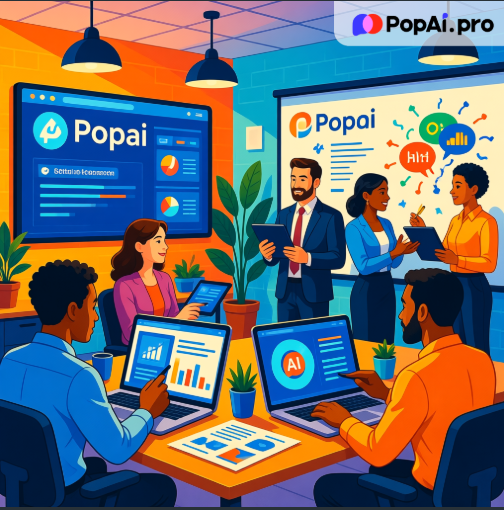
When it comes to presentation creation, PowerPoint Copilot excels at basic slide building, but it often falls short of delivering the speed, customization, and visual appeal that modern audiences expect. Popai’s instant PPT generation feature addresses this gap by creating polished presentations with rich themes, customizable slide numbers, and layouts tailored to your specific audience-whether you’re speaking to executives, students, or clients. Unlike PowerPoint, which requires manual adjustments to align content with audience needs, Popai uses AI to analyze your goals and tailor the design accordingly. For example, a technical presentation for engineers will prioritize data and diagrams, while a sales pitch will focus on visuals and persuasive copy. Popai’s AI-enhanced content feature takes this a step further by searching for relevant images, charts, and data to complement your text, ensuring your slides are both informative and visually engaging without the need for external image libraries. The seamless editing tools let you rearrange slides, tweak content, and adjust the overall structure with ease, maintaining a smooth flow and clarity that’s hard to achieve with PowerPoint’s more rigid interface. You can tweak color schemes, adjust font sizes, or reorder content blocks in seconds, without worrying about disrupting the slide’s overall design harmony. By putting audience-centric design at the forefront, Popai helps you create presentations that resonate deeper, rather than just checking boxes.
Streamlined Document Management and Seamless Conversion
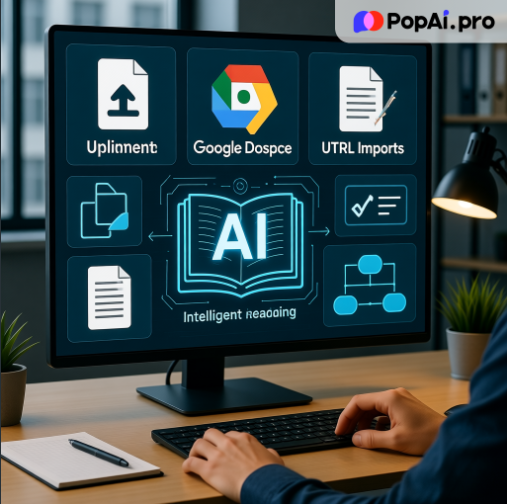
Document management and conversion are other areas where PowerPoint Copilot struggles to keep up with modern workflow demands. Anyone who’s tried to import a Google Doc or URL into PowerPoint knows the frustration of formatting errors and lost data. Popai’s flexible upload options eliminate this headache by supporting quick imports from files, Google Workspace, or URLs, letting you start working immediately without reformatting. Its AI-powered intelligent reading feature simplifies complex information by offering explanations, translations, and automatic flowchart generation-perfect for breaking down dense reports or technical documents. Need to annotate key points from a meeting agenda or research paper? Popai’s one-click annotation management lets you mark, comment, and organize notes systematically, turning unstructured information into actionable insights. Automatic save management ensures you never lose work, while the smart document management system helps you organize different file types-from essays to reports—through a streamlined process. Popai’s intelligent document management also lets you tag files for easy retrieval, so you can find that crucial report or presentation draft in seconds, not minutes. Most importantly, Popai’s ability to automatically convert documents into presentation-ready PPTs saves hours of manual work. Instead of copying and pasting content into slides and adjusting formatting, you can import your document and let Popai handle the rest, preserving key information and maintaining a professional layout.
Enhancing Collaboration and Creativity Across Borders and Projects
Popai also stands out for its ability to foster collaboration and creativity—areas where PowerPoint Copilot is largely limited. The AI chatbot’s support for over 200 languages makes it an invaluable tool for global teams, enabling real-time communication and problem-solving without language barriers. Whether you need to clarify a project detail with a colleague in Tokyo or explain a presentation concept to a client in Rio, the chatbot facilitates smooth, multilingual conversations. For creative tasks, Popai’s AI art image generator lets you turn simple text descriptions into unique visuals—ideal for adding custom graphics to presentations, reports, or marketing materials. The AI art generator’s ability to produce high-resolution images means you can use them not just in presentations, but also in social media posts, email newsletters, or client proposals. Instead of scrolling through generic stock photos, you can generate images that perfectly match your brand or message, saving time and ensuring your content stands out. This combination of collaboration and creativity tools makes Popai more than just a presentation or document tool; it’s a versatile platform that adapts to a wide range of tasks, from everyday office work to creative projects.
Real–World Use Cases: How Popai Transforms Daily Workflows
Real-world users consistently highlight how Popai transforms their daily workflows. For example, a marketing manager at a small business might use Popai to import a Google Doc containing campaign data, generate a summary with the AI document tool, convert it into a client-facing presentation with custom layouts, and use the AI art generator to create on-brand visuals—all in less than an hour. A university student could upload research papers to Popai, use the intelligent reading feature to extract key arguments, generate a structured essay with the content creation tool, and then convert that essay into a class presentation with one click. A freelance consultant working with international clients might rely on the multilingual chatbot to answer client questions in real time, while using the annotation tool to mark up project proposals and share feedback seamlessly. A project manager might use Popai to consolidate feedback from team members via the annotation tool, then update the presentation in real time—ensuring everyone stays aligned without endless back-and-forth. These use cases demonstrate that Popai isn’t just a “better PowerPoint”—it’s a tool that adapts to how people actually work, solving specific pain points with practical, AI-driven solutions.
Why Popai Outperforms PowerPoint Copilot for Modern Productivity
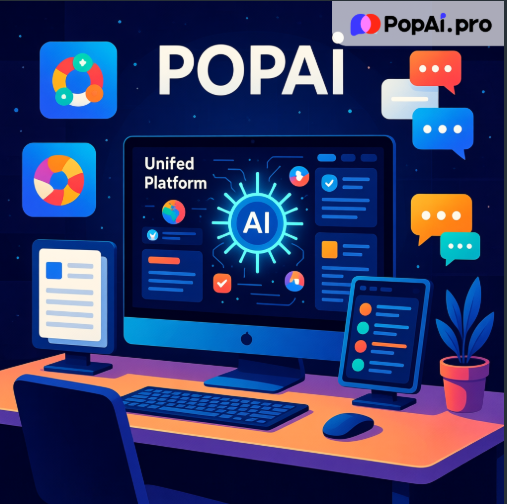
While PowerPoint Copilot remains a reliable tool for basic slide creation, it lacks the integration, flexibility, and intelligent features that modern users need to stay productive. Popai fills this gap by offering a unified platform that combines presentation design, document management, multilingual collaboration, and creative tools—all powered by AI. Its focus on user-centric functionality means you spend less time on administrative tasks and more time on meaningful work. Whether you’re looking to streamline your presentation workflow, simplify document management, or enhance collaboration with global teams, Popai delivers tangible benefits that make switching worthwhile.
Conclusion: Making the Switch to a More Adaptive AI Tool
In a world where efficiency and flexibility are more important than ever, Popai stands out as a comprehensive solution that meets the diverse needs of today’s users. It doesn’t just replace PowerPoint Copilot—it elevates your entire workflow by integrating the tools you need into one intuitive platform. If you’re tired of juggling multiple applications, wasting time on manual tasks, or struggling to create impactful presentations and documents, Popai is the logical next step. Its combination of AI power, seamless integration, and user-friendly design makes it more than just a software tool—it’s a productivity partner that helps you work smarter, not harder. For anyone ready to move beyond fragmented tools and embrace a more cohesive, efficient workflow, Popai delivers the practical solutions that turn everyday challenges into opportunities for productivity and creativity.