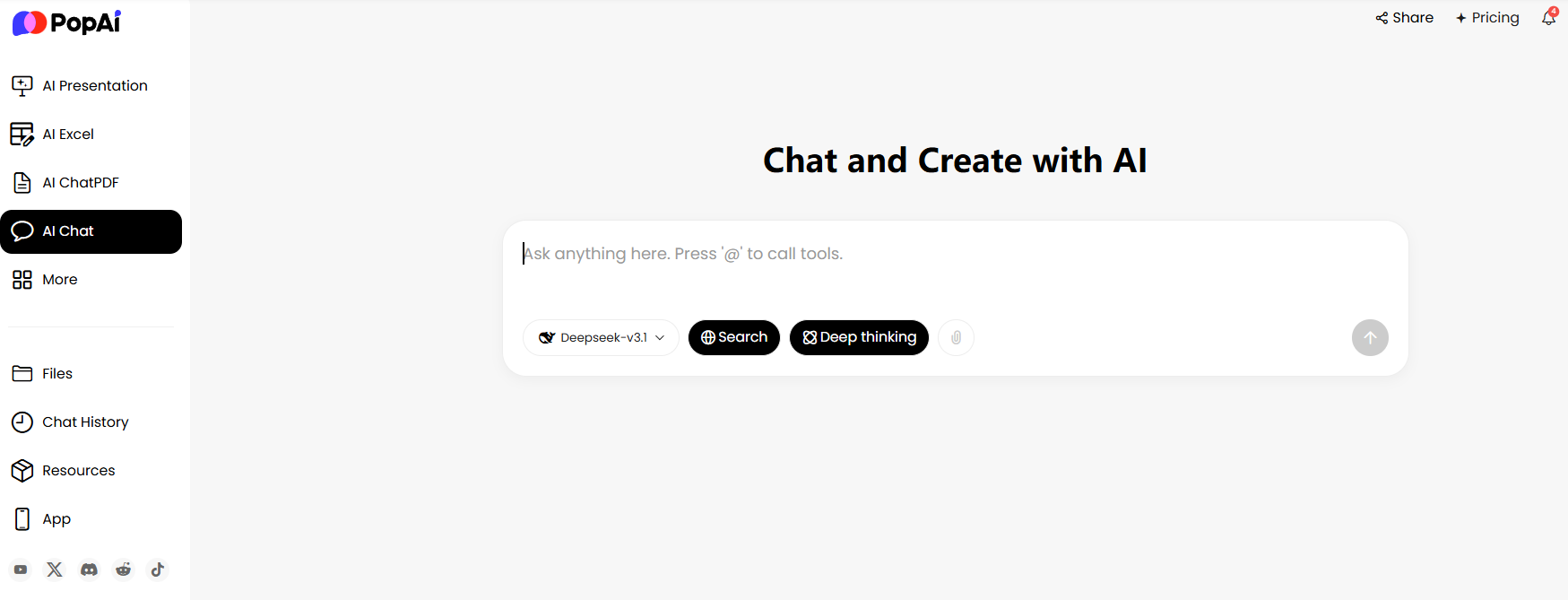
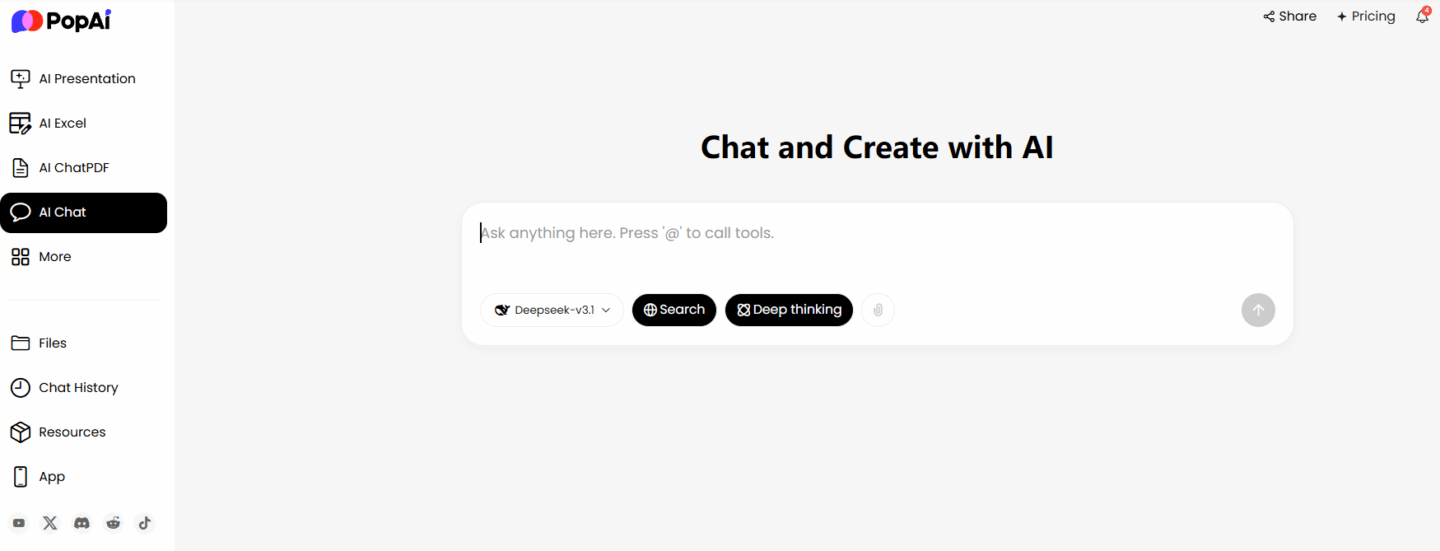
Many people fall into the trap of “piling up bullet points” when making PPTs, resulting in dull content that no one pays attention to. The core of “Beyond Bullet Points: AI-Powered Design That Captivates” is to use AI to break this dilemma, transforming PPTs from “information lists” into “engaging carriers”. As an intelligent tool integrated with multiple AI functions, PopAi perfectly achieves this: from organizing content to customizing designs, it helps users solve practical problems like unengaging PPTs and low production efficiency.
Only Listing Bullet Points in PPTs? Audiences Zone Out in 5 Minutes
Tom, a professional, gave a project presentation last week. His PPT was crammed with over 20 bullet points, covering everything from data to workflows. But within two minutes of his talk, colleagues in the audience started scrolling on their phones. He felt wronged: “I included all the key points—why isn’t anyone listening?” The problem isn’t that the bullet points are incomplete; it’s that PPTs filled with nothing but bullet points simply can’t hold audiences’ attention. Too much text and messy logic leave listeners overwhelmed, so zoning out becomes inevitable.
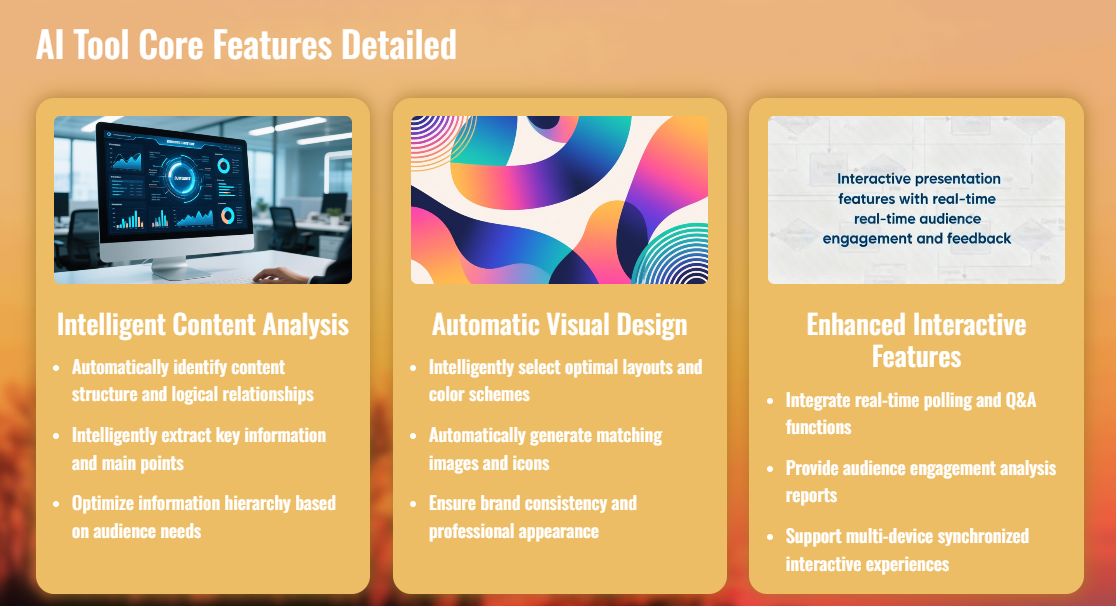
This is exactly the core issue “Beyond Bullet Points: AI-Powered Design That Captivates” aims to solve: the value of a PPT lies not in listing information, but in delivering core content through engaging design. PopAi’s “audience-centric design” feature helps users break free from the “bullet point clutter” cycle. For example, when Tom prepared his next presentation, he imported his project documents into PopAi, selected “workplace colleagues” as the audience, and the AI automatically filtered key information. It condensed the original 20+ bullet points into 3 core modules, paired with simple charts and cases—making the slides clear and focused. During the presentation, colleagues not only listened attentively but also asked follow-up questions about details, resulting in a far better outcome than before.
Compared to some PPT tools that only offer templates (which can at most help you adjust font colors), they fail to address the root problem of “unengaging content”. PopAi, however, starts with audience needs: first, it organizes content logic, then creates personalized designs. For clients, it highlights product advantages and collaboration value; for leaders, it emphasizes data support and execution plans; for students, it uses more vivid cases and language. It’s like “tailor-making” a PPT—every slide hits the audience’s interest points, making it naturally more engaging than just piling up bullet points.
Too Many Documents to Organize? AI Grabs Key Points & Generates Flowcharts in One Click
The most frustrating part before making a PPT is organizing materials: market reports, data spreadsheets, and reference papers pile up. Reading them word by word takes hours, and manually extracting key points risks missing critical information. Emma, a designer, once spent an entire afternoon sorting through 3 industry reports just to make a brand promotion PPT—and she almost made a mistake in the proposal because she missed a set of data.
This is where PopAi’s “AI Document Reading” and “Intelligent Reading Comprehension” features come in handy. It supports uploading PDF and DOC files; whether it’s a dozens-page report or a hundreds-page academic paper, the AI automatically conducts interactive analysis after upload, extracts core points, and generates a concise summary. Now, when Emma works on proposals, she uploads industry reports to PopAi and gets a summary in 5 minutes—complete with key data and trend analysis—saving her the time of manual extraction. Even better, for complex logical relationships (like “user conversion paths” or “project execution workflows”), PopAi can automatically generate flowcharts, turning abstract logic into intuitive graphics that can be directly used in PPTs—making them both clear and professional.
PopAi’s “flexible upload options” are also practical: in addition to local files, you can import documents from Google or via URL, no repeated format conversions needed. For example, if Emma finds a good industry article, she simply copies the URL and pastes it into PopAi to import the content and generate a summary—seamlessly connecting to PPT creation. Some tools can summarize documents too, but they only extract text and can’t generate flowcharts. PopAi combines “summarization + visualization”, doubling the efficiency of material organization and making PPT content more logical.
Stuck in Cross-Language Communication? Real-Time Chat in 200+ Languages & Document Translation
Sophia, an international trade specialist, recently worked with foreign clients and needed to make an English PPT. She not only had to translate Chinese materials into English but also communicate revision suggestions with clients. Before using PopAi, she relied on translation software to translate sentence by sentence, which often resulted in awkward “Chinglish” that clients struggled to understand. Worse, she had to switch between chat tools and translation tools during communication—making the process tedious and time-consuming.
PopAi’s “AI Chatbot” feature solves this cross-language pain point perfectly. It supports real-time conversations in over 200 languages: when Sophia communicates with clients, she types in Chinese directly, and the AI automatically translates it into the client’s native language. Whether it’s English, Japanese, or French, the translation is accurate and natural—no more “Chinglish”. Clients’ replies are also translated into Chinese in real time, making the conversation as smooth as talking to a native speaker. If a client has questions about a part of the PPT, Sophia can even pull up the relevant document directly in the chat, and the AI synchronously translates the document content—no need to send separate translation drafts.
What’s more, PopAi’s translation isn’t “mechanical conversion”; it adjusts expressions based on context. For example, when Sophia needed to translate “product market share increased by 20%”, the AI adjusted it to a more natural phrase based on the client’s regional expression habits—making it easy for the client to understand. Some translation tools only translate text but can’t support real-time communication; PopAi, however, combines “multilingual chat + document translation”, solving cross-language issues from communication to material preparation in one stop—making it easy to create English PPTs.
No Ideas for PPT Copy? AI Customizes & Polishes It for You
“How do I write this slide’s copy without sounding stiff?” Liam, an operations specialist, always gets stuck on copy when making PPTs. Sometimes the copy is too formal, like reading an instruction manual; other times it’s too casual, lacking professionalism. When he made a post-event review PPT before, he wrote “participation was okay” to describe 500 attendees—only to be criticized by his leader for “lacking rigor”. When he revised it to “this event had 500 attendees, a 20% increase from last time”, it felt too dull and unengaging.
PopAi’s “Copywriting” feature solves the problem of “having no ideas for copy”. Now, when Liam writes PPT copy, he opens PopAi and inputs “post-event review PPT – attendance module” and “audience: leader”. The AI automatically generates several versions of copy that balance data support and flexibility—for example, “this event’s attendance exceeded 500, a 20% increase from the previous session, with a significant boost in user engagement”. It’s both rigorous and compelling. If he’s not satisfied with a version, he can ask the AI to polish it and adjust the tone until it’s perfect.
Even more thoughtfully, PopAi’s copy is linked to its “audience-centric design” feature. For example, copy for a client collaboration proposal PPT highlights “cooperation value” and “result guarantees”; copy for a team execution plan PPT emphasizes “task division” and “timeline”. Some tools can generate copy too, but it’s generic and lacks targeting. PopAi, however, customizes copy based on the audience and scenario—ensuring every piece of copy matches the PPT’s design and content, sounding natural while delivering core information.
Tired of Switching Between Tools? One PopAi Handles the Entire Workflow
The most annoying part of making PPTs is switching between tools: using document software to read materials, translation tools for foreign text, chat tools to communicate needs, and PPT tools for formatting. Constant switching not only wastes time but also breaks your train of thought. Noah, a programmer, once opened 5 different tools just to make a technical presentation PPT. When copying and pasting, format incompatibility caused charts to be misaligned—and he spent another 30 minutes fixing it.
As a “multi-functional AI tool”, PopAi’s biggest advantage is integrating “AI Chat, AI Document Reading, Copywriting, and Content Creation” into one platform. Whether you’re collecting materials, understanding content, communicating needs, or creating PPTs, you can do it all in one tool—no more switching between platforms, saving a lot of time and effort.
Now, Noah’s process for making technical presentation PPTs is smooth: first, he uploads technical documents to PopAi, uses AI to summarize core knowledge points and generate flowcharts; when he encounters foreign terms, he uses the AI Chatbot to translate and explain them; then, he lets the AI customize copy and design plans for the “technical colleagues” audience; finally, he adjusts the content directly in PopAi and generates a PPT framework. The entire process is seamless—no need to open other tools.
Plus, PopAi is easy to use: no complicated buttons, so you can get started right away. When Noah first used it, he worried about not knowing how to operate it, but he learned the basic functions in 10 minutes by following the prompts. Some tools have single functions, forcing you to “gather half a set of tools” just to make a PPT. PopAi, however, integrates all necessary functions and enables them to work together—for example, needs confirmed in chat are synced to copywriting; key points from document summaries are directly used in design modules—making the entire creation process smoother.
Don’t Let “Bullet Point Clutter” Ruin Your PPT—Use AI to Make Content More Engaging
In this information-overloaded era, no one wants to spend time on PPTs filled with “pages of bullet points”. The concept of “Beyond Bullet Points: AI-Powered Design That Captivates” is to turn PPTs from “information carriers” into “engaging media”—and PopAi perfectly embodies this concept. It doesn’t just help you make PPTs; it helps you deliver content in an engaging way.
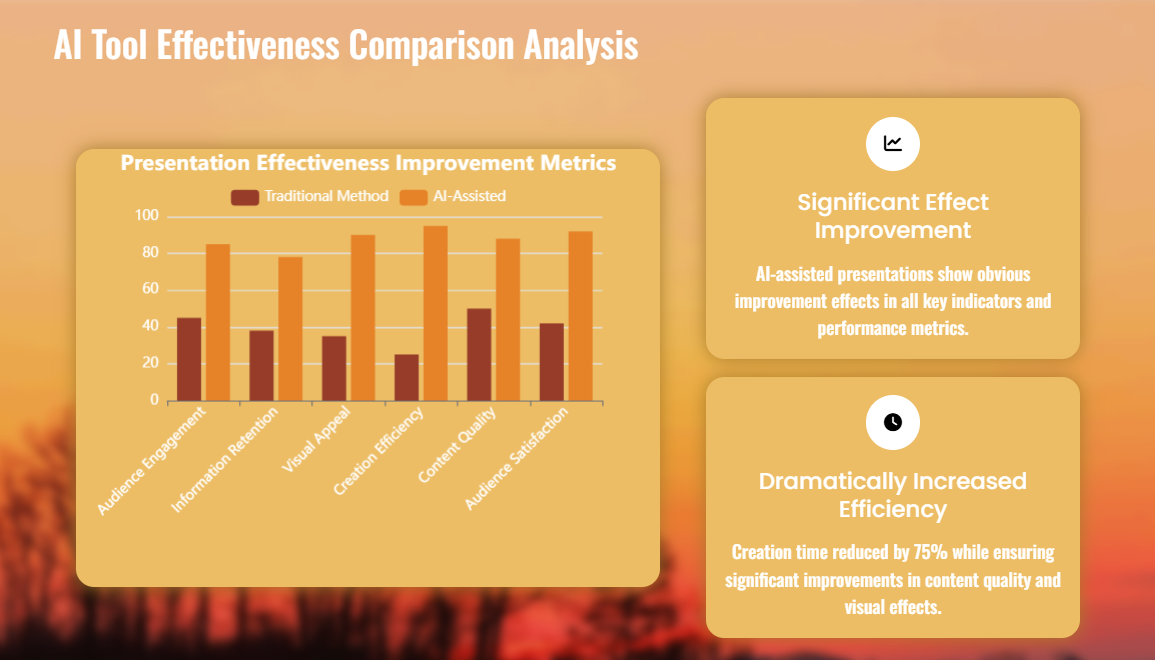
Whether you’re a professional making presentation PPTs or project proposals, a student preparing academic report PPTs or thesis defenses, or a designer creating promotion plan PPTs, PopAi helps you solve practical problems: slow material organization? Use AI Document Reading; language barriers in communication? Use multilingual AI Chat; no copy ideas? Use customized Copywriting; no design direction? Use audience-centric design. And you don’t need to switch between multiple tools—one PopAi handles the entire workflow, making PPT creation efficient and easy.
If you’re tired of PPTs full of bullet points being ignored, and frustrated by tedious material organization and cross-language communication, give PopAi a try. It helps you break free from the pitfalls of traditional PPTs, using AI to empower design and content—making every PPT “both focused and engaging”, and making your expression stand out. Open PopAi now and start creating PPTs “without bullet point clutter”!