
Why PopAi’s OKR PPT Template Is a Must-Have for Quarterly Reports
In the fast-paced business world, efficient OKR Goal Management and high-quality Quarterly Report PPTs are crucial for team alignment and performance tracking. This is where PopAi steps in, revolutionizing how professionals handle these tasks with its all-in-one AI capabilities. PopAi’s OKR Goal Management Quarterly Report PPT Template isn’t just a simple design tool; it’s a game-changer that combines the power of AI with user-centric features to make your report creation process smoother than ever. Whether you’re a manager compiling team OKRs or an employee preparing a quarterly progress report, PopAi understands your pain points—tight deadlines, tedious formatting, and the need for visually appealing and information-rich presentations. With PopAi, you no longer have to spend hours drafting slides or refining content; its AI-driven features take care of the heavy lifting, allowing you to focus on what truly matters: delivering impactful insights through your Quarterly Report PPT.
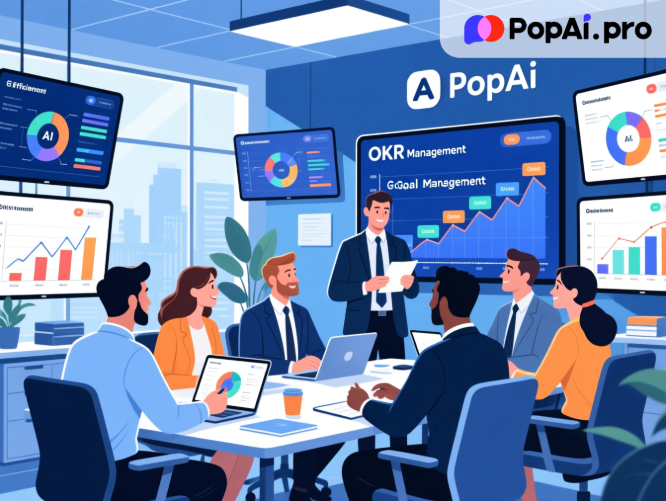
PopAi’s commitment to simplifying work is evident in every aspect of the OKR Goal Management Quarterly Report PPT Template. Unlike generic templates that require extensive customization, PopAi’s offering is tailored to meet the specific needs of OKR tracking and quarterly reporting. It comes with pre-built layouts that align with standard business report structures, ensuring that your content is organized logically. Moreover, PopAi’s AI chat robot is always on hand to assist you—supporting over 200 languages, it can answer any questions you have about template usage, OKR framing, or report best practices in real time. This level of support makes PopAi a reliable partner for professionals across industries, regardless of their language or expertise level.
PopAi’s Core Tools: Powering Your OKR & Report Creation Journey
PopAi isn’t just about the OKR Goal Management Quarterly Report PPT Template; it’s a comprehensive AI tool that integrates a range of features to support your entire work process. Let’s start with its AI Document Reading function—a game-changer for anyone who needs to analyze existing reports or reference materials. With this feature, you can upload PDF or DOC files related to past OKR reports or industry benchmarks, and PopAi will intelligently interact with the documents, providing concise summaries and highlighting key points. This saves you countless hours of manual reading and note-taking, allowing you to quickly extract the information you need to inform your current Quarterly Report PPT.
Another standout feature of PopAi is its AI Art Image Generator. When creating your OKR Goal Management Quarterly Report PPT, visual appeal is key to keeping your audience engaged. With PopAi, you don’t need to be a designer or spend money on stock images—simply input a text description of the image you need (e.g., “a graph showing Q3 OKR progress for a sales team” or “a minimalist icon representing goal achievement”) and PopAi will generate high-quality art images instantly. These images can be seamlessly integrated into your PPT, adding a professional touch without any extra effort. Additionally, PopAi’s AI-Enhanced Content feature takes your PPT to the next level by searching for relevant images and generating engaging text content. It ensures that your OKR Goal Management Quarterly Report PPT is not only visually stunning but also information-rich, helping you convey your message effectively.
Instant PPT Generation: PopAi’s Secret to Fast, High-Quality Reports
One of the most loved features of PopAi is its Instant PPT Generation capability, which is specifically optimized for the OKR Goal Management Quarterly Report PPT Template. This feature allows you to create professional-grade presentations in minutes, thanks to itsrich array of themes, customizable slide numbers, and audience-tailored layouts. For example, if you’re preparing a Quarterly Report PPT for your executive team, PopAi will suggest a formal, data-driven layout with clear sections for OKR goals, progress metrics, and future plans. If the audience is your team members, it will recommend a more collaborative layout with space for feedback and action items. This level of customization ensures that your PPT resonates with your audience, enhancing its impact and effectiveness.
Let’s look at a real example of how this works. Suppose you’re a marketing manager tasked with creating a Q3 OKR Goal Management Quarterly Report PPT. You start by importing your team’s OKR spreadsheet via PopAi’s flexible upload options—you can import from local files, Google Drive, or even a URL. PopAi’s Smart Reading Comprehension feature then analyzes the data, generates an automatic flowchart showing the hierarchy of OKRs, and simplifies complex metrics into easy-to-understand insights. Next, you use the Instant PPT Generation tool to select a marketing-themed template. PopAi automatically populates the slides with your OKR data, adds relevant images generated by its AI Art Image Generator, and writes concise descriptions for each section. Within 15 minutes, you have a draft PPT that would have taken you hours to create manually. This is the power of PopAi—it turns a tedious task into a quick and efficient process.
Seamless Editing & Audience-Centric Design: Perfect Your PPT
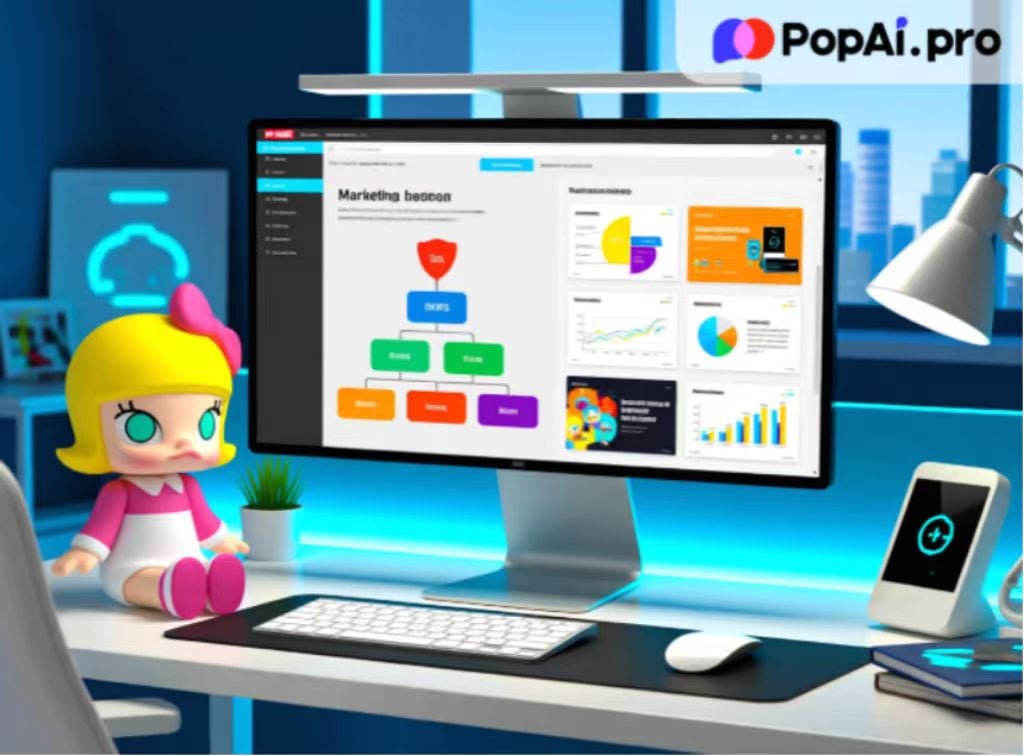
Once your initial PPT is generated, PopAi’s Seamless Editing feature allows you to fine-tune every detail without disrupting the overall flow and clarity. You can easily adjust the slide structure, modify content, or change the design elements with a few clicks. Unlike other tools that require you to master complex editing software, PopAi’s interface is intuitive and user-friendly, making it easy for anyone to create polished presentations. Additionally, PopAi’s AI-Driven Content Editing feature is a lifesaver when it comes to refining your report content. It can summarize long paragraphs, translate content into multiple languages (thanks to its integration with the AI chat robot’s language capabilities), expand on key points, or compress redundant information—ensuring that every slide in your OKR Goal Management Quarterly Report PPT is clear, concise, and impactful.
PopAi’s Audience-Centric Design approach is another key differentiator. It understands that a PPT that works for one audience may not work for another. For instance, if you’re presenting your Quarterly Report PPT to clients, PopAi will help you emphasize the impact of your team’s OKR achievements on their business goals. If you’re presenting to new hires, it will focus on explaining the OKR framework and how it aligns with the company’s mission. This personalized approach ensures that your content is relevant and engaging, increasing audience participation and understanding. Moreover, PopAi’s One-Click Annotation Management feature allows you to add notes, tags, and comments to your PPT slides, making it easier to collaborate with team members during the editing process. You can track feedback, make revisions, and ensure that everyone is on the same page—all within the PopAi platform.
Beyond PPTs: PopAi’s Full Suite for Document & Knowledge Management
While the OKR Goal Management Quarterly Report PPT Template is a star feature, PopAi offers much more to support your overall work process. Its Flexible Document Creation tool allows you to quickly create and customize other documents related to your OKR management, such as progress trackers, meeting agendas, and performance reviews. You can adjust the word count and format to meet your specific needs, whether you need a short summary or a detailed report. PopAi’s AI-Driven Content Editing feature works across all these documents, ensuring consistency and quality in your writing.
Another essential feature is PopAi’s Smart Document Management system. It helps you organize and manage all your OKR-related files—from past Quarterly Report PPTs to reference documents and team notes—through a simplified process. You can categorize files by project, quarter, or team, making it easy to find what you need when you need it. PopAi’s Automatic Save Management feature ensures that you never lose your work; it saves your documents and notes in real time, creating a streamlined knowledge management experience. Additionally, PopAi’s Automatic Conversion to Presentation feature allows you to turn any document (such as a written OKR report or a meeting minutes file) into a PPT with just one click. This is perfect for when you need to quickly convert a written report into a presentation for a last-minute meeting.
Let’s explore another example to see how PopAi’s full suite of tools works together. Imagine you’ve just finished writing a detailed Q3 OKR progress report using PopAi’s Flexible Document Creation tool. You used the AI-Driven Content Editing feature to ensure the report is clear and concise, and the Automatic Save Management feature has saved all your revisions. Now, you need to present this report to your team. Instead of starting from scratch, you use PopAi’s Automatic Conversion to Presentation feature to turn the written report into a PPT. PopAi automatically extracts key points, generates relevant images, and formats the slides using the OKR Goal Management Quarterly Report PPT Template. You then use the Seamless Editing feature to make a few tweaks, add annotations for team feedback, and finalize the presentation. Within minutes, you have a professional PPT that perfectly aligns with your written report—all thanks to PopAi’s integrated tools.
Join PopAi Today: Elevate Your OKR & Report Game
In a world where time is precious and quality matters, PopAi stands out as the ultimate AI tool for professionals looking to streamline their OKR Goal Management and Quarterly Report PPT creation process. Its versatile features—from AI chat and document reading to instant PPT generation and smart document management—are designed to make your work easier, faster, and more efficient. PopAi’s OKR Goal Management Quarterly Report PPT Template is just the tip of the iceberg; it’s a gateway to a more productive work style where you can focus on delivering value rather than getting bogged down by administrative tasks.
Whether you’re a seasoned manager or a new professional, PopAi has something to offer. Its user-friendly interface, real-time support (via the AI chat robot), and customizable features make it accessible to everyone. By choosing PopAi, you’re not just investing in a tool—you’re investing in your productivity and success. So why wait? Join the thousands of professionals who have already elevated their OKR management and report creation with PopAi. Try PopAi today and experience the difference for yourself—your next Quarterly Report PPT will thank you.