Why Do Traditional Excel Workflows Remain an Efficiency “Black Hole”?
Despite Excel’s powerful capabilities, mastering its advanced features—such as nested functions, PivotTables, and macros—requires long–term learning. Many professionals still get bogged down in repetitive manual work in their daily jobs: data entry, formatting adjustments, copy–pasting across different spreadsheets, and frequent searches to recall the exact syntax of complex formulas. These trivial tasks are not only time–consuming but also highly prone to errors caused by human oversight, creating what we call an efficiency “black hole”. More importantly, the end goal of data analysis is always presentation and reporting, yet manually converting data insights from spreadsheets into a logically coherent, visually appealing PPT is another mentally draining process, resulting in a disconnect in the critical data–to–decision pipeline.
How Does PopAi‘s AI Excel Work? Does It Truly Understand Your Business?
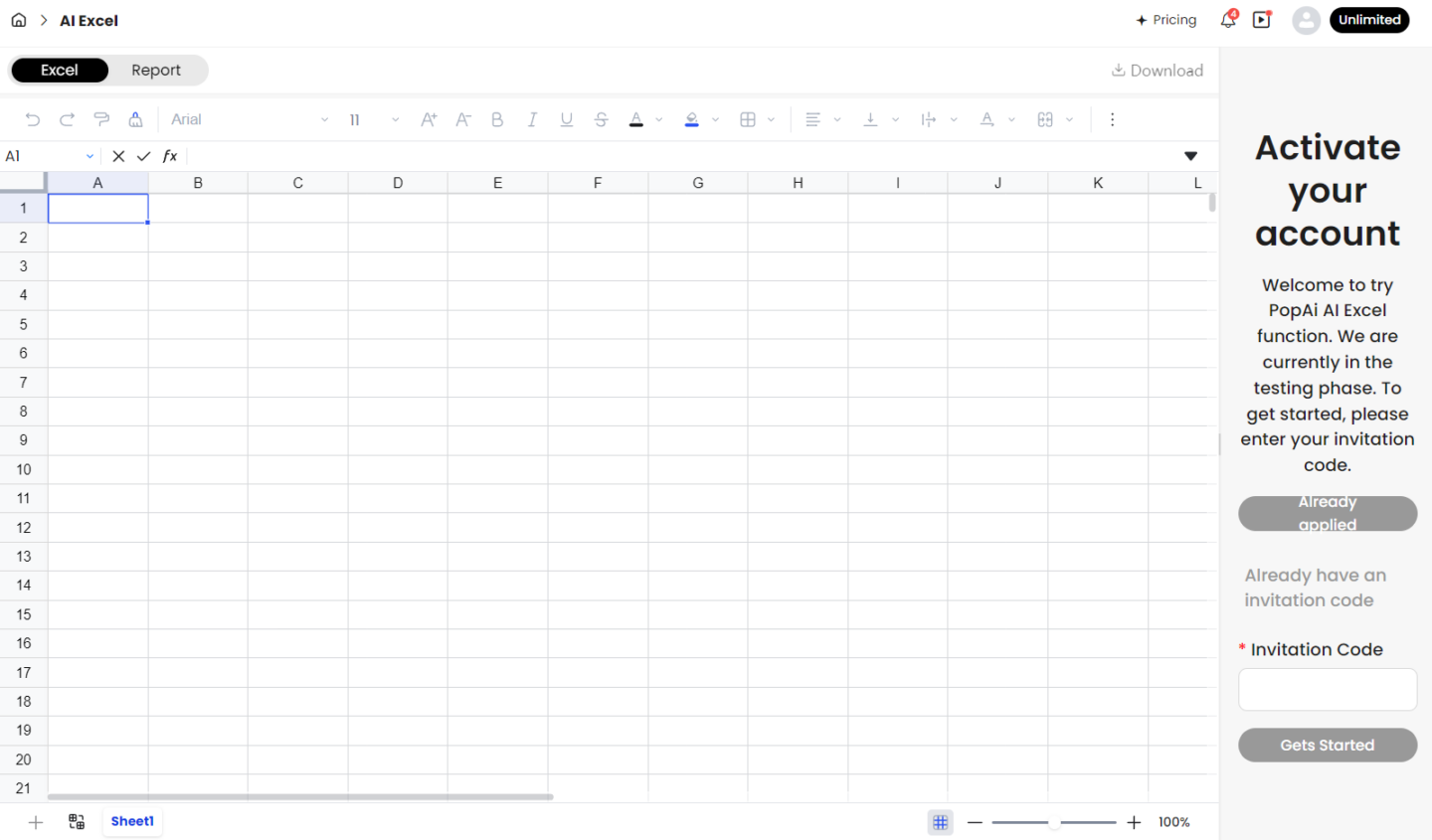
At its core, PopAi’s AI Excel acts as an intelligent co–pilot embedded directly into your workflow, operating on the basis of natural language interaction with the following key capabilities:
l Converting natural language prompts into professional actions: You can describe your needs directly in Chinese. For example, you can input “Calculate the average of data in Column A and ignore blank cells” or “Generate a monthly trend bar chart for this sales data grouped by region”. The AI parses your intent and generates the corresponding formulas or executes the required steps automatically.
l Generating and explaining complex formulas: Forgot the intricate syntax of VLOOKUP or INDEX–MATCH? Simply describe your matching logic, and AI Excel will generate the accurate formula, often with a brief explanation to help you understand and learn.
l Data cleaning and organization: Faced with unstructured data—such as inconsistent date formats, extra spaces, or duplicate entries—you can instruct the AI to perform standardized cleaning, quickly turning raw data into an analysis–ready state.
l Analysis and visualization recommendations: The AI can analyze your data patterns, propose relevant analytical perspectives, and recommend suitable chart types, helping you uncover insights that might otherwise be overlooked.
Trained on massive datasets of code and tabular information, PopAi’s AI Excel learns common business logic patterns (e.g., financial calculations, sales roll–ups) to deliver context–aware assistance. Of course, for highly unique or specialized business models, human validation and fine–tuning remain indispensable.
How Does PopAi‘s AI Excel Differ from Microsoft Copilot?
Microsoft has deeply integrated Copilot into its Office suite, and Excel’s “Intelligent Agent Mode” can also execute multi–step complex tasks. However, PopAi’s AI Excel has a distinct positioning:
| Feature Dimension | PopAi AI Excel | Microsoft Excel Copilot (Intelligent Agent Mode) |
| Core Positioning | A component within an all–in–one AI workspace, focused on seamless integration with PPT generation, document chat and other AI features. | Natively deeply integrated AI for the Excel application, dedicated to complex spreadsheet operations and modeling on the table itself. |
| Key Advantages | Seamless workflow cohesion: Within PopAi, processed data can be transferred to the AI Presentation Generator with one click to create PPTs, drastically streamlining the analysis–to–presentation process. | In–depth functionality and native experience: Conduct what–if analysis, build predictive models, and fix formula errors directly in Excel, with results presented as native charts and PivotTables. |
| Use Cases | Ideal for general scenarios requiring rapid data consolidation, analysis, and report/presentation creation—such as weekly report drafting, research data analysis, and teaching material preparation. | Suited for professional, heavy–duty Excel data analysis and modeling scenarios—including financial modeling, in–depth operational data mining, and complex budget formulation. |
| Collaboration | As part of the PopAi workspace, it enables easy sharing and collaboration within team project workflows. | Powered by the Microsoft 365 ecosystem, it offers robust collaboration capabilities across Teams, SharePoint and other platforms. |
In short, if you are looking for a standalone, powerful professional assistant for Excel analysis, Microsoft Copilot is the top choice. But if you hate switching back and forth between Excel, PPT, and PDF readers, and crave a one–stop platform that connects the entire workflow of data processing, insight extraction, and visual presentation, PopAi delivers unique value through the synergy of its AI Excel and AI Presentation features.
Practical Application Scenarios of AI Excel in the PopAi Workflow
Within PopAi, the capabilities of AI Excel are amplified through its integration with features like “AI Presentation” and “AI ChatPDF”, as illustrated in the following scenarios:
Scenario 1: Rapid Sales Performance Review and Reporting
Suppose you have a raw monthly sales Excel sheet. In PopAi, you can:
1. Use AI Excel to analyze: “Calculate each sales rep’s achievement rate and list the top three with the highest month–on–month growth.”
2. After obtaining the cleaned and calculated spreadsheet, select the relevant data range.
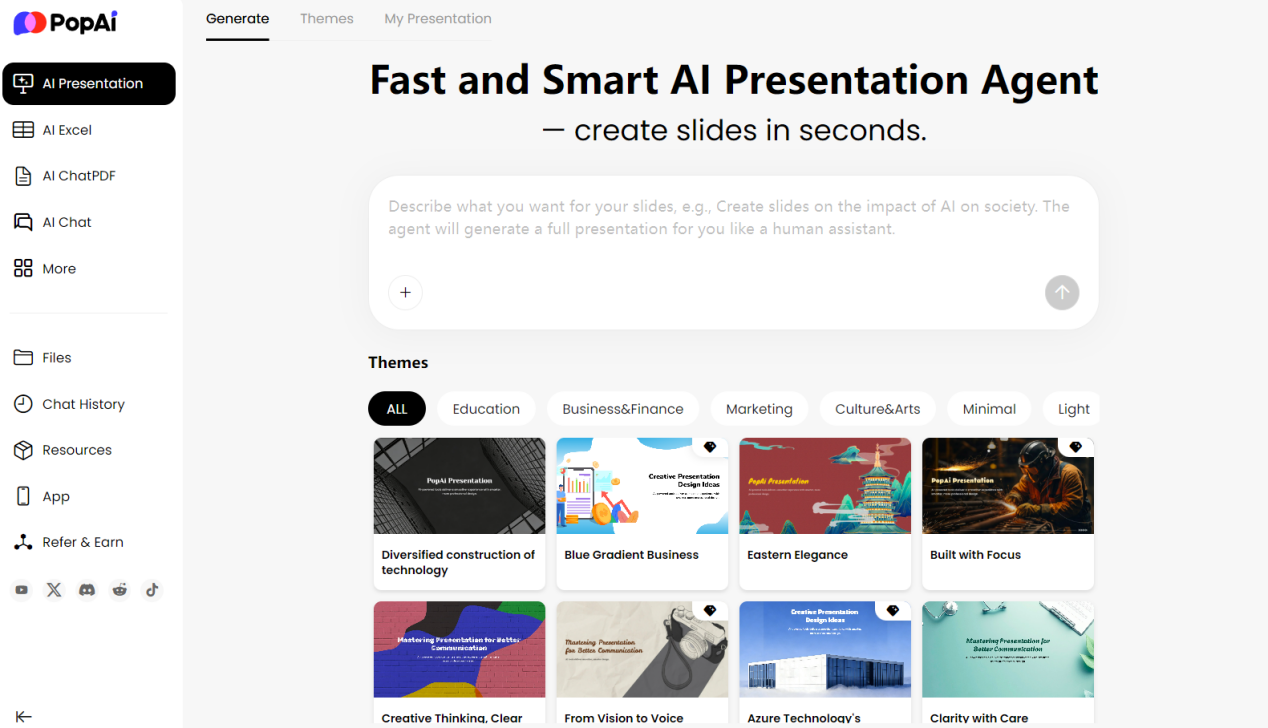
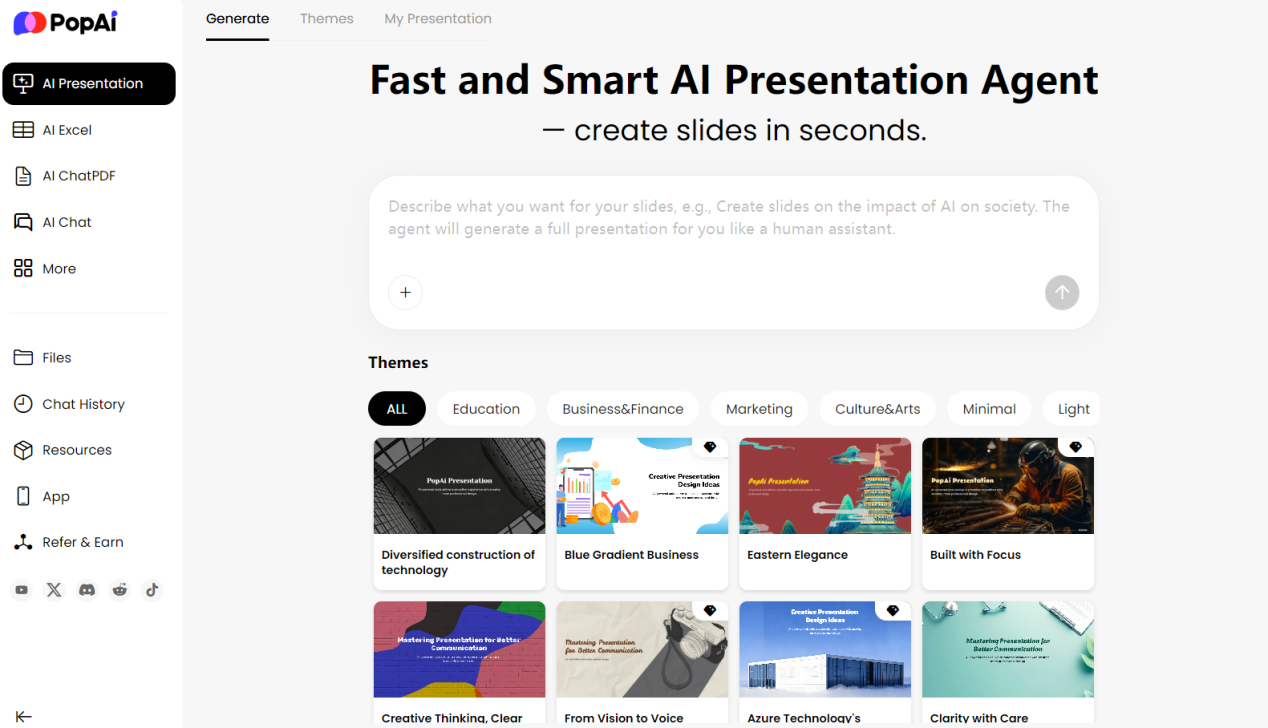
3. Navigate to the AI Presentation feature and input: “Based on this sales data analysis, generate a 5–page review PPT including an overall performance overview, highlights of top sales reps, problem analysis, and an action plan for the next month.”
4. PopAi will understand the data structure and automatically generate a draft PPT with charts and structured text, requiring only minor tweaks from you.
Scenario 2: Data Extraction and Presentation from Research Reports or Long Documents
Imagine you receive a hundreds–page PDF industry report with key market data and statistical tables scattered throughout. You can:
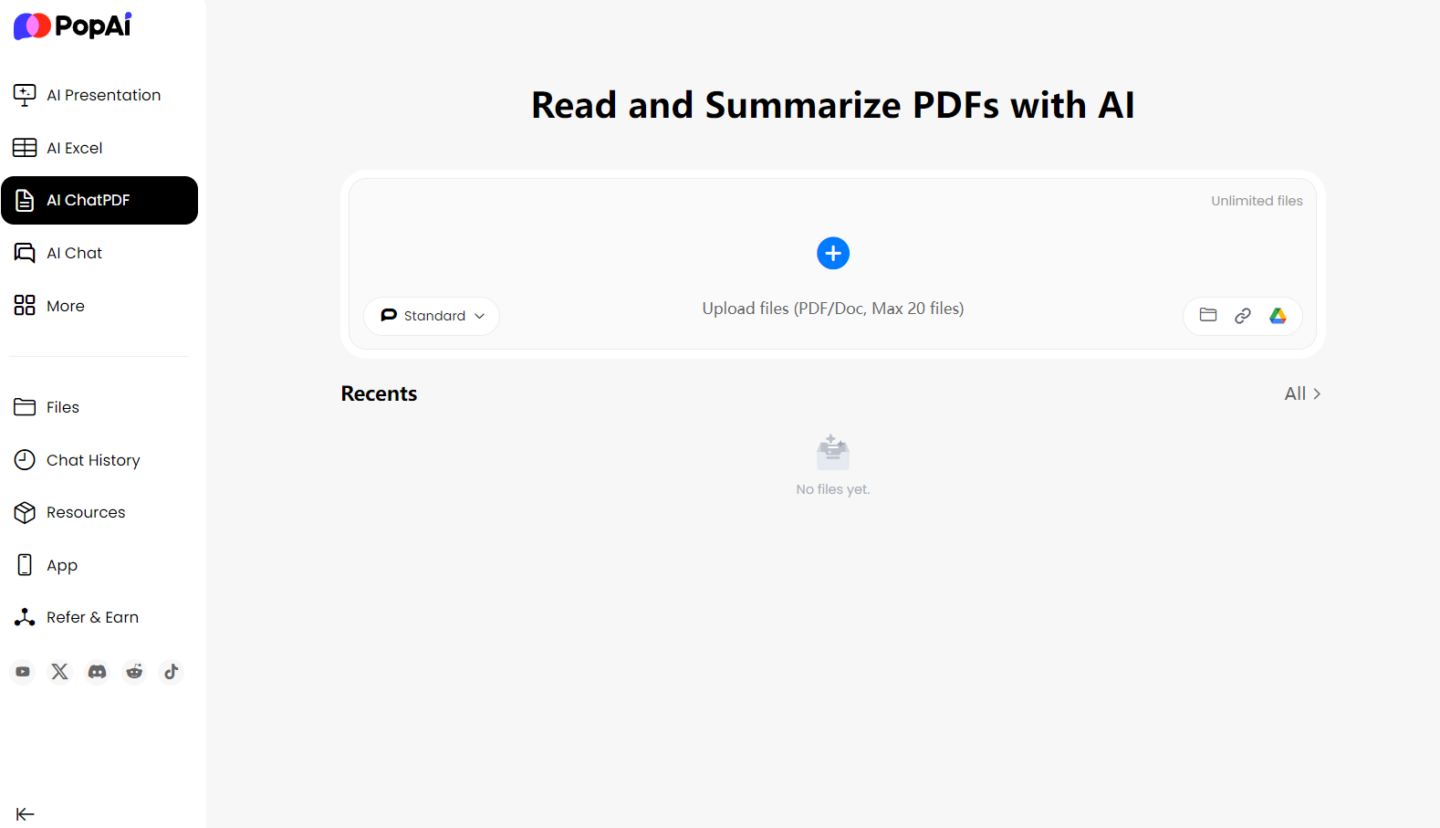
1. Use the AI ChatPDF feature to upload the report and ask: “Extract all data tables on the next three years’ market size forecast from the report and summarize the key figures.”
2. Import or link the extracted key data tables to AI Excel for brief comparative calculations.
3. Finally, use the processed data and core conclusions extracted from the report to generate an interpretation brief for your team via the AI Presentation feature.
This seamless workflow addresses the core pain point that PopAi’s all–in–one AI workspace is designed to solve: reducing mental fatigue from constant tool switching, and allowing you to focus your creativity on thinking and decision–making itself.
How to Choose the Right AI Spreadsheet Solution for You?
When faced with a range of AI spreadsheet tools, your choice should be based on your core needs:
l Choose PopAi if: Your workflow frequently involves the “analyze data → create PPT” cycle; you need to process a large volume of PDF documents and extract data from them; you want a single platform to meet diverse needs from document understanding and data processing to content generation (PPTs, images); you prefer a lightweight, easy–to–get–started interaction method.
l Choose Microsoft Excel Copilot if: You are a power Excel user whose daily work relies heavily on complex formulas, data models, PivotTables, and advanced charts; data analysis itself (e.g., financial modeling, predictive analysis) is your end product, and you have extreme requirements for formatting and calculation accuracy; you are already deeply integrated into the Microsoft 365 ecosystem.
l Consider other professional plug–ins/APIs if: You have highly specific automation needs (e.g., generating SQL queries for Excel data with natural language); you need to integrate AI spreadsheet capabilities into your own business systems via APIs.
For most professionals, educators, marketers, and others who are not Excel experts but regularly work with data and need to create reports, PopAi’s low–barrier, all–in–one AI workspace delivers a more significant and direct boost to overall efficiency.
Outlook: AI Will Liberate Us from Operators to Commanders
The future trend is unmistakable: AI’s role in spreadsheet processing is evolving from a “calculator” that requires precise commands to an “intelligent agent” that can understand intentions, plan steps, and execute tasks autonomously. Whether it’s PopAi’s integrated collaboration or Microsoft Copilot’s in–depth empowerment, their ultimate goal is the same: to liberate humans from the tedious “how–to”—mastering operation syntax and click–through steps—and allow us to focus more on the “what” and “why”: defining problems, formulating strategies, and evaluating results.
PopAi’s AI Excel is an important bridge on this path to liberation. It does not aim to replace the most professional financial modelers, but it aspires to equip every ordinary person who needs to interact with data with a powerful, intuitive intelligent co–pilot—enabling the value of data to flow and be presented more smoothly and elegantly.
Next time you’re faced with a messy spreadsheet and a blank PPT slide, try a different approach: instead of opening Excel first, launch an AI workspace like PopAi, and start by describing your ultimate goal in natural language.