PopAi: Your Secret Weapon to Elevate Influencer Media Kit Slides Presentation
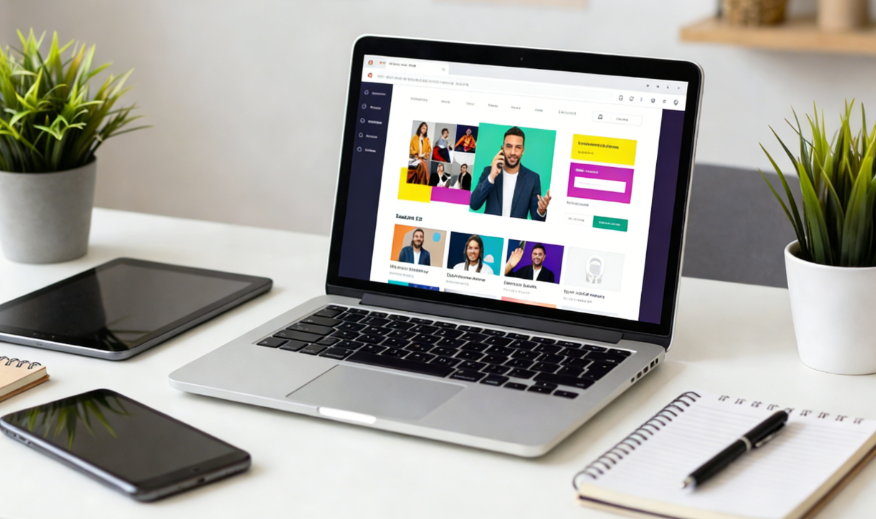
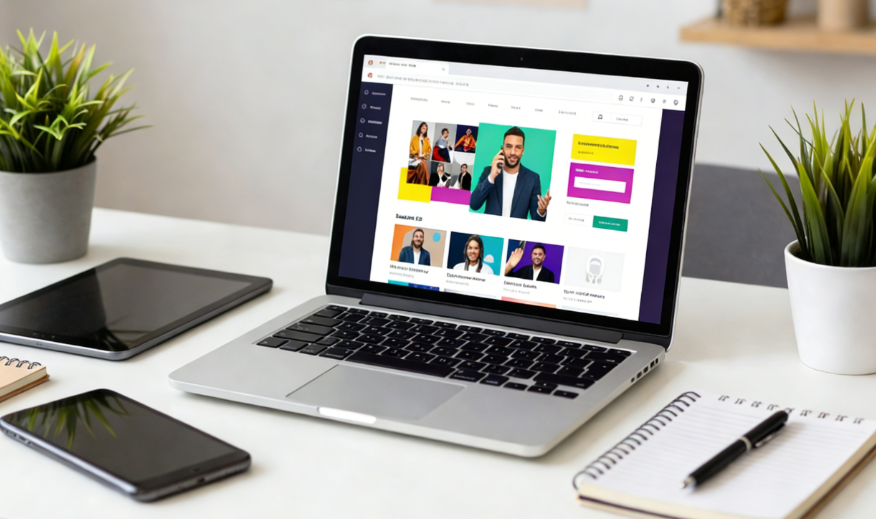
In the competitive world of influencer marketing, a well-crafted Influencer Media Kit slides presentation is your passport to securing brand partnerships. However, creating a professional and engaging presentation often takes hours of brainstorming, designing, and editing—time that could be better spent on content creation or audience interaction. This is where PopAi steps in as a game-changer.
PopAi is an all-in-one AI tool that integrates AI chat, document reading, copywriting, and content creation capabilities, all tailored to simplify and elevate your Influencer Media Kit slides presentation. With PopAi, you can bid farewell to tedious layout adjustments, generic templates, and content gaps—instead, you get a personalized, visually stunning presentation that resonates with brands.
How PopAi’s AI Features Simplify & Enhance Influencer Media Kit Slides
First, PopAi’s Instant PPT Generation feature lets you create presentations with rich themes, customizable slide numbers, and audience-tailored layouts in minutes. You don’t need any design experience—simply input your core information (such as audience demographics, engagement rates, and past collaborations), and PopAi generates a structured draft that aligns with your brand style.
Next, AI-Enhanced Content takes your slides to the next level by searching for relevant images and generating engaging text. PopAi’s AI can generate high-quality, on-brand images (via its AI Art Image Generator) that complement your content, whether it’s a infographic of your audience age range or a professional headshot-style graphic. The AI also crafts compelling descriptions for each slide, highlighting your strengths without being overly promotional.
PopAi allows you to easily adjust the overall structure and content of your slides, ensuring a smooth flow and clarity. Meanwhile, its audience-centric design tools help you tailor the presentation to specific brands—for example, if you’re pitching to a beauty brand, you can emphasize your beauty content metrics and audience interest in skincare products with just a few clicks.
Flexible Upload Options and Smart Document Reading further streamline the process. You can quickly import existing documents (such as PDF audience reports or DOC collaboration summaries) from your files, Google Drive, or via URL. PopAi’s AI then reads and summarizes these documents, extracting key data to integrate into your slides.
Influencer Success Stories: PopAi-Powered Media Kit Slides in Action
Case 1: A Beauty Influencer Pitching to a Cosmetics Brand She used PopAi’s Instant PPT Generation to start, inputting her audience demographics (78% female, 18-34 age range), engagement rate (4.2%), and past beauty brand collaborations. PopAi generated a 10-slide draft with a modern, pink-themed layout (aligned with the cosmetics brand’s aesthetic).
Using PopAi’s AI-Enhanced Content feature, Lila added a slide showcasing her audience’s interest in “clean beauty” (a key value of the brand). The AI generated an infographic comparing her audience’s preference for clean beauty products to the industry average, along with a compelling caption: “My audience is 3x more likely to purchase clean beauty products, making me the perfect partner to promote your new eco-friendly line.” She also used the AI Art Image Generator to create a custom graphic of herself using the brand’s products, ensuring the slides were visually consistent.
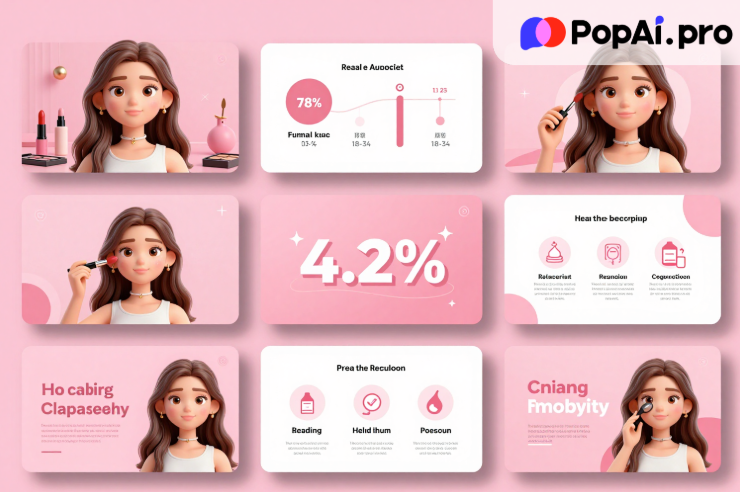
Template for Audience Insight Slide (Copy-Paste): Slide Title: Audience Demographics & Core Interests – Primary Audience: [X]% [Gender], [Age Range] – Key Interests: [Interest 1], [Interest 2], [Interest 3] (backed by data: [Insert Data Point]) – Engagement Highlight: [X]% engagement rate on [Content Type] related to [Brand Niche] – Why This Matters for [Brand Name]: My audience’s focus on [Relevant Interest] aligns with your brand’s core values, driving authentic engagement and conversions.
Case 2: A Fitness Influencer Repurposing a Report into a Media Kit PopAi’s Smart Document Reading feature summarized the report, extracting key data points: 50% audience growth in 6 months, 80% of collaborations resulted in a 20%+ sales lift for brands, and top audience interest in home workout equipment.
Jake then used PopAi’s Auto-Convert to Presentation feature to turn the summary into a slideshow. He used Seamless Editing to rearrange the slides, placing the collaboration results first to highlight his proven impact. With AI-Driven Content Editing, he expanded a short summary point into a persuasive slide: “My 2025 brand collaborations delivered tangible results—8 out of 10 partners saw a 20%+ increase in sales. I leverage my audience’s trust in home workout recommendations to drive conversions for fitness brands.”
Template for Collaboration Results Slide (Copy-Paste): Slide Title: Proven Collaboration Impact (2025) – Total Brand Collaborations: [X] – Average Sales Lift for Partners: [X]% – Standout Campaign: [Brand Name] – [Brief Campaign Description] – [Result, e.g., “30% increase in product sales in 2 weeks”] – Audience Trust Factor: [X]% of followers report purchasing products recommended in my content – Next Steps for [Brand Name]: Let’s create a tailored workout campaign that showcases your equipment and drives measurable results.
Effortless Workflow: Build Influencer Media Kit Slides with PopAi
1. Define Your Goal & Audience: Before opening PopAi, clarify the brands you’re targeting and what key messages you want to convey (e.g., audience demographics, engagement, collaboration style). 2. Start with Instant PPT Generation: Open PopAi, select “Instant PPT Generation,” and input your core information (audience data, collaboration history, brand niche). Choose a theme that aligns with your personal brand and target brands. 3. Import Existing Documents: Use Flexible Upload Options to import any relevant files (audience reports, past collaboration summaries). PopAi will extract key data to integrate into your slides. 4.Enhance with AI Content & Visuals: Use AI-Enhanced Content to add engaging text and relevant images. Leverage the AI Art Image Generator for custom visuals that match your brand. 5. Tailor to Your Audience: Use Audience-Centric Design tools to adjust the presentation for specific brands—emphasize data points that align with their niche and values. 6. Edit & Refine: Use Seamless Editing to adjust the slide order and content flow. Use AI-Driven Content Editing to refine text (summarize, expand, or correct) for clarity and persuasion. 7. Add Annotations & Save: Use One-Click Annotation Management to mark important points for brand meetings. Rely on Auto-Save Management to ensure you don’t lose your progress. 8. Finalize & Export: Review your presentation, make any final tweaks, and export it in your preferred format (PPT, PDF) for sharing with brands.
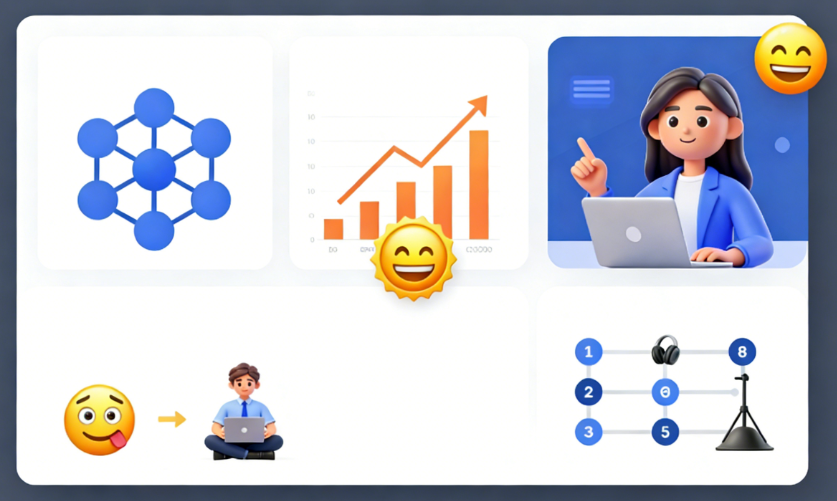
Essential Slides for Influencer Media Kit + PopAi Custom Templates
1. Introduction Slide Template: “Hi, I’m [Your Name] – a [Niche] Influencer passionate about [Your Mission, e.g., “helping women embrace clean beauty”]. With [X] followers across [Platforms], I create authentic, engaging content that resonates with [Audience Description]. This media kit outlines my audience insights, collaboration style, and how we can work together to achieve your brand goals.”
2. Audience Demographics Slide Template: “Audience Breakdown: – Gender: [X]% Female, [X]% Male, [X]% Non-Binary – Age Range: [X]% 18-24, [X]% 25-34, [X]% 35+ – Location: [Top 3 Locations] – Interests: [Top 3 Interests, e.g., “clean beauty, skincare routines, sustainable living”] – Source: PopAi AI-Analyzed Audience Report (2025)”
3. Engagement Metrics Slide Template: “Key Engagement Metrics (Last 6 Months): – Average Engagement Rate: [X]% (Industry Average: [Y]%) – Top Performing Content Types: [Content Type 1, e.g., “Product Reviews”] ([X]% Engagement), [Content Type 2] ([X]% Engagement) – Reach: [X] Monthly Impressions – Audience Retention: [X]% of followers watch my content until the end”
4. Past Collaborations Slide Template: “Successful Brand Partnerships: – [Brand 1]: [Campaign Type, e.g., “Product Launch”] – [Result, e.g., “25% increase in social mentions”] – [Brand 2]: [Campaign Type] – [Result, e.g., “10k+ product clicks”] – [Brand 3]: [Campaign Type] – [Result, e.g., “Top-performing campaign of the quarter for the brand”] – Testimonial: [Quote from Brand Partner] – [Brand Representative Name]”
5. Collaboration Opportunities Slide Template: “How We Can Collaborate: – Sponsored Content: [Content Types, e.g., “Instagram Reels, YouTube Reviews, Blog Posts”] – Brand Ambassadorships: Long-term partnerships to build brand loyalty – Giveaways & Contests: Engage my audience and drive brand awareness – Custom Campaigns: Tailored solutions to meet your specific goals (e.g., product launches, brand awareness) – Contact: [Your Email/Agent Contact]”
Copy-Paste Pitching Scripts to Pair with Your PopAi Media Kit Slides
Script 1: Email Pitch Introduction “Hi [Brand Contact Name], I’m [Your Name], a [Niche] influencer with [X] engaged followers who are passionate about [Relevant Interest, e.g., “sustainable fashion”]. I’m excited to share my media kit presentation (attached) that outlines why a collaboration with me would drive meaningful results for [Brand Name]. My audience aligns perfectly with your target demographic – [1-2 Key Audience Insights, e.g., “70% are 25-34-year-old women who prioritize eco-friendly fashion”]. As you’ll see in the presentation, my past collaborations have delivered [Key Result, e.g., “a 20%+ increase in sales for similar brands”]. I’d love to discuss how we can create a tailored campaign that showcases your [Product/Service] and resonates with my audience. Please let me know if you’d like to schedule a quick call to walk through the media kit in more detail. Thanks, [Your Name] [Your Social Links/Contact Info]”
Script 2: Virtual Meeting Pitch Opening “Thank you for taking the time to meet with me today, [Brand Contact Name]! I’m [Your Name], and I’m thrilled to share my media kit presentation, which I created using PopAi’s AI tools to ensure it’s clear, data-driven, and tailored to [Brand Name]. Today, I’ll walk you through my audience insights, past collaboration results, and how we can work together to achieve your [Brand Goal, e.g., “upcoming product launch goals”]. The key takeaway I want you to leave with is: my audience’s trust and interest in [Relevant Niche] make me the perfect partner to help your brand connect with the right people. Let’s start with my audience demographics slide…”
Script 3: Follow-Up Email After Pitch “Hi [Brand Contact Name], Thanks again for our call today about a potential collaboration between [Your Name] and [Brand Name]. I’m attaching the media kit presentation we discussed for your reference. As a quick recap, the key points that make this partnership a great fit are: 1) My audience’s strong interest in [Relevant Interest] aligns with your brand’s core values; 2) My past collaborations have driven [Key Result] for similar brands; 3) We can create [Custom Campaign Idea] to showcase your [Product/Service] effectively. Please let me know if you have any questions about the media kit or if you’d like to move forward with discussing next steps. I’m excited about the possibility of working with your team! Best, [Your Name] [Your Social Links/Contact Info]”
Final Take: Boost Brand Deals with PopAi’s Influencer Media Kit Slides
By using the templates, case examples, and scripts provided in this article, you can create a media kit that stands out from the crowd and helps you land your dream brand partnerships. Try PopAi today and experience the difference AI can make in your Influencer Media Kit slides presentation creation process.