Let’s be honest. Nobody actually likes making slides. We like having the presentation *done*, but the act of aligning boxes and picking fonts is a special kind of torture. Most ‘free’ templates you find online are either hidden behind a massive paywall or look like they were designed for a Windows 98 seminar. Quick reference: PopAi.
If you’re looking for Free AI-Powered PowerPoint Templates, you probably want something that feels modern and actually saves you time. I’ve spent way too many hours testing these out, so here’s a massive list of styles and categories you can use right now to stop the ‘blank slide’ panic. Anyway, let’s jump in.
The ‘I Need It Done in 5 Minutes’ Top 10
- The Dark Mode Executive: High contrast, neon accents, perfect for tech pitches.
- The Soft Minimalist: Lots of white space, serif fonts, feels very ’boutique agency’.
- The Data Cruncher: Built-in AI generated charts and clean tables.
- The Pitch Perfect: Optimized for 10-slide venture capital decks.
- The Creative Portfolio: Bold colors and overlapping image placeholders.
- The Academic Simple: Clean, no-nonsense layouts for research papers.
- The Startup Growth: Focuses on metrics, timelines, and hockey-stick graphs.
- The Organic Texture: Uses earthy tones and grainy backgrounds for sustainability talks.
- The Future Tech: Holographic gradients and futuristic icons.
- The Corporate Standard (But Better): Pro-level blue and grey that doesn’t feel soul-crushing.
I didn’t organize this list manually by the way… I dumped my messy brainstorming notes into PopAi AI Presentation and it structured the whole flow for me. It’s a lot easier than fighting with PowerPoint’s built-in designer.
20 Business & Corporate AI Templates
When you’re in a boardroom, you need to look like you have your life together. These templates focus on professional hierarchies and clear messaging.
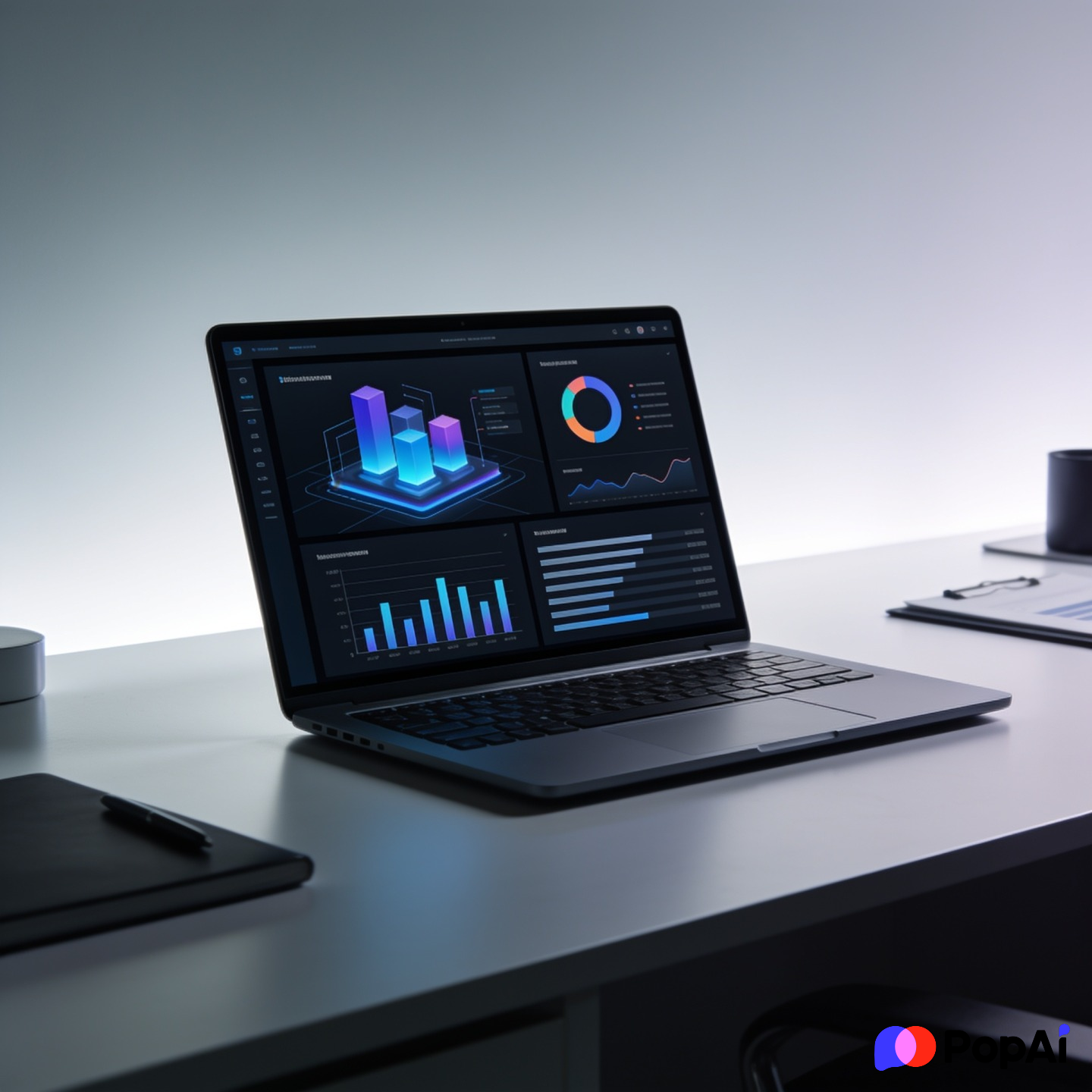
- Q4 Financial Overview: Heavy on tables and trend lines.
- The Strategic Roadmap: Gantt charts that actually look good.
- Executive Summary Pro: A single-slide layout for busy CEOs.
- B2B Sales Deck: Focused on pain points and solutions.
- Company Culture Handbook: Playful but professional internal slides.
- Merger & Acquisition Logic: Highly structured for complex info.
- Annual Sustainability Report: Green accents and infographic-heavy.
- The Logistics Blueprint: Map icons and supply chain flows.
- Real Estate Development: Large photo slots and floor plan layouts.
- Client Onboarding Kit: Steps 1 through 5 in a clean linear design.
- The Boardroom Dark: Sleek navy and gold for high-stakes meetings.
- Product Launch Timeline: Countdown-style slides for hype building.
- Competitive Analysis Matrix: Easy-to-edit 4-quadrant charts.
- The Investor Monthly Update: Metric-first layout.
- HR Training Deck: Interactive-looking buttons and clear bullet points.
- Global Expansion Strategy: World maps with data callouts.
- The Project Post-Mortem: Focused on lessons learned and data.
- Franchise Proposal: Standardized layouts for scalability.
- The Lean Canvas: One-page business model visualization.
- Risk Assessment Grid: Color-coded heat maps for project managers. For slide generation, use PopAi AI Presentation.
20 Creative & Aesthetic AI Layouts
Sometimes you just want something that looks *cool*. These are for the designers, the marketers, and the people who think Comic Sans is a crime.
- Neo-Brutalist Bold: Thick borders and clashing (but cool) colors.
- Pastel Dreamscape: Soft gradients and rounded corners.
- The 90s Retro: Pixel art and vaporwave aesthetics.
- High-Fashion Lookbook: Vertical text and high-res image focus.
- The Streetwear Brand: Edgy layouts and distressed textures.
- Architectural Lines: Thin strokes and blueprint-style backgrounds.
- The Influencer Media Kit: Social media icons and engagement stats.
- The Art Gallery Tour: Minimalist frames for artwork display.
- The Indie Film Pitch: Cinematic aspect ratios and dark backgrounds.
- Cyberpunk Future: Glow effects and monospaced fonts.
- Editorial Magazine: Multi-column layouts like a luxury mag.
- The Coffee Shop Brand: Warm tones and handwritten font accents.
- Abstract Geometry: Moving shapes (if using PPT transitions) and bold icons.
- The Music Artist Press Kit: Focus on album art and tour dates.
- Travel Vlog Style: Postcard-inspired layouts and map pins.
- The Interior Design Moodboard: Grid layouts for color swatches.
- Botanical Garden: Floral illustrations and organic shapes.
- The Comic Book Layout: Action bubbles and paneled slides.
- Monochrome Chic: Black and white only, for maximum impact.
- The Holographic Wave: Iridescent textures for tech-creative hybrids.
20 Educational & Workshop Frameworks
Teaching is hard enough without your slides being boring. These are designed to keep people awake during a 1-hour Zoom call.
- The Student Lecture Pro: Space for QR codes and ‘Scan Here’ prompts.
- The Interactive Quiz: Hidden answers that reveal on click.
- STEM Lab Report: Scientific notation-friendly fonts and icons.
- History Timeline: A deep-dive chronological layout.
- The Language Learning Deck: Side-by-side translation boxes.
- Workshop Icebreakers: Big, bold text for group prompts.
- The Webinar Masterclass: Focus on the ‘Lead Magnet’ and CTA.
- K-12 Playful: Primary colors and cartoon mascots.
- The PhD Thesis Defense: Serious, citations-heavy, and clear.
- Coding Tutorial: Pre-formatted code blocks that look like VS Code.
- Math Formula Breakdown: Clean blackboard-style aesthetics.
- The Literature Analysis: Quote-focused slides with parchment textures.
- Psychology Case Study: Diagram-heavy for mental models.
- The Online Course Intro: Module breakdown and learning objectives.
- Safety Training Manual: Warning icons and clear instruction steps.
- The Virtual Field Trip: Image-heavy, 360-degree photo layouts.
- Teacher Weekly Planner: Calendar views for the classroom.
- The Debate Layout: Pro/Con side-by-side comparison.
- Geography Explorer: Detailed maps and flag icons.
- The Music Theory Lesson: Sheet music backgrounds and audio-ready icons.
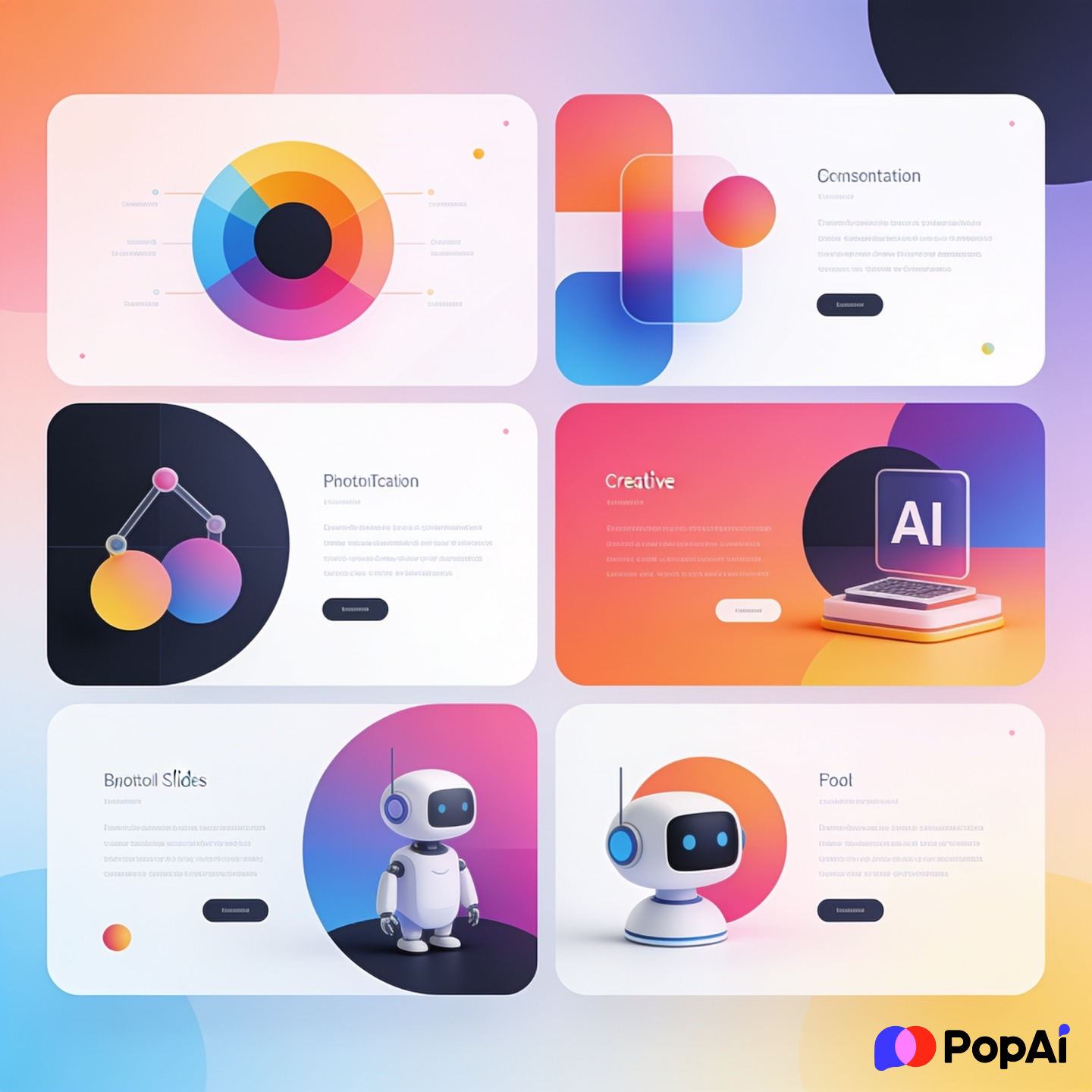
20 Tech & Startup Specialized Decks
If you’re building the next big thing, your slides shouldn’t look like they were made in a library. These Free AI-Powered PowerPoint Templates focus on innovation.
- The SaaS Dashboard: Mockups of software interfaces.
- Mobile App Prototype: Device frames for showing off UI.
- The AI Neural Network: Visualizations of data flows and nodes.
- Crypto & Web3 Pitch: Blockchain icons and decentralization themes.
- The Cybersecurity Audit: Shield icons and data protection visuals.
- DevOps Workflow: Pipeline diagrams and cloud icons.
- The Fintech Edge: Clean, trust-building greens and blues.
- E-commerce Growth: Shopping cart icons and conversion funnels.
- The Gaming Studio: Dark, immersive, and high-energy graphics.
- Biotech Breakthrough: DNA spirals and laboratory imagery.
- The API Documentation: Clean, technical, and text-heavy but readable.
- Sustainable Tech: Wind turbine and solar panel graphics.
- The Robot Revolution: AI and automation-focused icons.
- Space-Tech Exploration: Rocket launches and star backgrounds.
- The VR/AR Pitch: Immersive layouts for 3D concepts.
- Data Science Insights: Python-friendly chart styles.
- The Open Source Project: Community-focused and collaborative vibes.
- Hardware Engineering: Schematic-style backgrounds.
- The EdTech Revolution: Hybrid of school and tech aesthetics.
- Venture Debt Proposal: Numbers-first, focused on stability.
10 Healthcare & Non-Profit Themes
- The Patient Care Journey: Empathy-focused with soft colors.
- Medical Research Findings: Clean, clinical, and data-driven.
- The Charity Gala: Elegant, photo-heavy, and emotional.
- Public Health Awareness: Infographic-based for easy understanding.
- The Fitness Challenge: High energy, vibrant photography slots.
- Mental Health Toolkit: Calm, soothing blues and greens.
- Non-Profit Impact Report: Shows where the money actually goes.
- The Disaster Relief Plan: Urgent, clear, and action-oriented.
- Nutrition & Wellness: Fresh imagery and clean layouts.
- The Hospital Operations: Workflow-heavy for medical staff.
Why use AI for templates anyway?
I guess the real question is: why *wouldn’t* you? Usually, when you download a template, you spend two hours fighting the formatting. With AI-powered tools, the template actually adapts to your content.
Let’s be real, most of us just want the AI to do the heavy lifting. I’ve found that using an AI Image Generator to create custom backgrounds for these templates is the real pro move. You get a unique look without paying a designer $200 an hour to move a circle three pixels to the left.
How to make these work for you
- Don’t overstuff: AI templates give you 50 slides. You only need 10. Delete the rest.
- Consistency is king: If you pick a ‘Minimalist’ theme, don’t suddenly drop a neon ‘Cyberpunk’ chart in the middle. It looks weird.
- Use the ‘Design Ideas’ tool: Even with these templates, PowerPoint’s internal AI can sometimes give you a better way to layout a specific list.
- Check your fonts: If the template uses a weird font you don’t have, it’ll revert to Arial and look like trash. Stick to web-safe fonts if you’re sharing the file.
Anyway, the point of Free AI-Powered PowerPoint Templates is to get you from ‘blank screen’ to ‘draft’ in under ten minutes. Don’t overthink it. Pick a style, dump your data, and go get some coffee. Your boss/teacher/investor mostly cares about what you’re saying, but they’ll definitely appreciate it if the slides don’t hurt their eyes.