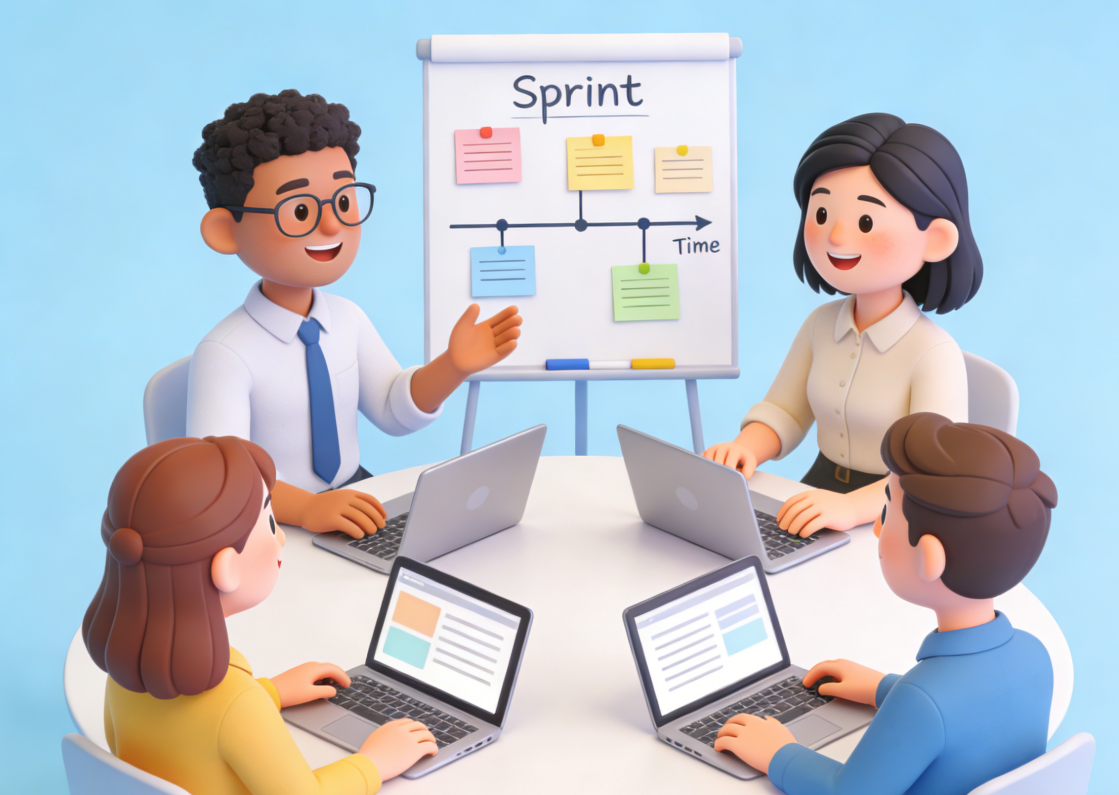
In the fast-paced world of Agile Scrum, effective communication is the cornerstone of successful project delivery. Whether it’s a daily standup, sprint planning, or sprint review meeting, a well-crafted Agile Scrum slides presentation can streamline information sharing, align team goals, and impress stakeholders. However, creating such presentations often requires significant time and effort, from structuring content to designing visuals. That’s where PopAI comes in. As a versatile AI tool, PopAI integrates a wide range of features specifically designed to empower users in creating exceptional Agile Scrum slides presentations. From AI-powered chat support to intelligent document conversion and seamless editing, PopAI takes the hassle out of presentation creation, allowing you to focus on delivering value.
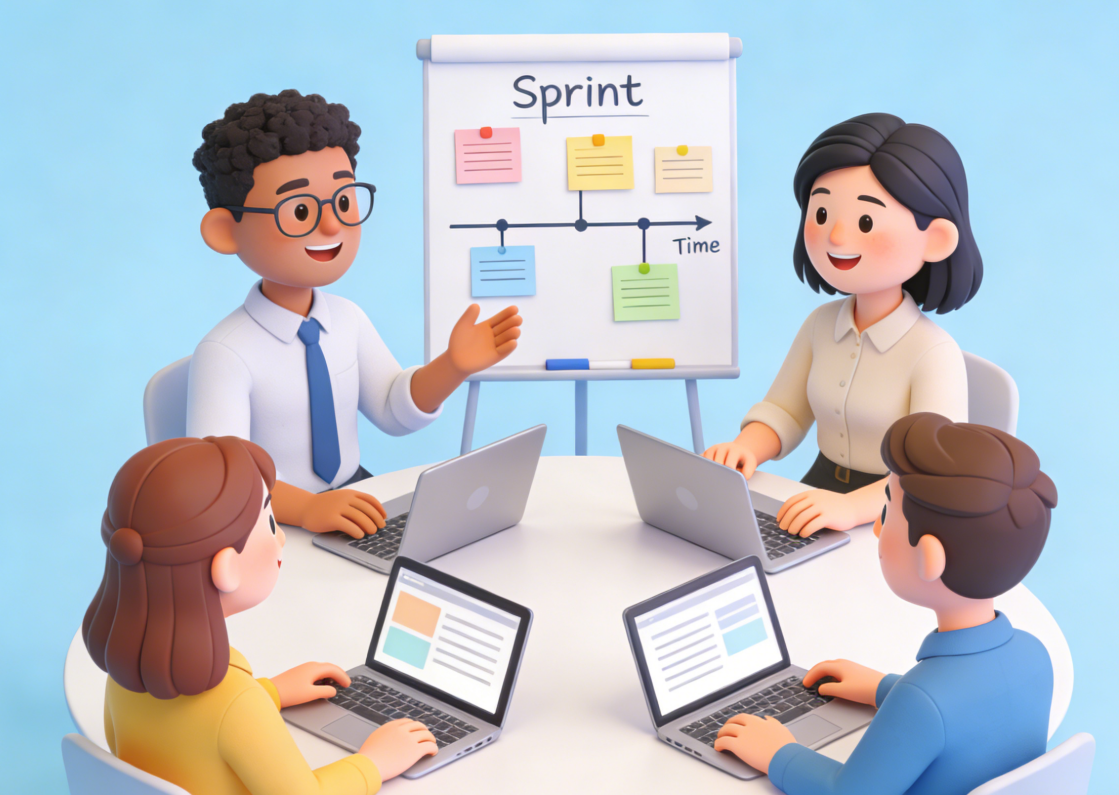
Agile Scrum Slides in Minutes? PopAI’s Automation Secret Revealed
One of the biggest pain points in creating Agile Scrum slides presentation is the time spent on drafting and formatting. Many teams spend hours compiling data from various documents, organizing content into a logical flow, and designing slides that are both informative and visually appealing. PopAI’s instant PPT generation feature eliminates this inefficiency by allowing you to create presentation drafts in minutes. With a rich library of Agile Scrum-themed templates, you can select a layout that fits your meeting type—whether it’s sprint planning, daily standup, or retrospective—and customize slide numbers to match your workflow.
A concrete example of this is a sprint planning meeting presentation. Suppose you need to create slides that outline the sprint goal, backlog items, and assigned tasks. Instead of starting from scratch, you can use PopAI’s instant PPT generation feature, select the “Sprint Planning” theme, and input key information. PopAI will automatically structure the content into clear slides, including a title slide, sprint goal overview, backlog item list with priorities, and team task assignments. You can then use PopAI’s seamless editing tool to adjust the layout, rearrange slides, and modify content to ensure a coherent flow. Additionally, PopAI’s automatic save management ensures that you never lose your work, creating a simplified knowledge management experience.
PopAI’s flexible upload options further enhance efficiency. You can quickly import existing documents related to your Agile Scrum project—such as PDF backlogs, DOC sprint plans, or even Google Docs—directly into PopAI. The tool’s intelligent document reading feature will then analyze and summarize the key points, extracting relevant information to populate your slides. This not only saves time but also ensures that your presentation is accurate and aligned with your project’s latest data.
Win Over Stakeholders & Teams: PopAI’s Audience-Tailored Scrum Slides
A successful Agile Scrum slides presentation must resonate with its audience. Stakeholders may care more about project progress and business value, while team members focus on task details and potential impediments. PopAI’s audience-centric design feature enables you to customize your presentation to meet the unique needs of different viewers, enhancing engagement and influence.
For instance, when creating a presentation for stakeholders, you can use PopAI to emphasize business outcomes, sprint milestones, and ROI. PopAI’s AI-enhanced content feature will search for relevant business-focused images—such as progress charts, revenue graphs, or customer feedback visuals—and integrate them into your slides to make the content more compelling. You can also use PopAI’s AI-driven content editing tool to summarize complex technical information into concise, easy-to-understand statements that resonate with non-technical stakeholders. On the other hand, for a team-focused presentation, you can prioritize task breakdowns, timelines, and dependency diagrams. PopAI’s intelligent reading comprehension feature can generate automatic flowcharts to visualize task dependencies, simplifying complex information for the team.
PopAI’s AI chatbot further supports audience-centric customization. If you’re unsure about the best way to tailor your presentation for a specific audience, you can engage with PopAI’s AI chatbot, which supports over 200 languages, to get personalized recommendations. The chatbot can provide insights on content structure, visual elements, and tone that will best appeal to your target audience, ensuring that your presentation hits the mark every time.
From Static Docs to Dynamic Slides: PopAI’s One-Click Scrum Conversion
Many Agile Scrum teams already maintain detailed documents—such as sprint backlogs, meeting minutes, and retrospective reports—that contain valuable information for presentations. Converting these documents into engaging slides manually is tedious and prone to errors. PopAI’s automatic conversion to presentation feature solves this problem by allowing you to easily transform any document into a professional Agile Scrum slides presentation with just one click.
Let’s take a retrospective report as an example. Suppose your team has a detailed DOC file summarizing the previous sprint’s achievements, challenges, and action items. With PopAI, you can upload this file, and the tool will automatically extract key information, organize it into logical slides, and apply a cohesive design. The converted presentation will include slides for sprint achievements, challenges faced, root cause analyses, and action items with assigned owners and deadlines. You can then use PopAI’s seamless editing feature to refine the slides—adjusting text, adding visuals, or rearranging content—to ensure clarity and impact. This not only saves time but also ensures that your presentation is consistent with the original document, reducing the risk of misinformation.
PopAI’s smart document management feature also plays a crucial role in this process. It allows you to effectively organize and manage all your Agile Scrum documents in one place, making it easy to locate and convert the files you need for presentations. You can use the one-click annotation and annotation management tool to mark key sections of your documents, which will be highlighted in the converted slides, ensuring that important information doesn’t get overlooked.
Make Your Scrum Slides Shine: PopAI’s AI-Powered Content Enhancement
Creating slides that are both informative and visually appealing is essential for holding the audience’s attention during Agile Scrum meetings. PopAI’s AI-enhanced content feature takes your Agile Scrum slides presentation to the next level by leveraging AI to search for relevant images, generate engaging text, and ensure that your content is both accurate and compelling.
When creating content for your slides, PopAI’s AI-driven content editing tool can help you refine your text to be clear, concise, and impactful. Whether you need to expand on a key point, compress lengthy text, or translate content into another language, PopAI has you covered. For example, if you have a draft slide with a long paragraph about sprint goals, you can use PopAI’s compression feature to condense the text into bullet points that are easier to read. If you’re presenting to an international team, you can use the translation feature to convert the content into the team’s preferred language, ensuring everyone understands the message.
PopAI’s AI art image generator is another valuable tool for enhancing your presentations. If you need custom visuals to illustrate a concept—such as a “user story mapping” or “sprint timeline”—you can simply describe the image you need in text, and PopAI will generate a high-quality art image to use in your slides. This provides you with unique, relevant visuals that help convey your message more effectively, setting your presentation apart from generic ones.
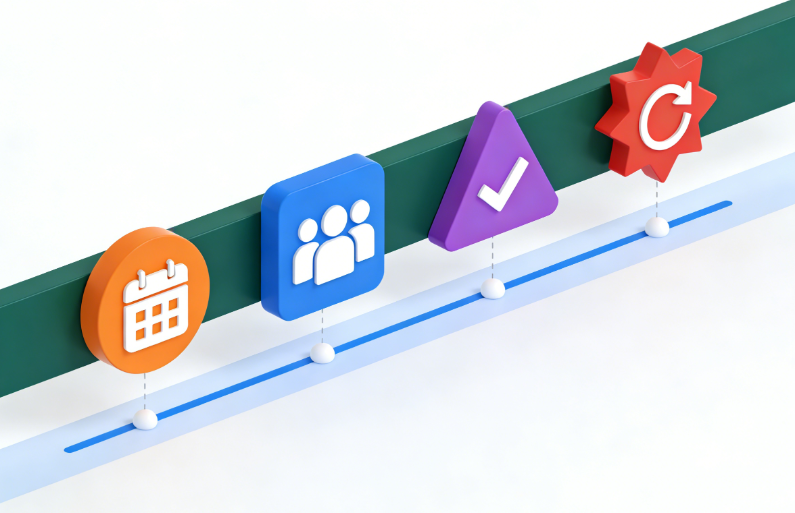
Ready-to-Use: PopAI’s Agile Scrum Slides Templates & Copy Scripts
To help you get started quickly, here are some practical templates and copy-paste scripts that you can use with PopAI to create your Agile Scrum slides presentation:
1. PopAI-Ready Sprint Planning Presentation Template
Slide 1: Title Slide – Title: [Sprint X] Planning Meeting – Subtitle: Aligning Goals, Tasks, and Timelines – Visual: PopAI-generated sprint planning flowchart
Slide 2: Sprint Goal – Main Goal: [Clear, concise sprint goal] – Business Value: [How this goal contributes to project success] – Success Metrics: [Metrics to measure goal achievement]
Slide 3: Backlog Items (Prioritized) – Item 1: [Backlog item name] – Priority: High – Description: [Brief description] – Estimated Effort: [Story points/hours] – Item 2: [Backlog item name] – Priority: Medium – Description: [Brief description] – Estimated Effort: [Story points/hours]
Slide 4: Task Breakdown & Assignments – Backlog Item: [Item name] – Tasks: [List of tasks with assigned owners and deadlines]
Slide 5: Timeline & Milestones – Sprint Start Date: [Date] – Sprint End Date: [Date] – Key Milestones: [List of milestones with dates]
2. Copy-Paste Scripts for Key Scrum Presentation Scenarios
Opening Script for Stakeholder Presentation: “Good [morning/afternoon], everyone. Welcome to the [Sprint X] planning presentation. Today, I’ll walk you through our sprint goal, prioritized backlog items, and how this sprint contributes to our overall project objectives. With the help of PopAI, we’ve streamlined this presentation to highlight the key information that matters most to you—business value and project progress. Let’s dive in.”
Sprint Progress Update Script: “As of [date], we’ve made significant progress on our sprint goal. We’ve completed [X] backlog items, including [item names], and are on track to finish the remaining items by the sprint end date. The team has faced [X] challenges, but we’ve implemented [solutions] to address them. The slides you see today were created using PopAI’s automatic conversion feature, ensuring that the information is accurate and aligned with our latest project data.”
Retrospective Presentation Closing Script: “To wrap up our retrospective, we’ve identified key achievements, challenges, and action items for the next sprint. The slides you’ve seen were converted from our retrospective report using PopAI, making it easy to share our insights with the team. Let’s use these takeaways to improve our workflow and deliver even more value in the upcoming sprint. Thank you all for your contributions.”
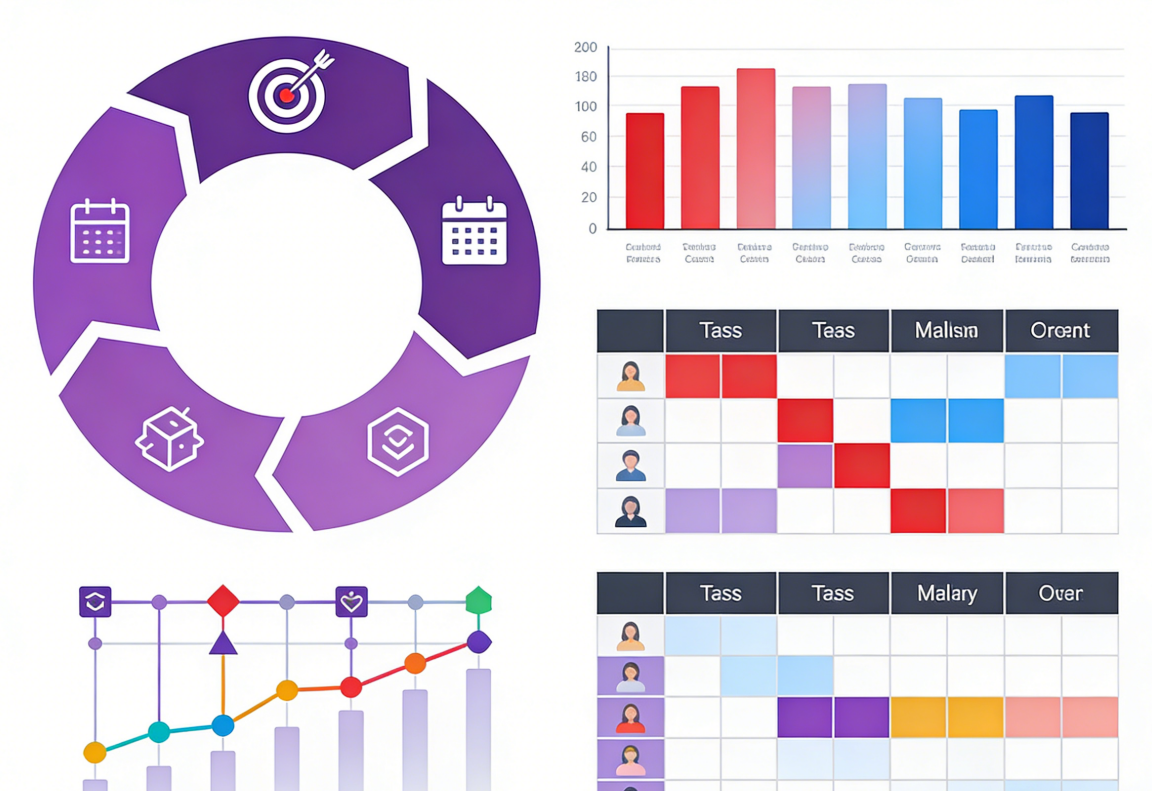
In conclusion, PopAI is a game-changer for creating exceptional Agile Scrum slides presentation. Its comprehensive features—from instant generation and seamless conversion to AI-enhanced content and audience-centric design—empower you to create professional, engaging presentations efficiently. By leveraging PopAI’s tools, templates, and scripts, you can save time, reduce stress, and deliver presentations that drive alignment and success in your Agile Scrum projects. Whether you’re a Scrum Master, product owner, or team member, PopAI has everything you need to elevate your Agile Scrum slides presentation to the next level.