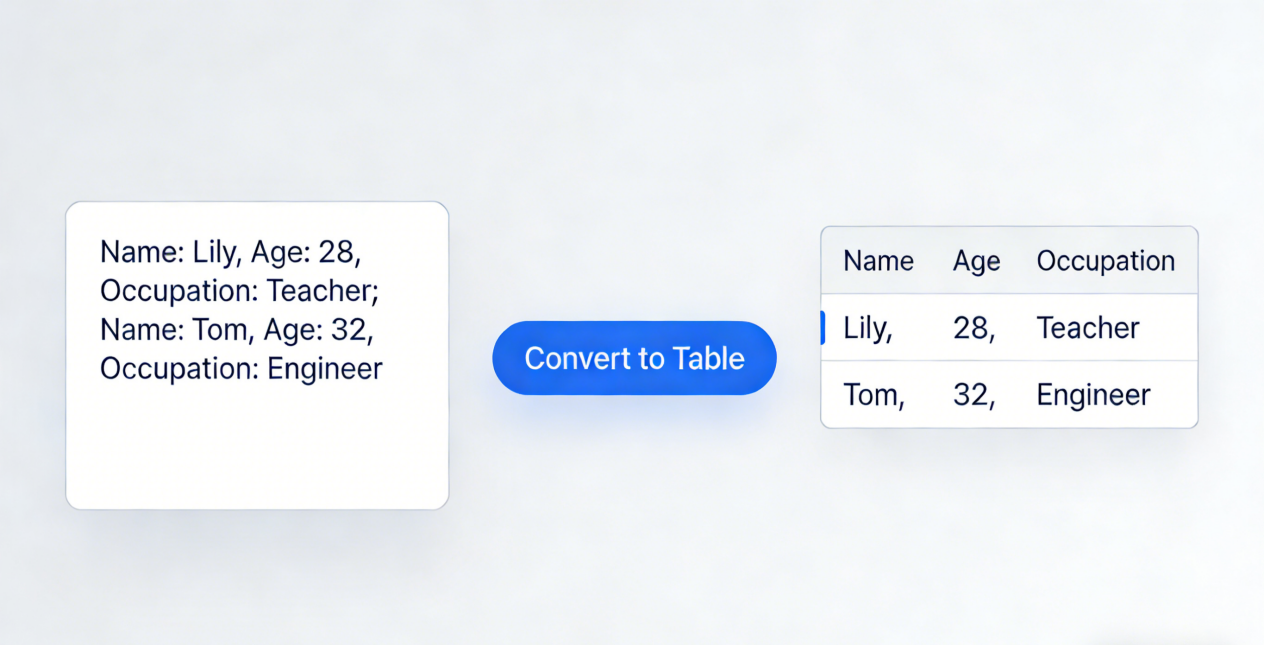
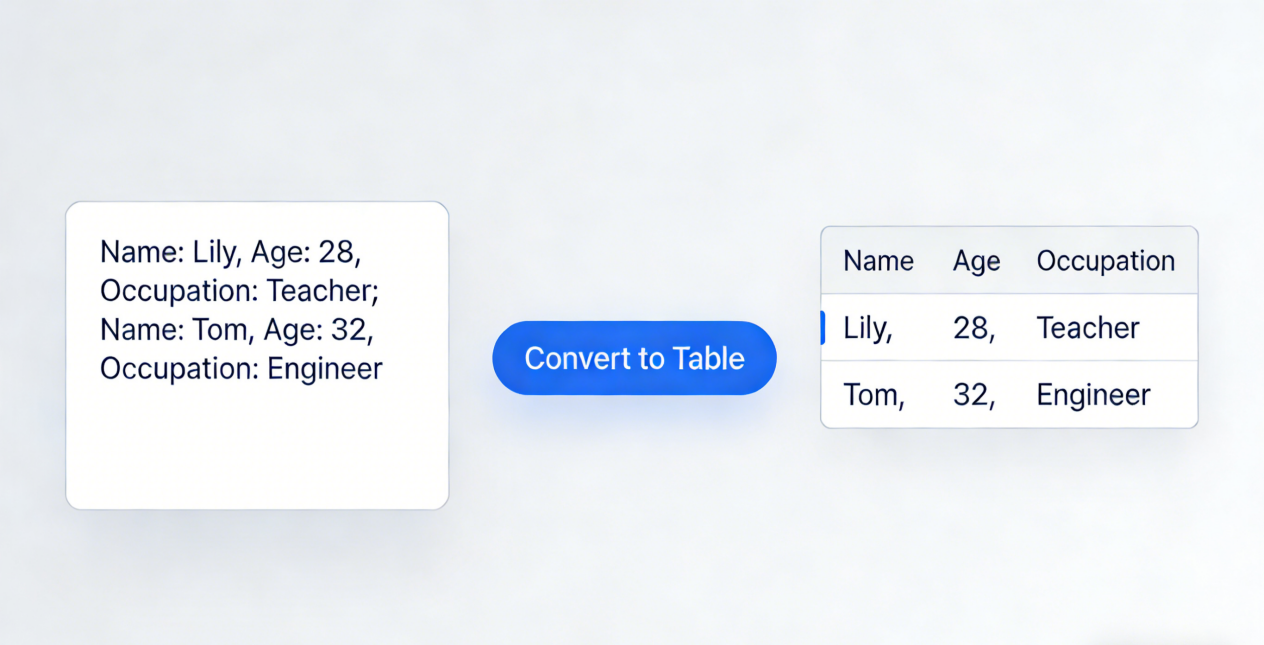
When processing tables manually, people not only face the challenge of extracting information from unstructured formats like PDFs and images but also often encounter errors due to deviations in cross–cell recognition and cumbersome data cross–checking. In scenarios such as financial statement reconciliation and government data statistics, these issues may even lead to economic losses or work delays. However, combining deep learning technology with PopAI’s full–scenario AI tools and Excel Copilot pivot tables can fundamentally solve these pain points, achieving efficient and accurate table information extraction.
1. What Insurmountable Pain Points Does Manual Table Processing Face?
In daily office work, table processing is a high–frequency demand, but the limitations of manual operations have always plagued most people. Firstly, format adaptation is difficult. Financial statements in the financial sector and statistical tables in government systems often exist in PDF or scanned image formats. When manually entering data into Excel, users not only have to copy line by line and column by column but also need to handle content spanning merged cells—for example, in a company’s quarterly financial report, the ‘Operating Income’ column merges data from three months, and manual extraction is prone to missing or mismatching entries. Secondly, efficiency is extremely low. Extracting and verifying a single industry report with thousands of rows of data usually takes hours manually. Moreover, as the number of tables increases, repetitive operations further raise the error rate. For instance, a bank once experienced deviations in customer qualification judgment due to duplicate data entry when manually cross–checking loan customer information tables, leading to subsequent risks. Finally, follow–up analysis is cumbersome. Data extracted manually needs to be re–imported into Excel for summary. If comparing data from different dimensions, users also need to manually insert pivot tables, which is a tedious process and prone to incorrect results due to wrong filter settings. These pain points make efficient table information extraction an urgent need across various industries.
2. How Does Deep Learning Break Through the Technical Bottlenecks of Table Extraction?
With the development of deep learning technology, table information extraction has shifted from ‘manual dependence’ to ‘intelligent automation.’ Among them, the seq2seq (sequence–to–sequence) model is one of the core technologies. It can convert table information into ordered sequences—for example, transforming content such as ‘team assists’ and ‘player scores’ in basketball game reports into model–recognizable sequences using special separators (e.g., ‘⟨s⟩’ for separating cells and ‘⟨n⟩’ for separating rows), and then reversely generating structured tables. This solves the limitation of traditional methods that require predefining schemas. Meanwhile, GCN (Graph Convolutional Network) excels in cross–cell recognition. For example, when processing financial tables, PopAI draws on GCN’s approach of fusing image features, positional features, and text features to accurately identify header information corresponding to merged cells, avoiding deviations in manual extraction.
At the same time, the application of deep learning is inseparable from high–quality datasets. For example, the FinTab dataset in the financial sector contains over 1,600 Chinese financial tables with JSON structure annotations, providing sufficient samples for model training; the PubTabNet dataset, with 568,000 table images, enables models to be more accurate in multi–scenario table recognition. The combination of these technologies and datasets has upgraded table extraction from ‘sentence–by–sentence recognition’ to ‘document–level full extraction,’ laying the foundation for subsequent tool collaboration.
3. How Do PopAI and Excel Copilot Pivot Tables Achieve Full–Process Optimization of Table Processing?
Deep learning solves the problem of ‘whether extraction is possible,’ while PopAI’s AI functions and Excel Copilot pivot tables address ‘how to use extracted data efficiently.’ Their collaboration covers the entire table processing workflow.
Firstly, in the table information extraction phase, PopAI’s ‘AI reading and summarization of PDFs’ function can directly handle unstructured formats. For example, when faced with a company’s annual financial report in PDF format, users do not need to copy manually—they only need to upload the file. PopAI can automatically extract key data such as revenue, profit, and costs through intelligent reading comprehension technology, generate structured text, and even automatically create flowcharts to sort out data logic, avoiding the omission of cross–cell information. If there are questions during the process, users can also consult the meaning of data in real time through the ‘AI chat’ function—for example, asking ‘the calculation basis for the gross profit margin in a certain quarter,’ and PopAI will provide explanations based on the table context.
Next, in the data summary phase, Excel Copilot pivot tables demonstrate their unique advantages. Users can directly import structured data extracted by PopAI into Excel and quickly generate pivot tables via Excel Copilot: simply enter ‘summarize quarterly revenue by product line,’ and AI will automatically match fields and set filter conditions without manual dragging of column labels, significantly reducing operational steps. For example, when financial personnel analyze data from chain stores, Excel Copilot pivot tables can complete ‘monthly sales comparison of stores in various regions’ in 1 minute, compared to at least 15 minutes of traditional manual operations—and it avoids result deviations caused by incorrect filter settings.
After data summary is completed, PopAI’s ‘AI writing’ function can automatically generate analysis reports based on the results of Excel Copilot pivot tables. Whether it is ‘analysis of profit growth points’ for financial statements or ‘summary of changes in people’s livelihood data’ for government reports, users only need to input the report type and core requirements. PopAI can generate well–structured and logically clear documents, and support adjusting the language style through the ‘AI rewriter’ to adapt to formal reports or concise summaries. If a team presentation is needed, the ‘AI presentation’ function can further convert the report into PPT: automatically matching relevant charts (such as revenue trend graphs) from the Internet, customizing layouts for the audience (e.g., management or frontline employees), supporting custom slide numbers, and supplementing data interpretation notes through the ‘AI–enhanced content’ function to ensure the presentation is both intuitive and in–depth.
In addition, PopAI’s ‘seamless editing’ and ‘automatic save management’ functions provide protection for table processing: when adjusting PPT structure or modifying report content, consistency can be maintained, and all operations are saved in real time to avoid data loss due to accidental closure. The ‘flexible upload options’ also support importing table data from Google Docs or URLs, achieving seamless connection with Excel Copilot and further shortening the operational chain.
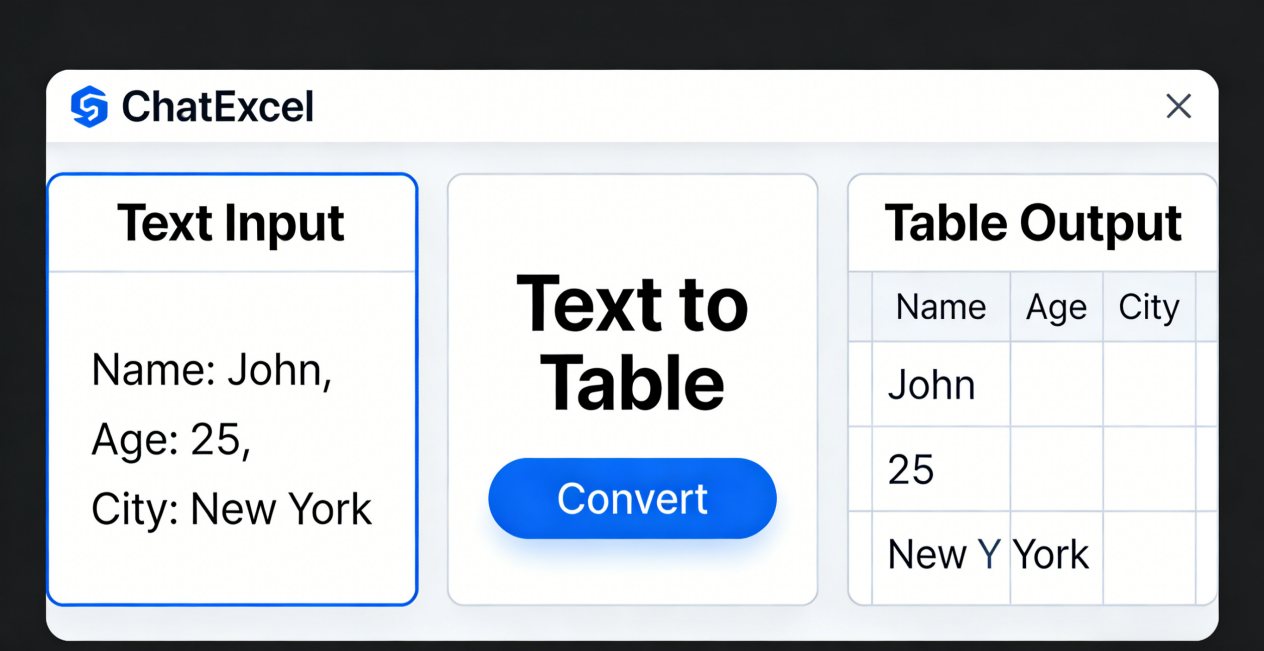
4. How to Use PopAI + Excel Copilot in Practical Scenarios?
Taking ‘financial table processing’ in the financial industry as an example, we can look at a complete workflow: an accounting firm needs to analyze a listed company’s annual financial report (in PDF format). First, use PopAI’s ‘AI reading and summarization of PDFs’ function to upload the file. The system automatically extracts key data (such as current assets, total operating income, and net profit) from the balance sheet and income statement, marks ‘consolidated statement items’ spanning cells, and generates structured text. Then, import the extracted data into Excel and use Excel Copilot pivot tables to set ‘summarize revenue by quarter’ and ‘split costs by business segment’ to quickly identify the segment with the fastest revenue growth. Next, use PopAI’s ‘AI writing’ function to generate the ‘Annual Financial Analysis Report’ based on the pivot table results, automatically highlighting key conclusions such as ‘gross profit margin increased by 3% year–on–year’ and ‘R&D expenditure ratio increased by 1.2%.’ Finally, use the ‘AI presentation’ function to convert the report into PPT, customize the ‘data verification focus’ section for the audit team, insert trend graphs generated by Excel Copilot, and add data source notes through the ‘one–click annotation’ function. The entire process from extraction to presentation takes only 1 hour, improving efficiency by more than 80% compared to manual processing.
In government scenarios, when a street office processes residents’ social security registration forms, this combination can also enhance efficiency: first, use PopAI to extract data from social security registration forms in image format, solving the problem of handwritten font recognition. After importing into Excel Copilot, use pivot tables to summarize the number of insured persons by ‘community’ and ‘age group’ to quickly identify areas with concentrated uninsured populations. Then, use PopAI to generate the ‘Social Security Participation Status Analysis Report’ and automatically convert it into PPT for community promotion. The ‘AI translation’ function can also generate multilingual versions to adapt to foreign residents in the jurisdiction, achieving full–process coverage of ‘extraction–analysis–dissemination.’
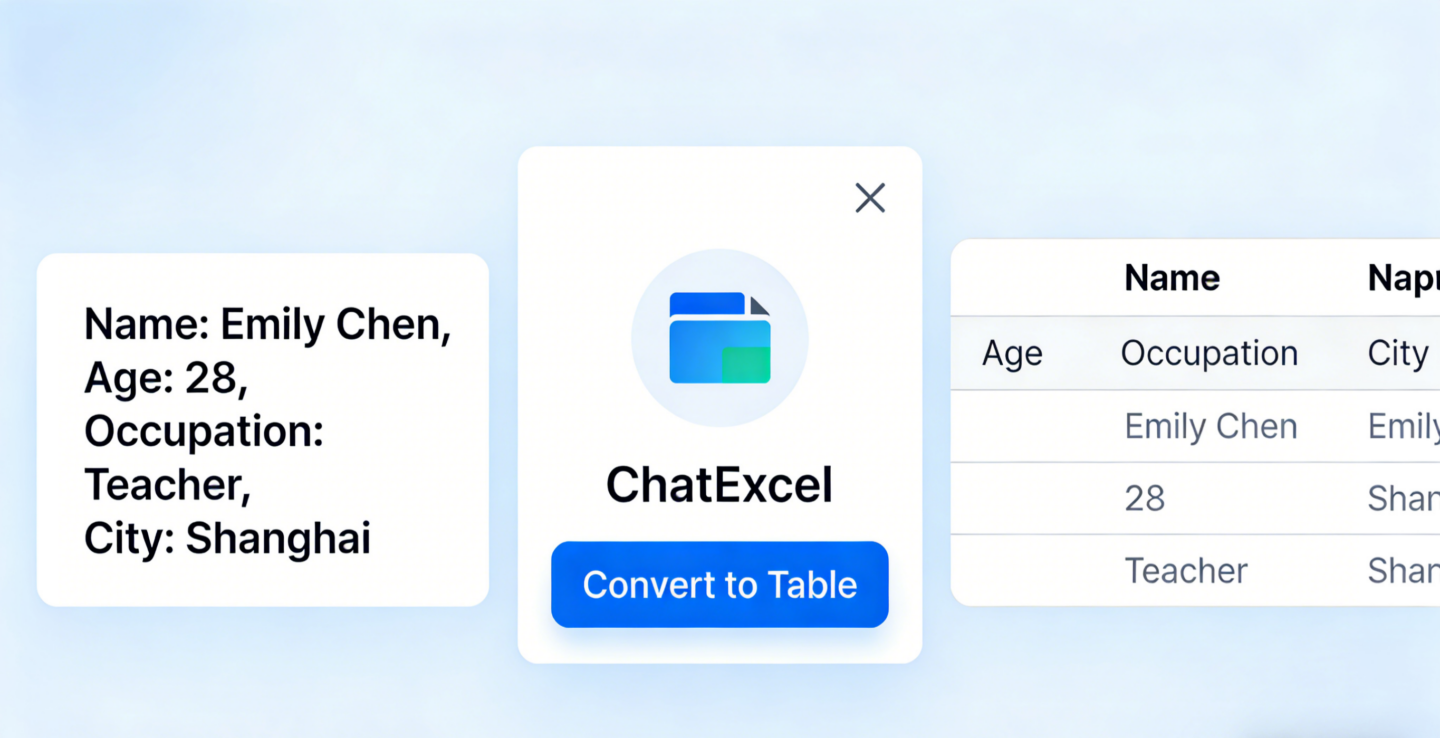
5. What Unsolved Challenges Remain in Current Table Information Extraction?
Although PopAI + Excel Copilot can handle most scenarios, there is still room for optimization in table information extraction. Firstly, there is the issue of text diversity. For example, in a sports event report, the ‘Knicks’ are referred to as ‘New York’ and ‘Knicks’—while current models can infer through context, they may still have recognition deviations when encountering niche aliases. In the future, optimization should be carried out by integrating richer semantic databases. Secondly, there is the challenge of large–scale table processing. For enterprise annual reports with dozens of columns and thousands of rows, even with the assistance of Excel Copilot pivot tables, the model’s field matching speed still needs improvement. The processing time can be further shortened by optimizing the Transformer decoder structure. Finally, there is insufficient integration of background knowledge. For example, when processing medical tables, it is necessary to understand professional knowledge such as ‘normal ranges of blood routine indicators’ to accurately extract key information. In the future, PopAI’s ‘intelligent reading comprehension’ can be combined with professional knowledge bases to make extraction results more in line with industry needs.
In summary, deep learning provides a technical foundation for table information extraction, while the collaboration between PopAI and Excel Copilot pivot tables makes technology application more closely aligned with office needs. Whether in finance, government affairs, or daily office work, this combination can significantly reduce the time cost and error rate of table processing, becoming a practical tool to improve work efficiency.