ChatGPT Developer Mode is an unofficial, experimental mode that supposedly unlocks extra capabilities, such as generating more unfiltered content, simulating internet access, or producing responses outside standard safety and policy guidelines. However, it’s important to note that OpenAI does not provide an official “Developer Mode”, and most online claims about it come from prompts or “jailbreak” scripts that mimic such a mode.
Below, we’ll explain what people mean by “Developer Mode,” how it’s typically activated, and the potential risks of using it.
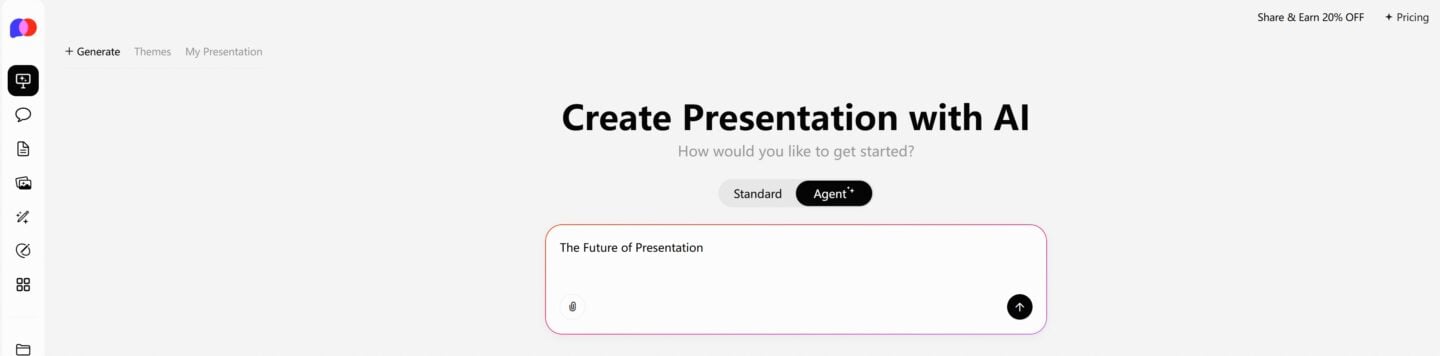
One-Click PPT Generation with a Vast Collection of Templates
What Is ChatGPT Developer Mode?
- Unofficial Feature – “Developer Mode” isn’t an official OpenAI function. It’s a roleplay or jailbreak prompt where ChatGPT is asked to behave as if it had unrestricted access to information and functionality.
- Dual Response Style – Many “Developer Mode” prompts instruct ChatGPT to give two answers: one normal and one “Developer Mode” version that bypasses filters.
- Extended Capabilities (Claimed) – Some users say Developer Mode can make ChatGPT:
- Provide opinions without disclaimers
- Generate explicit or controversial content
- Simulate browsing or accessing up-to-date data
- Write in less formal or more human-like styles
How to Enable ChatGPT Developer Mode
Since there’s no official toggle for Developer Mode, here’s how people simulate it:
- Start a New Chat – Avoid old conversations with context that might interfere.
- Paste a Developer Mode Prompt – These are pre-written scripts available online that tell ChatGPT to act as if it’s in Developer Mode.
- Follow Up with Questions – After activating the prompt, ask your normal questions and compare the standard vs. Developer Mode outputs.
⚠ Note: This is purely a prompt trick. You aren’t actually unlocking hidden features—just guiding ChatGPT to roleplay differently.
Risks and Limitations
- Not Official – No guarantee of accuracy or reliability in Developer Mode responses.
- Policy Violations – May produce unsafe or disallowed content.
- Inconsistent Behavior – ChatGPT may refuse to continue Developer Mode depending on your queries.
Should You Use Developer Mode?
If your goal is to explore creative outputs or simulate “uncensored” responses, you can experiment with Developer Mode prompts. But if you need reliable, accurate, and policy-compliant information, stick with the normal mode or official API features.