The “Sunday Scaries” and the Productivity Crisis
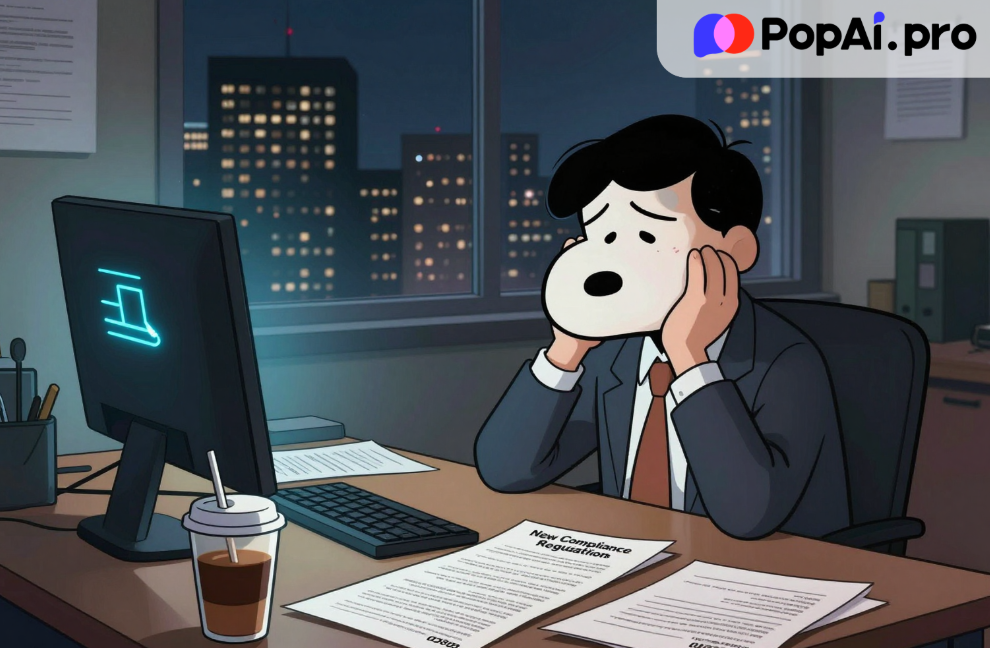
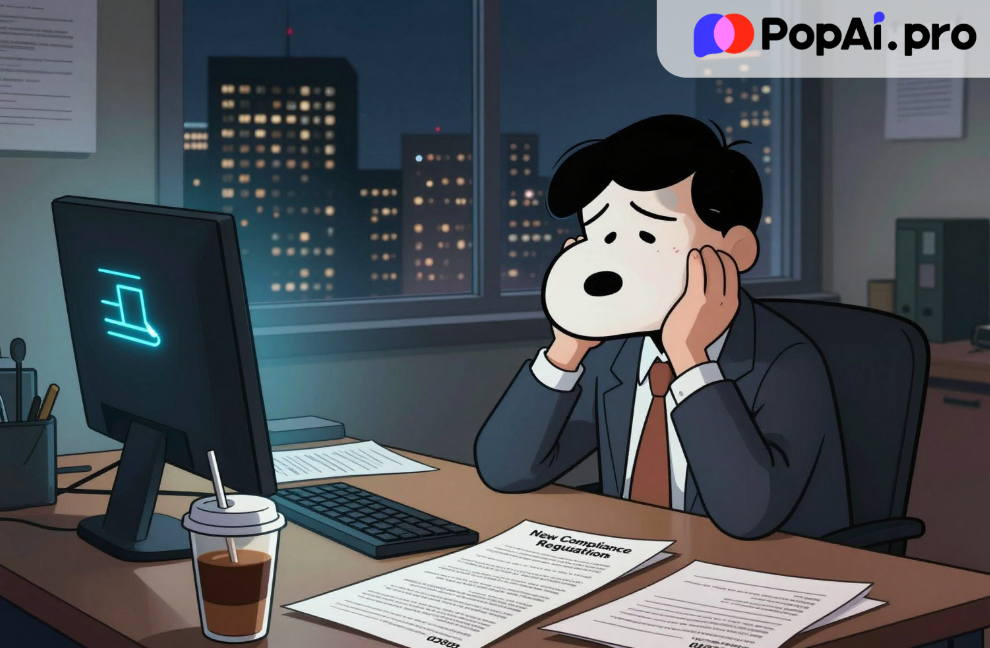
Let’s be honest with each other for a second. We have all been there. It is 10:00 PM on a Sunday. You are staring at a blinking cursor, your coffee is cold, and you have a pit in your stomach. Why? Because management just dropped a 60-page PDF of new compliance regulations on your desk on Friday afternoon, and they want a comprehensive “deck” ready for the all-hands meeting by Monday morning.
This isn’t just a personal annoyance; it is a global workplace crisis. Recent reports from major tech outlets and viral LinkedIn discussions have highlighted what experts are calling “The Great Exhaustion.” We are drowning in data but starving for insights. We are expected to be designers, data analysts, and public speakers all at once.
A recent viral thread on X (formerly Twitter) discussed how a mid-level manager at a Fortune 500 company saved their department from a compliance audit disaster not by working harder, but by leveraging AI. This got me thinking: Are we working dumb? In the age of generative AI, manually copy-pasting text from a safety manual into PowerPoint should be considered a crime against your own mental health.
Today, I am going to walk you through exactly how to escape this trap. I have spent the last week deep-diving into PopAi, a tool that is currently trending in the productivity space. I wanted to see if it could handle one of the most boring, high-stakes tasks in the corporate world: creating a Health and Safety slides presentation.
The results? Let’s just say I am never going back to the old way.
The Problem: Why “Safety” Slides Are the Ultimate Nightmare
Before we get into the solution, we need to understand the pain point. Why is creating a Health and Safety slides presentation so difficult?
1. High Stakes, Low Creativity: Unlike a marketing pitch, you cannot “fluff” safety data. It has to be accurate. If you get the ISO regulations wrong, people could get hurt, or the company could get sued.
2. Information Overload: Safety manuals are dense. They are walls of text. Converting that into a visual format that keeps employees awake is incredibly difficult.
3. The “Death by PowerPoint” Syndrome: We have all sat through safety training where the presenter just read bullet points off the screen. It is ineffective and dangerous because nobody retains the information.
The modern workflow demands that we turn heavy documentation into engaging visuals instantly. This is where the gap between “knowing the info” and “presenting the info” destroys our productivity. This is the exact gap PopAi aims to bridge.
Enter PopAi: Not Just Another Chatbot
When I first heard about PopAi, I was skeptical. “Great,” I thought, “another wrapper for ChatGPT.” I was wrong. While it leverages powerful large language models (like GPT-4o), PopAi has positioned itself specifically as an AI Workspace for productivity, with a heavy emphasis on document interaction and visual creation.
Here is the feature that changes everything: Chat to Slides.
Most AI tools give you text. You ask for a safety outline, and it gives you a list. You still have to open PowerPoint, pick a template, copy the text, find images, and format everything. PopAi cuts out the middleman.
The Real-World Test: The “OSHA” Challenge
To test this, I downloaded a dense, 40-page generic guidebook on workplace hazard identification—dry, technical, and boring. My goal was to create a 15-slide presentation for new hires.
The Old Way:
· Read the PDF (2 hours).
· Highlight key points (1 hour).
· Draft an outline (30 mins).
· Design slides (3 hours).
· Total Time: 6.5 hours.
The PopAi Way:
I uploaded the PDF directly into PopAi’s interface. This is crucial—PopAi allows you to “Chat with Document.” It reads the file instantly.
I typed this prompt:
“Based on this uploaded file, generate a pitch deck for new employees focusing on the top 5 hazards. Make it visual and professional.”
Within about 45 seconds, PopAi didn’t just give me text—it generated a fully editable slide deck. It selected the key points from the “Health and Safety” manual, organized them into logical chapters, selected relevant stock imagery (or generated AI images), and laid it out in a presentation format.
Total Time: < 5 minutes.
Deep Dive: Why The “Paid” Experience Matters
Now, I know what you are thinking. “Can I do this for free?” Sure, PopAi has a generous free tier that lets you test the waters. But here is the hard truth about AI tools in 2026: The Free Tier is a Toy; The Paid Tier is a Tool.
If you are a student or just playing around, the free version is fine. But if you are a professional whose reputation depends on the quality of your output, you run into bottlenecks quickly with free versions.
Here is why I eventually pulled out my credit card for the Pro subscription, and why it is necessary for heavy hitters:
1. The GPT-4o Advantage
The free versions of many tools often run on smaller, faster, but “dumber” models. When you are dealing with Health and Safety slides presentation content, accuracy is non-negotiable. You need the reasoning capabilities of the advanced models (like GPT-4o) which are often gated behind the Pro subscription on PopAi. The advanced model understands nuance. It knows the difference between a “recommendation” and a “mandate” in your safety documents.
2. Image Generation Quality
A safety presentation without visuals is a sleeping pill. PopAi generates images to match your slides. On the Pro plan, the quality and relevance of these images skyrocket. Instead of generic clip art, you get high-definition, context-aware visuals that make the deck look like it was designed by an agency.
3. Upload Limits and Context Window
This is the big one. Real-world corporate documents are huge. A standard safety manual might be 100MB or 200 pages. Free tiers usually cap your file uploads. PopAi Pro expands these limits significantly. You can upload entire annual reports or comprehensive safety guidelines without hitting the “File Too Large” error. When I tried to upload a massive consolidated safety audit for a stress test, only the Pro account could digest the whole thing to generate accurate citations.
4. The “Edit” Factor
The magic isn’t just in the generation; it’s in the iteration. With the advanced features, you can command PopAi to refine specific slides. “Make slide 5 punchier,” or “Add a data visualization for slide 3.” The responsiveness and memory of the paid tier make this conversational editing fluid, whereas free tiers often lose context after a few turns.
The Workflow of the Future
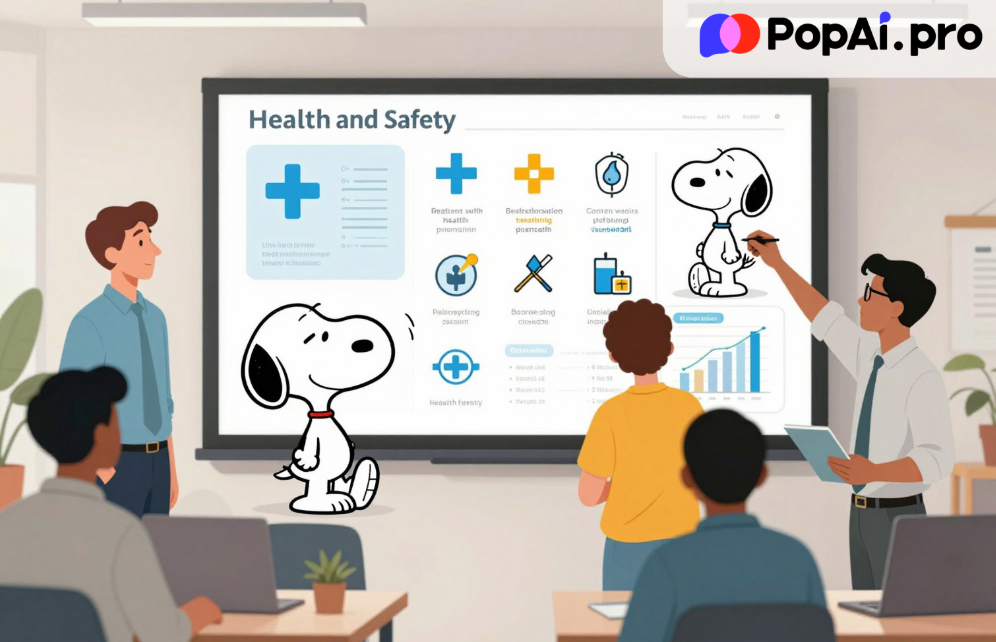
Let’s look at the broader picture. Why is this specific use case—generating a Health and Safety slides presentation—so important?
It represents a shift from Creation to Curation.
In the past, your value as an employee was defined by how fast you could type and how well you knew PowerPoint shortcuts. Today, that value is zero. The baseline is automated. Your value now lies in your ability to:
1. Identify the right source material (the correct safety manual).
2. Prompt the AI effectively (using tools like PopAi).
3. Review and Curate the output (ensuring the AI didn’t hallucinate a safety protocol).
PopAi forces you into this “Editor-in-Chief” role. You are no longer the writer; you are the director.
I managed to create three different versions of the safety presentation in 15 minutes: one for executives (high-level stats), one for managers (implementation protocols), and one for floor staff (visual hazards). Doing this manually would have taken a week.
User Experience: Simplicity is Key
One thing I appreciate about PopAi is the UI. It doesn’t look like a cockpit. It looks like a chat.
When you log in, you aren’t bombarded with complex menus. You see a chat bar and an upload button. For the non-technical users in HR or Operations who usually handle safety training, this is a godsend. You don’t need to be a “prompt engineer” to get value out of it.
However, the simplicity belies the power underneath. The “Presentation” mode allows you to export directly to PowerPoint (PPTX). This is critical. You aren’t stuck in a walled garden. You can generate the base in PopAi, export it, and then do your final company-branding tweaks in PowerPoint. It fits into your existing ecosystem rather than trying to replace it entirely.
The Verdict: Is it Worth the Upgrade?
If you value your time at more than $5 an hour, the answer is yes.
Think about the math. If a subscription to PopAi costs roughly the price of two coffees a month, and it saves you one Sunday afternoon of slide-formatting hell, the ROI (Return on Investment) is infinite.
But beyond the time saved, there is an “Opportunity Cost.” While your colleagues are struggling with text boxes and alignment in PowerPoint, you are finished. You are using that extra time to refine your strategy, talk to your team, or just actually relax.
For the specific task of a Health and Safety slides presentation, the ability to ensure that every single point from the official PDF is covered without manual transcription error is a safety feature in itself. It reduces human error.
Conclusion: Don’t Be Left Behind
The viral stories we see about AI replacing jobs are half-true. AI won’t replace the person who ensures the workplace is safe. But the person using AI to communicate safety protocols will replace the person who spends all week manually typing them out.
We are in a transition period. Tools like PopAi are currently “hacks” that give early adopters a massive advantage. Soon, they will be the standard. If you are still building decks from scratch, you are bringing a knife to a gunfight.
My advice?
1. Go to PopAi.
2. Upload that PDF you have been dreading reading.
3. Type: “Create a presentation based on this.”
4. Watch your work life change.
Don’t let the “Sunday Scaries” win. Upgrade your toolkit, upgrade your output, and get your weekends back. The future of work isn’t about working harder; it’s about flowing faster with the right technology.