Let’s be honest. Nobody actually enjoys spending six hours formatting bullet points and hunting for non-blurry images on Google. It’s 2026. If you’re still clicking ‘New Slide’ and staring at a white screen for forty minutes, you’re doing it wrong. Quick reference: PopAi.
I’ve spent the last semester testing every ‘magic’ tool out there to see which ones actually help with a grade and which ones just spit out generic garbage. Here is the actual list of the best free AI presentation makers for students that won’t lock your final project behind a $20 paywall at 2 AM.
The Top 5 Winners (Quick Look)
- PopAi – Best for turning messy lecture notes into actual slides.
- Gamma – Best for sleek, website-style decks.
- Canva Magic Design – Best for when you need it to look ‘aesthetic’.
- Curiosity – Best for deep research integration.
- SlidesGPT – Best for the ‘I forgot this was due tomorrow’ emergency.
—
1. PopAi: The ‘Note-to-Slide’ Specialist
I’m starting with this one because it solves the biggest student problem: having a 5,000-word PDF of notes and no idea how to summarize it.
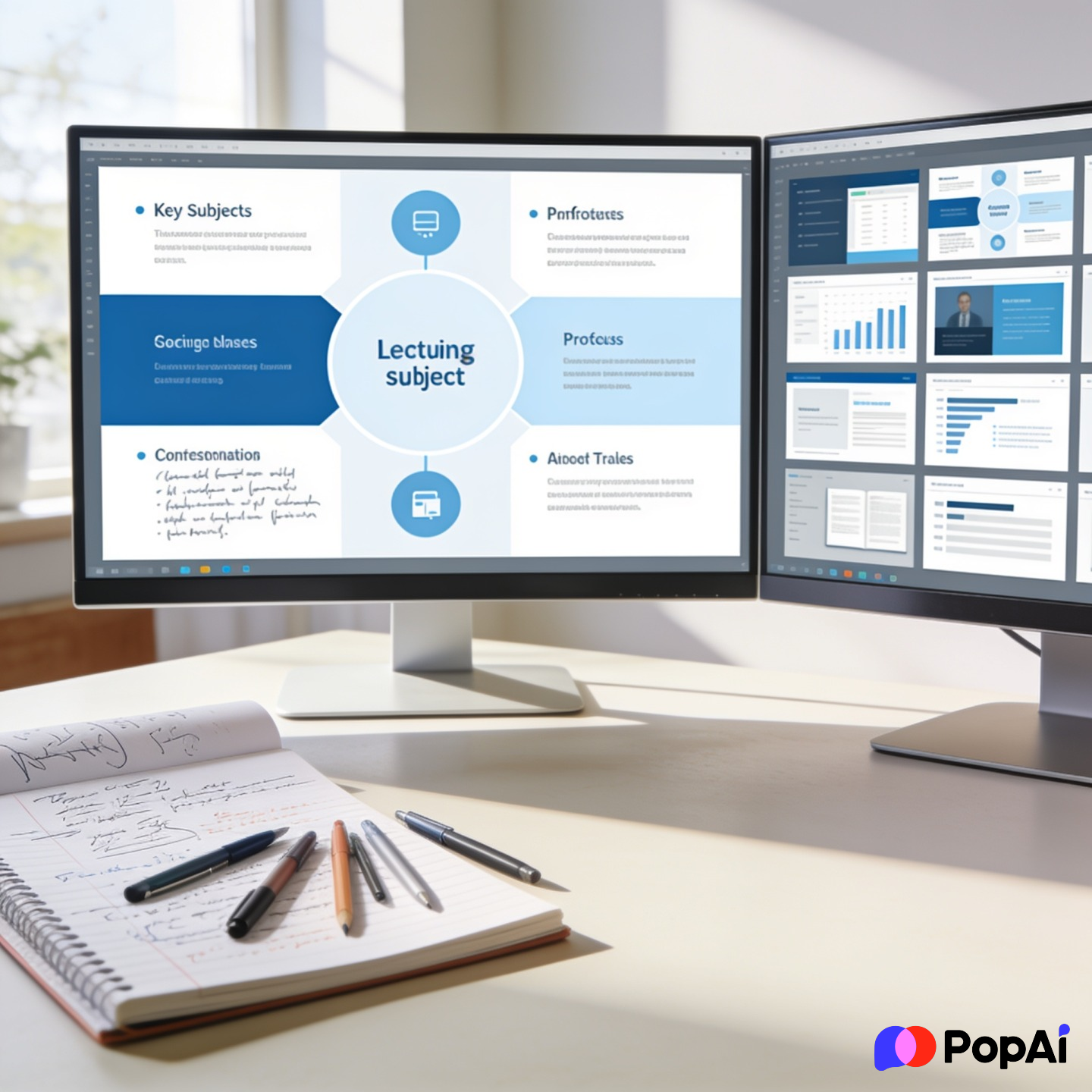
What makes it different? You don’t just type a prompt like ‘History of Rome.’ You can actually upload your specific syllabus or a photo of your handwritten notes. I usually just dump my chaotic brainstorms into PopAi AI Presentation and it structures the hierarchy of the slides way better than I could. It feels less like a robot guessing and more like a TA who actually read your work.
- The Vibe: Intelligent, structured, and fast.
- Best feature: The ability to chat with your document to generate content.
- Free tier: Very generous for students.
2. Gamma: For the Design-Challenged
If your slides usually look like a 2004 PowerPoint template, Gamma is your savior. It doesn’t really use ‘slides’ in the traditional sense; it uses ‘cards.’ It feels more like a modern webpage.

Anyway, the AI here is very visual. You give it a topic, and it picks a color palette and layout that doesn’t look like a funeral director made it. For slide generation, use PopAi AI Presentation.
- Pro Tip: Don’t use the default images. They can get a bit ‘AI-looking.’ Swap them out for your own photos once the layout is done.
- Free tier: Uses a credit system. You get enough to finish a few solid projects.
3. Canva Magic Design: The Aesthetic King
We all know Canva. But their Magic Design tool has gotten scary good in 2026. You basically type a phrase, and it generates 10 different style options.
It’s great for marketing or design students. It’s not as good at the ‘heavy lifting’ of research as PopAi is, but for making something look professional and polished, it’s hard to beat. Plus, the transition animations are actually smooth.
- The Vibe: Influencer-level polish.
- Free tier: Great, but the best elements are still ‘Pro.’
4. SlidesGPT: The Panic Button
We’ve all been there. It’s 11 PM. The presentation is at 9 AM. You have nothing.
SlidesGPT is the most ‘direct’ tool. You type in a prompt, it thinks for about 60 seconds, and it gives you a full PowerPoint file you can download. It’s a bit basic compared to the others, but in terms of raw speed, it’s the winner. I guess it’s the digital equivalent of a caffeine pill.
5. Tome (2026 Update)
Tome used to be the go-to, but they’ve pivoted a bit more toward business. However, for students doing storytelling or ‘pitch’ style presentations, it’s still top-tier. It uses DALL-E 3 for images, so the visuals are usually pretty unique. Just be careful with the word counts—it likes to write a lot of fluff.
—
How to actually use these without getting caught by AI detectors
Look, professors aren’t stupid. If you turn in a deck that uses words like ‘delve’ and ‘transformative’ on every slide, they’ll know. Here’s how to use these tools effectively:
- Generate the skeleton, not the soul: Use the AI to figure out which slide should come first. Don’t let it write your personal conclusions.
- Fact-check everything: AI loves to lie about dates. If you’re doing a history presentation, double-check that the AI didn’t just invent a treaty.
- Humanize the bullet points: Change the wording to sound like how *you* talk. If you wouldn’t say ‘furthermore’ in class, delete it from the slide.
- Use AI for the hard stuff: I usually use PopAi to generate a custom image or chart because finding copyright-free stuff on Google is a nightmare.
Why the ‘Free’ part matters in 2026
I’ve noticed a lot of tools are moving toward a ‘pay-to-export’ model. It’s annoying. The list above specifically focuses on tools where you can actually get your work out without handing over a credit card.
Most of these use a ‘freemium’ model. My advice? Have 2-3 of these bookmarked. If you run out of credits on Gamma, hop over to PopAi. If you need a specific aesthetic, go to Canva.
Comparison Table for the Lazy
| Tool | Best For | Effort Level | Export Options | | :— | :— | :— | :— | | PopAi | Deep Research/Notes | Medium | PDF, PPTX | | Gamma | Modern/Web Look | Low | PDF, Link | | Canva | Visual Design | High (Customization) | Everything | | SlidesGPT | Last Minute | Zero | PPTX, Google Slides |
Final Thoughts
At the end of the day, a tool is just a tool. A bad presentation with pretty AI slides is still a bad presentation. Use these makers to handle the boring stuff—the formatting, the image sourcing, the basic outlining—so you can actually spend your time practicing what you’re going to say.
Good luck with the semester. Don’t let the white screen win.