Spec Sheets to Closing Slides with an AI Presentation Creator
Updated August 18, 2026 · PopAi Academy Editorial Team
A spec sheets closing slides ai presentation creator workflow helps automotive teams turn technical data into a buyer story that ends with a clear decision.
This guide covers users and use cases, a spec-to-close slide template, what each page should contain, a copyable prompt, two examples, export checks, FAQ, and the PopAi presentation pillar.
Spec Sheets Closing Slides AI Presentation Creator: Start with the Buyer Question
A spec sheet is organized by engineering fields; a closing deck should be organized by buyer concerns. Translate only the facts that help the buyer compare, trust, and decide.
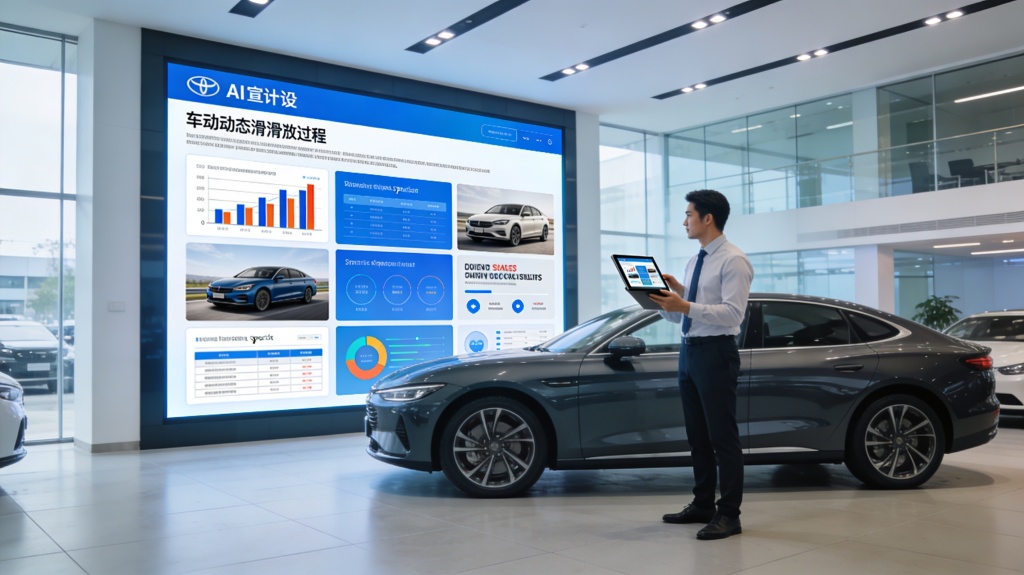
Recommended Spec-to-Close Deck Template
| Slide | Purpose | Include |
|---|---|---|
| 1 | Buyer context | Need, use case, and decision |
| 2 | Vehicle fit | The two or three relevant strengths |
| 3 | Spec proof | Range, capacity, safety, or performance |
| 4 | Comparison | Alternatives and trade-offs |
| 5 | Ownership | Service, running cost, or delivery |
| 6 | Proof | Approved review, case, or demonstration |
| 7 | Offer | Price, finance, assumptions |
| 8 | Close | Next step, owner, and date |
Prompt and Automotive Examples
Retail comparison
Compare two vehicles for a commuter by range, storage, safety, and total ownership questions instead of listing every specification.
Fleet proposal
Connect vehicle fit to route, utilization, delivery, service, and budget assumptions, then show what must be confirmed before signing.
Edit, Export, and Avoid Automotive Deck Failures
- Reconcile every number with the current spec sheet and price file.
- Separate verified facts, estimates, and sales interpretation.
- Use approved images, logos, disclosures, and comparison language.
- Open the exported PPTX/PDF and check charts, fonts, links, notes, and editability.
The biggest failure is a feature list with no buyer decision. Cut fields that do not support the next conversation.
Frequently Asked Questions
What is a spec sheets closing slides ai presentation creator workflow?
It is a process for translating approved vehicle specifications into buyer-focused proof, comparison, offer, and closing slides.
What should I include from a spec sheet?
Include only the specifications that answer the buyer's use case, plus source dates, assumptions, and disclosures.
Can AI create a vehicle comparison?
It can organize approved facts and suggest a structure, but sales and product owners must verify every claim and trade-off.
What makes a closing slide effective?
It states the decision, remaining question, owner, date, and one concrete next action.