AI Training Deck Generator: Storytelling for Attention and Retention
Updated August 18, 2026 · PopAi Academy Editorial Team
An AI training deck generator helps HR, enablement, and subject-matter experts turn policies, procedures, and examples into a learning story people can remember and use.
This guide covers learning principles, a reusable deck structure, what each slide should do, a copyable prompt, real onboarding examples, review checks, and FAQ.
AI Training Deck Generator: Begin with the Learner's Job
A training deck should move learners from a recognizable situation to a safe action. Start with the behavior or decision they must perform, then select only the information that supports it.
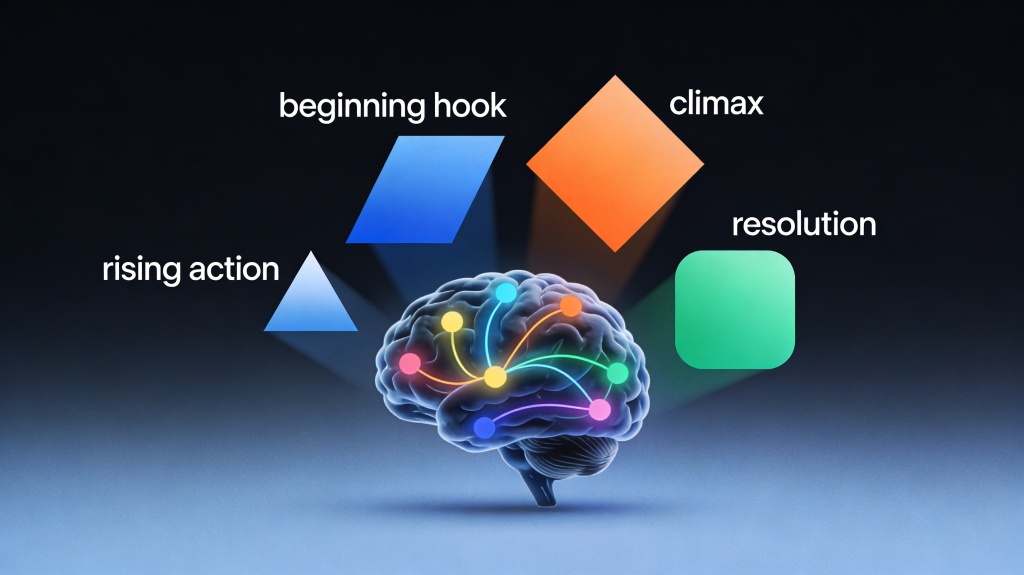
Recommended Story-Based Training Deck Structure
| Slide | Learning job | Example content |
|---|---|---|
| 1 | Hook | A realistic mistake or customer moment |
| 2 | Objective | What learners can do after the session |
| 3 | Context | Why the behavior matters |
| 4-6 | Story and model | Situation, decision, and framework |
| 7-8 | Demonstration | A good example and a common failure |
| 9 | Practice | Scenario, question, or short quiz |
| 10 | Action plan | Next step, owner, and reminder |
Prompt and Real Training Examples
New-hire onboarding
Start with a first-week situation, show where to find help, demonstrate the safe workflow, and finish with a checklist the new hire can complete.
Security or compliance training
Use an anonymized incident, identify the decision point, explain the approved response, and test the learner with a branching scenario rather than a wall of policy text.
Improve Attention, Retention, and Export Quality
- Change the mode every few minutes: story, visual, explanation, practice, then recap.
- Keep one learning objective per section and one takeaway per slide.
- Use examples that match the learner's role, tools, and decision context.
- Check contrast, captions, readable text, notes, and quiz answers before export.
- Rehearse the deck with a real learner and revise the confusing moment, not only the design.
Common failures include abstract stories, too much policy text, invented examples, and a quiz that tests recall instead of the target behavior. Ask AI to flag these issues, then let the subject-matter owner approve the fix.
Frequently Asked Questions
What is an AI training deck generator?
It is an AI-assisted workflow for turning approved learning material into a structured training story, slide outline, examples, practice, and speaker notes.
Why does storytelling improve training retention?
A concrete situation gives abstract rules a context, while a decision and practice activity help learners connect the rule to their own work.
Can technical training use storytelling?
Yes. Use a real troubleshooting or implementation scenario, then reveal the model, evidence, and safe next action.
How do I keep AI from inventing policy details?
Upload approved sources, instruct it to flag gaps, and have the policy owner verify every rule, date, example, and quiz answer.