AI Slide Maker: Best Free Workflow, Steps, and Examples
Updated August 17, 2026 · Julian Thorne
An AI slide maker helps students, founders, marketers, sales teams, and busy operators turn a prompt or source document into an editable deck without starting from a blank canvas.
This core guide covers who should use the workflow, how to choose the best or free option, five practical steps, reusable templates, real examples, clean animation rules, export checks, and FAQ.
AI Slide Maker: Build a Useful Deck, Not Just Pretty Slides
The strongest workflow starts with a decision, learning goal, or audience need. It then turns verified source material into a clear outline before generating layouts and visuals.
Who It Is For and the Best Use Cases
- Students converting research or notes into class presentations.
- Founders creating investor, product, or monthly update decks.
- Marketers building campaign, webinar, and client proposal slides.
- HR teams producing onboarding and role-specific training materials.
- Operators turning reports, plans, and meeting notes into decision decks.
| Question | What to check | Why it matters |
|---|---|---|
| Best for your input | Prompt, PDF, DOCX, URL, or existing deck | The tool should understand your real source |
| Free-plan fit | Slide limits, watermark, credits, and export | A free draft is useful only if the output is usable |
| Editing | Text, layouts, charts, and brand controls | You need to refine the first draft |
| Export | Editable PPTX and reliable PDF | The deck must work after download |
| Quality | Outline control, evidence checks, and visual consistency | Good slides need more than attractive templates |
How to Create Slides in Five Steps
| Step | Action | Output |
|---|---|---|
| 1 | Define audience and outcome | A clear job for the deck |
| 2 | Add a prompt or source file | Facts, notes, and constraints |
| 3 | Approve the outline | A logical slide sequence |
| 4 | Generate and edit | Branded, readable slides |
| 5 | Verify and export | An editable PPTX or shareable PDF |
Templates and Real Workflow Examples
Client proposal
Use an AI proposal deck generator to organize client pain, solution, proof, scope, timeline, pricing, and next steps.
HR onboarding
Use an AI training deck generator for company context, policies, tools, role expectations, a 30/60/90-day plan, and knowledge checks.
Investor and webinar updates
Founders can use the monthly investor update deck workflow, while growth teams can use the AI webinar deck generator for a lead-generation narrative.
Minimal Animation and Export Checks
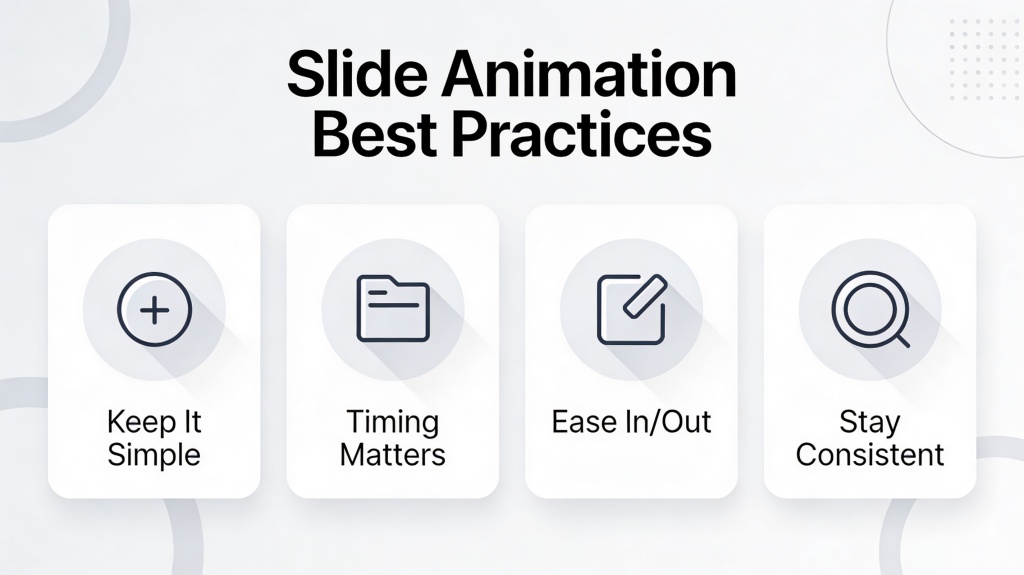
Keep the strongest ideas from the original animation guide: motion should have a purpose, remain consistent, and reinforce hierarchy. Fade and Push are usually safer than dramatic effects, and a duration of roughly 0.3 to 0.5 seconds keeps movement clean.
- Animate a group or sequence only when it controls audience attention.
- Avoid sound effects, conflicting directions, and animating every object.
- Open the exported PPTX and confirm that text and layouts remain editable.
- Check the PDF for clipped text, unreadable tables, and missing images.
- Verify every number, quote, and claim before sharing the deck.
Frequently Asked Questions
What is an AI slide maker?
It turns prompts, documents, notes, or web content into a structured slide outline and editable presentation draft.
What is the best option for professional presentations?
Choose one that supports your source format, outline review, brand editing, fact checking, and an editable PPTX export.
Can I create slides for free?
Many tools offer a free draft or credits. Check slide limits, watermarks, export access, and whether the downloaded deck remains editable.
How do I make a good deck with AI?
Define the audience and outcome, provide real source material, approve the outline, edit the slides, verify claims, and test the export.
What use cases work well?
Research summaries, proposals, onboarding, investor updates, webinars, sales decks, business reviews, and report-to-slide workflows work well.