
In the era of Generative AI, the quality of your output is directly proportional to the quality of your input. This concept, often summarized as "Garbage In, Garbage Out," is particularly true when using AI to generate PowerPoint presentations. While modern AI tools can create stunning decks in seconds, the difference between a generic, surface-level presentation and a professional, data-driven masterpiece lies in the prompt.
Writing better AI PPT prompts isn't just about being descriptive; it's about providing the right framework, context, and constraints. Whether you are a student preparing a thesis or a marketing executive pitching a new strategy, learning to communicate effectively with AI will save you hours of manual labor and significantly improve your narrative impact.
The Anatomy of a Perfect AI PPT Prompt
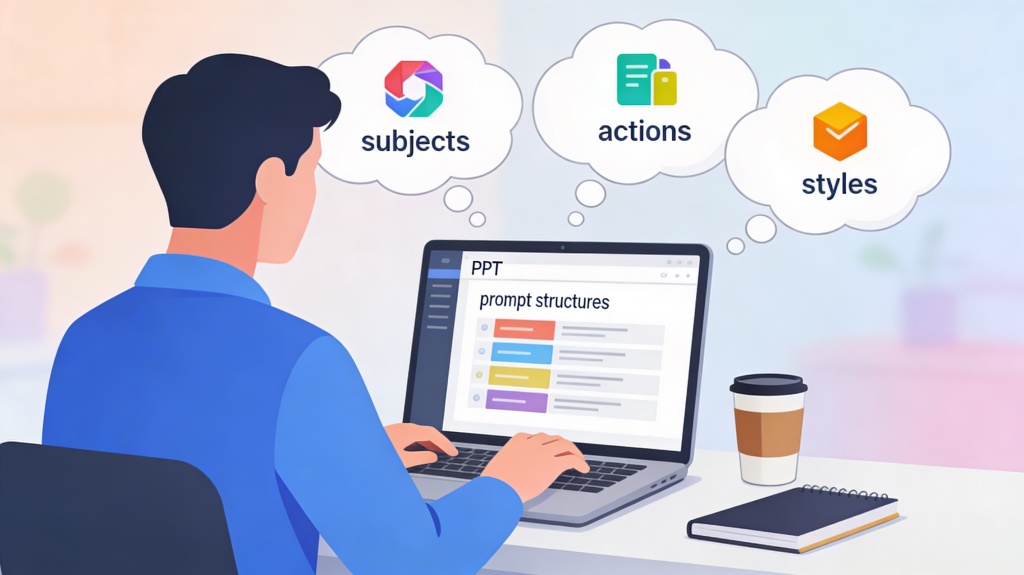
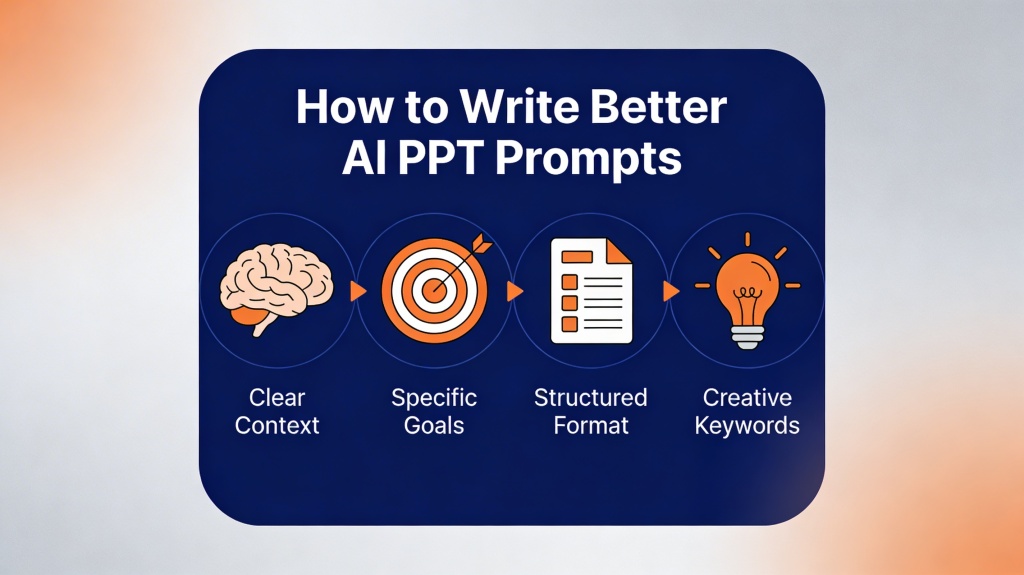
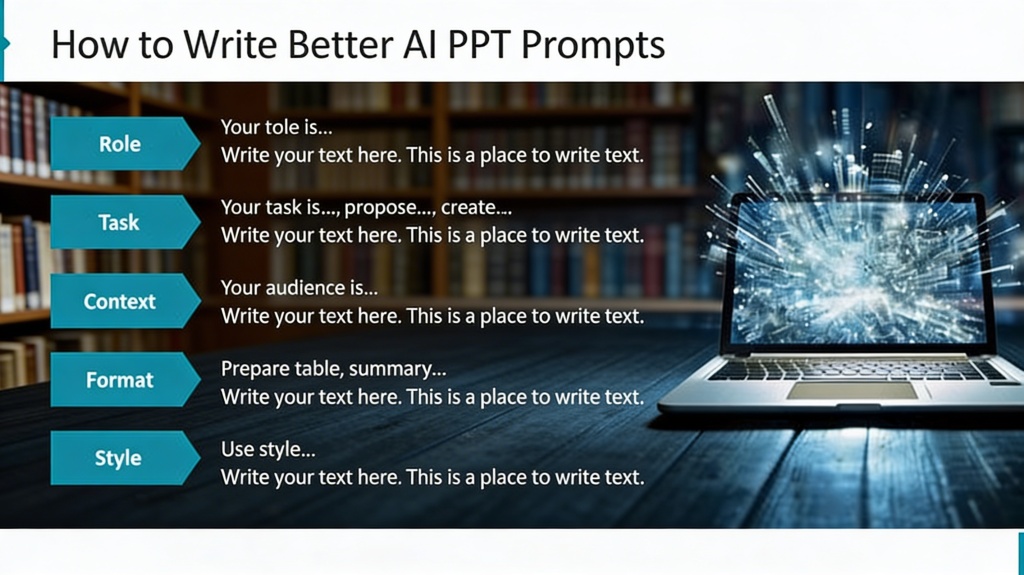
To get the best results, you should treat your prompt as a creative brief. A high-performing prompt typically includes four key elements: Context, Objective, Audience, and Format. Instead of saying "Make a presentation about renewable energy," try a structured approach.
Think of the AI as a highly skilled but literal-minded assistant. If you don't tell it who the audience is, it will default to a general tone. If you don't specify the number of slides, it might give you too few or too many. By defining these parameters upfront, you ensure the AI's "thought process" aligns with your goals.
Pro Tip: Use the PopAi presentation generator to test different prompt variations. Small changes in wording can lead to vastly different slide layouts and content depth.
Defining Your Audience and Tone
One of the most common mistakes in AI prompting is neglecting the audience. A presentation for a board of directors requires a completely different tone, vocabulary, and level of detail than one for a group of elementary school students.
When writing your prompt, explicitly state the persona. For example: "Write this from the perspective of a Senior Financial Analyst" or "Use a persuasive, upbeat tone suitable for a startup sales pitch." This instruction tells the AI which semantic field to draw from and what level of jargon is appropriate.
Structuring Content and Narrative Flow
AI is excellent at generating text, but it sometimes struggles with logical progression unless guided. To ensure your presentation tells a story, include a suggested outline or a "narrative arc" in your prompt. You can use frameworks like "Problem-Solution-Benefit" or "The Hero's Journey."
- Slide Count: Specify exactly how many slides you want (e.g., "Create a 10-slide deck").
- Key Points: List 3-5 non-negotiable points that must be included in the presentation.
- Data Integration: If you have specific statistics, paste them into the prompt and ask the AI to "visualize these data points using charts or bulleted lists."
Visual Style and Branding Directives
Beyond the text, the aesthetic of your slides is crucial. AI presentation tools often allow you to specify design themes. Instead of leaving it to chance, describe the visual vibe you're going for. Use keywords like "minimalist," "corporate," "vibrant," "tech-focused," or "vintage."
If your company has specific brand colors, mention them. For instance: "Use a professional dark-mode theme with emerald green accents and high-quality photography related to urban architecture." This level of detail helps the AI select appropriate templates and image assets that match your vision.
The Power of Iterative Prompting
Rarely is the first prompt perfect. The secret to professional AI presentations is iteration. Once the AI generates the first draft, don't be afraid to ask for specific changes. You can use follow-up prompts like:
- "Make slide 4 more concise and focus on the ROI."
- "Change the tone of the conclusion to be more call-to-action oriented."
- "Add a slide between 2 and 3 that explains the historical context of this technology."
This conversational approach allows you to "sculpt" the final product, combining the speed of AI with your unique human insight and expertise.
Frequently Asked Questions
What is the most important part of an AI PPT prompt?
The most important part is Context. Without knowing the purpose and the audience, the AI will produce generic content that fails to resonate with your viewers.
Can I upload my own data for the AI to use in slides?
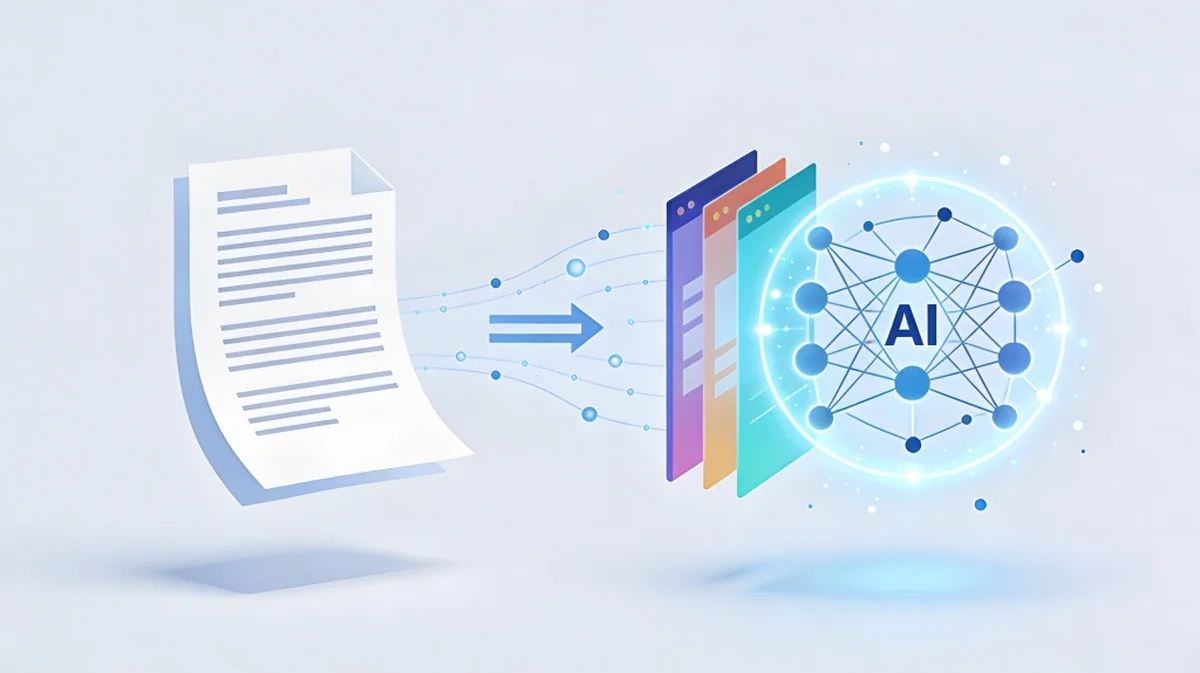
Yes, most advanced AI presentation tools like PopAi allow you to input raw data or documents which the AI then summarizes and converts into structured slides.
How long should my prompt be?
A good prompt is usually 2-4 sentences long. It should be long enough to provide detail (context, audience, style) but concise enough to avoid confusing the AI with contradictory instructions.
Does the AI choose the images for me?
Yes, based on your prompt, the AI will search for or generate images that match the theme of your content. Providing descriptive keywords in your prompt helps improve image relevance.
Create your presentation with one click now
Stop struggling with blank slides. Use the world's most advanced AI presentation engine to turn your ideas into professional decks in seconds.
Get Started for Free