Use an AI Presentation Builder to Win More Used-Car Customers
Updated August 25, 2026 · Maya Chen
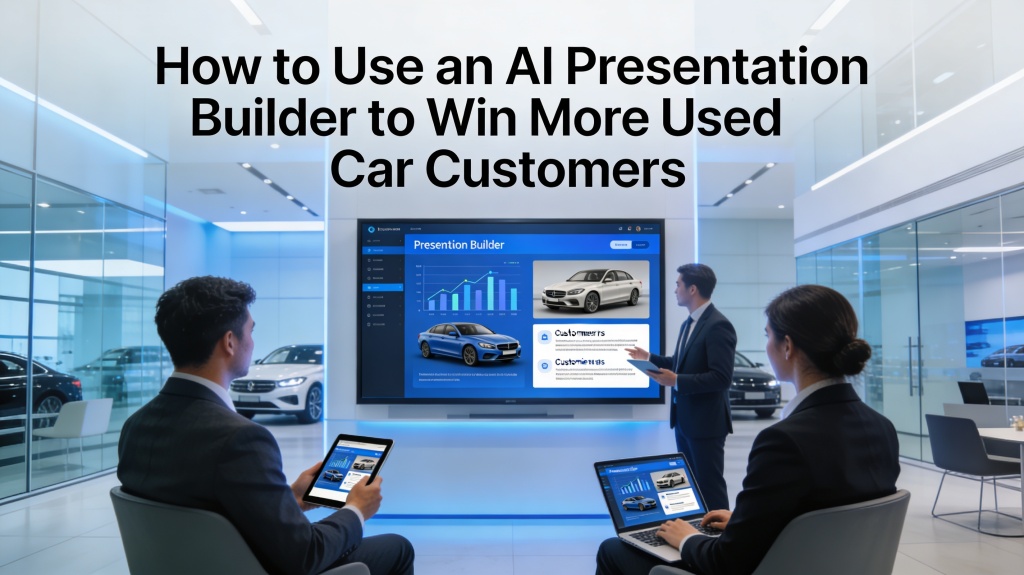
An AI presentation builder can help a dealership win more used-car customers by turning vehicle details, buyer needs, trade-in notes, and financing assumptions into a clear comparison deck. The rep still verifies every price, specification, availability claim, and compliance statement.
This focused page answers one sales question: how to build a buyer-ready used-car presentation from approved inputs. It includes the deck structure, prompt, two scenarios, export checks, failure fixes, and FAQ.
AI Presentation Builder for Used-Car Customers: Start With Buyer Needs
Collect family size, cargo needs, budget, trade-in status, timing, preferred features, and the buyer's objections. Add verified vehicle specs, price, incentives, warranty details, and finance assumptions.
- Best fit: model comparisons, post-demo follow-ups, trade-in explanations, and fleet proposals.
- Human review: inventory, price, availability, financing, safety, and legal language.
Seven-Slide Used-Car Customer Deck
| Slide | Purpose | Include |
|---|---|---|
| 1 | Buyer goal | Needs, budget, timing |
| 2 | Shortlist | Two or three relevant vehicles |
| 3 | Fit | Specs mapped to needs |
| 4 | Ownership | Warranty, service, running costs |
| 5 | Comparison | Trade-offs and alternatives |
| 6 | Offer | Price, trade-in, finance assumptions |
| 7 | Next step | Test drive, inspection, or approval |
Two Real Used-Car Sales Scenarios
Family vehicle shortlist
A rep uses family size, cargo needs, safety priorities, budget, and delivery timing to create a focused comparison instead of sending a long inventory list.
Trade-in follow-up
After a test drive, the rep turns inspection notes, trade-in assumptions, warranty details, and finance options into an approval-ready follow-up deck.
Edit, Export, and Review
- Verify every vehicle fact, stock status, price, and date.
- Replace generic benefits with the buyer's language.
- Keep one recommendation and explain the trade-off.
- Check charts, photos, fonts, and editable text after export.
- Rehearse the next-step question before sending.
Common Failures and Fixes
| Failure | Fix |
|---|---|
| Generic vehicle list | Add buyer needs and decision criteria |
| Stale price | Attach a timestamp and recheck inventory |
| Too many options | Limit the shortlist and explain trade-offs |
| Unclear next step | Ask for a test drive, inspection, or approval |
Frequently Asked Questions
How can an AI presentation builder win more used-car customers?
It helps reps turn buyer needs and verified vehicle facts into a focused recommendation, comparison, proof, offer, and next-step deck.
What data should a dealership provide?
Provide buyer notes, vehicle specifications, inventory status, prices, incentives, warranty terms, and financing assumptions that are approved for use.
Can the builder replace a salesperson?
No. It accelerates drafting; the salesperson owns discovery, trust, pricing accuracy, compliance, and the final recommendation.