Summarize Long Text into Slides with AI Prompts
Updated August 18, 2026 · PopAi Academy Editorial Team
To summarize long text into slides, AI prompts should define the audience, goal, evidence boundary, and output format instead of asking for a vague summary.
This tutorial covers source preparation, four clear steps, reusable executive and lecture prompts, before-and-after examples, editing and export checks, common failures, and FAQ.
Summarize Long Text into Slides with AI Prompts: Define the Job
A long report, paper, or meeting transcript contains more detail than a deck can hold. Decide what the audience must understand or decide, then preserve the evidence that supports that outcome.
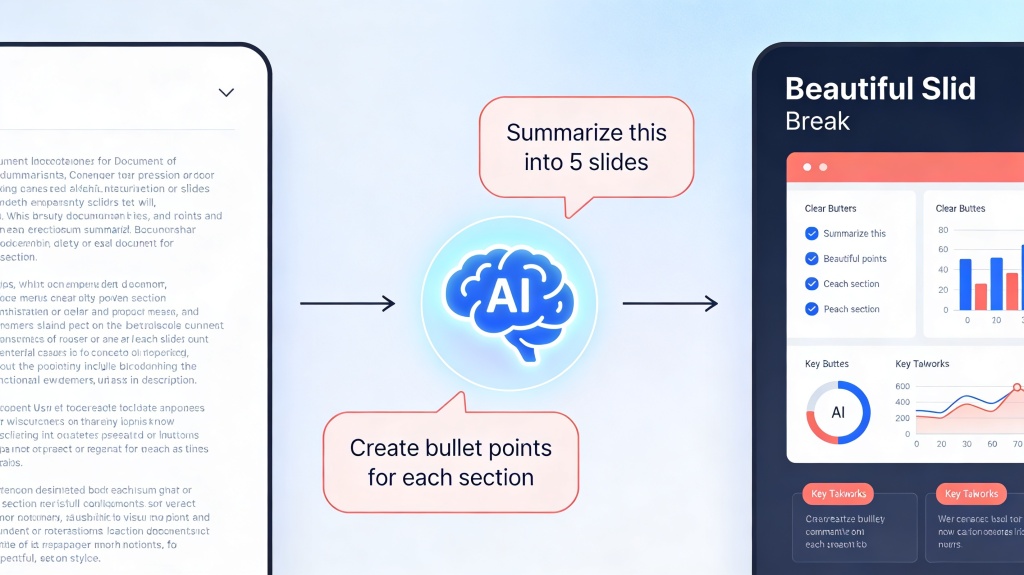
Four Steps to Turn Long Text into a Clear Deck
| Step | Action | Check |
|---|---|---|
| 1 | Prepare the source | Remove duplicates and identify sections |
| 2 | Set audience and outcome | Name the decision or learning goal |
| 3 | Generate an outline | Limit slides and require citations |
| 4 | Edit and export | Verify claims, charts, notes, and layout |
- Use headings, page ranges, tables, and a short source summary as inputs.
- Tell AI what to omit: background, repeated examples, or technical detail for an appendix.
- Ask it to flag missing context instead of filling gaps with guesses.
Copyable AI Prompts and Before/After Examples
Before and after: research paper
Before: one slide lists the abstract, methods, results, and limitations in tiny text. After: separate the research question, method, key result, implication, and limitation so the audience can follow the argument.
Before and after: meeting transcript
Before: a chronological transcript summary. After: decisions, owners, risks, deadlines, and unresolved questions become a short action deck.
Edit, Export, and Fix Common Summarization Failures
- Hallucinated detail: compare every number and named claim with the source.
- Loss of nuance: keep caveats, limitations, and uncertainty visible.
- Overloaded slides: split ideas by audience decision, not by source paragraph.
- Weak visuals: turn relationships into a diagram or chart only when the source supports it.
- Broken export: inspect PPTX/PDF fonts, tables, images, notes, and links.
Keep the original document beside the generated deck during review. A concise slide is useful only when its compression remains faithful to the source.
Frequently Asked Questions
Can AI summarize an extremely long academic paper into slides?
Yes, when the source is provided in manageable sections and the prompt defines the audience, purpose, evidence rules, and slide limit; review the result against the paper.
What are the best summarize long text slides AI prompts?
Use prompts that specify audience, outcome, slide count, takeaway titles, evidence, citations, omissions, and a rule against invented facts.
How do I prevent hallucinated facts?
Tell AI to flag missing evidence, keep source references, and verify every number, quote, name, and causal statement manually.
How do I edit the summary after generation?
Shorten titles, restore important caveats, simplify visuals, move detail to notes or an appendix, and check the exported file before presenting.