How to Generate a Pitch Deck with AI: A Step-by-Step Guide for Founders
Published on May 22, 2024 • 12 min read

For entrepreneurs and startup founders, the pitch deck is more than just a presentation; it is a gateway to funding, partnerships, and growth. Traditionally, creating a high-converting pitch deck required weeks of agonizing over copywriting, design, and data visualization. However, the emergence of generative AI has fundamentally changed this landscape.
Today, you can generate a professional-grade pitch deck in a fraction of the time, allowing you to focus on what truly matters: your business model and your story. In this guide, we will explore how to leverage AI to build a deck that captures attention and drives results.
The Evolution of Pitching in the Age of AI
The traditional workflow for a pitch deck often involved hiring a designer or struggling with complex software like PowerPoint or Keynote. This process was not only slow but often resulted in a disconnect between the founder's vision and the visual execution. AI bridges this gap by acting as both a creative partner and a technical assistant.
AI doesn't just "draw" slides; it helps structure your narrative based on successful patterns seen in thousands of decks from companies like Airbnb, Uber, and Coinbase. By analyzing successful frameworks, AI can suggest the ideal slide order, from the "Problem" slide to the "Ask."
Pro Tip: Using an AI presentation maker can help you maintain brand consistency across all slides automatically, ensuring your logo, colors, and fonts remain professional throughout.
Choosing the Right AI Presentation Tool
Not all AI tools are created equal. When selecting a platform to generate your pitch deck, you should look for specific features that cater to the needs of a startup founder:
- Dynamic Content Generation: The ability to turn a simple prompt into a full narrative structure.
- Design Intelligence: Tools that automatically adjust layouts when you add or remove text.
- Data Visualization: AI that can take raw numbers and transform them into intuitive charts.
- Export Versatility: The option to export to PDF or PowerPoint for offline presentations.

Preparing Your Input for Maximum Impact
The "Garbage In, Garbage Out" rule applies heavily to AI generation. To get the best results, you need to provide the AI with a strong foundation. Before you start generating, have the following information ready:
Your One-Sentence Value Proposition: What do you do, for whom, and why does it matter? This is the core DNA that the AI will use to flavor the entire deck. Next, define your target audience and the specific problem you are solving. The more context you provide, the less generic the AI's output will be.
Step-by-Step Generation Process
Once you have your data ready, follow these steps to generate your deck:
- Step 1: The Prompt. Enter a detailed prompt describing your startup. Example: "Create a 10-slide pitch deck for a FinTech startup that uses AI to automate tax filing for freelancers."
- Step 2: Outline Review. Most AI tools will generate an outline first. Review this carefully. Does it include the Team slide? The Competition slide? Adjust the structure here before the design begins.
- Step 3: Style Selection. Choose a visual theme. For tech startups, clean and minimalist is usually best. For creative agencies, you might want something more vibrant.
- Step 4: Generation. Let the AI build the slides. This usually takes less than a minute.
Refining the AI Output for Your Brand
While AI is powerful, it lacks your personal passion. After the generation is complete, you must go through and "humanize" the content. Replace generic stock images with real photos of your product or team. Adjust the tone of the copy to match how you actually speak during a presentation.
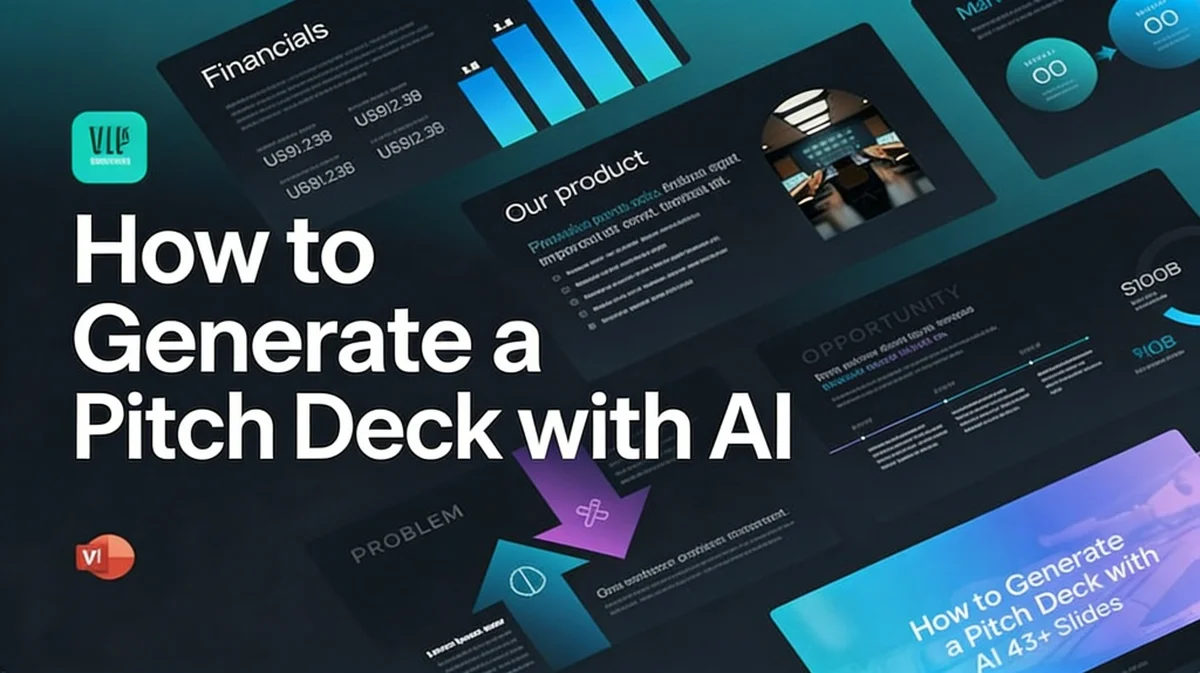
Pay special attention to your "Financials" slide. AI can create placeholders, but you need to ensure the numbers reflect your actual projections and historical data. Accuracy is the foundation of investor trust.
Common Pitfalls to Avoid with AI Presentations
Avoid the temptation to use the AI's first draft exactly as it is. Investors can often tell when a deck is purely AI-generated if the language is too repetitive or the images feel "soul-less."
- Generic Copy: AI tends to use buzzwords like "synergy" and "disruptive." Replace these with specific examples of your impact.
- Overcrowded Slides: AI might try to fit too much information on one slide. Remember: one idea per slide.
- Ignoring the Narrative: Ensure there is a logical flow between slides. The "Solution" must directly address the "Problem" stated two slides earlier.
Frequently Asked Questions
Is it ethical to use AI for a pitch deck?
Absolutely. AI is a productivity tool, much like a spell-checker or a template. As long as the data and claims in your deck are truthful, using AI to design and structure the presentation is a smart business move.
Can AI help me with the financial projections slide?
AI can help format the data and suggest which metrics to show (like CAC, LTV, or MRR), but the actual numbers must come from your own business analysis to be valid during due diligence.
Do investors mind if a deck looks AI-generated?
Investors care about the quality of the idea and the clarity of the communication. If an AI helps you communicate more clearly, it's a plus. However, a "lazy" deck that hasn't been reviewed will reflect poorly on your attention to detail.
What is the best AI tool for pitch decks?
Platforms like PopAi are highly recommended because they combine powerful language models with sophisticated design engines specifically tuned for professional presentations.
Create your presentation with one click now
Stop wasting hours on design. Let our AI handle the heavy lifting while you focus on your vision.
Get Started for Free