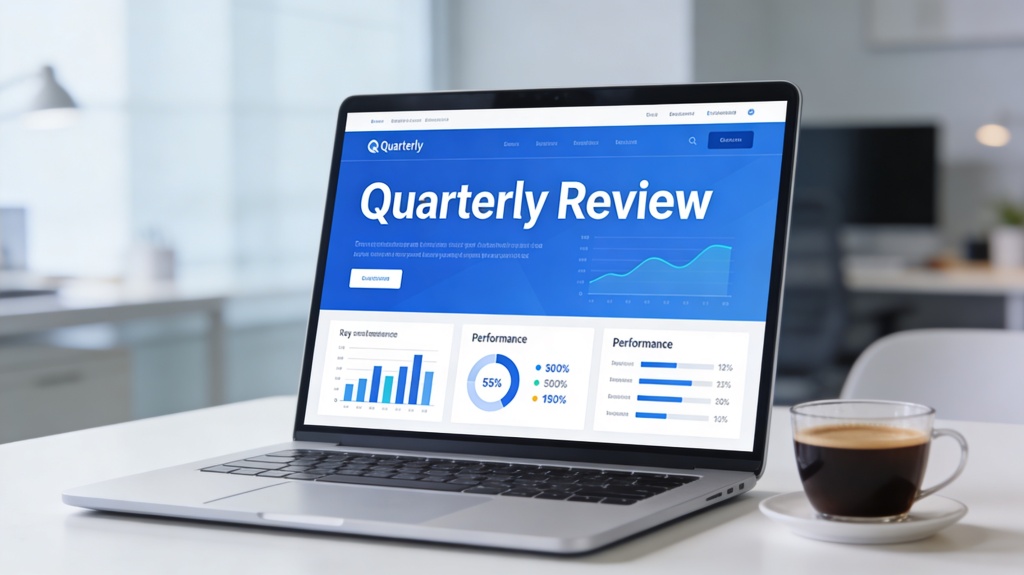
How to Create Quarterly Review Presentations with Popai.pro

Published on April 29, 2026

Professional quarterly review presentation design using AI
A high-impact quarterly review presentation requires a balance of data and narrative.

For many managers and team leads, the end of a quarter brings a familiar sense of dread: the quarterly review presentation. It’s the moment where you must condense three months of hard work, complex data, and strategic pivots into a 30-minute window for executives. The stakes are high, the data is dense, and the time to prepare is usually non-existent.

Traditional methods involve hours of manual data entry, wrestling with alignment in PowerPoint, and trying to make a spreadsheet look "pretty." But what if you could automate the heavy lifting? With Popai.pro, you can transform the way you approach your Quarterly Business Reviews (QBRs), moving from a data-entry clerk to a strategic storyteller in minutes.

The Evolution of the Quarterly Review Presentation

The quarterly review presentation has evolved significantly over the last decade. It is no longer just a "look back" at what happened; it is a strategic roadmap for what happens next. Executives are less interested in every single task your team completed and more interested in the outcomes those tasks produced.

In the modern business environment, speed and clarity are the ultimate currencies. A successful QBR must answer three core questions:

  • What did we achieve? (Performance against KPIs)
  • What did we learn? (Insights from successes and failures)
  • Where are we going? (Strategic pivots and goals for the next 90 days)

Using an AI-powered tool like Popai.pro allows you to focus on answering these questions rather than formatting text boxes or choosing font sizes.

Setting Your Objectives for a High-Impact QBR

Before you open any presentation software, you must define your "North Star." A quarterly review presentation without a clear objective becomes a "data dump," which is the fastest way to lose an executive audience's attention.

Start by identifying the top three metrics that defined your quarter. Was it revenue growth? Customer retention? Operational efficiency? Once you have these, your entire presentation should support the story behind these numbers. Remember, data without context is just noise. Your job is to provide the "why" behind the "what."

Pro Tip: Always start your presentation with a "Wins" slide. It builds positive momentum and highlights the value your team brings before diving into more complex challenges. Learn more about structuring slides at Popai.pro.

Step-by-Step: Building Your Quarterly Review with Popai.pro

Creating a quarterly review presentation with Popai.pro is designed to be intuitive and fast. Here is how to leverage the AI to do the work for you:

  1. Input Your Data: Start by feeding the AI your key metrics. You can describe your quarter's performance in natural language, and Popai.pro will begin to structure the outline.
  2. Choose a Template: Select from a variety of professional, executive-ready templates. These aren't just generic designs; they are layouts optimized for data readability.
  3. Refine the Narrative: Use the AI to generate summaries for your bullet points. If you have a list of raw data, ask the AI to "Summarize the key takeaway for a CEO audience."
  4. Customize Visuals: Swap out icons and images to match your brand. The AI ensures that even if you add new content, the alignment and style remain consistent throughout the deck.
Using AI to generate slide layouts for QBR
Popai.pro automates the layout process, allowing you to focus on the data story.

Visualizing Data: Turning Metrics into Insights

One of the biggest pain points in any quarterly review presentation is data visualization. A common mistake is taking a screenshot of a complex Excel sheet and pasting it onto a slide. This is unreadable for anyone sitting more than three feet from the screen.

Popai.pro helps you simplify these visuals. Instead of a table with 50 rows, the AI can help you generate a clean bar chart or a "Big Number" slide that highlights the most important figure. The goal is "glanceability"—your audience should understand the point of the slide within three seconds of seeing it.

Consider using color strategically: use green for growth, red for areas of concern, and a neutral brand color for everything else. This visual shorthand helps executives process information faster.

Common Pitfalls to Avoid in Quarterly Reviews

Even with the best tools, it's easy to fall into common traps. To ensure your quarterly review presentation is successful, avoid these three pitfalls:

  • Over-explaining the past: Spend no more than 40% of your time on what happened. The remaining 60% should be focused on insights and future strategy.
  • Ignoring the "So What?": For every metric you show, you must explain why it matters to the business. If your churn rate went down by 2%, tell the audience how much revenue that saved.
  • Reading the Slides: Your slides are a visual aid, not a script. Use Popai.pro to keep text minimal so your audience listens to you instead of reading the screen.
Executive team reviewing a quarterly presentation
A successful review sparks discussion rather than just delivering a monologue.

Frequently Asked Questions

How long should a quarterly review presentation be?

A standard quarterly review presentation should ideally last between 20 to 45 minutes, including Q&A. Focus on 10-15 high-impact slides to keep the executive team engaged without overwhelming them with minutiae.

Can Popai.pro handle complex financial data?

Yes, Popai.pro is designed to process data inputs and generate clean, professional visualizations. You can upload your metrics, and the AI will help structure them into readable charts and bullet points.

What is the most important slide in a QBR?

The "Executive Summary" and "Next Steps" slides are critical. One sets the stage for the narrative, and the other ensures the meeting leads to actionable outcomes.

Can I collaborate with my team on Popai.pro?

Absolutely. Popai.pro allows for collaborative editing, so different department leads can contribute their specific sections to the master quarterly review presentation deck.

Create your presentation with one click now

Stop wasting hours on manual formatting. Let Popai.pro handle the design while you focus on the strategy. Build your best quarterly review presentation today.

Get Started for Free

Sarah Jenkins

Sarah is a Presentation Strategist with over 12 years of experience helping Fortune 500 managers communicate complex data to executive boards. She specializes in AI-driven productivity tools.