How to Create a Presentation Template Library with AI

Published on April 23, 2026

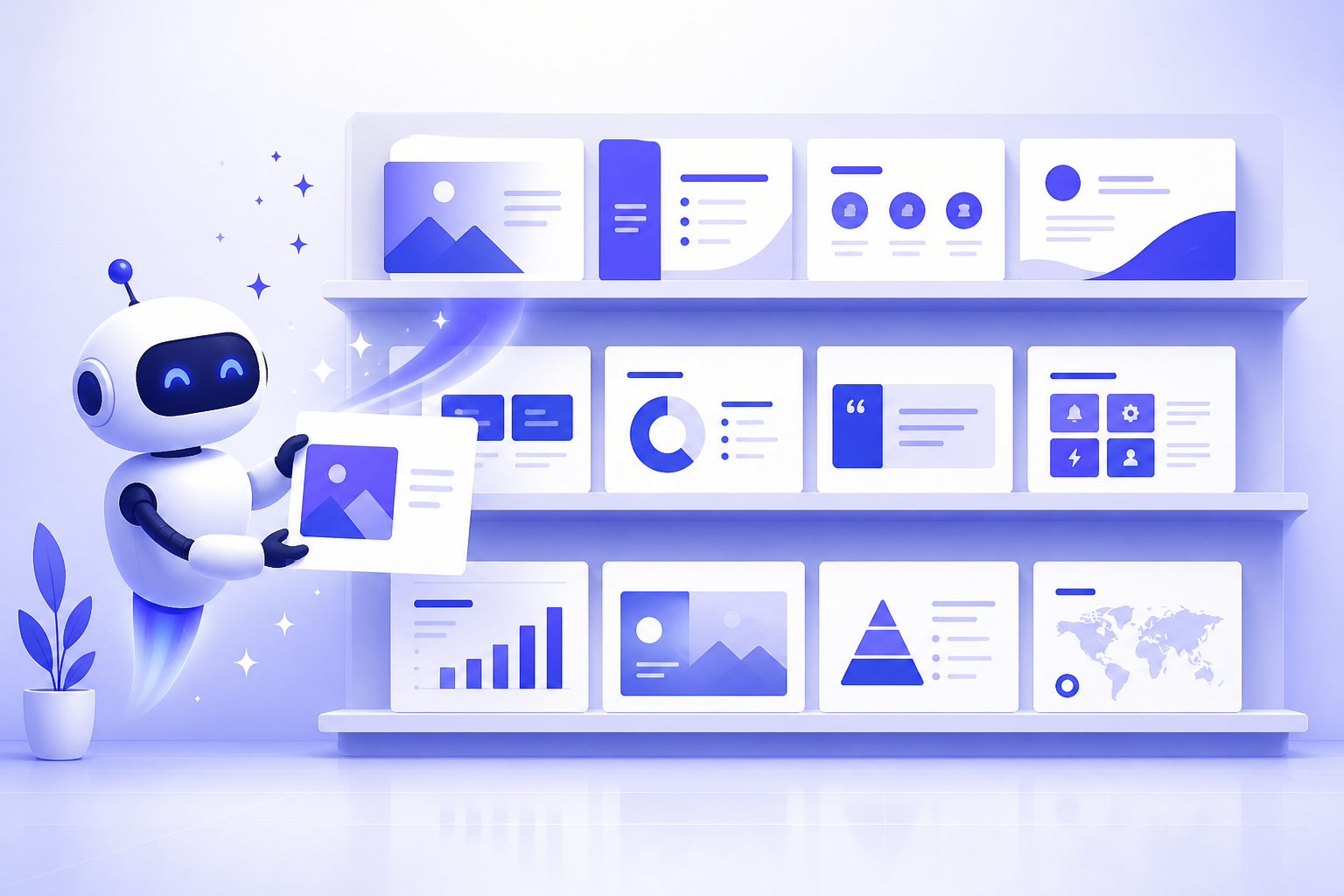
A professional designer organizing a digital presentation template library with AI assistance
Centralizing your brand assets into an AI-powered library streamlines the entire design process.

For marketing leads, operations managers, and business founders, the "Frankenstein deck" is a recurring nightmare. It happens when team members pull slides from five different old presentations, resulting in a chaotic mix of outdated logos, clashing fonts, and inconsistent messaging. Maintaining a presentation template library with AI is no longer just a luxury for enterprise companies; it is a vital strategy for any team that values brand integrity and operational efficiency.

By leveraging artificial intelligence, you can transform a static folder of PowerPoint files into a dynamic, intelligent ecosystem that generates on-brand slides in seconds. This guide will walk you through the process of building, organizing, and automating your template library to empower your team and save hundreds of hours of manual formatting.

The Strategic Value of an AI-Powered Presentation Library

A presentation template library with AI serves as the "single source of truth" for your organization's visual communication. Unlike traditional templates that require users to manually copy-paste and reformat, an AI-integrated library understands the underlying structure of your brand. When a team member needs a new deck, the AI can pull from pre-approved layouts, color palettes, and data visualization styles instantly.

The primary benefit is scalability. As your company grows, you cannot have a designer review every single slide for a routine weekly meeting. AI acts as a virtual design guardian, ensuring that even the most non-technical staff members can produce professional-grade output. This reduces the bottleneck on your creative team and accelerates the go-to-market speed for sales and marketing initiatives.

Pro Tip: Using an AI presentation maker allows you to convert simple outlines into fully designed library-standard slides with one click.

Defining Your Brand Identity for AI Integration

Before you start generating templates, you must "teach" the AI your brand's DNA. Most modern AI presentation tools allow you to upload a brand kit. This isn't just a logo; it's a comprehensive set of rules that include:

  • Typography: Primary and secondary fonts for headings, subheadings, and body text.
  • Color Palettes: Hex codes for your primary brand colors and complementary accent colors for charts.
  • Iconography Style: Whether you prefer minimalist line icons, 3D illustrations, or high-definition photography.
  • Tone of Voice: AI can also help with the copy, so defining if your brand is "authoritative and corporate" or "bold and disruptive" is essential.

Once these parameters are set, every template generated within your library will automatically adhere to these constraints, eliminating the risk of "off-brand" rogue presentations.

Generating Core Templates: From Board Decks to Sales Pitches

Your library should not be a dumping ground for every deck ever made. Instead, focus on creating 5-8 "Master Templates" that cover 90% of your team's needs. Use AI to generate the foundational structure for the following:

  1. The Investor/Pitch Deck: High-impact visuals with a focus on narrative flow and data clarity.
  2. The Sales Proposal: Modular slides that can be easily customized for different clients while keeping the value proposition consistent.
  3. The Quarterly Business Review (QBR): Data-heavy templates with pre-configured AI charts and tables.
  4. Internal Training/Onboarding: Clean, easy-to-read layouts designed for information retention.
A variety of presentation templates displayed on a screen
A well-structured library categorizes templates by use case, making them easy for teams to locate.

By using AI to generate these masters, you ensure that the spacing, alignment, and visual hierarchy are perfect from the start. You can then save these as "Locked Masters" in your library.

Organizing Your Digital Asset Library for Accessibility

A presentation template library with AI is only useful if people can find what they need. Organization is the bridge between having assets and actually using them. Implement a tagging system that goes beyond simple folder names. Use metadata tags such as "external," "internal," "client-facing," or "confidential."

AI can assist here by auto-tagging slides based on their content. For example, if a slide contains a pricing table, the AI can tag it as "Sales/Pricing." If it contains a team bio, it becomes "About Us." This searchable infrastructure allows a sales rep to type "case study" into the library search bar and instantly pull up the most recent, AI-verified case study slide, rather than hunting through old emails.

Automating Updates and Iterations with AI Tools

Brands evolve. Logos change, and messaging shifts. In a traditional library, a logo change means opening 50 different files and manually replacing the image. With an AI-driven library, you can perform a "Global Brand Refresh." By updating the master brand kit in your AI tool, the software can scan your entire template library and suggest updates for every slide.

Furthermore, AI can analyze which templates are being used most frequently and which ones are being abandoned. This data-driven approach allows you to prune your library, keeping it lean and effective. You can also use AI to "refresh" old content—simply feed an old deck into the AI and ask it to "restyle using the 2026 Master Template," and the transformation happens in seconds.

Common Pitfalls to Avoid in Template Management

While AI makes the process significantly easier, there are traps to avoid. The first is Template Overload. Having 100 templates is often worse than having 10. It leads to decision paralysis for your team. Stick to a core set of versatile layouts.

The second pitfall is Neglecting Human Review. AI is a powerful co-pilot, but it isn't the captain. Always have a brand manager or senior designer do a final "sanity check" on master templates before they are published to the wider team library. Lastly, ensure you have a clear training session for your team. Even the best AI tools require a basic understanding of how to prompt and search effectively.

A team collaborating on a presentation using AI tools
Collaboration is key: Ensure your team knows how to access and utilize the AI template library effectively.

FAQ: Maximizing Your AI Template Ecosystem

Can I use AI to update existing templates with new branding?

Yes, many AI tools allow you to upload your brand kit (logos, colors, fonts). When you apply these to an existing template library, the AI can automatically restyle every slide to match the new visual identity in seconds.

How many templates should be in a standard library?

For most mid-sized teams, a core library of 5-8 master templates (Sales, Quarterly Review, Project Proposal, Onboarding, etc.) is sufficient. Quality and versatility are more important than quantity.

Is it secure to store company data in an AI presentation library?

When using professional tools like PopAi, your data is protected by enterprise-grade security. Always ensure you are using a platform that offers private workspaces for your team's template library.

Create your presentation with one click now

Stop wasting hours on manual formatting. Use PopAi to build your perfect template library and empower your team today.

Try PopAi for Free

Alex Rivera

Alex is a Presentation Strategist with over 12 years of experience helping Fortune 500 companies and high-growth startups streamline their visual communications through AI and automation.

Related Articles