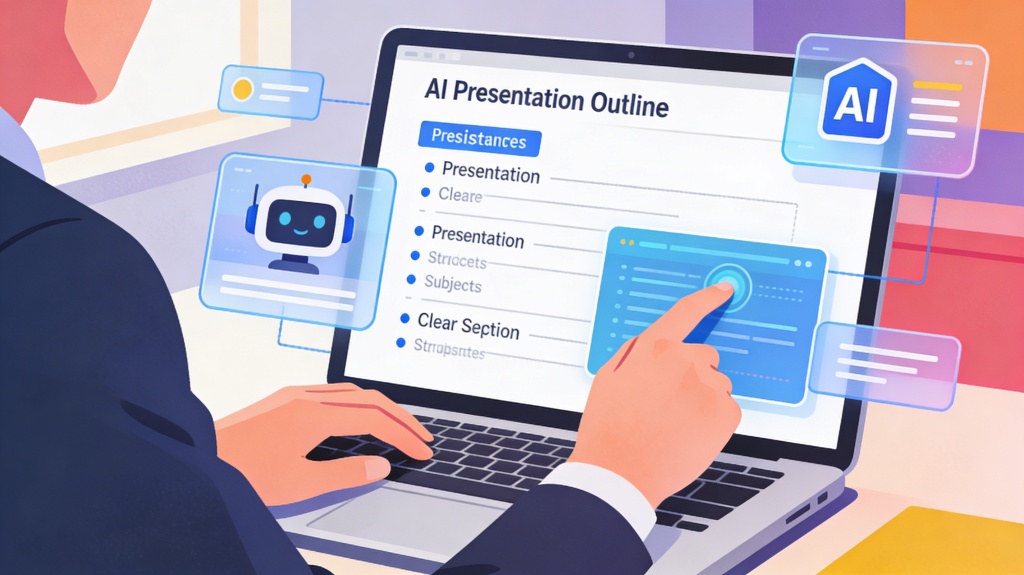
The "blank slide syndrome" is perhaps the greatest hurdle for any presenter. You have the knowledge and the data, but organizing it into a coherent, persuasive narrative can take hours of mental heavy lifting. This is where Artificial Intelligence (AI) has become a game-changer. By using AI to create a presentation outline, you can transform a simple topic into a robust, logical structure in a matter of seconds.
In this guide, we will explore the nuances of using AI to build outlines that don't just fill space, but actually resonate with your audience. Whether you are preparing a business pitch, an academic lecture, or a keynote address, the right AI strategy will save you time and improve the quality of your message.
The Evolution of Presentation Planning
Traditional outlining involves brainstorming, mind-mapping, and manual sorting. While effective, it is prone to cognitive biases and "tunnel vision," where you might miss crucial perspectives. AI acts as a collaborative partner, offering a bird's-eye view of your topic based on vast datasets of successful communication patterns.
- Speed: Go from a broad concept to a 10-slide outline in under a minute.
- Logical Flow: AI models are trained on structured data, ensuring your presentation follows a proven narrative arc (e.g., Problem-Solution-Benefit).
- Brainstorming: AI can suggest sub-topics you might not have considered, adding depth to your presentation.
Ready to skip the manual work? Use PopAI's presentation tool to generate a full outline and slides automatically from a single prompt.
Choosing the Right AI Tool for the Job
Not all AI tools are created equal. When it comes to outlining, you generally have two choices: General Purpose LLMs (like ChatGPT or Claude) and Specialized Presentation AI (like PopAI).
General AI is excellent for deep research and creative brainstorming. However, specialized tools are often better because they understand the constraints of a presentation. They know that a slide shouldn't have 500 words and that an outline needs to account for visual transitions and audience engagement cues.

Mastering the Art of the Prompt
The quality of your AI-generated outline is directly proportional to the quality of your prompt. A vague prompt like "Give me an outline for a marketing presentation" will yield a generic, uninspired result. To get a high-performing outline, you need to provide context.
A "Perfect Prompt" for an outline should include:
- The Persona: "Act as a senior venture capitalist" or "Act as a middle school science teacher."
- The Audience: "Your audience is potential investors who are skeptical of crypto" or "The audience is first-time homeowners."
- The Goal: "The goal is to convince them to sign up for a pilot program."
- Constraints: "Limit the presentation to 8 slides" or "Ensure the tone is professional but accessible."
Refining and Customizing the AI Output
Never treat an AI outline as the final product. It is a first draft. Once the AI provides a structure, you must apply your "human layer." This involves checking for accuracy, ensuring the tone matches your personal brand, and injecting real-world anecdotes that AI cannot provide.
Look for "hallucinations" (incorrect facts) and check if the transitions between sections feel natural. If a section feels too dry, ask the AI to "rewrite the outline for slide 4 to include a compelling metaphor or a surprising statistic."
Moving from Outline to Final Slides
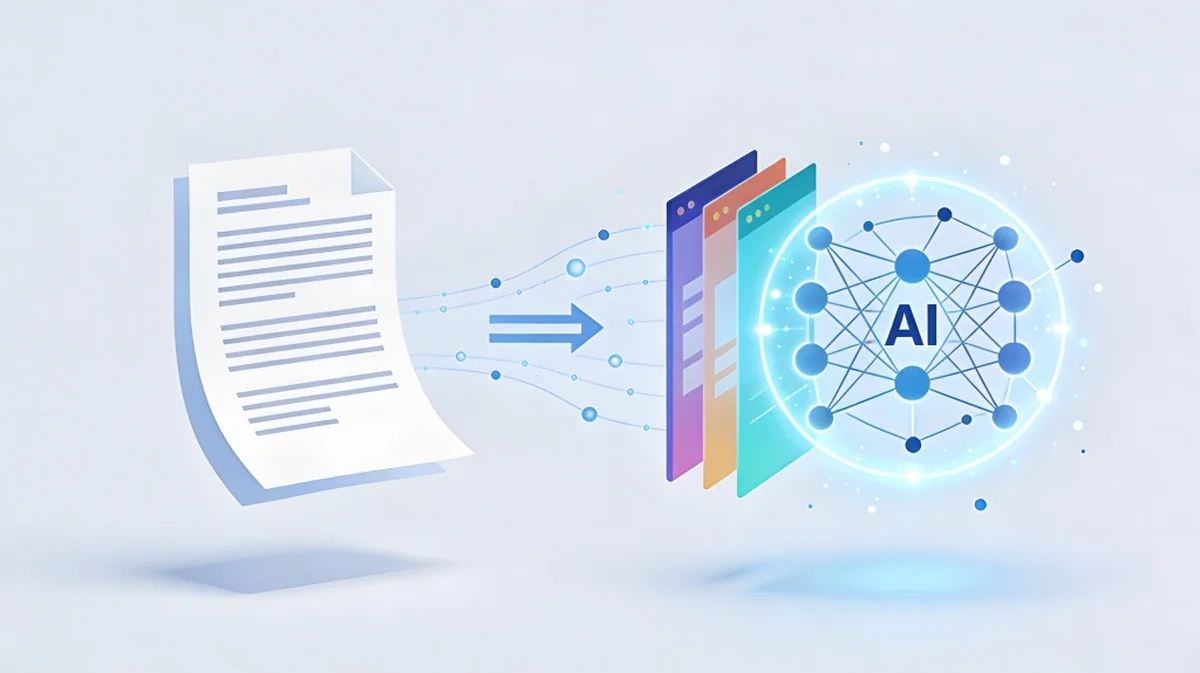
Once you have a refined outline, the next step is visualization. This is where modern AI presentation platforms shine. Instead of copying and pasting your outline into PowerPoint, tools like PopAI can take that structured text and automatically distribute it across beautifully designed slides.

This workflow—AI Outline -> Human Refinement -> AI Design—is the most efficient way to create professional presentations in the modern era. It allows you to focus on your delivery and strategy rather than wrestling with font sizes and bullet points.
Frequently Asked Questions
Is AI-generated content original? +
AI generates content based on patterns in the data it was trained on. While the specific combination of words is usually unique, the ideas are often synthesized from existing knowledge. Always add your own unique data and insights to ensure total originality.
Can I use AI to outline a presentation for a specific brand? +
Yes. You can feed the AI your brand guidelines or past presentation transcripts as context. This helps the AI mimic your specific voice and adhere to your brand's messaging standards.
What is the best AI for presentation outlines? +
For raw text, Claude and ChatGPT are excellent. For a seamless experience that goes from outline to design, specialized tools like PopAI are the industry standard for productivity.
Create your presentation with one click now
Turn your ideas into a professional, structured presentation outline and slide deck in seconds using PopAI's advanced algorithms.
Get Started for Free