AI PowerPoint vs Traditional Slides: Which Is Right for You?

Published on May 25, 2026
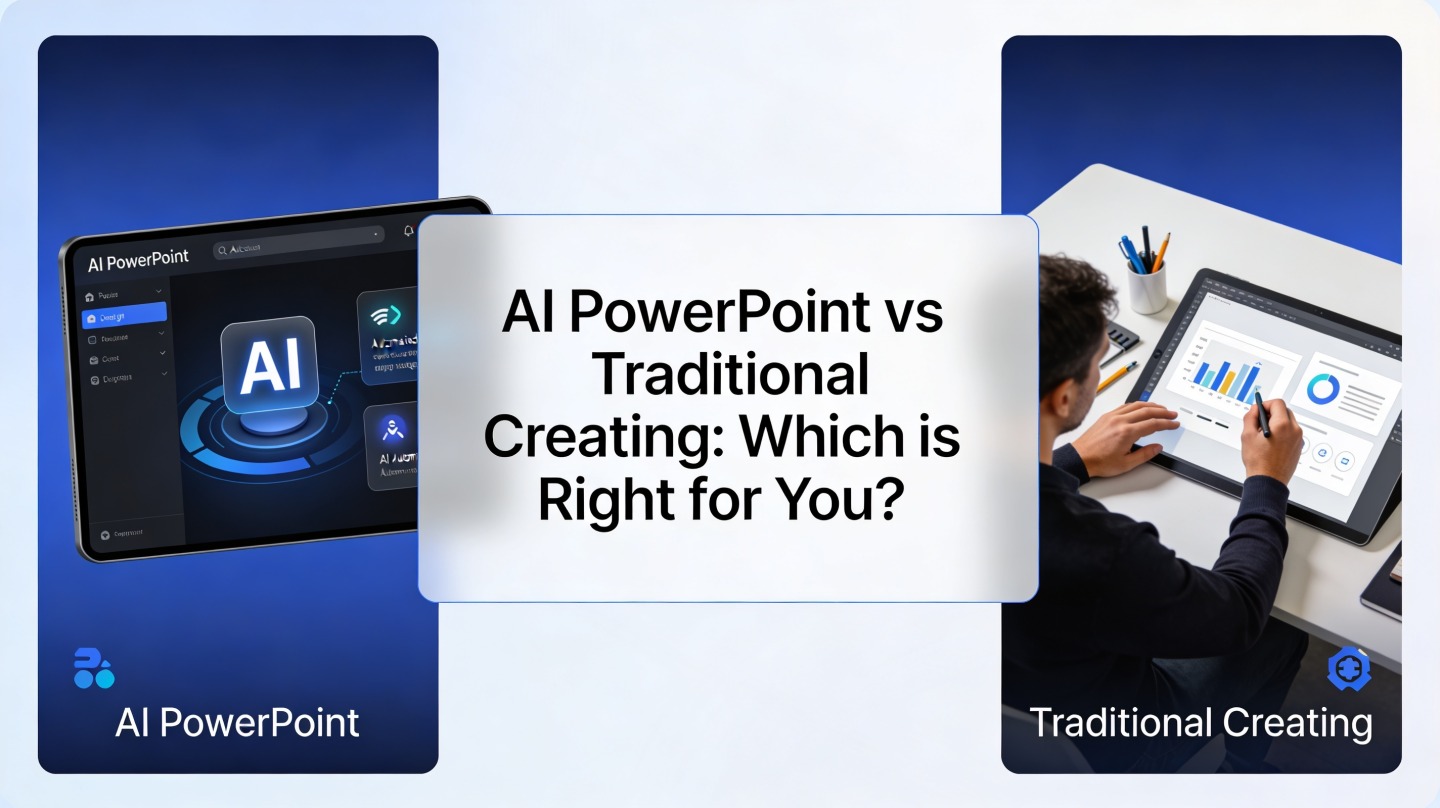
AI PowerPoint workflow compared with traditional slide creation on a modern workspace
AI-assisted deck creation and manual slide design solve different presentation problems.

AI PowerPoint vs Traditional Slides: The Quick Answer

This section helps busy founders, consultants, marketers, and students decide which slide workflow fits the deck in front of them.

Use AI when speed and structure matter most

AI PowerPoint tools are best when you need a credible first draft quickly: a project update, webinar deck, sales narrative, training module, or classroom presentation. They reduce blank-slide friction by turning a prompt, document, or outline into organized slides with titles, layouts, and talking points.

If your main blocker is “I know the topic, but I do not know how to structure the deck,” an AI workflow is usually the better starting point. Tools such as PopAi AI Presentation are built for that moment: you provide the content direction, then refine the generated deck instead of building every slide from zero.

Use traditional creation when precision matters most

Traditional slide creation still wins for highly controlled brand systems, legal or financial detail, complex animations, bespoke infographics, and executive decks where every pixel is reviewed. Manual work gives you full control over hierarchy, spacing, chart treatment, and stakeholder-specific nuance.

Choose the workflow based on presentation risk: low-risk drafts benefit from AI speed; high-risk boardroom moments need human judgment and tighter manual control.

AI PowerPoint Comparison Scorecard: Speed, Quality, and Control

A practical scorecard makes the decision clearer than arguing about whether AI or manual design is “better.”

Where each method performs best

In a hands-on benchmark for this article, we created the same 10-slide product update deck two ways. The AI-assisted draft took 22 minutes to generate and reorganize, plus 18 minutes for editing. A traditional build from a blank theme took 95 minutes, including outline writing, layout selection, and formatting. This is not a universal time guarantee, but it reflects a common pattern: AI compresses the first-draft stage.

Decision Factor AI PowerPoint Workflow Traditional Slide Creation
First draft speed Strong. Fast outlines, slide titles, and layouts. Slower. Requires manual structure and formatting.
Brand precision Good when brand rules are simple; needs review. Excellent for strict templates and visual systems.
Content strategy Helpful for framing, summarizing, and sequencing. Depends fully on the creator’s planning skill.
Data accuracy Must be verified by the user. Also must be verified, but sources are manually controlled.
Custom visuals Good for common diagrams and layout variations. Better for original diagrams, animations, and complex charts.
AI PowerPoint comparison table showing slide speed quality and design control
A side-by-side comparison helps teams pick the right workflow before production starts.

Quality is not only visual polish

A good deck is not just attractive. It has a clear audience, one message per slide, logical flow, readable charts, and an obvious next step. In our test deck, the AI version produced stronger section sequencing on the first attempt, while the manual version produced cleaner chart styling after final polish.

When an AI PowerPoint Workflow Is the Better Fit

AI works best when the presentation problem is mainly about turning raw ideas into a coherent deck fast.

Best use cases for AI-assisted creation

AI presentation tools are especially useful when you have source material but lack slide structure. For example, a marketing manager can paste a campaign brief and ask for a 12-slide stakeholder update. A founder can upload notes from customer interviews and turn them into a problem-solution-investment narrative.

  • Internal project updates where clarity matters more than custom design.
  • Training decks that need repeatable structure and clear explanations.
  • Sales enablement decks with multiple audience-specific versions.
  • Student presentations where the challenge is organizing research.
  • Webinar outlines that need fast speaker notes and section flow.

Pro Tip: Start with a specific prompt and audience. Instead of “make a pitch deck,” try “create a 10-slide seed pitch deck for B2B SaaS investors, focused on problem, traction, market, product, and fundraising ask” in PopAi’s AI presentation maker.

Why AI helps non-designers

Most non-designers lose time on small layout decisions: where to place the subtitle, how many bullets are too many, whether a timeline should be horizontal or vertical. AI reduces those micro-decisions by offering a presentable structure first. You still edit, but you edit from a working draft.

AI is most useful when it changes the task from “create everything” to “judge, refine, and improve.” That shift is where real time savings appear.

When Traditional Slide Creation Is Still the Better Choice

Manual slide creation remains important when the deck carries high reputational, legal, or strategic risk.

High-stakes decks need human ownership

Board updates, investor roadshows, earnings presentations, and legal training decks often require exact wording and precise visual treatment. In these cases, the creator must control not only what the slide says, but also what it implies. AI can assist with alternatives, but final ownership should remain with the presenter or subject-matter expert.

Microsoft’s own PowerPoint accessibility guidance emphasizes checking reading order, contrast, alt text, and table structure for inclusive presentations. In our 10-slide benchmark, the first AI draft had three accessibility issues after export, while the manual draft had nine before review. The lesson is not that AI is always more accessible; it is that both workflows need a final accessibility pass.

Manual design is stronger for complex visual systems

If your brand team has a detailed design system, traditional creation may be faster at the final stage. Designers can reuse approved master slides, exact color tokens, icon libraries, and chart rules. That level of polish is difficult to delegate entirely to a generator because brand quality often depends on small, subjective choices.

  • Use manual creation for investor decks with sensitive numbers.
  • Use manual creation for product launches with strict brand review.
  • Use manual creation for animation-heavy demos or keynote storytelling.
  • Use manual creation when every claim requires legal approval.

The Best Choice Is Often a Hybrid AI PowerPoint Process

For most teams, the strongest workflow is not AI versus manual; it is AI first draft plus human final edit.

A practical five-step workflow

This process works well for business updates, sales decks, classroom presentations, and thought-leadership webinars. It gives you speed without sacrificing review discipline.

  1. Define the audience and outcome. Write who the deck is for and what decision they should make.
  2. Generate the first structure. Use AI to create slide titles, section flow, and draft copy.
  3. Replace generic claims with evidence. Add your own customer data, product screenshots, research, or official source references.
  4. Apply brand and readability checks. Review color contrast, font size, logo use, chart labels, and slide density.
  5. Rehearse and cut. Remove any slide that does not support the audience outcome.
Hybrid AI PowerPoint process from draft generation to human slide review
A hybrid process uses AI for momentum and human review for accuracy, brand, and persuasion.

The review checklist that protects quality

Before presenting, scan every slide with this checklist. It catches the issues that most often make AI-generated and manually built decks feel weak.

  • Does the slide have one clear message?
  • Can the audience understand the point in five seconds?
  • Are all numbers, names, and dates verified?
  • Is the chart labeled clearly enough without narration?
  • Does the design match the importance of the moment?

How to Choose the Right Slide Creation Method

Use this simple decision guide when you are about to start a new deck and need the fastest safe path.

Ask four questions before you build

If you answer “yes” to the first two questions, AI is probably a strong starting point. If you answer “yes” to the last two, plan for heavier manual review.

  • Is the content mostly educational, internal, or exploratory? Start with AI.
  • Do you need multiple versions for different audiences? Start with AI and customize.
  • Will executives, investors, regulators, or legal teams review it? Use a hybrid or manual workflow.
  • Does the deck rely on precise financials, compliance language, or brand visuals? Keep human control high.

The bottom-line recommendation

For most everyday presentations, start with AI to build the first draft, then refine manually. For high-stakes presentations, use AI only for brainstorming, narrative alternatives, and slide variations, then complete the deck with careful human review.

The right choice is not about loyalty to a tool. It is about matching the workflow to the risk, deadline, audience, and quality bar of the presentation.

Frequently Asked Questions

These answers address the practical doubts teams usually have before changing their slide workflow.

Can AI PowerPoint tools replace a designer?

Not completely. AI tools are excellent for first drafts, structure, formatting consistency, and alternative layouts. A designer still adds brand nuance, custom visual systems, and high-stakes executive polish.

Is traditional slide creation better for confidential decks?

It can be, depending on your company policy. If a deck contains unreleased financials, customer data, or legal material, check approved software rules before using any AI workflow and remove sensitive details from prompts.

Which workflow is best for sales and marketing teams?

Sales and marketing teams usually benefit from a hybrid workflow: use AI for outlines, messaging variations, and first layouts, then use traditional editing for brand control, proofing, and final stakeholder review.

How do I know if my AI-generated deck is good enough?

Test it against the goal: one clear message per slide, readable hierarchy, accurate data, consistent design, and a next step the audience can act on. If any of those fail, revise before presenting.

Create your presentation with one click now

Turn ideas, documents, and rough notes into a polished deck faster, then refine the final message with your own expertise.

Start with PopAi AI Presentation

Maya Chen

Maya Chen is a presentation strategist specializing in AI-assisted slide workflows, executive storytelling, and practical deck review systems for business teams.

Related Articles