Preparing Conference Presentations Like a Pro with AI
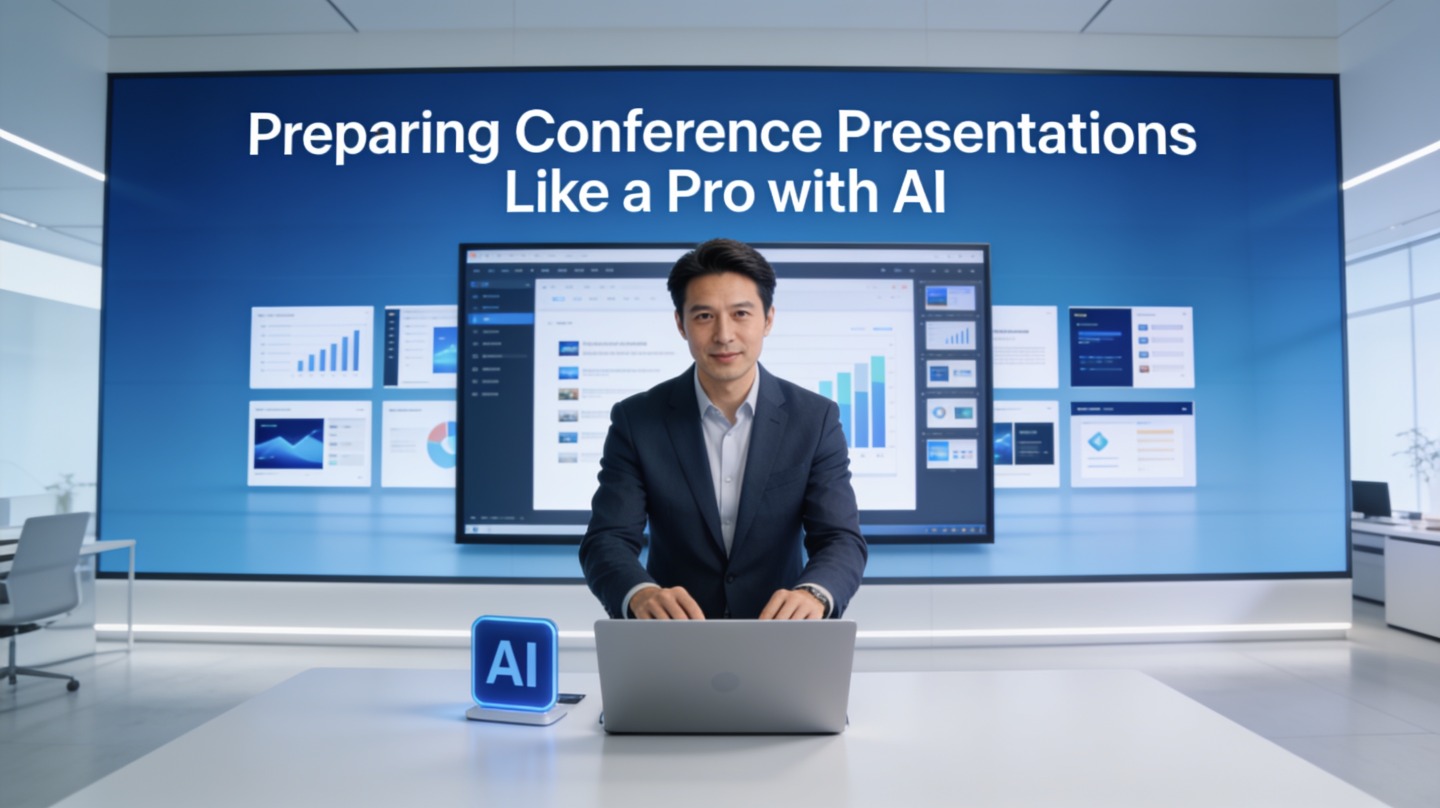
If you are presenting at an industry summit, academic conference, medical meeting, or internal leadership forum, the pressure is different from a normal team update. You need authority, timing, readable visuals, and a story that holds attention in a room full of experts.
A practical conference presentation AI workflow can help you move from accepted abstract to polished deck faster, but only if you guide it with the right prompts and review checkpoints. Tools such as PopAi AI Presentation are most useful when they support your message, not when they replace your judgment.
Why Conference Presentation AI Matters Before Slide Design
This section explains why AI is most valuable at the thinking stage, before you open a template or polish visuals.
Start with the audience’s decision point
Conference audiences are not blank slates. They arrive with field knowledge, competing sessions in mind, and limited patience for background that feels obvious. Before generating slides, define the decision you want them to make after your talk: adopt a method, question an assumption, fund a project, cite your research, or continue a conversation.
Give AI a short audience brief. Include role, experience level, what they already know, and what they may resist. This turns your deck from a general overview into a targeted conference argument.
Convert the accepted abstract into a slide thesis
Your abstract helped you get accepted, but it is rarely the best speaking structure. Ask AI to extract three things from it: the central claim, the supporting evidence, and the audience takeaway. Then rewrite the claim in plain English.
A conference deck should make one memorable argument. Every slide should either prove it, explain it, or help the audience act on it.
Pro Tip: If you have a dense abstract, paste it into PopAi AI Presentation with your session length and audience type, then ask for a timed outline before generating the full deck.
Build an AI Conference Deck Outline That Fits the Clock
A timed outline prevents the most common conference problem: too much material for the slot.
Use a run-of-show instead of a topic list
A topic list says what you might cover. A run-of-show says what happens minute by minute. For a 20-minute talk, ask AI to divide your argument into opening, context, method, findings, implications, and close. Then assign approximate time to each part.
Official presentation formats show why timing discipline matters. TED’s official speaker guidance keeps talks to 18 minutes or less, while the PechaKucha official format uses exactly 20 slides shown for 20 seconds each, creating a 6 minute 40 second presentation. Those constraints work because they force prioritization.
A practical 20-minute AI outline prompt
Use a prompt that gives AI boundaries and asks for decisions, not decoration:
- Context: “I am presenting at a cybersecurity conference to senior security leaders.”
- Goal: “I want them to understand why identity-based attacks require a new response model.”
- Evidence: “Use these three case examples, but do not invent data.”
- Constraint: “Create a 20-minute run-of-show with 12 slides maximum.”
- Output: “Include slide title, audience takeaway, visual suggestion, and speaker note cue.”
| Talk Length | Recommended Structure | AI Review Check |
|---|---|---|
| 10 minutes | Problem, one insight, proof, action | Remove background slides that experts already know. |
| 20 minutes | Hook, context, method, 2–3 findings, implications | Check that each section has a timed purpose. |
| 45 minutes | Story arc, framework, examples, audience application, Q&A bridge | Add interaction points and recap slides. |
Design Conference Slides with AI Without Losing Authority
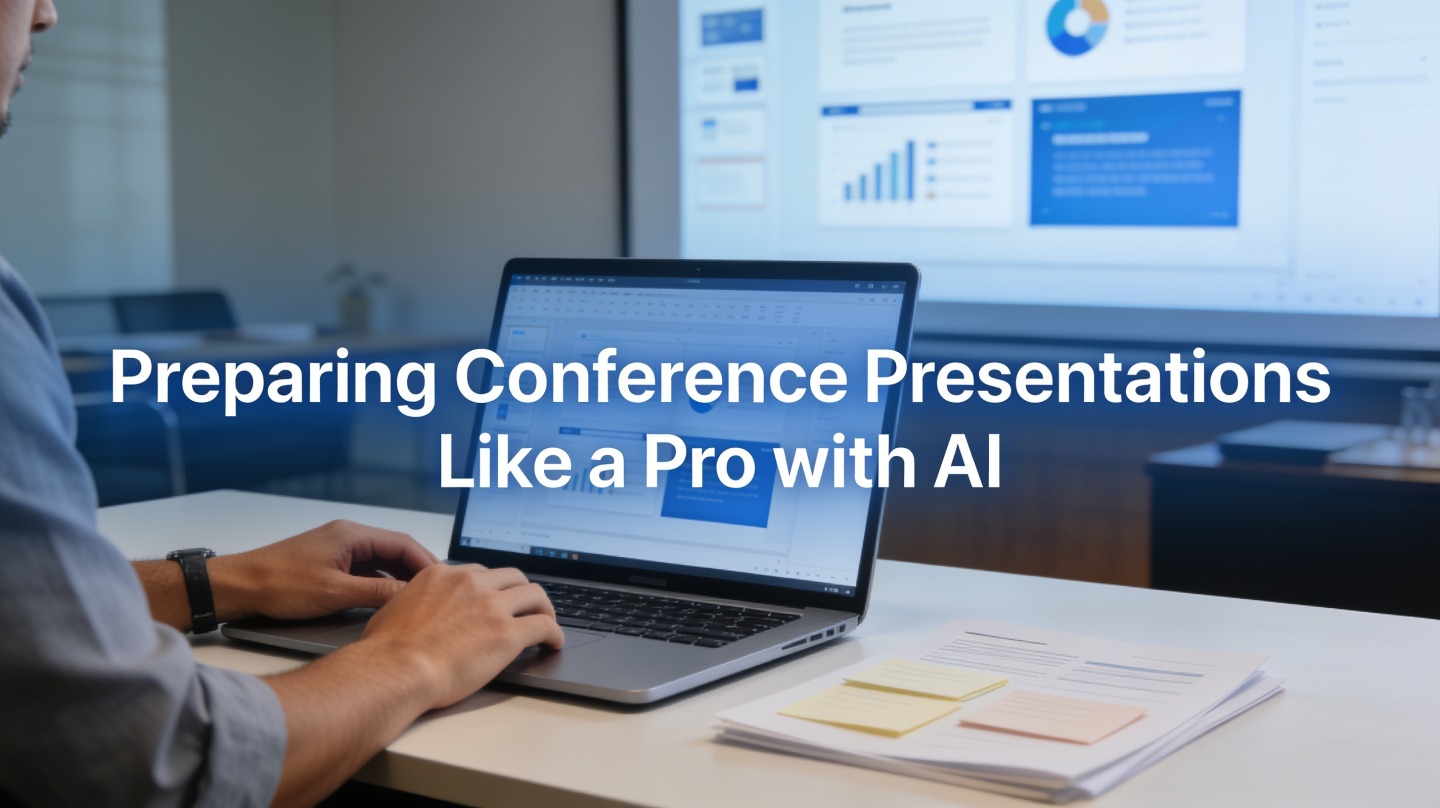
AI can accelerate slide creation, but expert credibility still depends on evidence, hierarchy, and restraint.
Make each slide pass the one-message test
Conference slides often fail because they become documents projected on a wall. Ask AI to turn each slide into one sentence: “This slide proves that…” or “This slide explains why…” If the sentence is vague, the slide is not ready.
For technical or research-heavy talks, keep methods and limitations visible. Do not let AI smooth away the caveats that make your work credible. A slide that says “model performance improved” is weaker than one that shows the baseline, test condition, and limitation in plain language.
Use visual hierarchy for back-row readability
Accessibility is not optional in a conference room. The W3C Web Content Accessibility Guidelines specify a contrast ratio of at least 4.5:1 for normal text and 3:1 for large text. Use that as a practical slide design checkpoint when AI suggests colors or backgrounds.
Ask AI for visual recommendations in formats a designer can act on: chart type, annotation focus, image purpose, and what to remove. The best AI-generated conference slides usually have less text than the first draft, not more.
Authority comes from clear choices: what you include, what you cut, and how confidently each visual supports the spoken point.
Rehearse Delivery with Conference Presentation AI
A deck is only half the presentation; AI should also help you practice timing, transitions, and audience questions.
Generate speaker notes as cues, not a script
Word-for-word scripts can make you sound stiff. Instead, ask AI for short speaker notes: opening line, transition, evidence cue, and closing phrase. This keeps delivery natural while protecting you from losing the thread.
For example, a slide about research findings might have three notes: “Remind audience of the baseline,” “Point to the outlier first,” and “State the implication for practitioners.” That is enough to guide delivery without turning the talk into reading.
Simulate Q&A before the event
Ask AI to act as three audience personas: skeptical expert, budget owner, and curious beginner. Then have it generate likely questions. This reveals weak assumptions, unclear definitions, and unsupported claims before someone challenges them in the room.
- What would an expert disagree with?
- What term needs a cleaner definition?
- Which chart might be misread?
- What question should you answer in the talk before Q&A?
Avoid Common AI Conference Deck Mistakes
The biggest risk is not that AI makes a bad slide; it is that it makes a plausible slide you do not verify.
Do not let AI invent evidence
Never ask AI to “add statistics” unless you provide the source material or plan to verify every claim. For academic and technical talks, use your accepted paper, internal analysis, official documentation, or cited sources as the evidence base. If a number is not traceable, remove it.
Do not flatten your original point of view
AI often defaults to balanced, safe phrasing. Conference audiences want a point of view. After generating the deck, review every section and ask: “What is my claim here?” If the answer is only “Here is an overview,” sharpen it.
Use a final human checklist
- Can an attendee repeat the central argument after one minute?
- Does every chart have a visible takeaway?
- Are all claims sourced or clearly framed as interpretation?
- Do speaker notes support delivery without becoming a script?
- Can the deck still work if the projector is smaller than expected?
FAQ: Conference Presentation AI for Speakers
These are the questions presenters usually ask when using AI for a high-stakes conference deck.
Can AI prepare my full conference presentation without making it sound generic?
Yes, if you give it specific inputs: audience profile, accepted abstract, session length, field terminology, and your strongest original claims. Use AI for structure, slide drafts, and rehearsal prompts, then add your own evidence, examples, and speaking style.
How many slides should I use for a 20-minute conference talk?
Most speakers work well with 10 to 14 content slides for 20 minutes, plus title and closing slides. The right number depends on data density and pacing. Use AI to turn your outline into a timed run-of-show, then rehearse aloud and cut slides that do not support the central argument.
Should I include speaker notes in an AI-generated conference deck?
Yes. Speaker notes help you connect transitions, explain visuals, and avoid overloading slides with text. Ask AI to create notes as short delivery cues rather than a word-for-word script.
How do I check whether AI has oversimplified my research or technical topic?
Compare each slide against your source material and mark any missing assumptions, limitations, definitions, or methods. AI is useful for clarity, but the presenter remains responsible for accuracy, citations, and disciplinary nuance.
Create your presentation with one click now
Turn your abstract, notes, or rough outline into a structured conference deck with clear slides, speaker cues, and professional visual direction.
Create with PopAi