Build a Storytelling Deck with AI: Problem to Solution
If your presentation has good information but no narrative tension, the audience may understand your slides without feeling any reason to act. A storytelling deck with AI helps founders, marketers, consultants, and team leads move from “here is the data” to “here is the problem, why it matters, and what we should do next.”
The key is not asking AI to “make slides” too early. Start by defining the audience, the problem, the stakes, and the decision you want. Then use AI to shape the sequence, tighten the message, and convert raw material into slide-ready content.
Tools such as PopAi AI Presentation are most useful when you give them a narrative blueprint, not just a topic. The framework below shows how to build that blueprint and turn it into a persuasive deck.
Why a Storytelling Deck with AI Works for Problem-Solution Messaging
This section explains the logic behind a problem-solution narrative and why AI can accelerate the drafting process without replacing your judgment.
Audiences remember contrast, not lists
A problem-solution deck works because it creates contrast: the current state is costly, the desired state is better, and your recommendation is the bridge. Nancy Duarte’s well-known “what is / what could be” model in Resonate describes this contrast as a core pattern in persuasive presentations.
AI is helpful because it can quickly test different versions of that contrast. You can ask it to rewrite a vague problem as a customer pain point, an operational risk, a market opportunity, or an executive decision. That gives you options before you lock the deck structure.
A storytelling deck is not a movie script. It is a decision path: problem, consequence, insight, solution, proof, and next step.
AI reduces blank-slide time
In hands-on deck reviews, the slowest step is rarely visual design. It is deciding what each slide should do. A slide with no job becomes a dumping ground for bullets, charts, and caveats.
Use AI to assign one job per slide. For example: “create urgency,” “show root cause,” “introduce solution,” or “prove feasibility.” This approach also aligns with a practical presentation benchmark: Guy Kawasaki’s 10/20/30 rule recommends around 10 slides for a focused pitch, which reinforces the discipline of concise structure rather than endless detail.
Pro Tip: Before generating slides, ask PopAi AI Presentation to produce a one-sentence “job” for every slide. If two slides have the same job, combine them or clarify the difference.
Storytelling Deck with AI: Problem-to-Solution Slide Blueprint
Use this blueprint when you need a clear business narrative that leads to a recommendation, approval, sale, or next meeting.
The 9-slide narrative arc
For most problem-solution presentations, start with nine slides. It is enough to build momentum, but short enough for a live meeting where attention is limited.
| Slide | Purpose | AI instruction |
|---|---|---|
| 1. Title | Frame the decision or opportunity. | Write a title that states the outcome, not just the topic. |
| 2. Audience reality | Show you understand the current situation. | Summarize the audience’s context in plain business language. |
| 3. Core problem | Name the friction clearly. | Turn raw notes into one specific problem statement. |
| 4. Cost of inaction | Create urgency without exaggeration. | List operational, financial, customer, or time consequences. |
| 5. Insight | Explain what others miss. | Identify the root cause behind the visible symptoms. |
| 6. Solution | Introduce your recommendation. | Describe the solution in one sentence plus three components. |
| 7. Proof | Make the solution credible. | Convert case notes, examples, or data into evidence points. |
| 8. Implementation | Reduce perceived risk. | Create a phased plan with owners, timeline, and dependencies. |
| 9. Ask | Make the next step obvious. | Write a direct decision request and meeting close. |
What to cut when the deck feels too long
If the deck grows past 12 slides, look for repeated evidence, background slides that do not change the decision, and “nice to know” technical detail. Move those into an appendix.
A useful test is to read only the slide titles in order. If the titles tell a complete story, the structure is working. If they sound like disconnected labels, ask AI to rewrite them as action-oriented headlines.
AI Prompts for a Storytelling Deck with AI
The right prompt gives AI enough context to produce a narrative, not a generic outline.
Prompt 1: define the audience and decision
Use this prompt before any slide generation:
“Act as a presentation strategist. I am creating a problem-solution deck for [audience]. They currently believe [current belief]. I want them to decide [decision]. Based on the notes below, identify the central problem, the stakes, the best solution angle, and the likely objections.”
This prompt forces the model to think about persuasion. It also exposes weak inputs. If AI cannot identify a clear decision, your deck probably needs sharper intent before design begins.
Prompt 2: convert notes into slide titles
Once the audience and decision are clear, ask AI for slide headlines:
- “Create 9 slide titles that move from problem to solution.”
- “Each title must be a complete sentence, not a label.”
- “Make the story suitable for a 12-minute executive presentation.”
- “Flag any slide that needs proof, data, or a customer example.”
The “complete sentence” constraint is important. A title like “Market Challenge” is vague. A title like “Manual reporting is delaying regional sales decisions” tells the audience what to understand.
Prompt 3: sharpen the proof slide
AI often overstates claims if you let it fill gaps. Instead, give it the proof you actually have: customer quotes, usage patterns, pilot results, support tickets, CRM notes, or internal process observations.
For example, ask: “Using only the evidence below, create one proof slide with a headline, three evidence bullets, and one caveat we should acknowledge.” This keeps the deck credible and prevents inflated promises.
Turn Raw Notes into Visual Slides Without Losing the Story
Visual design should clarify the narrative arc, not decorate it. AI can suggest layouts, but you still need to choose visuals that match the slide’s job.
Match visual formats to narrative jobs
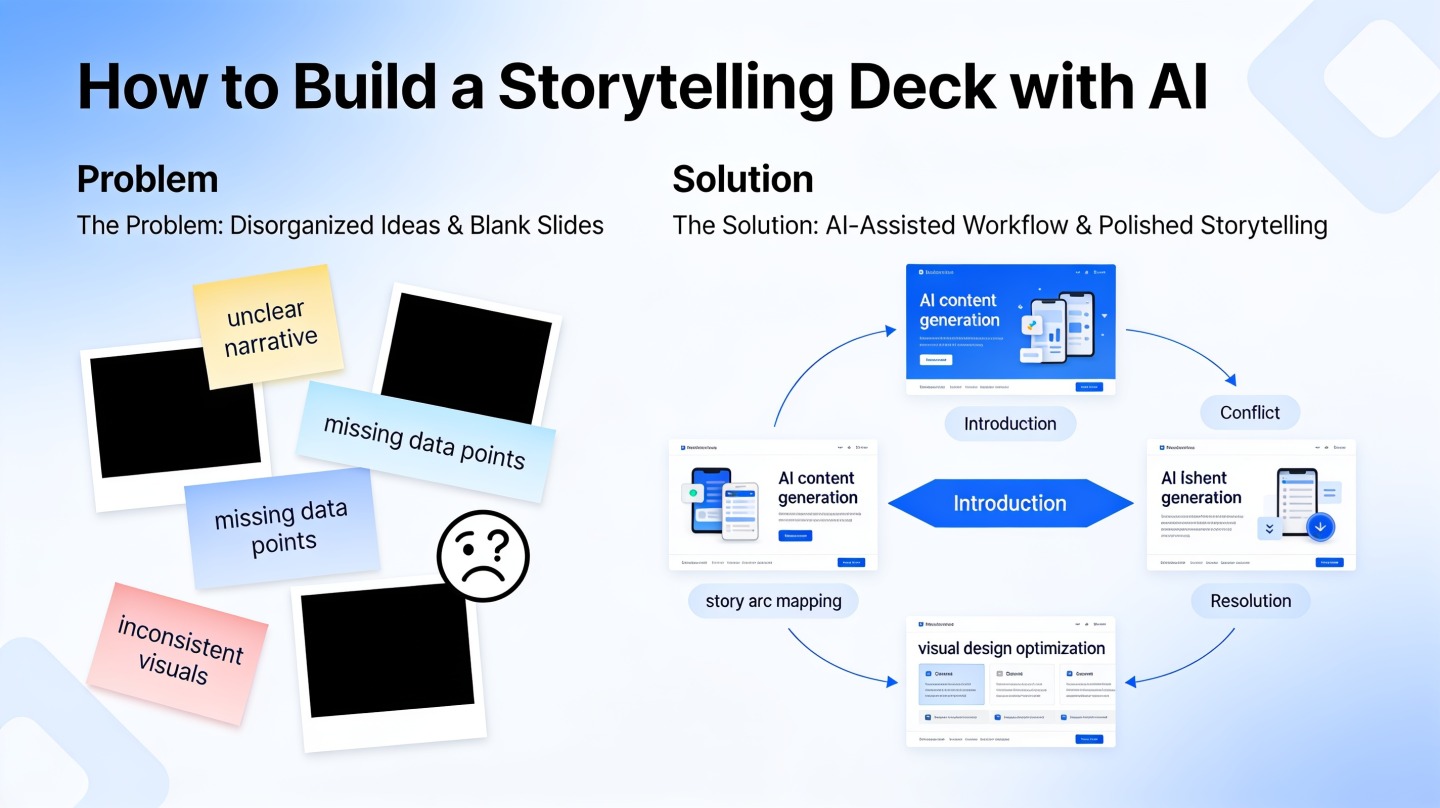
Do not use the same layout for every slide. A problem slide may need a before/after contrast. A root-cause slide may need a simple process map. A proof slide may need a chart, quote, or side-by-side case snapshot.
- Problem: use a gap diagram, pain-point cluster, or current-state workflow.
- Cost of inaction: use a risk matrix, trend line, or consequence ladder.
- Insight: use a root-cause tree or “symptom versus cause” table.
- Solution: use a three-part model, architecture diagram, or roadmap.
- Proof: use a short case example, metric comparison, or testimonial panel.
Use evidence without overcrowding the slide
Google’s Material Design guidance emphasizes hierarchy, contrast, and readable structure across interfaces. The same principle applies to slides: the audience should know what to read first, second, and third.
In a practical deck rebuild, a 14-slide product update can often be reduced to 9 slides by moving detailed tables into an appendix and turning section labels into message headlines. The visible improvement is not just fewer slides; it is less switching between context, data, and recommendation.
Common Mistakes That Make AI Storytelling Decks Feel Generic
AI can make a deck faster, but it can also make it bland if you skip context, proof, and audience-specific language.
Mistake 1: starting with design before narrative
Templates are useful, but a beautiful deck with a weak argument still fails. Build the argument first: who is the audience, what problem do they feel, what evidence proves it, and what action do you want?
Mistake 2: letting AI invent urgency
Urgency should come from real consequences. Instead of “This issue is mission critical,” write “The approval process adds two review cycles before launch.” Specificity is more persuasive than drama.
Mistake 3: using generic personas
“Business leaders” is not a usable audience. “Regional sales directors deciding whether to fund a reporting automation pilot” is usable. The second version tells AI what objections, vocabulary, and proof points matter.
Mistake 4: ending without a clear ask
The final slide should state exactly what you want: budget approval, pilot sign-off, vendor shortlist, stakeholder feedback, or a follow-up workshop. If the ask is vague, the meeting ends with polite agreement and no movement.
Quick check: If your audience can summarize your deck as “Problem X is causing Y, so we recommend Z,” your storytelling structure is doing its job.
FAQ: Building a Problem-Solution Deck with AI
These are the questions teams usually ask when turning AI-generated material into a presentation that feels specific and credible.
How many slides should a problem-solution storytelling deck have?
For most business, sales, and internal strategy presentations, 8 to 12 slides is enough. Use fewer slides for a live executive briefing and more only when the audience needs evidence, implementation detail, or appendix material.
Can AI create the whole storytelling deck for me?
AI can draft the structure, rewrite messy notes, generate slide titles, suggest visuals, and produce a first deck. You should still review the audience fit, validate claims, add real examples, and remove anything that sounds generic.
What information should I give AI before asking for slides?
Give AI the audience, decision you want, current problem, business impact, proposed solution, proof points, objections, and the desired next step. The more specific your context, the stronger the narrative arc will be.
How do I stop an AI-generated deck from sounding too dramatic?
Ask AI to use a practical business tone, replace exaggerated language with measurable consequences, and support every major claim with evidence. A strong problem-solution deck should feel urgent, not theatrical.
Create your presentation with one click now
Turn your problem, notes, and recommendation into a polished storytelling deck with AI-powered structure and slide design.
Start creating with PopAi