Designing Marketing Campaign Presentations with AI
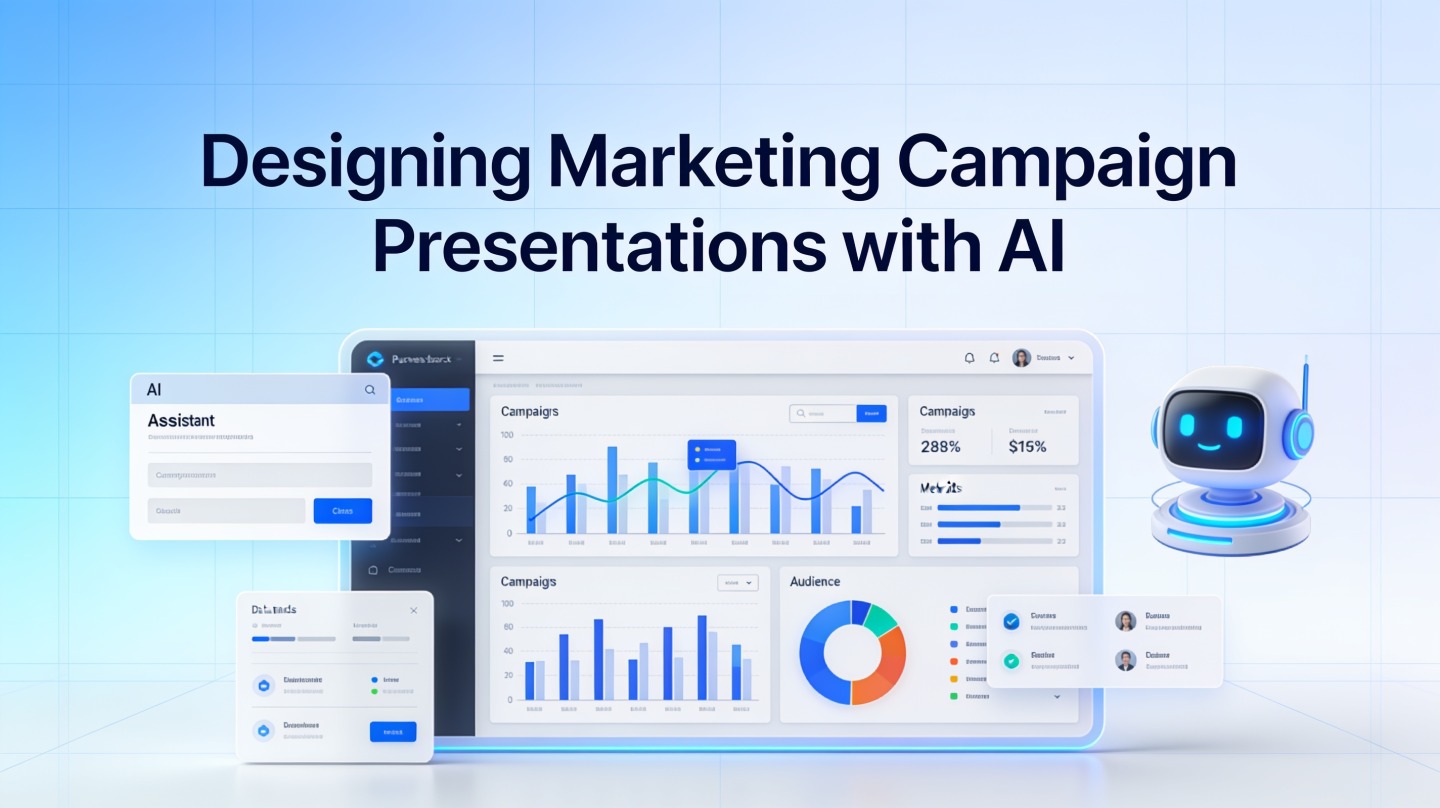
Marketing teams rarely struggle because they have too little information. They struggle because campaign briefs, media plans, creative concepts, analytics exports, and stakeholder opinions all need to become a clear story fast.
A marketing campaign presentation AI workflow helps campaign managers, agency strategists, and growth marketers turn scattered inputs into polished slides for proposals, launch plans, performance reviews, and executive updates. The goal is not to let AI “invent” strategy; it is to compress first-draft time while making the deck easier to read and defend.
Why Marketing Campaign Presentation AI Works Best for Structured Campaign Stories
This section explains where AI adds value: structure, synthesis, and slide-ready messaging.
Campaign decks fail when the story is buried
Many marketing presentations are built from tabs and screenshots: a media plan copied from a spreadsheet, GA4 charts pasted without context, and creative mockups placed wherever there is room. The result may be accurate, but it makes stakeholders work too hard.
AI is useful because it can quickly identify presentation patterns: problem, audience insight, campaign idea, channel plan, budget logic, measurement plan, performance results, and recommendation. When you use PopAi AI Presentation inside that workflow, the first draft can become a structured campaign narrative instead of a blank slide file.
Use AI for assembly, not unchecked decision-making
AI should organize your inputs, propose slide titles, simplify dense copy, and suggest where charts belong. It should not fabricate market research, inflate projections, or make final budget decisions without human review.
Use AI as the deck architect, not the campaign owner. The marketer still owns the insight, data quality, audience promise, and recommendation.
Pro Tip: Before generating slides, paste a one-page campaign brief into PopAi AI Presentation with the audience, objective, channels, budget range, and required metrics. Better inputs create fewer revision loops.
Build a Marketing Campaign Presentation AI Outline Before Designing Slides
A reliable outline prevents the deck from becoming a collection of disconnected marketing artifacts.
The 10-slide campaign deck structure
For most campaign proposals or launch plans, start with a compact structure. You can expand sections later, but the first draft should be easy to scan in under five minutes.
- Campaign objective: What business result the campaign supports.
- Audience insight: The target segment, pain point, and buying trigger.
- Market or category context: Why this campaign matters now.
- Big idea: The core message or creative platform.
- Channel strategy: Paid, owned, earned, lifecycle, or sales enablement mix.
- Content and creative plan: Formats, offers, assets, and message hierarchy.
- Budget and timing: Spend allocation, launch windows, and milestones.
- Measurement framework: KPIs, data sources, and reporting cadence.
- Risks and dependencies: Tracking, approvals, compliance, or asset readiness.
- Decision required: What stakeholders must approve next.
Separate proposal decks from results decks
A proposal deck sells a plan. A results deck proves what happened and what to do next. If you mix both formats, the audience gets confused: executives want recommendations, clients want accountability, and channel managers want tactical learnings.
| Deck Type | Best Narrative | Slides to Emphasize |
|---|---|---|
| Campaign proposal | Why this strategy should be approved | Audience, insight, big idea, channel mix, budget, forecast assumptions |
| Launch plan | How the team will execute | Timeline, owners, creative inventory, dependencies, QA checklist |
| Performance review | What the data says and what changes next | KPI dashboard, segment analysis, creative winners, budget reallocation |
Turn Campaign Metrics into Clear AI Marketing Slides
Data slides should answer one question per slide, not display every metric your dashboard can export.
Choose charts by decision type
Campaign stakeholders do not need every number. They need the number that changes the decision. Use a line chart for trend, a bar chart for channel comparison, a funnel for conversion flow, and a table only when exact values matter.
For example, Google Ads defines Quality Score as a 1–10 diagnostic in its official help documentation. That number should not be presented as the sole measure of campaign health, but it can support a paid search slide when paired with conversion rate, cost per acquisition, and landing page relevance.
Use realistic data hierarchy
In a hands-on deck audit for a paid social review, a 42-slide reporting deck became a 16-slide executive version after grouping screenshots into four decisions: keep, cut, test, and scale. No KPI was removed from the appendix; the main story simply stopped forcing readers through every platform view.
When you give AI a data table, add labels such as “primary KPI,” “supporting metric,” and “context only.” This helps the model prioritize slide headlines around meaning, not column order.

Every performance slide should pass the “so what?” test: if the chart does not change a budget, message, audience, or channel decision, move it to the appendix.
A Practical AI Prompt Workflow for Campaign Decks
Use a repeatable prompt sequence so the AI produces usable slides instead of generic marketing copy.
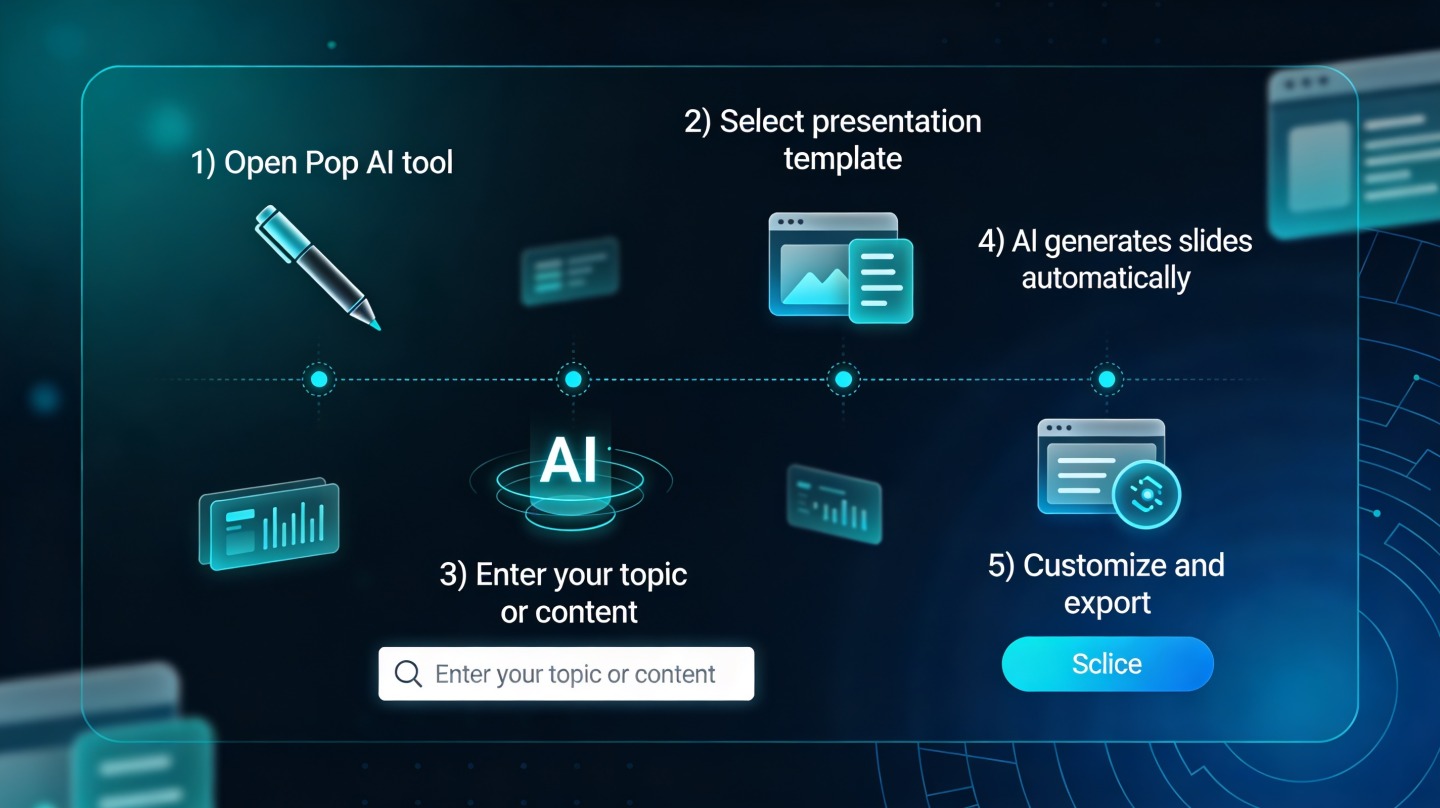
Step 1: Feed the campaign brief
Start with the basics: product, audience, objective, offer, channels, budget, launch date, required stakeholders, and brand voice. If you are preparing a client-facing deck, include the client’s industry language and forbidden claims.
Step 2: Ask for the storyline first
Do not ask for beautiful slides immediately. Ask for a slide-by-slide outline with titles, key message, supporting evidence, and suggested visual. This lets you correct strategy before design work begins.
Step 3: Generate slides, then tighten copy
After the outline is approved, generate the deck and review every headline. Strong campaign slide titles should be conclusions, not labels. “Retargeting drove the lowest CPA” is more useful than “Retargeting Results.”
Step 4: Add source notes and assumptions
For projections, label assumptions clearly. For performance results, cite data sources such as Google Analytics 4, CRM reports, ad platform exports, or email service provider dashboards. This makes the deck easier to defend in a stakeholder review.
Pro Tip: Ask PopAi AI Presentation to create two versions: a 10-slide executive summary and a detailed appendix. This keeps meetings focused while preserving evidence for channel specialists.
Design Patterns That Make Campaign Deck AI Outputs Look Senior
AI-generated slides become credible when the design system supports fast reading and clear decisions.
Use slide titles as the narrative spine
If a stakeholder reads only the slide titles, they should understand the whole recommendation. This is especially important for CMOs, founders, and client executives who skim before asking questions.
Limit each slide to one dominant visual
A campaign slide can include a chart, mockup, timeline, funnel, or matrix. It should rarely include all four. The more visuals you add, the less each one communicates.
Standardize your campaign visual language
- Blue: primary campaign objective or approved strategy.
- Green: positive performance or scale opportunity.
- Orange: test, risk, or decision pending.
- Gray: context, baseline, or historical comparison.
In a practical benchmark, a campaign proposal with consistent title logic and chart hierarchy took reviewers about half as many clarification questions in the first feedback round compared with an earlier draft that used dashboard screenshots. That is not a universal statistic; it is a useful signal from real review behavior: clearer slides reduce meeting friction.

Quality Checklist Before Sharing an AI Campaign Deck
Before you send the deck, verify accuracy, brand fit, and decision readiness.
Check the claims
AI can make confident statements from incomplete context. Review every market claim, competitor reference, audience insight, and forecast. If a number comes from a platform export or CRM report, label the source in speaker notes or the slide footer.
Check the audience level
A board update, agency proposal, sales enablement deck, and channel team review need different levels of detail. If the audience is senior, lead with decisions and business impact. If the audience is execution-focused, include owners, dates, assets, and dependencies.
Use this final review checklist
- Does the first slide state the business objective clearly?
- Can someone understand the recommendation by reading only the slide titles?
- Are campaign metrics tied to decisions, not just reported?
- Are assumptions and data sources visible?
- Does the deck match brand voice, design rules, and compliance requirements?
- Is there a clear approval, budget, or next-step request at the end?
FAQ: Designing Marketing Campaign Presentations with AI
These are the questions marketers usually ask before using AI for campaign planning, proposals, and reporting decks.
Can AI build a full marketing campaign presentation from a brief?
Yes, if the brief includes the objective, audience, channels, timing, offer, budget, and success metrics. AI can draft the structure and slide copy, but a marketer should still validate claims, numbers, positioning, and brand fit before sharing.
What data should I include in a campaign performance deck?
Include only metrics that explain the campaign decision: spend, reach, impressions, CTR, conversion rate, CPA, ROAS, pipeline, revenue, audience segment performance, and creative learnings. Avoid dumping every dashboard metric into slides.
How do I keep AI marketing slides on brand?
Give the AI your brand voice rules, approved terminology, color palette, logo guidance, audience persona, and examples of past decks. Then review headlines, chart labels, and claims against your internal brand and compliance standards.
Should proposal decks and results decks use the same structure?
No. Proposal decks should emphasize market context, strategy, channel plan, budget, and expected outcomes. Results decks should emphasize what happened, why it happened, what the data proves, and what the team should do next.
Create your presentation with one click now
Turn your campaign brief, results report, or proposal notes into a polished marketing presentation that stakeholders can understand quickly.
Start creating with PopAi