Build Training & Workshop Presentations with AI
Published on June 09, 2026
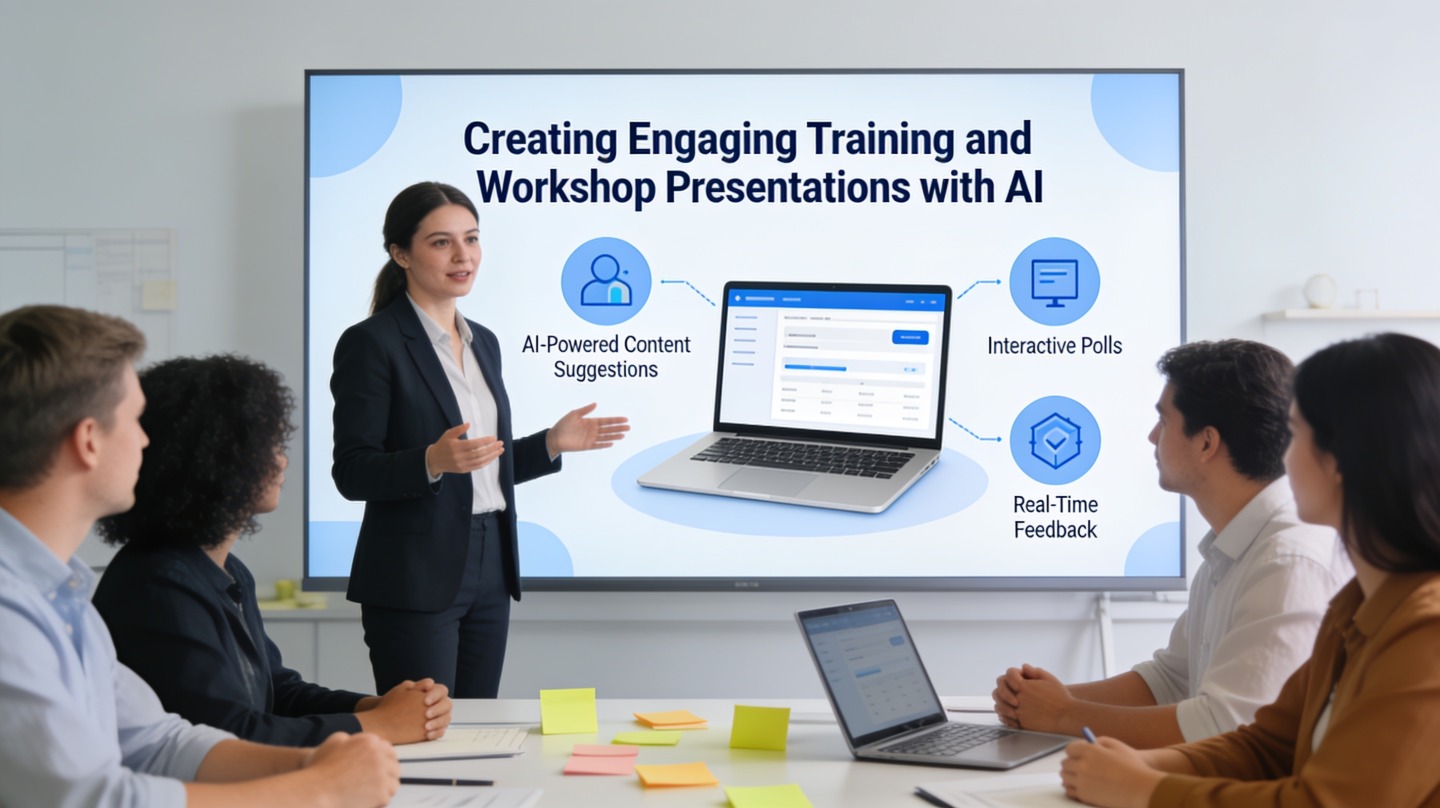
HR, enablement, and L&D teams rarely struggle because they lack content. The real challenge is turning policies, playbooks, onboarding notes, or subject-matter expert input into a training presentation AI workflow that learners can follow, discuss, and remember.
This guide shows how to use AI to build workshop slides with stronger module structure, better visuals, realistic activities, and speaker notes that help facilitators deliver consistently. You can use PopAi AI Presentation to turn source material into a first draft, then refine it with the review steps below.
Why training presentation AI matters for L&D teams
This section clarifies where AI helps most: not replacing instructional design, but removing the slow first-draft work that blocks good facilitation.
AI is strongest when the learning goal is clear
A training deck is not just a prettier document. It is a sequence of learner actions: understand a concept, see an example, practice a behavior, receive feedback, and commit to a next step. AI becomes useful when you give it that sequence instead of asking for “slides about onboarding” or “a leadership workshop.”
Start with a one-sentence learning outcome. For example: “After this workshop, new managers can run a 15-minute feedback conversation using a structured model.” That sentence gives AI a measurable destination and helps you reject slides that look polished but do not move learners toward the behavior.
Good workshop slides do not simply explain. They create moments where learners decide, practice, compare, and reflect.
Where AI saves the most production time
In hands-on deck reviews, the slowest L&D tasks are usually organizing scattered material, writing facilitator notes, and converting dense explanations into activities. AI can accelerate each of these without deciding the training strategy for you.
- Structure: group raw content into modules, sections, and recap slides.
- Clarity: rewrite policy-heavy text into learner-friendly explanations.
- Engagement: suggest role plays, scenarios, polls, reflection prompts, and knowledge checks.
- Consistency: generate speaker notes so different facilitators deliver the same core message.
Structure a training presentation AI deck around learner actions
A strong training deck has a repeatable rhythm, so participants know when to listen, discuss, practice, and apply.
Use a module pattern instead of a slide dump
Most weak training decks fail because they follow the source document, not the learner journey. A policy manual might be organized by department, exception, or legal clause. A workshop should be organized by decisions and tasks learners actually face.
For a 60-minute workshop, a practical structure is four short modules of 10 to 12 minutes each, plus opening context and a closing commitment. This is not a universal rule; it is a facilitation-friendly planning constraint that prevents a single topic from expanding until activities disappear.
| Deck section | Purpose | AI prompt direction |
|---|---|---|
| Opening | Set relevance and expectations | Ask for a learner-centered agenda and a “why this matters” slide. |
| Concept | Explain the model, policy, or skill | Ask AI to simplify technical language without removing required terms. |
| Example | Show what good looks like | Request a realistic workplace scenario with correct and incorrect choices. |
| Practice | Let learners apply the idea | Generate pair activities, role plays, or quick decision exercises. |
| Recap | Reinforce memory and next steps | Ask for a three-point summary and one action commitment. |
Anchor the deck in a recognized evaluation model
The Kirkpatrick Model, widely used in corporate learning, defines four levels of evaluation: reaction, learning, behavior, and results. That framework is a useful reminder that a training deck should not stop at “participants liked it.” Your AI prompt should ask for slides that support knowledge checks, behavior practice, and post-session follow-up.
If a slide cannot be tied to a learning objective, learner action, or facilitator decision, it probably does not belong in the workshop deck.
Turn source material into workshop slides with better prompts
The quality of AI-generated workshop slides depends heavily on the source material and the instructions you provide.
Feed AI the right inputs
Before generating slides, collect the materials that define accuracy and context. This can include policy documents, onboarding handbooks, product notes, SME interview transcripts, previous training decks, and common support questions. The goal is not to paste everything blindly; it is to provide enough signal for the AI to distinguish mandatory content from nice-to-have background.
Use a prompt that specifies audience, duration, format, tone, and activity type. For example: “Create a 45-minute manager workshop deck for first-time team leads. Use the attached feedback framework. Include 3 scenarios, 2 discussion prompts, 1 role play, speaker notes, and a 5-question knowledge check.”

Use a prompt checklist for repeatable quality
Keep a reusable prompt template so every L&D team member generates decks with the same baseline quality. A good prompt includes:
- Audience: role, experience level, region, and current knowledge gaps.
- Learning outcomes: what learners should be able to do after the workshop.
- Session length: total time and approximate time per module.
- Facilitation style: instructor-led, hybrid, self-paced, cohort-based, or breakout-heavy.
- Required content: compliance language, product names, internal frameworks, and approved terminology.
- Outputs: slide titles, slide copy, visuals, activities, speaker notes, and assessment questions.
For compliance or HR-sensitive topics, add a guardrail: “Do not invent legal requirements, policy exceptions, or company rules. Flag any area where the source material is unclear.” This keeps the AI draft useful while making review risks visible.
Design engaging workshop slides AI can help refine
Engagement comes from interaction and clarity, not decorative slide design alone.
Convert explanations into learner participation
If your slide says “Managers should document performance conversations,” AI can turn that statement into a stronger workshop moment: a short scenario, a sample note, a flawed note, and a group discussion about what should change. The topic stays the same, but the learner now has to make a judgment.
Ask AI for multiple activity formats, then choose the one that fits your delivery environment. A virtual workshop may need chat prompts, polls, and breakout instructions. An in-person leadership session may work better with paired role plays and printed worksheets.
Make visuals instructional, not ornamental
Visuals should reduce cognitive load. Use process diagrams for workflows, side-by-side comparisons for examples, decision trees for policy choices, and timelines for onboarding paths. Avoid asking AI for generic illustrations that look modern but do not teach anything.
Evidence matters here. Richard Mayer’s multimedia learning research is commonly summarized through 12 principles, including coherence, signaling, redundancy, and spatial contiguity. For slide design, the practical takeaway is simple: remove irrelevant decoration, highlight the important relationship, and keep related text and visuals close together.
Write speaker notes as facilitation tools
Speaker notes are where AI can create major consistency gains. Ask for notes that include timing, setup instructions, transition lines, likely learner responses, and debrief questions. Do not settle for a paragraph that merely repeats the slide.
- Timing: “Spend 3 minutes explaining, 5 minutes in pairs, 4 minutes debriefing.”
- Facilitator cue: “Ask participants to identify the risk before showing the recommended answer.”
- Debrief: “Compare what made the strong response specific, observable, and timely.”
- Backup: “If participants are quiet, provide this example from a support handoff.”
Review accessibility, facilitation flow, and training impact
AI can draft fast, but L&D teams still need a disciplined review pass before the deck reaches learners.
Check accessibility before polish
Accessibility is not a final decoration step. The W3C Web Content Accessibility Guidelines 2.2 organize accessibility around four principles: content should be perceivable, operable, understandable, and robust. For presentation slides, that translates into readable contrast, meaningful alt text, clear headings, and avoiding color-only instructions.
WCAG Success Criterion 1.4.3 specifies contrast ratios of at least 4.5:1 for normal text and 3:1 for large text. If AI creates pale text over a bright background, fix that before worrying about animations or icon style.
Run a facilitator rehearsal test
A workshop deck is only finished when someone can facilitate it smoothly. Rehearse the session once using the speaker notes exactly as written. Mark every slide where the facilitator has to guess what to ask, how long to pause, or what answer is expected.
Use this quick review list:
- Every module has one clear learning objective.
- Every activity has instructions, timing, and a debrief question.
- Every scenario uses realistic language for the audience.
- Every slide has a reason to exist in the learner journey.
- Every knowledge check maps to a behavior or decision learners will face.

Measure beyond attendance
Attendance and completion are easy to count, but they do not prove learning transfer. Add one measurement slide or follow-up artifact to the deck: a post-session checklist, manager observation guide, scenario quiz, or action plan. This connects the workshop to behavior change after the meeting ends.
FAQ: training presentation AI for workshops
These are the practical questions L&D teams usually ask before using AI for employee training decks.
Can AI create a complete workshop deck from policy documents or manuals?
Yes. AI can turn source documents into a structured training deck, but an L&D reviewer should still validate accuracy, examples, activities, and compliance language before delivery.
How many slides should a 60-minute training presentation include?
For a facilitated workshop, 20 to 35 slides is usually enough when the deck includes activities, discussion prompts, recap slides, and pauses. The right count depends on interaction time, not just presentation time.
What should I put in speaker notes for workshop slides?
Speaker notes should include the learning objective, facilitation script, timing, transition prompts, expected participant responses, and backup examples for difficult questions.
Is training presentation AI useful for compliance training?
It is useful for organizing compliance material into clearer modules, scenarios, quizzes, and facilitator notes. Final legal, HR, or regulatory approval is still required for sensitive content.
Create your presentation with one click now
Turn training documents, onboarding notes, and workshop outlines into a polished AI presentation draft with clear modules, visuals, and speaker notes.
Start creating with PopAi