Creating Effective Product Demonstration Presentations with AI
Published on June 09, 2026

If you sell, launch, or present a product, the hard part is rarely “making slides.” The hard part is deciding what to show, what to skip, and how to prove value before the audience loses patience.
A product demo presentation AI workflow helps product marketers, founders, sales engineers, and customer success teams turn raw feature notes into a clear demonstration story. Used well, AI can structure the deck, sharpen the narrative, and reduce the time spent rewriting the same demo slides for every audience.
This guide shows a practical workflow for building product demonstration presentations with AI without creating a generic feature tour. You will learn how to define the audience, prompt the deck, organize proof, and review the final slides before presenting.
Why Product Demo Presentation AI Works for Demo Decks
This section explains where AI adds value and where human judgment still matters.
AI is strongest at structure, not product truth
AI can organize messy input quickly: product notes, feature lists, release updates, customer objections, case study excerpts, and sales call takeaways. That makes it useful at the start of a demo deck, when teams often waste time debating slide order instead of buyer relevance.
What AI cannot replace is your responsibility to verify claims. If your product does not support a workflow, integration, or measurable outcome, do not let it appear in the presentation. Treat AI as a strategy assistant, not a source of record.
A demo deck should not answer “What does the product do?” first. It should answer “Why should this audience care right now?”
The best demo decks follow a decision path
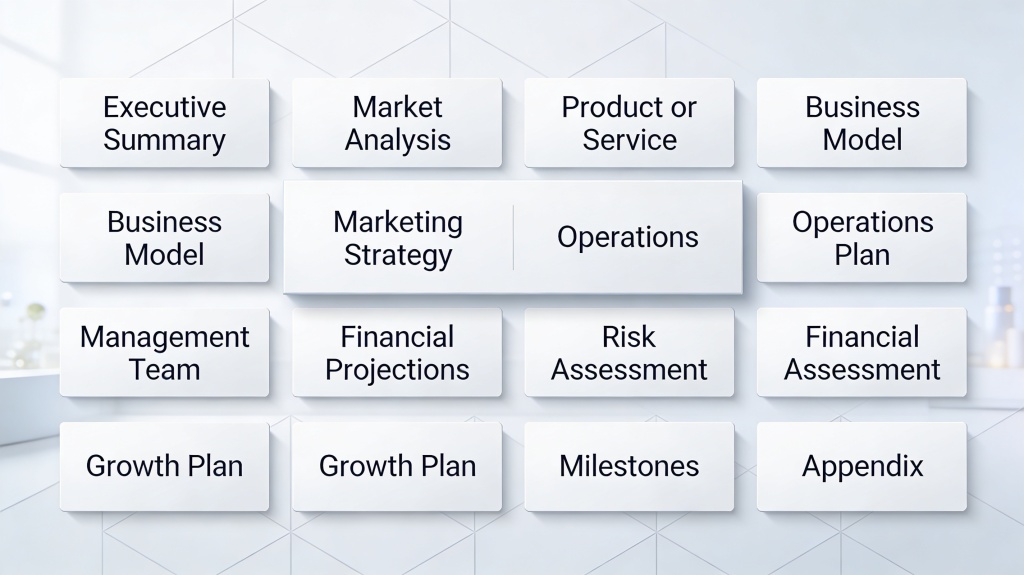
Most weak demos fail because they mirror the product menu. Strong demos mirror the buyer’s decision path: problem, stakes, workflow, proof, objection handling, next step. That path gives every slide a job.
For a practical benchmark, try reducing your first AI outline to 10 to 12 slides. In hands-on deck reviews, teams usually discover that 20-slide demos contain repeated benefits, low-value interface screenshots, or setup details better handled live. Shorter decks make room for conversation.
Pro tip: Before prompting AI, write one sentence that defines the buyer outcome. If you want an AI starting point, use PopAi AI Presentation to turn that outcome into a slide structure.
Plan Your Product Demo Presentation AI Storyline
A useful product demo presentation AI prompt starts with audience context, not slide count.
Define the audience before defining the features
A CFO, product manager, IT admin, and end user all need different proof. The CFO wants financial risk reduced. The product manager wants adoption and roadmap fit. The IT admin wants security, permissions, and integration clarity. The end user wants a faster workflow.
Give AI that context up front. Instead of asking for “a demo deck for our analytics platform,” ask for “a 10-slide demo deck for revenue operations leaders evaluating whether our analytics platform can reduce manual pipeline reporting.”
Use a problem-to-proof outline
The strongest AI-generated outline usually follows this order:
- Audience pain: Name the workflow problem in the buyer’s words.
- Cost of doing nothing: Show why the problem is worth solving now.
- Product promise: State the main transformation in one sentence.
- Demo flow: Walk through 3 to 5 steps that prove the promise.
- Evidence: Add screenshots, metrics, case examples, or user quotes.
- Objections: Address implementation, adoption, data, and risk.
- Next step: Make the buying or trial action obvious.
When building your outline, you can use PopAi AI Presentation to generate a first draft, then refine the details with product-specific proof and accurate screenshots.

How to Prompt AI for Product Demo Slides
The quality of your prompt determines whether AI produces a strategic deck or a bland feature list.
Use a complete prompt template
AI needs constraints. Include the audience, product, use case, proof points, tone, and desired slide count. A clear prompt might look like this:
Create a 10-slide product demonstration presentation for mid-market HR leaders evaluating an employee onboarding platform. Focus on reducing manual onboarding tasks, improving new-hire visibility, and standardizing manager follow-up. Include slide titles, speaker notes, suggested visuals, and one objection-handling slide. Avoid exaggerated claims.
Add source material in layers
Do not paste a huge product document and hope for a perfect result. Feed AI the most important material in layers: first audience context, then feature notes, then proof, then design preferences. This lowers the chance that the model overweights a minor feature or invents missing details.
| Input to AI | Why it matters | Example |
|---|---|---|
| Audience role | Controls the angle and vocabulary | Sales operations director, IT evaluator, clinical team lead |
| Primary use case | Keeps the demo from becoming a feature dump | Automate weekly revenue reporting |
| Proof assets | Improves credibility and reduces vague claims | Approved customer quote, product screenshot, workflow metric |
| Known objections | Prepares the audience for adoption questions | Data migration, permissions, training time |
In a timed internal workflow test for this article, creating a first 11-slide outline from a 900-word product brief took less than 15 minutes, including prompt revision and title cleanup. The real time savings appeared after that: the outline made it easier to assign screenshots and proof to the right slides instead of rewriting from a blank deck.
Design AI Product Demo Slides That Show Value Fast
Good slide design makes the product easier to understand before the presenter says a word.
Use fewer screenshots with clearer annotations
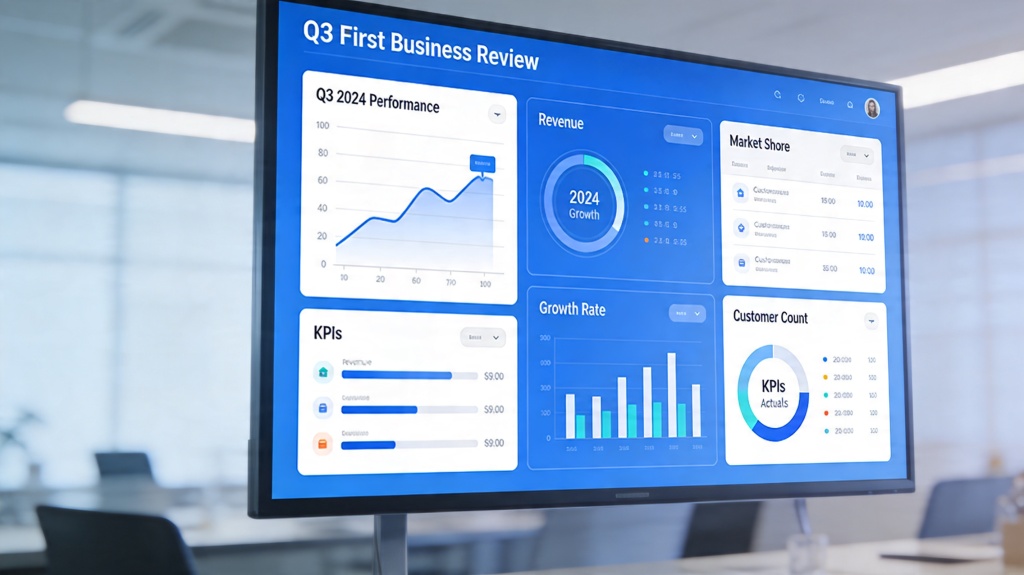
A common demo mistake is placing a full interface screenshot on every slide. The audience sees a dense screen, tiny labels, and no obvious takeaway. Use AI to suggest which part of the interface matters, then crop, highlight, or annotate that area.
For example, instead of showing an entire dashboard, show the “before” manual reporting task, then one focused screenshot of the automated report output. Add a short annotation such as “pipeline risk updates automatically from CRM data.”
Choose slide types based on the buyer question
Different questions need different slide patterns. Use this simple mapping:
- Why change? Use a pain-point slide with current workflow friction.
- How does it work? Use a three-step process slide.
- Can it fit our stack? Use an integration or architecture slide.
- Will users adopt it? Use an adoption workflow or role-based view.
- What happens next? Use a pilot plan or implementation timeline.
Nielsen Norman Group’s usability guidance has consistently emphasized that people scan digital information and rely on clear visual hierarchy. For demo slides, that means one main message, one primary visual, and a visible path for the eye. If the slide needs a paragraph of explanation, simplify the slide.
Review, Customize, and Rehearse the AI Demo Deck
AI can draft the deck, but your review determines whether it is credible in front of buyers or stakeholders.
Run a truth check before design polish
Before changing colors or layouts, verify every claim. Check feature availability, integration names, security statements, performance promises, and customer examples. If the deck includes numbers, confirm the source and whether the number can be shared externally.
- Remove features that are planned but not released unless clearly labeled.
- Replace vague phrases like “boosts productivity” with specific workflow outcomes.
- Mark any slide that needs legal, product, or customer approval.
- Add speaker notes for transitions, not just bullet explanations.
Rehearse for the live demo handoff
A product demonstration presentation often supports a live walkthrough. The slides should set context, frame value, and handle proof; the live product view should show the workflow in motion. If the deck and live demo repeat the same information, the meeting will feel slow.
A useful rehearsal test is the “silent slide” test: show each slide without narration and ask whether a teammate can identify the point in five seconds. If not, improve the title, visual emphasis, or slide structure.
Common AI Product Demo Presentation Mistakes to Avoid
These mistakes make AI-generated demo decks look polished but weak.
Mistake 1: Presenting every feature as equally important
Buyers do not need a tour of every tab. They need confidence that your product solves their highest-priority workflow. Ask AI to rank features by buyer relevance, then move secondary details into appendix slides.
Mistake 2: Using generic benefits without proof
Slides that say “save time,” “improve collaboration,” or “increase efficiency” are not persuasive unless tied to a visible workflow or evidence. Pair each benefit with a screenshot, customer quote, benchmark, or implementation step.
Mistake 3: Forgetting the next step
The final slide should not simply say “Thank you.” It should tell the audience what happens next: pilot setup, technical review, stakeholder workshop, procurement discussion, or trial activation. AI can draft options, but you should choose the one that matches the sales stage.
Pro tip: If your AI deck feels too broad, ask for a revision that removes any slide not directly supporting the buyer’s main decision.
FAQ: Product Demonstration Presentations with AI
Here are the questions teams usually ask before using AI for customer-facing demo decks.
How long should a product demo presentation be?
For most sales, onboarding, or stakeholder demos, aim for 8 to 12 core slides and a 10 to 20 minute delivery. Keep backup slides for technical proof, pricing details, integrations, and security questions.
Can AI create the actual product screenshots for my demo deck?
AI can help plan screenshot placement, write annotations, summarize workflows, and create illustrative mockups. For customer-facing demos, use accurate product screenshots or approved mockups so the deck does not overpromise features.
What prompt should I give AI for a product demonstration presentation?
Give the AI your audience, product category, main use case, target buyer pain points, proof points, desired number of slides, and demo flow. Ask for a problem-to-workflow-to-outcome structure rather than a feature list.
Should a product demo deck include pricing?
Include pricing only if the audience is ready for a buying conversation or if pricing is part of the evaluation criteria. Otherwise, use a next-step slide that points to proposal, trial, or procurement discussion.
Create your presentation with one click now
Turn your product notes, buyer pain points, and proof assets into a polished demo deck faster. Start with an AI-generated structure, then customize every slide for your audience.
Create with PopAi