
Presentation Summary
Learn how to protect employee health through proactive ergonomic design in the workplace, covering desk setup, posture correction, and RSI prevention.
Full Presentation Transcript
Slide 1: Ergonomics in the Modern Workplace
Protecting Employee Health Through Proactive Design - Essential Training for HR & Facilities Professionals
Slide 2: Contents
- The Business Case: Understanding the significant financial and health impact of poor ergonomics on organizations and employees.
- Proper Desk Setup: Comprehensive guidelines for creating ergonomically correct workstations that prevent strain and optimize comfort.
- Posture Correction Techniques: Practical methods for maintaining neutral posture and correcting common postural errors throughout the workday.
- Preventing RSI: Evidence-based strategies to prevent Repetitive Strain Injuries through breaks, stretching, and equipment optimization.
Slide 3: The Business Case: Poor Ergonomics Costs Organizations $70B Annually in Workers' Comp Claims
- Leading Cause of Workplace Injuries: Musculoskeletal disorders (MSDs) represent the most common workplace injuries, accounting for 33% of all workers' compensation claims annually.
- The Sedentary Crisis: Average worker sits 21 hours daily, dramatically increasing health risks including cardiovascular disease, diabetes, and chronic back pain.
- Early Intervention Saves Money: Studies show early ergonomic intervention reduces injury severity by 60% and decreases long-term healthcare and workers' comp costs significantly.
- Productivity Gains: Proper ergonomic improvements boost employee productivity by 25%, reduce absenteeism by 30%, and increase overall job satisfaction scores.
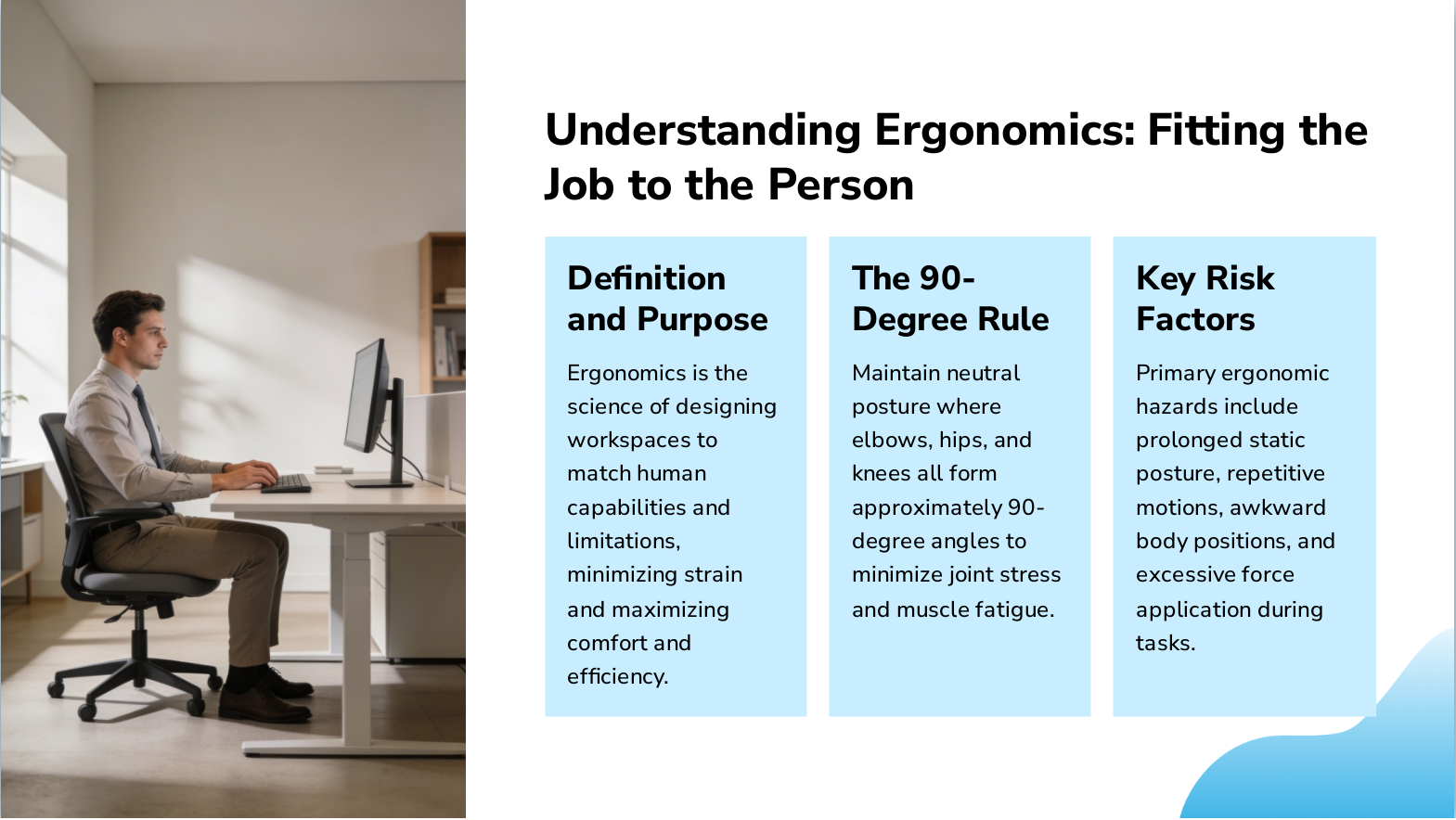
Slide 4: Understanding Ergonomics: Fitting the Job to the Person
- Definition and Purpose: Ergonomics is the science of designing workspaces to match human capabilities and limitations, minimizing strain and maximizing comfort and efficiency.
- The 90-Degree Rule: Maintain neutral posture where elbows, hips, and knees all form approximately 90-degree angles to minimize joint stress and muscle fatigue.
- Key Risk Factors: Primary ergonomic hazards include prolonged static posture, repetitive motions, awkward body positions, and excessive force application during tasks.
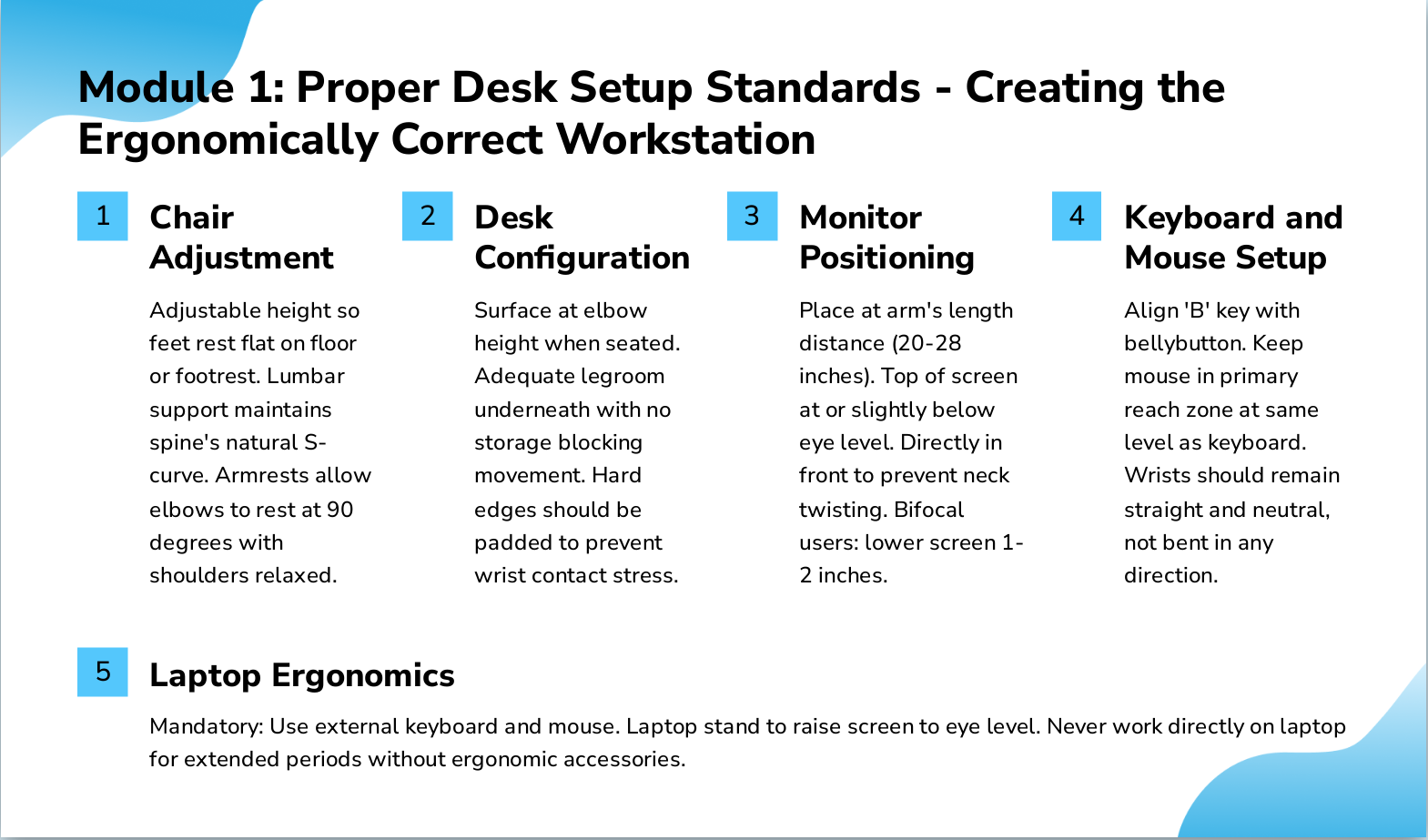
Slide 5: Module 1: Proper Desk Setup Standards - Creating the Ergonomically Correct Workstation
- Chair Adjustment: Adjustable height so feet rest flat on floor or footrest. Lumbar support maintains spine's natural S-curve. Armrests allow elbows to rest at 90 degrees with shoulders relaxed.
- Desk Configuration: Surface at elbow height when seated. Adequate legroom underneath with no storage blocking movement. Hard edges should be padded to prevent wrist contact stress.
- Monitor Positioning: Place at arm's length distance (20-28 inches). Top of screen at or slightly below eye level. Directly in front to prevent neck twisting. Bifocal users: lower screen 1-2 inches.
- Keyboard and Mouse Setup: Align 'B' key with bellybutton. Keep mouse in primary reach zone at same level as keyboard. Wrists should remain straight and neutral, not bent in any direction.
- Laptop Ergonomics: Mandatory: Use external keyboard and mouse. Laptop stand to raise screen to eye level. Never work directly on laptop for extended periods without ergonomic accessories.
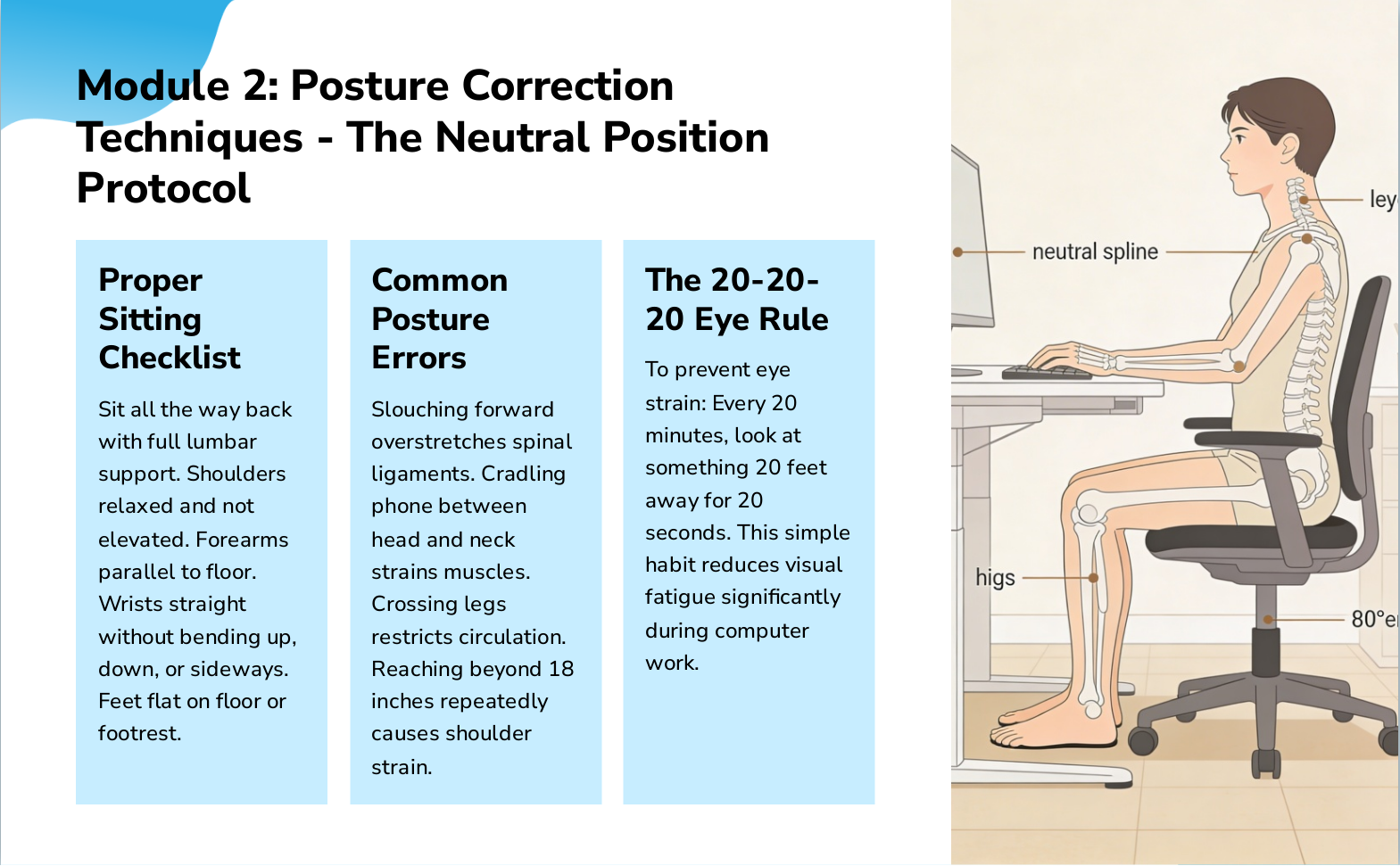
Slide 6: Module 2: Posture Correction Techniques - The Neutral Position Protocol
- Proper Sitting Checklist: Sit all the way back with full lumbar support. Shoulders relaxed and not elevated. Forearms parallel to floor. Wrists straight without bending up, down, or sideways. Feet flat on floor or footrest.
- Common Posture Errors: Slouching forward overstretches spinal ligaments. Cradling phone between head and neck strains muscles. Crossing legs restricts circulation. Reaching beyond 18 inches repeatedly causes shoulder strain.
- The 20-20-20 Eye Rule: To prevent eye strain: Every 20 minutes, look at something 20 feet away for 20 seconds. This simple habit reduces visual fatigue significantly during computer work.
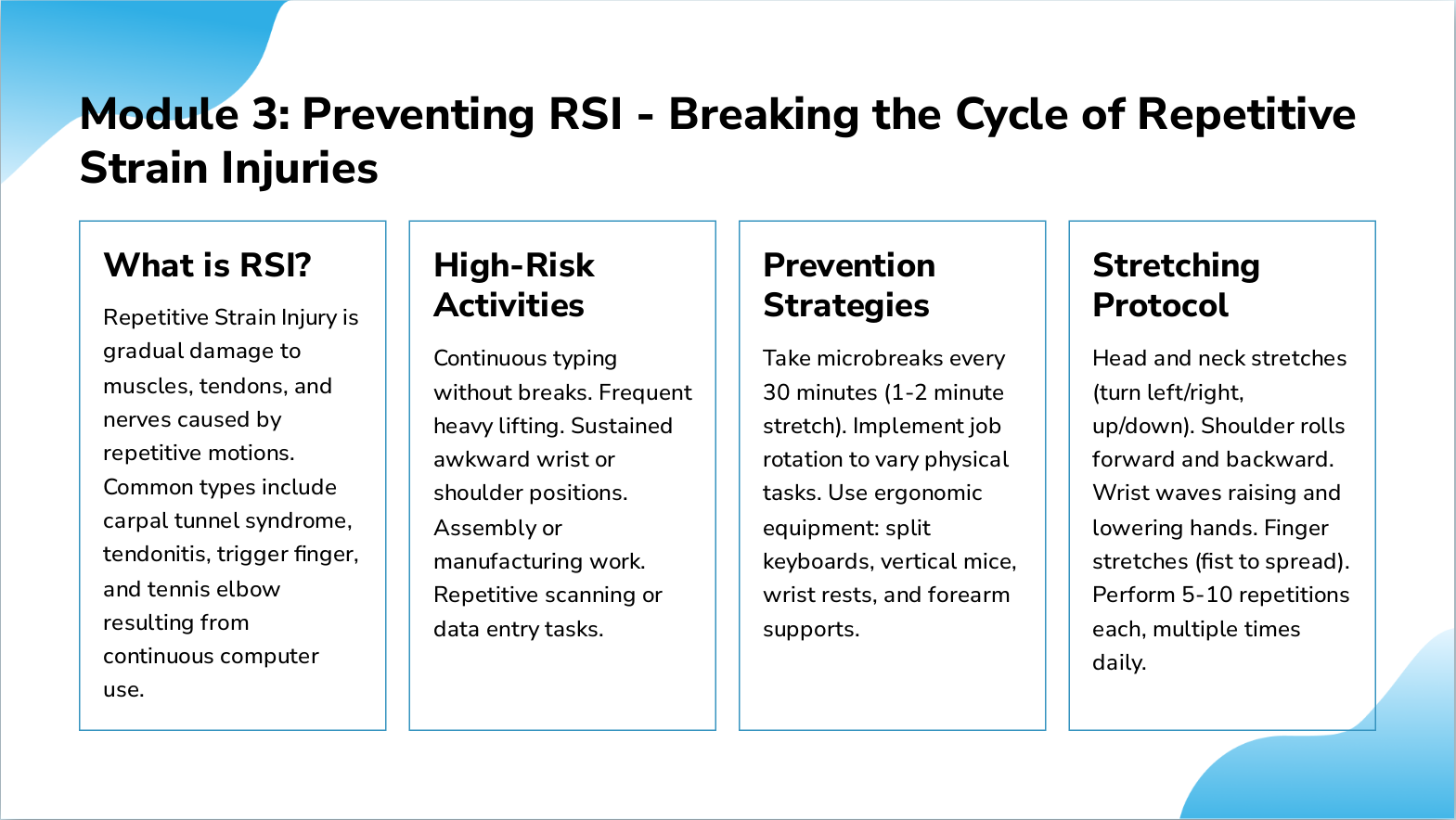
Slide 7: Module 3: Preventing RSI - Breaking the Cycle of Repetitive Strain Injuries
- What is RSI?: Repetitive Strain Injury is gradual damage to muscles, tendons, and nerves caused by repetitive motions. Common types include carpal tunnel syndrome, tendonitis, trigger finger, and tennis elbow resulting from continuous computer use.
- High-Risk Activities: Continuous typing without breaks. Frequent heavy lifting. Sustained awkward wrist or shoulder positions. Assembly or manufacturing work. Repetitive scanning or data entry tasks.
- Prevention Strategies: Take microbreaks every 30 minutes (1-2 minute stretch). Implement job rotation to vary physical tasks. Use ergonomic equipment: split keyboards, vertical mice, wrist rests, and forearm supports.
- Stretching Protocol: Head and neck stretches (turn left/right, up/down). Shoulder rolls forward and backward. Wrist waves raising and lowering hands. Finger stretches (fist to spread). Perform 5-10 repetitions each, multiple times daily.
Slide 8: Implementation Best Practices: From Knowledge to Action in Your Organization
- Workstation Assessments: Use standardized NIOSH checklist to systematically evaluate each employee's workstation setup. Document findings and prioritize interventions based on risk level.
- Equipment Investment: Prioritize: Adjustable ergonomic chairs, monitor arms and stands, keyboard trays, vertical ergonomic mice, footrests, and laptop stands for remote workers.
- Training Rollout: Mandatory ergonomics orientation for all new hires. Annual refresher sessions for existing staff. Designate departmental ergonomics champions to support colleagues.
- Movement Culture: Invest in sit-stand desks. Encourage walking meetings. Schedule team stretch breaks. Use floater staff to enable task rotation and reduce sustained repetitive work.
- Reporting System: Create easy injury reporting process with no-penalty policy. Respond promptly to all ergonomic concerns. Track incidents to identify patterns and problem areas.
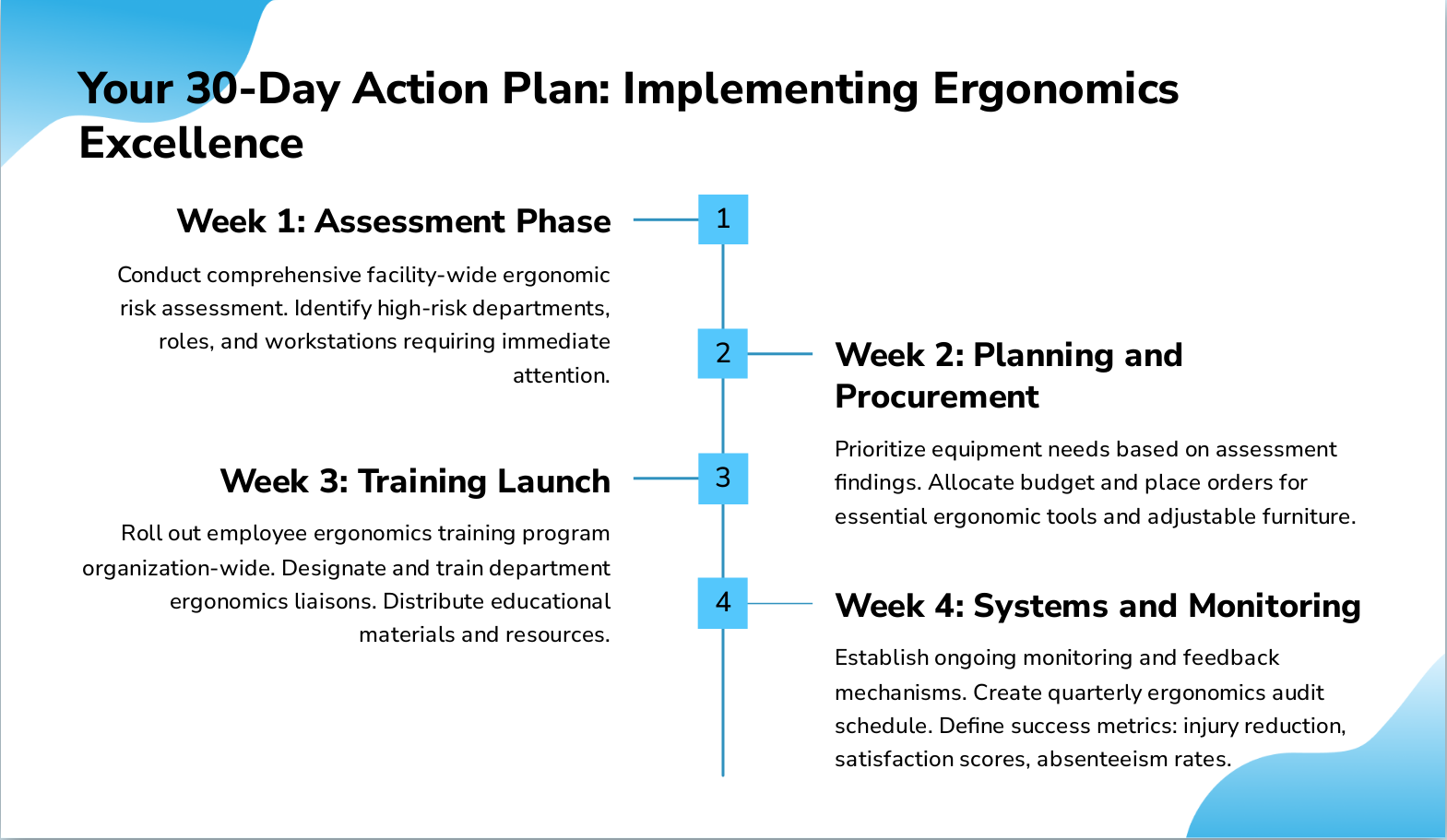
Slide 9: Your 30-Day Action Plan: Implementing Ergonomics Excellence
- Week 1: Assessment Phase: Conduct comprehensive facility-wide ergonomic risk assessment. Identify high-risk departments, roles, and workstations requiring immediate attention.
- Week 2: Planning and Procurement: Prioritize equipment needs based on assessment findings. Allocate budget and place orders for essential ergonomic tools and adjustable furniture.
- Week 3: Training Launch: Roll out employee ergonomics training program organization-wide. Designate and train department ergonomics liaisons. Distribute educational materials and resources.
- Week 4: Systems and Monitoring: Establish ongoing monitoring and feedback mechanisms. Create quarterly ergonomics audit schedule. Define success metrics: injury reduction, satisfaction scores, absenteeism rates.
Slide 10: Thank You - Questions and Discussion
Thank You - Questions and Discussion Remember: Ergonomics is Prevention, Not Reaction. Invest Now to Save Later.